Choosing the right CRM can make or break your customer operations. Pick the wrong one and you are stuck with a tool nobody uses, data trapped in a system that does not fit your workflow, and a monthly bill that delivers no return. Pick the right one and everything changes: leads get followed up, deals close faster, and your team finally has a single place to manage every customer relationship.
This guide walks you through how to choose a CRM that actually works for your business, not just one that looks good in a demo.
What to Look for in a CRM
Before you start comparing platforms, get clear on what your business actually needs. The best CRM for a five-person service company is not the same as the best CRM for a 50-person sales team. If you are still getting familiar with what CRM software does, start with our overview of what CRM is and why businesses use it.
Start With Your Pain Points
Every CRM search should begin with a simple question: what is broken right now?
Common pain points that drive CRM adoption include:
- Leads falling through the cracks because follow-ups are manual
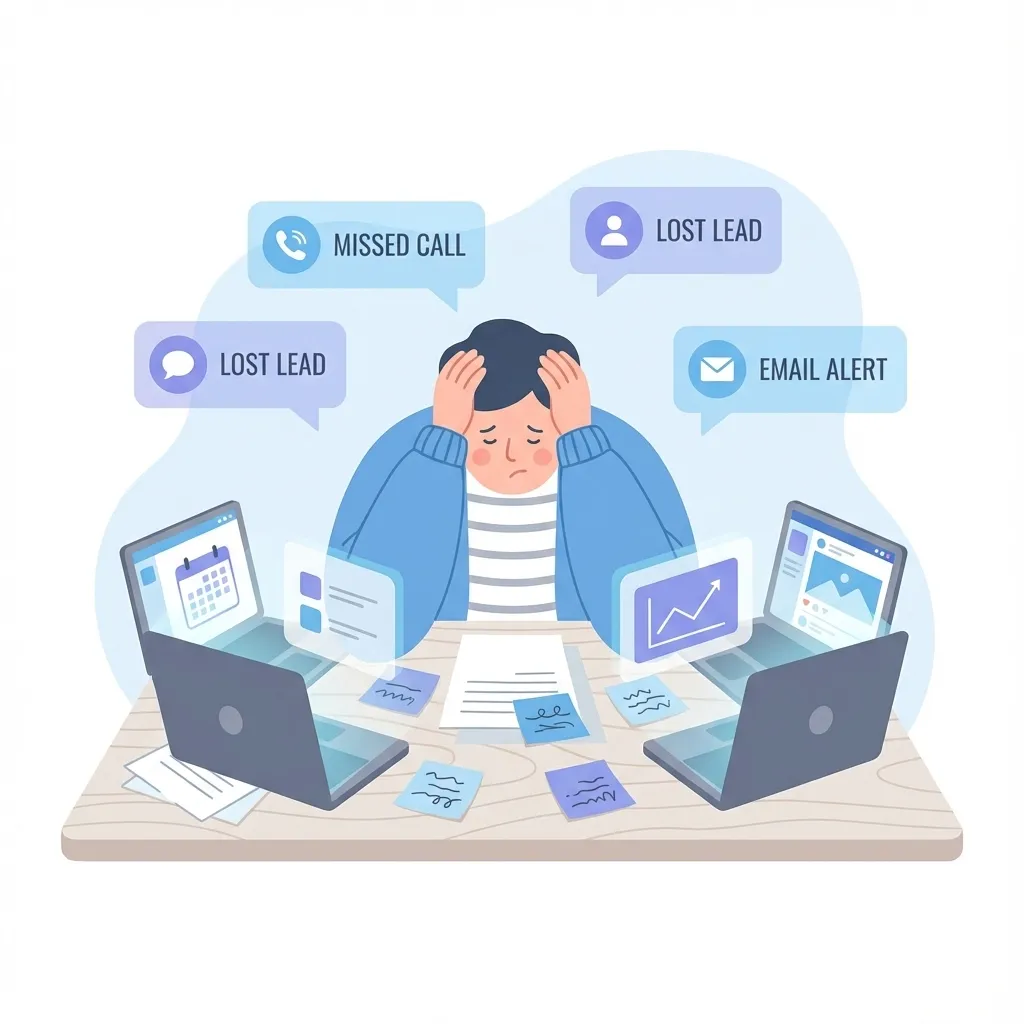
- Customer data scattered across spreadsheets, email, and sticky notes
- No visibility into your sales pipeline or deal progress
- Repetitive tasks eating up hours that should go toward selling
- Disconnected tools that do not share data with each other
Write down your top three problems. These become your non-negotiable requirements. Everything else is a nice-to-have.
Core Features Every Small Business CRM Needs
Regardless of your industry, certain capabilities are table stakes:
- Contact management --- Centralized records for every lead and customer, with full interaction history
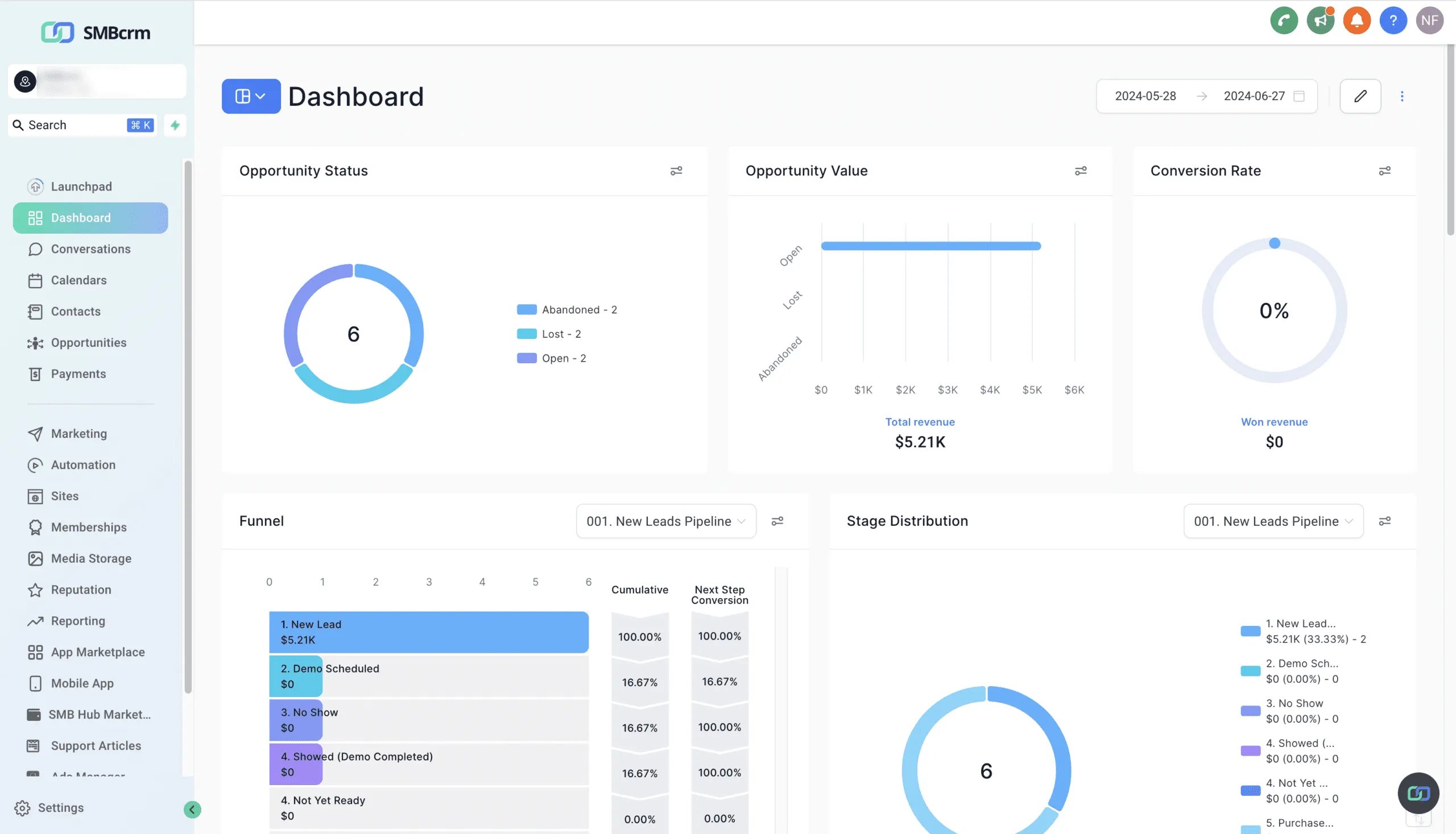
- Pipeline tracking --- Visual deal stages so you know exactly where every opportunity stands
- Task and activity management --- Reminders, to-dos, and scheduled follow-ups
- Email integration --- Sync with your inbox so conversations are logged automatically (see our complete guide to CRM email integration)
- Reporting and dashboards --- Basic metrics like conversion rates, deal velocity, and revenue forecasts
- Mobile access --- A functional mobile app, not just a shrunken desktop view
Beyond these basics, the features that matter depend on your business type.
Feature Priorities by Business Type
Different businesses need different things from a CRM. Use this table to identify which capabilities should rank highest on your evaluation checklist.
| Feature | Service Businesses | E-Commerce | Professional Services | Real Estate |
|---|---|---|---|---|
| Pipeline management | High | Medium | High | High |
| Email marketing | Medium | High | Medium | High |
| SMS/text messaging | High | Medium | Low | High |
| Appointment scheduling | High | Low | High | Medium |
| Invoicing/payments | High | High | High | Low |
| Landing pages/forms | Medium | High | Medium | High |
| Workflow automation | High | High | Medium | High |
| Reputation management | High | Medium | Medium | High |
| Multi-channel inbox | High | Medium | Medium | High |
How to read this table: “High” means the feature is essential for that business type and should be a deal-breaker during evaluation. “Medium” means it adds clear value but may not be critical on day one. “Low” means it is useful but not a primary driver of your CRM decision.
Common Mistakes When Choosing a CRM
After working with small businesses across dozens of industries, the same mistakes come up again and again. Avoid these and you are already ahead of most buyers.
Buying Based on Features You Will Never Use
Enterprise CRMs like Salesforce love to impress with massive feature lists. But a CRM with 200 features your team never touches is worse than one with 20 features they use every day. Focus on what you need now and what you will realistically need in the next 12 months.
Ignoring the Learning Curve
A powerful CRM that nobody on your team can figure out is a waste of money. During your evaluation, pay attention to how long it takes to complete basic tasks. Can you add a contact and move them through your pipeline in under two minutes? If the demo requires a consultant to explain, that is a red flag.
Choosing Based on Price Alone
The cheapest CRM is rarely the best value. A $15/month tool that requires $100/month in add-ons and integrations to cover your needs is more expensive than a $97/month platform that includes everything. This is where software sprawl becomes dangerous --- stacking cheap tools creates hidden costs that dwarf the price of a unified system.
Not Testing With Real Data
Free trials exist for a reason. Import your actual contacts, build a real pipeline, and run your team through genuine workflows. A CRM that feels great with sample data can fall apart under the weight of your real business processes.
Skipping the Migration Plan
Before you commit, ask: how will we get our existing data into this system? What formats are supported? Is there migration assistance? Data migration is one of the biggest friction points in CRM adoption, and failing to plan for it leads to months of parallel systems and duplicate records.
Understanding CRM Pricing Models
CRM pricing is not always straightforward. Knowing the common models helps you compare costs accurately.
Per-User Pricing
You pay a monthly fee for each team member who needs access. This is the most common model for traditional CRMs like Pipedrive. It works well for small teams but becomes expensive as you grow. A $50/user/month CRM costs $600/month for a 12-person team.
Flat-Rate Pricing
A single monthly fee covers your entire team, regardless of size. This model is more predictable and often more cost-effective for growing businesses. You know exactly what you will pay whether you have 2 users or 20.
Tiered Pricing
Different plans unlock different feature sets. Entry-level plans cover basics, mid-tier plans add automation and integrations, and premium plans include advanced analytics and priority support. Make sure the features you need are not locked behind a tier that blows your budget.
Usage-Based Pricing
Some platforms charge based on contact count, emails sent, or API calls. This can start cheap but scale unpredictably. Always calculate what your costs would look like at 2x and 5x your current volume.
The Hidden Costs to Watch For
Beyond the sticker price, watch for:
- Onboarding fees --- Some platforms charge $500-$2,000+ for setup assistance
- Integration costs --- Connecting to other tools may require paid middleware like Zapier
- Contact limits --- Overage charges when your database grows past a threshold
- Feature add-ons --- Core functionality sold as premium extras
- Export fees --- Charges to get your own data out if you leave
Integration Checklist
Your CRM does not exist in a vacuum. It needs to work with your existing tools or, better yet, replace them entirely.
Must-Have Integrations
- Email (Gmail, Outlook) --- Two-way sync so conversations are automatically logged
- Calendar (Google Calendar, Outlook Calendar) --- Appointment scheduling without double-booking
- Payment processing (Stripe, PayPal) --- Invoice and collect payments within the CRM
- Website --- Forms and lead capture that feed directly into your pipeline
- Accounting (QuickBooks, Xero) --- Keep financials in sync without manual entry
The All-in-One Alternative
If your integration list is getting long, consider whether an all-in-one CRM might be a better fit. Platforms that combine CRM, email marketing, SMS, scheduling, landing pages, and automation eliminate the need for most third-party integrations. Everything shares the same database, so there are no sync issues, no middleware costs, and no data gaps.
This is especially relevant if you are currently debating between separate CRM and marketing automation tools. An all-in-one platform handles both under one roof.
When to Upgrade Your CRM
Not every business needs to switch CRMs. But there are clear signals that your current system is holding you back:
- Your team has stopped using it --- Low adoption means the tool does not fit your workflow
- You are paying for multiple tools that should be one --- CRM plus email marketing plus SMS plus scheduling adds up fast
- You have outgrown the contact or user limits --- And the next tier is a steep jump in price
- Data is siloed --- Sales cannot see marketing activity, and marketing cannot see deal progress
- Reporting is manual --- If you are exporting to spreadsheets to build reports, your CRM is not doing its job
- Customer response times are slipping --- Leads wait too long because notifications and workflows are unreliable
If three or more of these sound familiar, it is time to evaluate alternatives.
Where SMBcrm Fits
SMBcrm is built as an all-in-one platform for small and mid-sized businesses. Rather than cobbling together separate tools for CRM, email, SMS, scheduling, landing pages, and automation, everything runs from a single system with a shared contact database.
Key differentiators include:
- Unlimited contacts on every plan, so you are never penalized for growing your database
- Built-in multi-channel communication including email, SMS, voice, and social messaging from a unified inbox
- Native workflow automation that connects lead capture, nurturing, pipeline movement, and follow-up without third-party middleware
- Flat-rate pricing that does not charge per user (Startup plan includes 2 users, Professional plan includes unlimited)
It is not the right fit for every business. Enterprise organizations with complex ERP integration needs or businesses that require deep vertical-specific functionality may need a more specialized solution. But for small businesses looking to consolidate tools and simplify operations, it checks a lot of boxes. You can see how SMBcrm compares to the competition or read a detailed breakdown like SMBcrm vs HubSpot to evaluate it side by side with other platforms.
Your CRM Evaluation Checklist
Before you make a decision, run through this final checklist:
- Define your top 3 pain points and verify the CRM solves them
- List your must-have features and confirm they are included in the plan you can afford
- Calculate total cost including users, contacts, integrations, and add-ons
- Test with real data during a free trial --- not just a guided demo
- Evaluate the mobile experience if your team works outside the office
- Check integration support for tools you cannot replace
- Ask about data migration and onboarding assistance
- Read recent reviews from businesses similar to yours in size and industry
- Confirm the exit plan --- can you export your data easily if you need to leave?
Frequently Asked Questions
How long should a CRM free trial last to properly evaluate the platform?
Aim for at least 14 days, though 30 days is better. You need enough time to import real contacts, build your pipeline stages, set up a few automations, and have your team use the system in their daily workflow. A quick demo is not enough to uncover usability issues that only appear during real work.
Should I choose a CRM specific to my industry?
Not necessarily. Industry-specific CRMs can offer pre-built templates and workflows tailored to your business, but they often come with higher prices and fewer general features. A flexible general-purpose CRM with good customization options usually serves small businesses better, especially if you need marketing and communication tools alongside core CRM functionality.
What is the biggest reason CRM implementations fail?
Poor adoption. The CRM itself is rarely the problem. Failure usually comes from choosing a system that is too complex for the team, not investing in training, or not migrating existing processes into the new platform. The best CRM is the one your team actually uses every day.
Can I switch CRMs later if I make the wrong choice?
Yes, but it is disruptive. Switching means exporting data, reformatting it, importing it into the new system, rebuilding automations, and retraining your team. Plan on 2-4 weeks of transition for a small business. This is exactly why it is worth taking the evaluation process seriously the first time.
Ready to Find the Right CRM for Your Business?
SMBcrm combines CRM, marketing, communication, and automation in one platform built for small businesses --- so you can stop juggling tools and start growing.