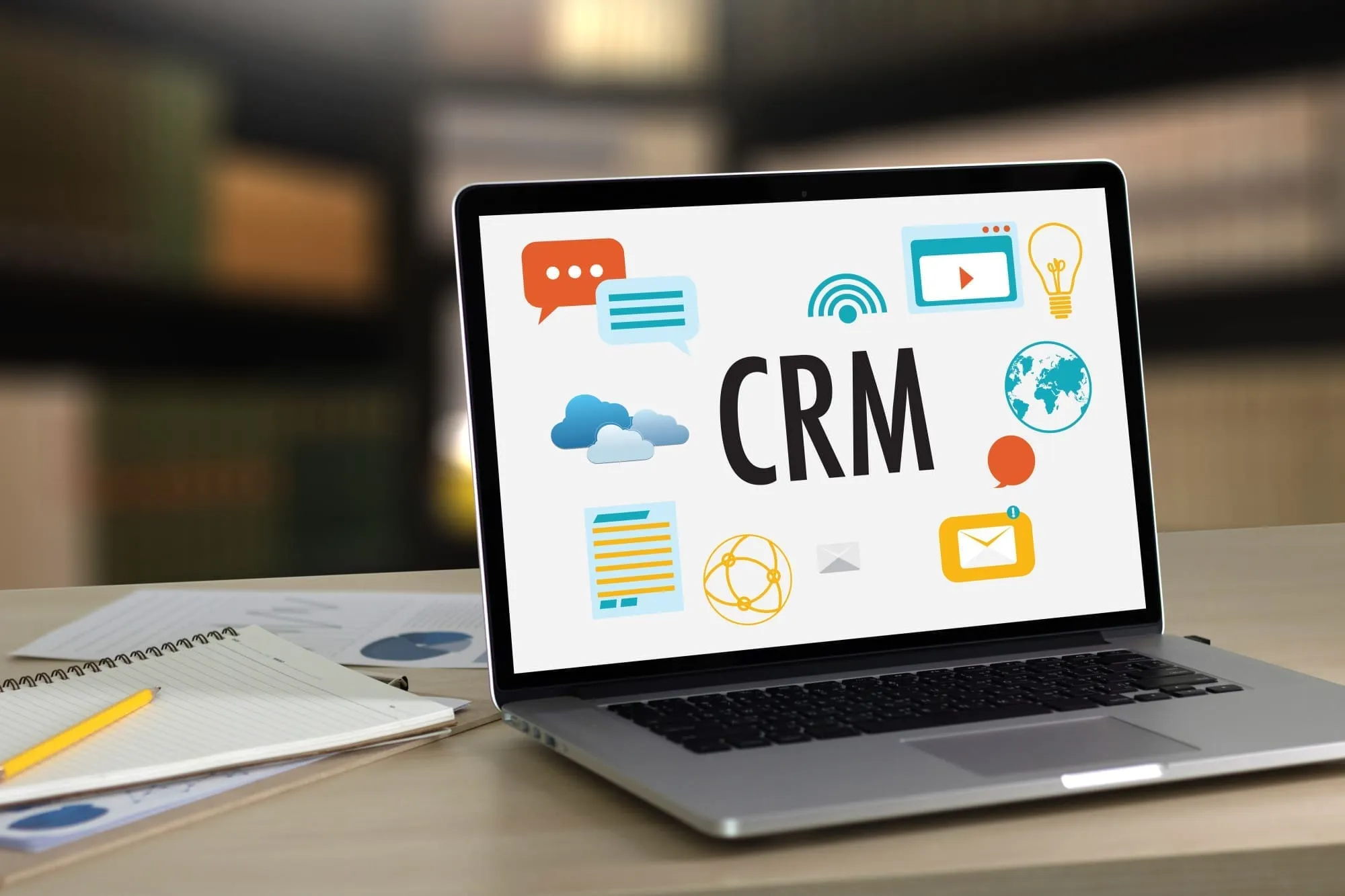
CRM (Customer Relationship Management) focuses on managing customer data and sales relationships, while marketing automation handles repetitive marketing tasks like email campaigns and lead nurturing. Though they serve different purposes, combining both creates a powerful system for converting leads into loyal customers.
Understanding when to use each tool---and how they work together---can transform how your small business attracts, engages, and retains customers.
What is Marketing Automation?
Marketing automation is software that executes marketing tasks automatically based on predefined triggers and conditions. Instead of manually sending follow-up emails or posting social media updates, the system handles these repetitive tasks on your behalf.
Core Components of Marketing Automation
Campaign Management Create multi-step marketing campaigns that run automatically. When a prospect downloads your ebook, they automatically receive a welcome email, followed by educational content over the next two weeks, then a sales offer---all without manual intervention.
Lead Scoring Assign point values to prospect actions to identify your hottest leads. Someone who visits your pricing page three times and opens every email scores higher than someone who only subscribed once. This helps sales teams prioritize their outreach.
Trigger-Based Actions Set up “if-this-then-that” rules that respond to customer behavior instantly:
- Visitor abandons cart → Send recovery email within 1 hour
- Lead downloads whitepaper → Add to nurture sequence
- Customer’s anniversary approaches → Send loyalty discount
Analytics and Optimization Track which campaigns generate results. A/B test subject lines, landing pages, and offers to continuously improve performance.
Common Marketing Automation Use Cases
| Use Case | Trigger | Automated Action |
|---|---|---|
| Welcome sequence | New subscriber | 5-email onboarding series |
| Abandoned cart recovery | Cart abandonment | Reminder email + discount |
| Re-engagement | 30 days inactive | ”We miss you” campaign |
| Event promotion | Registration | Confirmation + reminders |
| Review request | Purchase completed | Follow-up request 7 days later |
What is CRM?
CRM software serves as the central hub for all customer information and interactions. It tracks every touchpoint---calls, emails, meetings, purchases---creating a complete picture of each customer relationship.
Core Functions of a CRM System
Contact Management Store and organize information about every lead, prospect, and customer. Access their complete history, preferences, and communication records in one place.
Sales Pipeline Tracking Visualize where each deal stands in your sales process. Move opportunities through stages like “Initial Contact,” “Proposal Sent,” and “Negotiation” to forecast revenue and identify bottlenecks.
Activity Tracking Log every interaction automatically. When a sales rep calls a prospect, the CRM records it. When a customer emails support, that conversation is captured. No detail gets lost.
Reporting and Forecasting Generate insights about sales performance, customer trends, and team productivity. Accurate data helps you make better business decisions.
For a deeper understanding of CRM fundamentals, see our guide on why CRM is used by businesses of all sizes.
CRM vs Marketing Automation: Key Differences
While these systems often overlap, understanding their distinct purposes helps you deploy them effectively.
| Aspect | CRM | Marketing Automation |
|---|---|---|
| Primary Focus | Managing relationships and sales | Executing campaigns and nurturing leads |
| Main Users | Sales reps, account managers | Marketing teams |
| Data Type | Contact details, deal stages, interactions | Campaign metrics, engagement scores, behavior |
| Automation Style | Task reminders, follow-up alerts | Multi-step campaigns, triggered sequences |
| Goal | Close deals, retain customers | Generate and qualify leads |
When to Use Marketing Automation
Marketing automation excels at top-of-funnel activities:
- Lead generation: Capturing prospects through forms, landing pages, and content offers
- Lead nurturing: Educating prospects until they’re ready to buy
- Audience segmentation: Grouping contacts by behavior, demographics, or interests
- Campaign execution: Running email sequences, social posts, and ad campaigns at scale
When to Use CRM
CRM shines in relationship management and sales execution:
- Pipeline management: Tracking deals from opportunity to close
- Customer communication: Logging calls, emails, and meetings
- Account management: Maintaining relationships with existing customers
- Sales forecasting: Predicting revenue based on pipeline data
How CRM and Marketing Automation Work Together
The real power emerges when these systems integrate. Marketing automation captures and qualifies leads, then hands them to the CRM when they’re sales-ready. The CRM tracks the relationship through purchase and beyond.
The Integrated Customer Journey
Stage 1: Attraction Marketing automation runs targeted campaigns that drive traffic to your website. Lead magnets capture email addresses.
Stage 2: Nurturing Automated email sequences educate prospects about your solution. Lead scoring identifies who’s most engaged.
Stage 3: Handoff When a lead reaches a threshold score---say, they’ve visited your pricing page and opened five emails---marketing automation notifies sales and creates a CRM record.
Stage 4: Sales Engagement Sales reps use the CRM to track conversations, send proposals, and move deals through the pipeline. They see the full marketing history.
Stage 5: Customer Success After the sale, the CRM maintains the relationship record. Marketing automation handles onboarding sequences and periodic check-ins.
Stage 6: Retention and Growth CRM data informs upsell opportunities. Marketing automation runs loyalty campaigns and referral programs.
Data Flow Between Systems
In an integrated setup, data flows both directions:
Marketing → CRM
- Lead contact information
- Engagement history and scores
- Campaign interactions
- Content consumed
CRM → Marketing
- Customer purchase data
- Deal stage changes
- Customer preferences
- Renewal dates
This bidirectional sync ensures everyone works from the same information.
Marketing Automation Examples and Templates
Effective automation starts with proven workflows. Here are templates you can implement immediately.
Lead Nurture Sequence Template
Goal: Convert new leads into sales-qualified prospects
| Day | Purpose | |
|---|---|---|
| 0 | Welcome + resource delivery | Fulfill opt-in promise |
| 2 | Educational content | Provide value |
| 5 | Case study | Build credibility |
| 8 | Problem/solution content | Address pain points |
| 12 | Comparison guide | Aid decision-making |
| 15 | Consultation offer | Invite sales conversation |
Abandoned Cart Recovery Template
Trigger: Cart abandonment
Email 1 (1 hour later)
- Subject: “You left something behind”
- Content: Cart contents reminder, link to complete purchase
Email 2 (24 hours later)
- Subject: “Your cart is waiting”
- Content: Social proof, FAQ about checkout concerns
Email 3 (72 hours later)
- Subject: “Last chance + [discount]”
- Content: Limited-time offer to complete purchase
Customer Onboarding Workflow
Trigger: New customer purchase
| Day | Action | Goal |
|---|---|---|
| 0 | Welcome email + getting started guide | Set expectations |
| 1 | Account setup checklist | Drive activation |
| 3 | Feature highlight email | Increase engagement |
| 7 | Check-in + support resources | Prevent churn |
| 14 | Advanced tips | Deepen usage |
| 30 | Review request | Gather feedback |
For more workflow examples, see our complete guide to CRM with workflow automation.
Setting Up Marketing Automation Triggers
Triggers are the “if” statements that initiate automated actions. Setting up the right triggers ensures timely, relevant responses to customer behavior.
Behavior-Based Triggers
- Page visit: Prospect views pricing page → Notify sales rep
- Email engagement: Opens 3+ emails in a week → Add to “hot leads” segment
- Form submission: Downloads resource → Start nurture sequence
- Inactivity: No engagement for 30 days → Launch re-engagement campaign
Time-Based Triggers
- Date field: Contract renewal in 30 days → Send renewal reminder
- Anniversary: 1 year as customer → Send appreciation offer
- Scheduled: Every Monday at 9am → Send weekly newsletter
Score-Based Triggers
- Lead score reaches 50: Add to sales pipeline
- Lead score drops below 20: Move to re-nurture list
- Engagement score spikes: Alert sales team
Common Mistakes to Avoid
Marketing Automation Pitfalls
Over-automating communication Automation should feel personal, not robotic. Don’t automate every interaction---leave room for genuine human connection at key moments.
Ignoring engagement signals Continue sending to unengaged contacts wastes resources and damages deliverability. Set up suppression rules for inactive subscribers.
Skipping the strategy phase Technology alone doesn’t create results. Define your customer journey, messaging, and goals before building workflows.
Neglecting mobile optimization Over 60% of emails are opened on mobile devices. Test every automated message on mobile before launching.
CRM Implementation Mistakes
Incomplete data entry A CRM only works if people use it. Create simple processes and hold teams accountable for logging activities.
No clear pipeline stages Ambiguous deal stages lead to inaccurate forecasting. Define exactly what qualifies a deal for each stage.
Treating CRM as just a database CRM should drive action, not just store information. Use it to guide daily activities and measure results.
The All-in-One Solution Approach
Many small businesses benefit from platforms that combine CRM and marketing automation in a single system, rather than paying separately for each --- a model used by platforms like HubSpot, which sells its CRM and Marketing Hub as distinct products. The all-in-one approach eliminates integration complexity and ensures data consistency.
Benefits of an Integrated Platform
- Single source of truth: All customer data in one place
- Seamless handoffs: Marketing to sales transitions happen automatically
- Unified reporting: See the complete customer journey
- Lower costs: One platform instead of multiple subscriptions
- Faster implementation: No integration projects required
SMBcrm combines CRM functionality with powerful marketing automation, including email marketing and SMS marketing capabilities. This all-in-one approach means small businesses can manage their entire customer journey without juggling multiple tools. See the full list of automation features or learn why businesses choose SMBcrm over separate CRM and marketing platforms.
For a comprehensive overview of integrated platforms, explore our guide to all-in-one CRM for small business.
Measuring Success
Track these metrics to evaluate your CRM and marketing automation performance.
Marketing Automation Metrics
| Metric | What It Measures | Target Range |
|---|---|---|
| Open rate | Email engagement | 20-30% |
| Click-through rate | Content relevance | 2-5% |
| Conversion rate | Offer effectiveness | 1-3% |
| Unsubscribe rate | List health | Below 0.5% |
| Lead-to-MQL ratio | Nurture effectiveness | 15-25% |
CRM Metrics
| Metric | What It Measures | Why It Matters |
|---|---|---|
| Pipeline velocity | Deal speed | Predicts cash flow |
| Win rate | Sales effectiveness | Indicates team performance |
| Average deal size | Revenue potential | Guides targeting strategy |
| Customer lifetime value | Relationship worth | Informs acquisition spending |
| Sales cycle length | Process efficiency | Identifies bottlenecks |
Frequently Asked Questions
Can small businesses benefit from marketing automation?
Yes. Small businesses often benefit most from marketing automation because it multiplies limited resources. Tasks that would require a dedicated marketing team---like nurturing hundreds of leads or sending timely follow-ups---happen automatically. This lets small teams compete with larger competitors who have more staff.
Do I need both CRM and marketing automation?
It depends on your business model. If you have a sales team that works leads directly, you need CRM. If you generate leads through content and advertising, you need marketing automation. Most growing businesses benefit from both, which is why all-in-one platforms have become popular.
How long does it take to see results from marketing automation?
Expect 3-6 months to build and optimize effective workflows. The first month focuses on setup and initial campaigns. Months 2-3 involve testing and refinement. By months 4-6, you should have data-driven workflows generating consistent results. Some quick wins---like abandoned cart recovery---can show ROI within weeks.
What’s the difference between marketing automation and email marketing?
Email marketing is one component of marketing automation. Marketing automation includes email but extends to lead scoring, multi-channel campaigns, landing pages, form management, and behavioral tracking. Think of email marketing as a single instrument; marketing automation is the entire orchestra.
How do I choose between separate tools or an all-in-one platform?
Consider your team size, technical resources, and growth plans. Separate best-of-breed tools offer specialized features but require integration work. All-in-one platforms like SMBcrm provide simplicity and consistency, ideal for small businesses that want to focus on customers rather than managing technology.
Getting Started
The best approach depends on your current situation:
If you’re starting from scratch: Begin with an all-in-one platform that combines CRM and marketing automation. This gives you a foundation you can build on without integration headaches.
If you have a CRM but no automation: Look for marketing automation that integrates with your existing CRM, or consider migrating to a unified platform.
If you have marketing tools but no CRM: Prioritize CRM implementation first---you need a system of record for customer data before you can effectively automate around it.
Whatever path you choose, remember that technology serves strategy. Define your customer journey, understand your sales process, and let the tools support those goals.
Ready to see how CRM and marketing automation work together? Explore SMBcrm to discover an all-in-one solution designed for small business growth.
Ready to Unify Your CRM and Marketing Automation?
SMBcrm combines customer management and marketing automation in one platform — no integrations required.