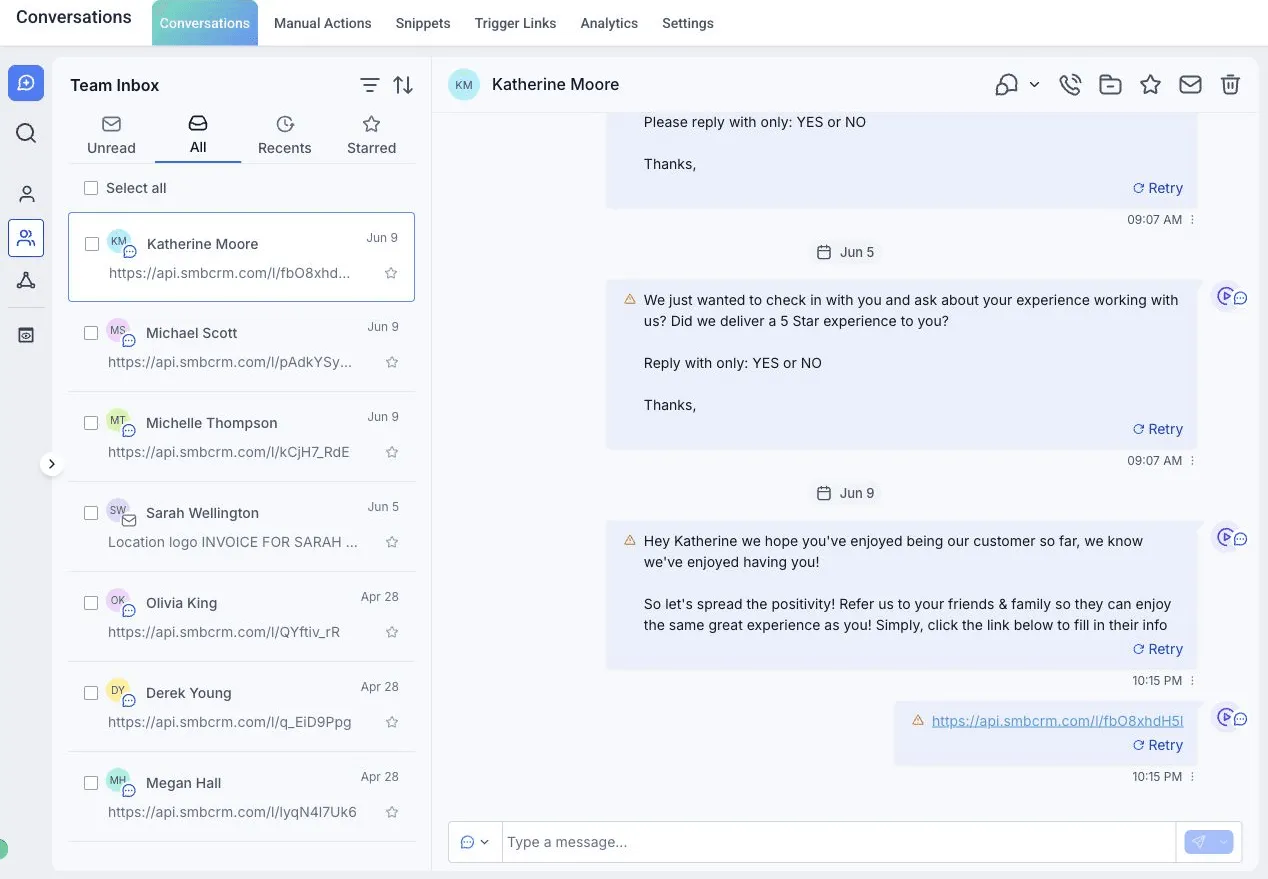
01 / Capture
Inquiries arrive in different places?
Bring the inquiry into the CRM, check the details and assign the next step.
 Explore Capture
Capture → Nurture → Close
Follow an inquiry from its first message to the next appointment and sales follow-up. Choose the part your team needs help with first.
01 / Capture
Bring the inquiry into the CRM, check the details and assign the next step.
Explore Capture02 / Nurture
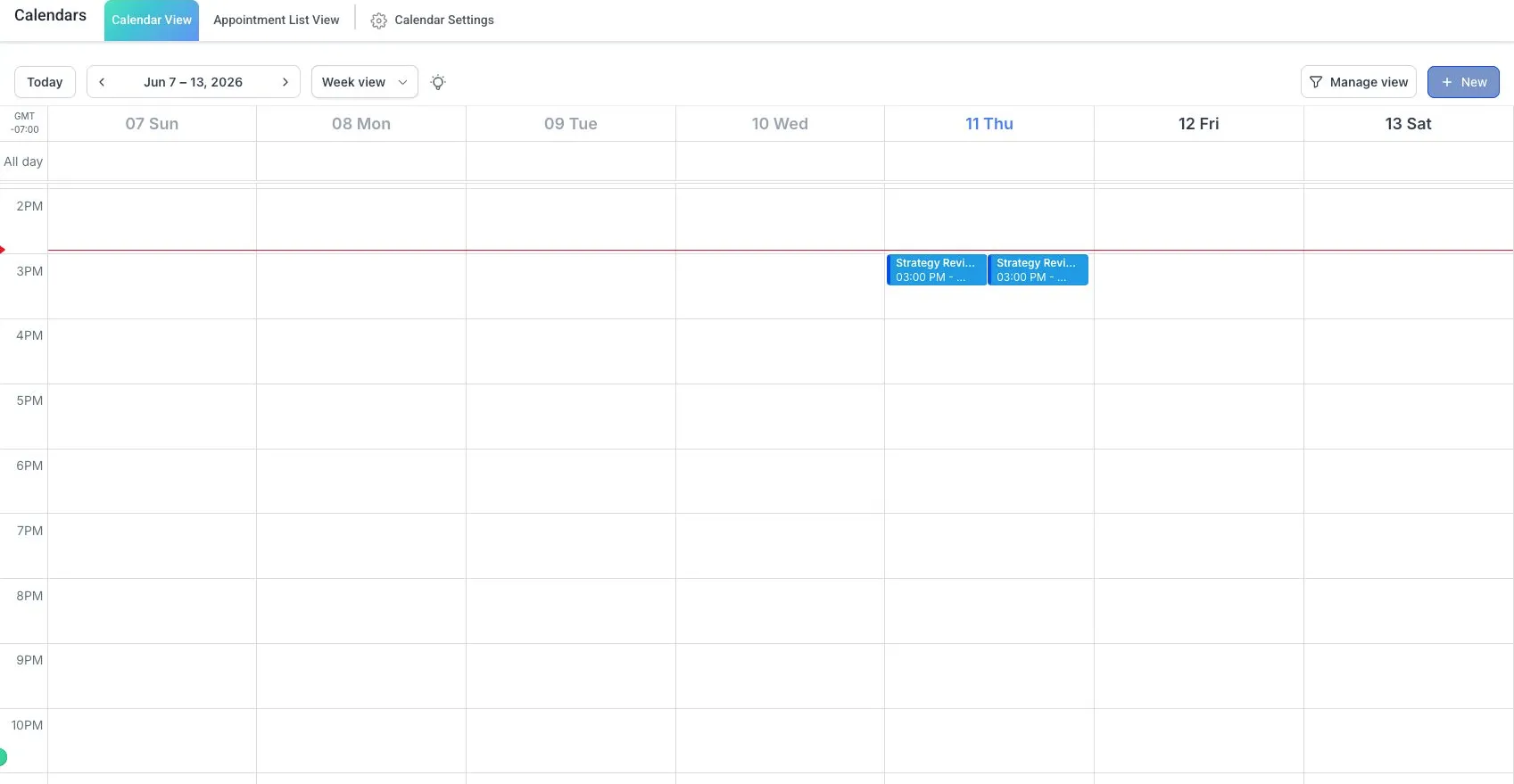
Plan the next message, handle replies and help an interested customer book.
 Explore Nurture
03 / Close
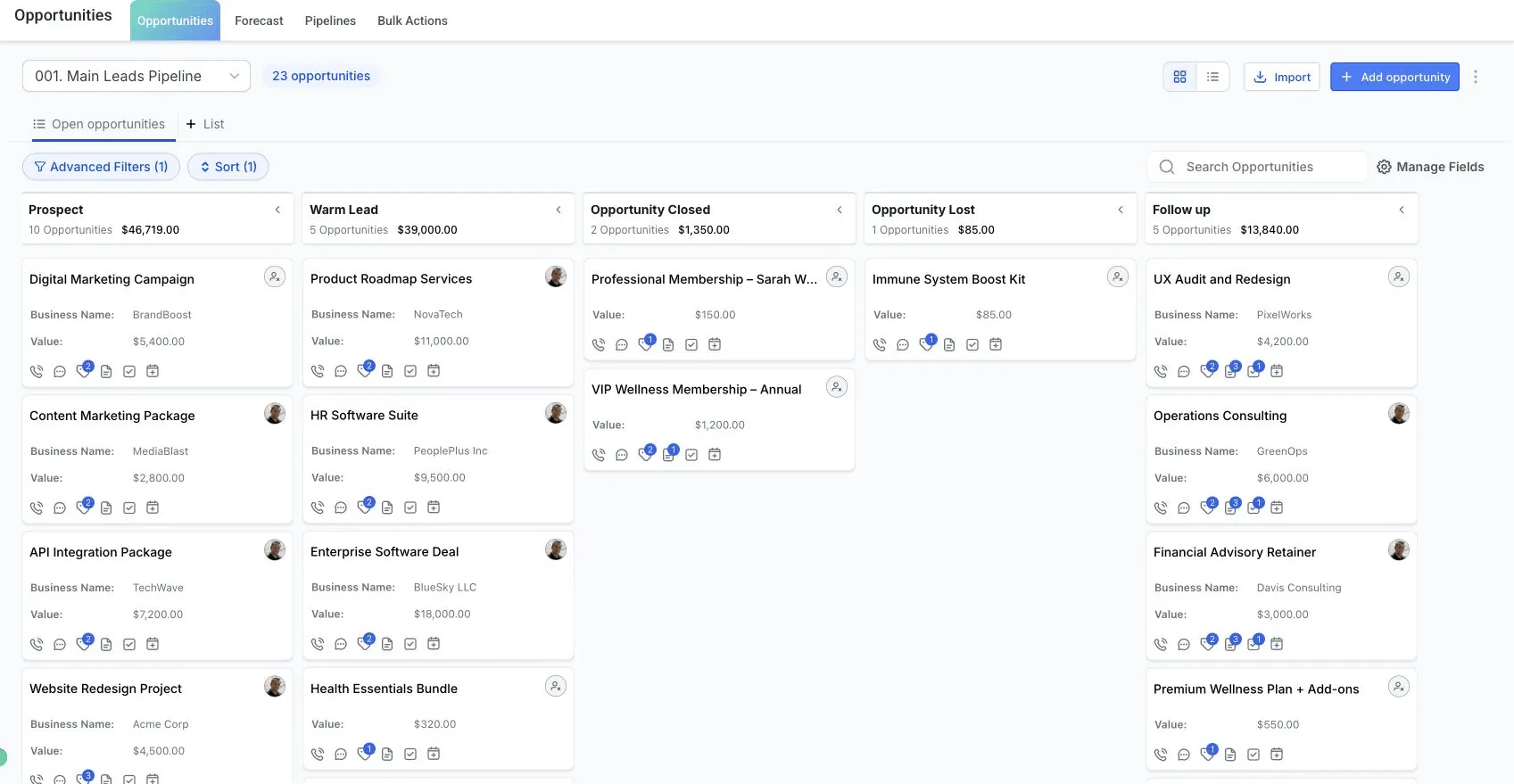
Track the opportunity, prepare the paperwork and keep payment follow-up visible.
 Explore Close
Start with one workflow
Choose an inquiry source, the next action and the person responsible. Connect the tools you need and test the path before expanding it.
See how setup works →These core workflows can use saved messages and rules you configure. Add AI for a defined task when you are ready to set its knowledge, permissions and handoff.
Explore optional AI examples →AI coverage and usage charges vary by product and plan.
Compare plans or bring one workflow to a live walkthrough.