Smart Web Forms
Collect the details your team needs and keep them with the contact record.
Explore formsBring inquiries into the CRM
Connect forms, calls and chat to contact records and the shared inbox. Give your team the context and ownership it needs to follow up.
Example workflow
In this example, a new customer calls while your team is on a job. A saved text-back gives them a way to reply.
Setup and connected services determine what runs automatically.
A missed call starts a text-back under the phone settings you choose. Forms and website chat offer other routes into the CRM.
See phone and text-back toolsThe customer describes the work they need. Your team opens the shared inbox and checks the conversation history.
Explore the shared inboxA team member handles the request and decides whether to ask a question or share a booking link.
Explore contact recordsChoose the business number, message permissions and repeat-call behavior. Test delivery and decide who handles replies before switching on follow-up.
See how setup works →Conversation AI can answer a routine question from business information you provide. Define when it hands off to staff, and test those boundaries before enabling it.
AI coverage and usage charges vary by product and plan. Phone and message delivery can add charges.
See a routine-question example →Check AI coverage and exclusions →Inside SMBcrm
The shared inbox is where your team reviews the reply and continues the conversation.
Open the guided product tour →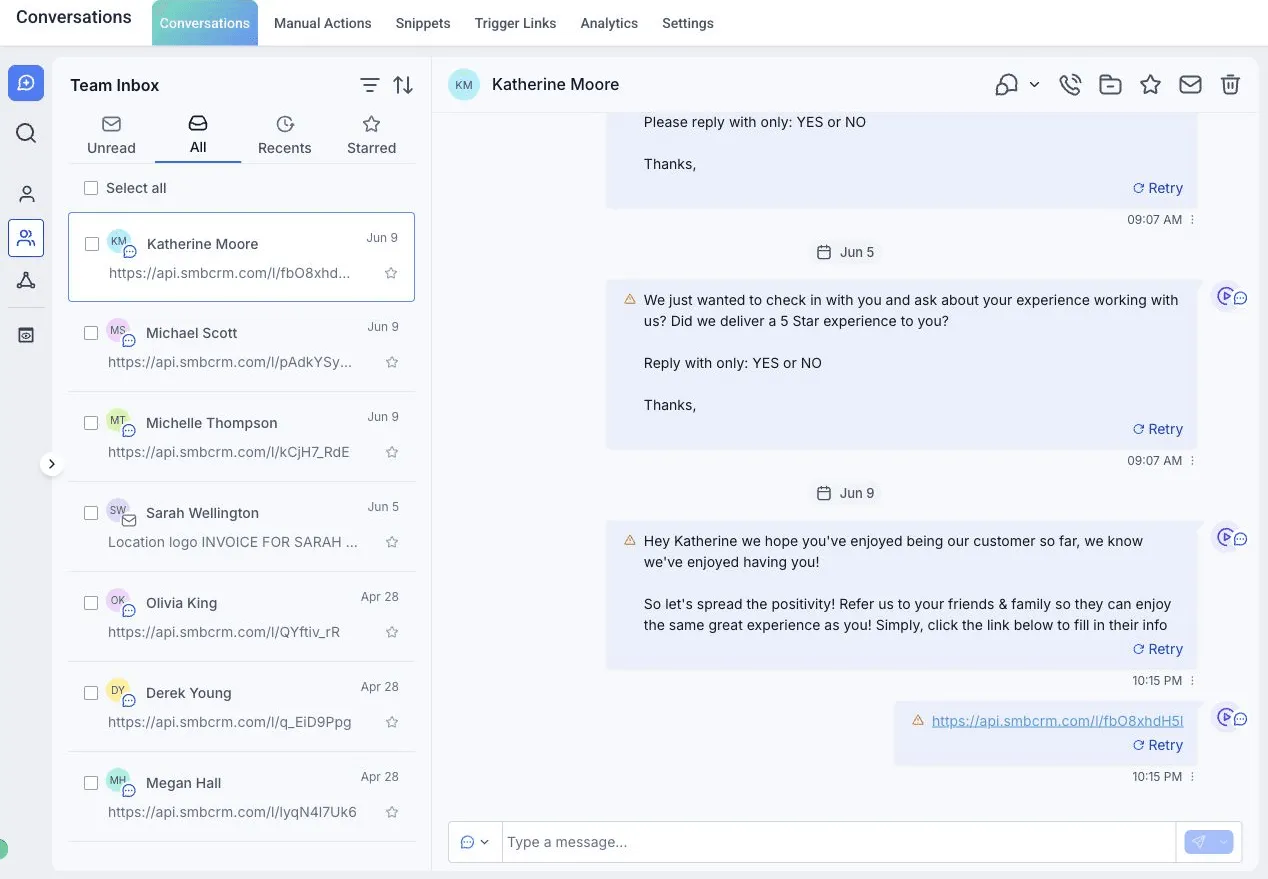
Explore the tools
Open the relevant product explanation before deciding whether you need a live demo.
Collect the details your team needs and keep them with the contact record.
Explore formsGive website visitors a way to start a conversation your team can answer.
Explore website chatConnect supported ad lead forms and map their fields into the CRM.
Explore ad lead formsGive visitors a scannable route to a form, page or booking link.
See QR code optionsReview calls on your business numbers and configure missed-call follow-up.
Explore the phone systemBuild a page around one offer and connect it to a form or booking step.
Explore pages and funnelsBring one inquiry source, the next action you want, and the person who will handle exceptions. Use that path to discuss setup and cost.