Plan posts and handle the replies
Research content ideas, schedule posts, and respond to eligible Facebook, Instagram, and TikTok comments in your Team Inbox. Use publishing events to keep your team informed.
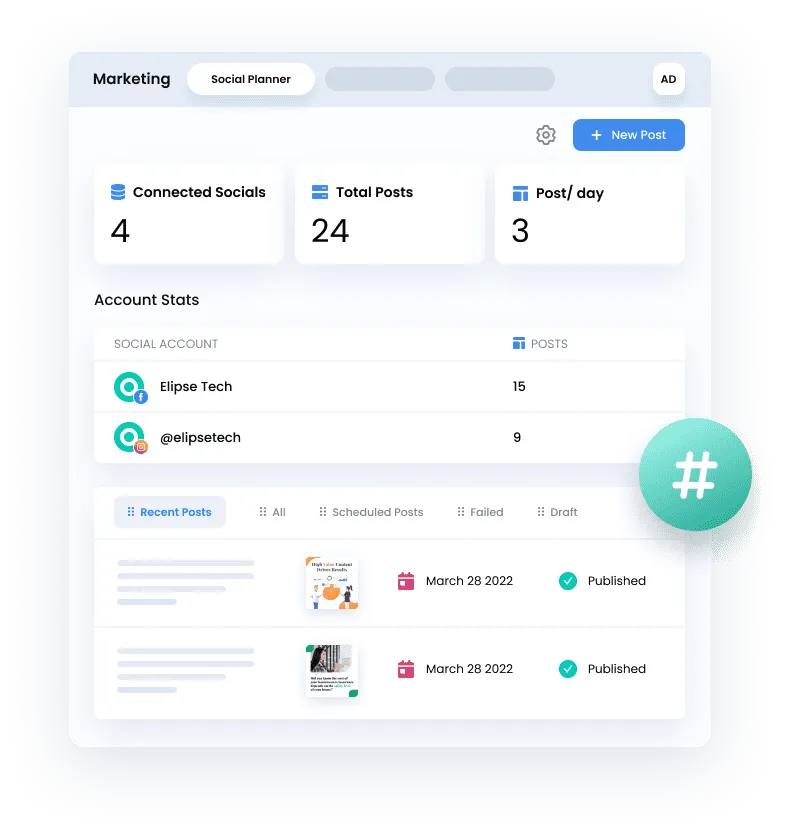
- Visual content calendar
- Eligible comments in the Team Inbox
- Publishing status workflow triggers
- Social Intelligence monitoring (Beta)
Keep publishing and replies connected
Schedule content in Social Planner, use publishing status events for team notifications, and bring supported comments into your Team Inbox.
- Scheduling and approval events
- Failed-post notifications through workflows
- Eligible post comments beside your messages
Posts Scheduled
156
Engagement Rate
4.2%
Platforms
7 Connected
Sample metrics shown in the cards.
Explore the tools
Choose a tool to see details or how it fits into a workflow. Availability and usage charges vary by plan and feature.
How social media works
-
Plan
Research trends and save monitored topics in Social Intelligence (Beta), then draft your posts.
-
Publish
Schedule reviewed posts and use status-based workflows to notify your team about publishing or approval events.
-
Respond
Enable comment sync, then handle eligible Facebook, Instagram, and TikTok comments in the Team Inbox.
Keep exploring
Guides and updates for this workflow
See setup ideas and specific product changes before choosing your next step.
Frequently Asked Questions
Which social media platforms does SMBcrm support?
Can I schedule posts in advance?
Does SMBcrm offer social media analytics?
Can I recycle evergreen content?
Which comments can I handle in the Team Inbox?
Can a publishing event start a workflow?
What does Social Intelligence do?
How do topic alerts work?
Ready to put Social Media to work?
Replace a dozen point tools with one platform built to capture leads, automate follow-up, and grow revenue.
-
60-day money-back guarantee
Eligible Startup and Professional initial subscription fees only. Usage and add-ons are excluded. Read the refund terms.
-
No setup fees
Plan your setup with training and support
-
Monthly or annual billing
Monthly plans renew each month, and you can cancel before the next renewal. Annual plans are paid upfront for the year.