Skip to content
Payments & Commerce 9 Features

Connect checkout to customer follow-up

Build product pages and checkout, collect payments, and use connected purchase and shipment data for relevant customer follow-up.

  • Flexible order form layouts
  • Purchase and shipment follow-up
  • Staff-managed appointment retail
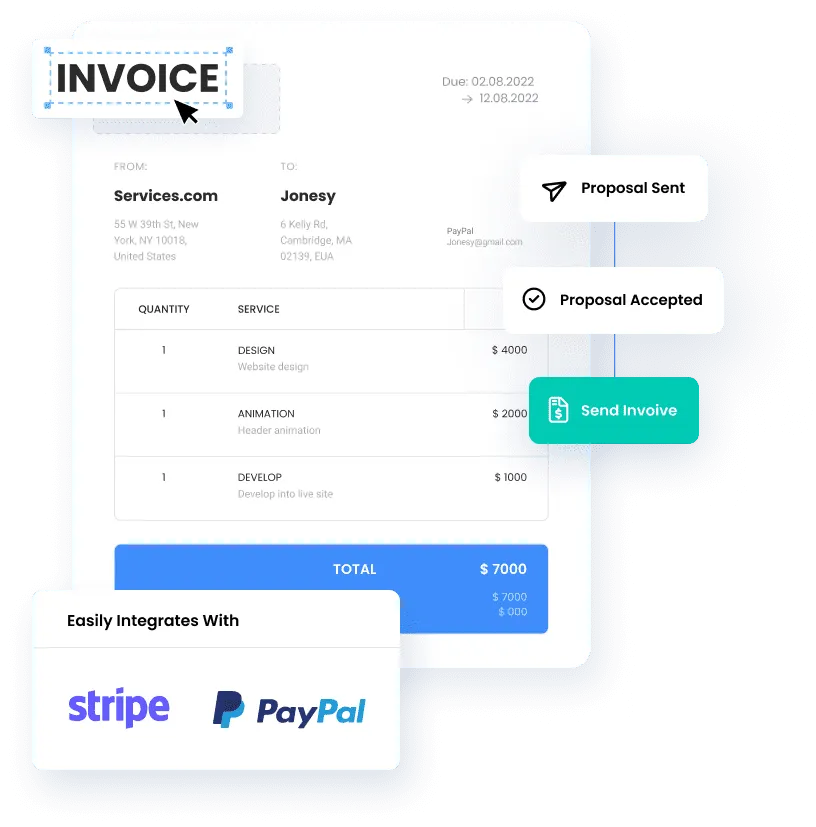
  • Invoices and payment links

A checkout that fits the sale

Choose an order form layout, collect the customer details you need, and add relevant order bumps. Review the published checkout before taking orders.

  • One-step, two-step, and split layouts
  • Supported CRM fields and order bumps
  • Existing forms migrate when you choose
app.smbcrm.com
Payments & Commerce features in SMBcrm

Monthly Revenue

$24.8K

Invoices Sent

156

Collection Rate

97%

Sample metrics shown in the cards.

Explore the tools

Choose a tool to see details or how it fits into a workflow. Availability and usage charges vary by plan and feature.

How commerce works

  1. Prepare

    Configure products and order forms, then check the published checkout before sharing it with customers.

  2. Collect

    Use online checkout, invoices, or payment links. Staff can also add products to eligible service appointments before collecting the balance.

  3. Follow up

    Use supported shopping, order, or payment events to send relevant follow-up to identified contacts.

Frequently Asked Questions

Can I segment customers by what they have spent?

With Shopify connected and the relevant sync enabled, contact fields include store lifetime spend, order count and first or last order dates. Use these fields in Smart Lists and workflow conditions. Shopify lifetime value covers that store’s purchases, not all customer revenue.

Can I send updates for separate Shopify shipments?

Yes. Configure an Order Fulfilled workflow for External orders with Shopify as the sub-source. Each shipment can start a follow-up using its fulfilled items and tracking details, including partial fulfillments. This fulfillment integration does not currently support WooCommerce.

Can returning customers reuse their shipping address?

Yes. Signed-in customers can save up to ten shipping or billing addresses per store and choose a default. Saved addresses are specific to that store. Guest checkout remains available; enable customer login for the signed-in experience.

Can I customize the layout of product details?

Yes. The new layout separates product images, titles, prices, variants and buying controls into elements you can arrange and style. Existing stores can retain the classic layout. Review any custom CSS before switching; the upgrade control is one-way, with older saved pages available through version history.

Can I follow up when a shopper views a product or adds it to a cart?

Yes. Product Viewed and Added to Cart triggers support native ecommerce stores and connected Shopify stores. Shopify needs its Web Pixel connection, and the visitor must be identified before entering a workflow. Supported anonymous activity can be linked later within the same browser for up to 14 days. WooCommerce supports purchase-history and order/payment follow-up, rather than these browsing triggers.

What changed in the order form builder?

The unified order form offers one-step, two-step, and split layouts, supported CRM custom fields, and order bumps. Existing forms use an optional migration process. Product settings can be shared across forms on a funnel step, so review those changes and test the published checkout before sending customers to it.

Can I sell retail products with a service appointment?

Yes. Staff can add products to eligible service appointments and review the combined service and product charges. This does not add a retail catalog to the customer booking page. A changed balance does not automatically collect another payment or issue a refund; handle that separately.

Can I take bookings and payments for rentals?

Yes. Rentals supports listings for equipment, vehicles, and spaces, with availability, booking durations, and payment settings. Configure the listing, fees, and payment terms for your offer before sharing the booking page.

What payment methods does SMBcrm support?

SMBcrm supports credit/debit cards, ACH bank transfers, Apple Pay, Google Pay, and Text2Pay mobile payments. Connect your Stripe account for seamless payment processing.

Can I send invoices from SMBcrm?

Yes. Create and send professional invoices with your branding, set up automatic payment reminders, and track payment status — all from within your CRM. Clients can pay invoices online with one click.

Does SMBcrm support recurring billing?

Yes. Set up subscription billing for retainer clients, membership fees, or any recurring charge. Automate invoicing and payment collection on any schedule.

What is Text2Pay?

Text2Pay lets you send a payment link via SMS that customers can tap to pay instantly from their phone. It's ideal for service businesses that need to collect payment in the field or after completing a job.

Can I collect e-signatures on contracts?

Yes. SMBcrm includes built-in e-signature functionality for proposals, contracts, and agreements. Send documents for signature and track completion status from your CRM.
60-day money-back guarantee

Ready to put Payments & Commerce to work?

Replace a dozen point tools with one platform built to capture leads, automate follow-up, and grow revenue.

  1. 60-day money-back guarantee

    Eligible Startup and Professional initial subscription fees only. Usage and add-ons are excluded. Read the refund terms.

  2. No setup fees

    Plan your setup with training and support

  3. Monthly or annual billing

    Monthly plans renew each month, and you can cancel before the next renewal. Annual plans are paid upfront for the year.