Skip to content
· New Feature Memberships

Courses Settings UI Now Available in Labs

Courses Settings in Labs gets a cleaner interface, faster performance, and improved setup tools for managing settings and client portal options.

S
SMBcrm Team · April 9, 2026

SMBcrm has introduced an updated Courses Settings experience in Labs to make course setup and management easier.

This refresh improves the interface, speeds up loading, and makes key settings easier to find and use for teams working in Memberships & Education.

What Changed

  • Redesigned settings interface for a more consistent experience
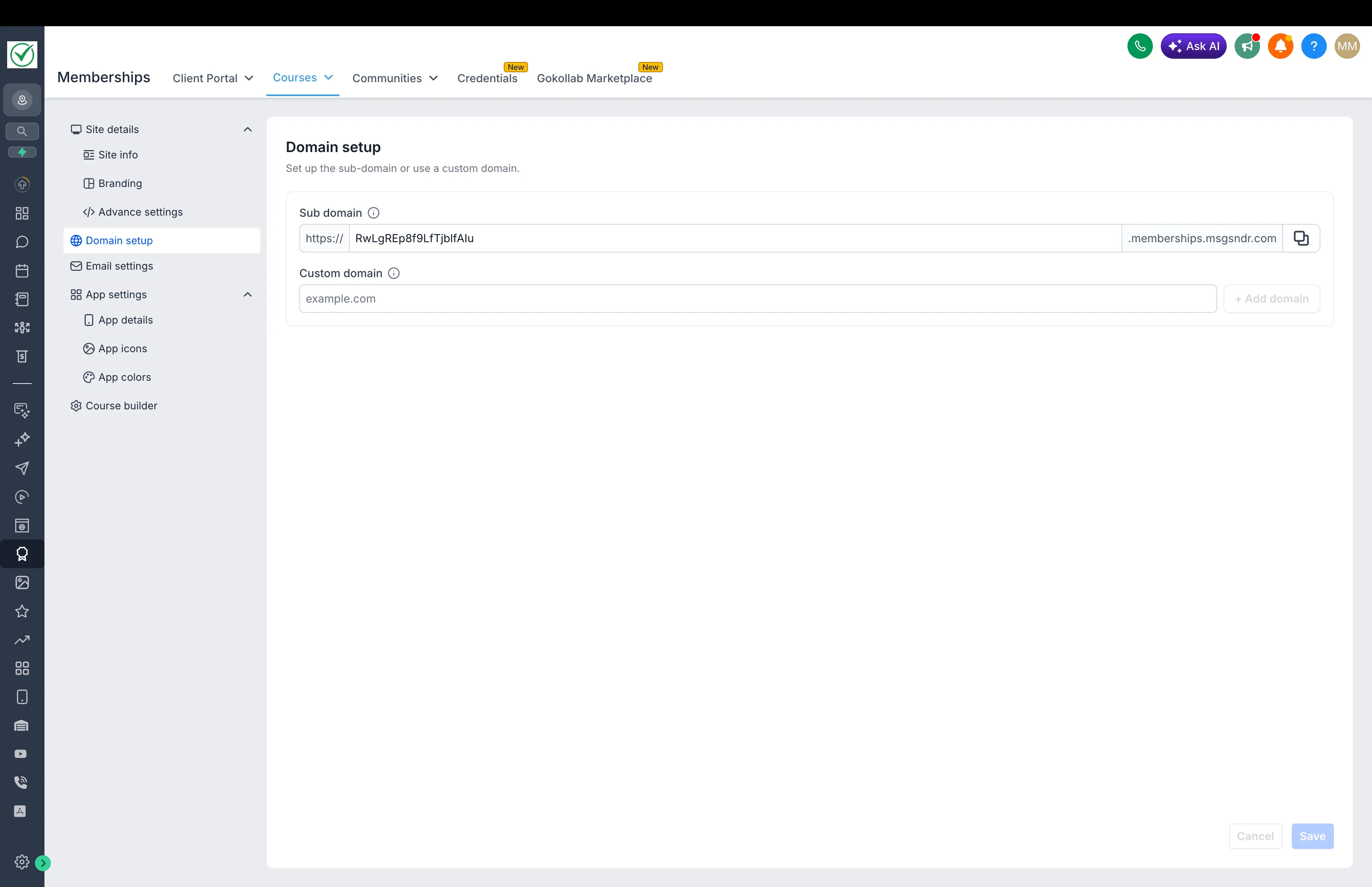
  • Easier custom domain setup
  • Image cropping support for brand logos and favicons
  • Faster loading across the settings area
  • Improved form validation and usability
  • Clearer navigation feedback when opening client portal settings
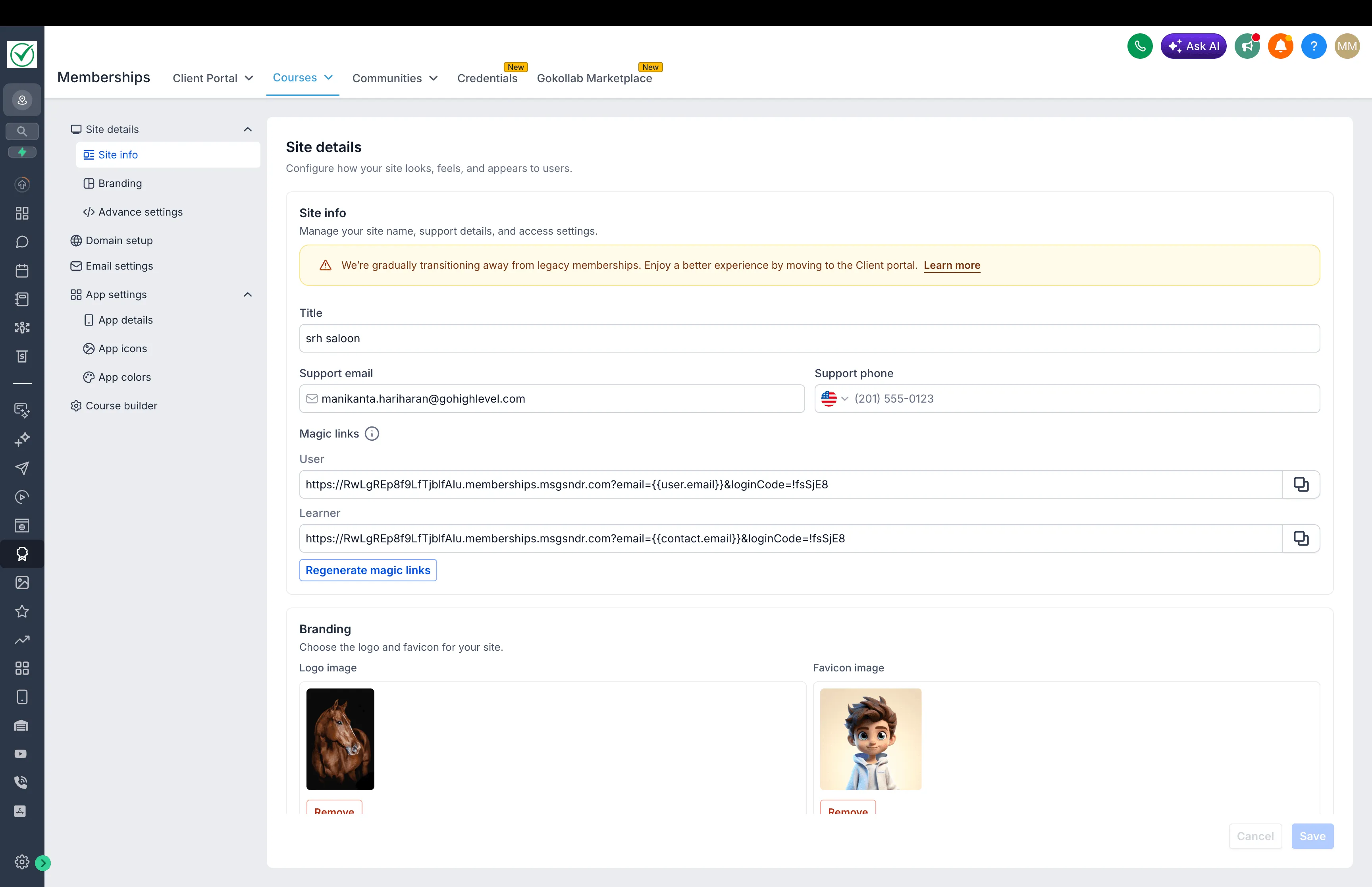
Course domain setup with subdomain and custom-domain fields

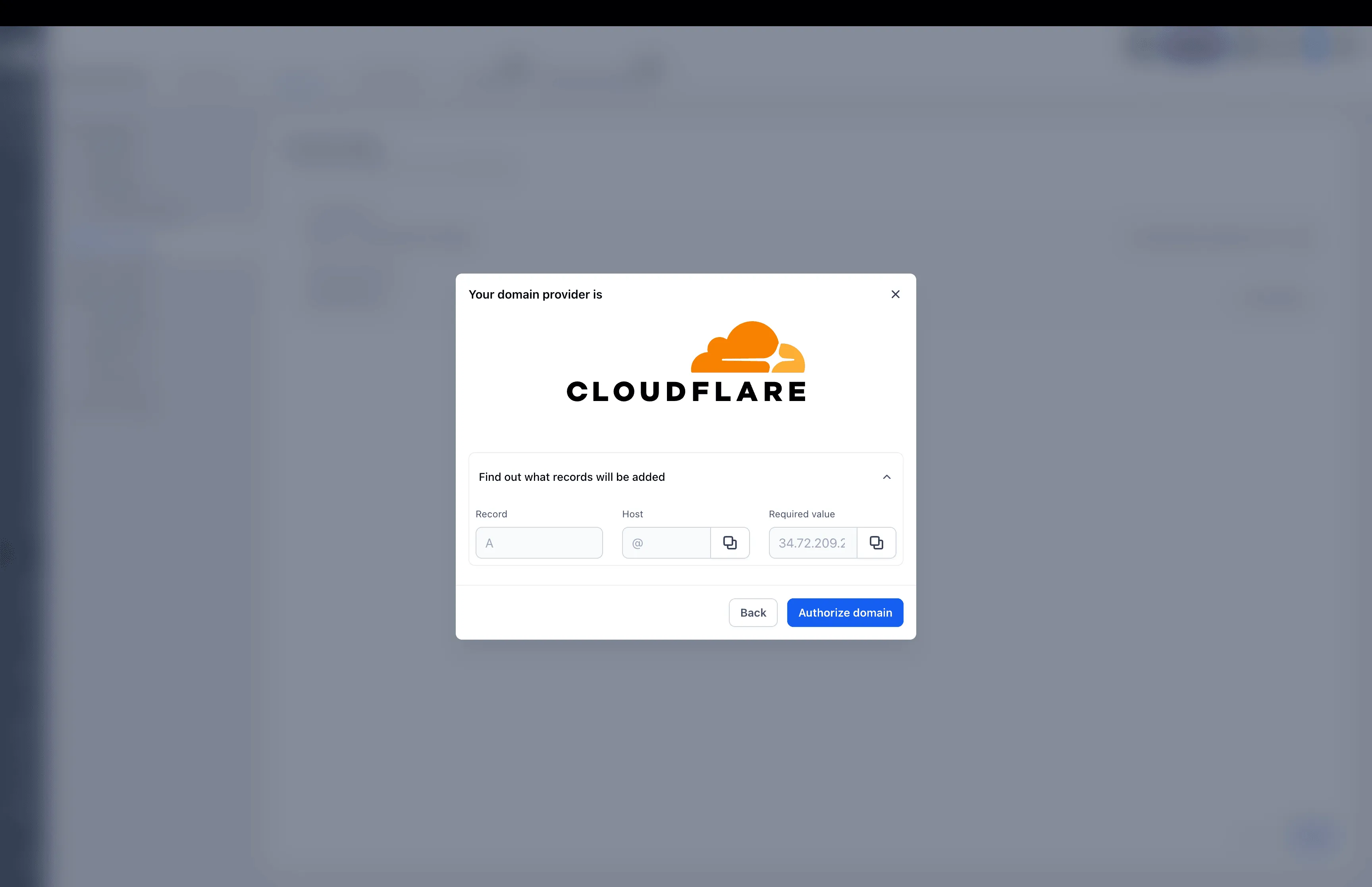
Cloudflare domain authorization dialog showing the proposed DNS record

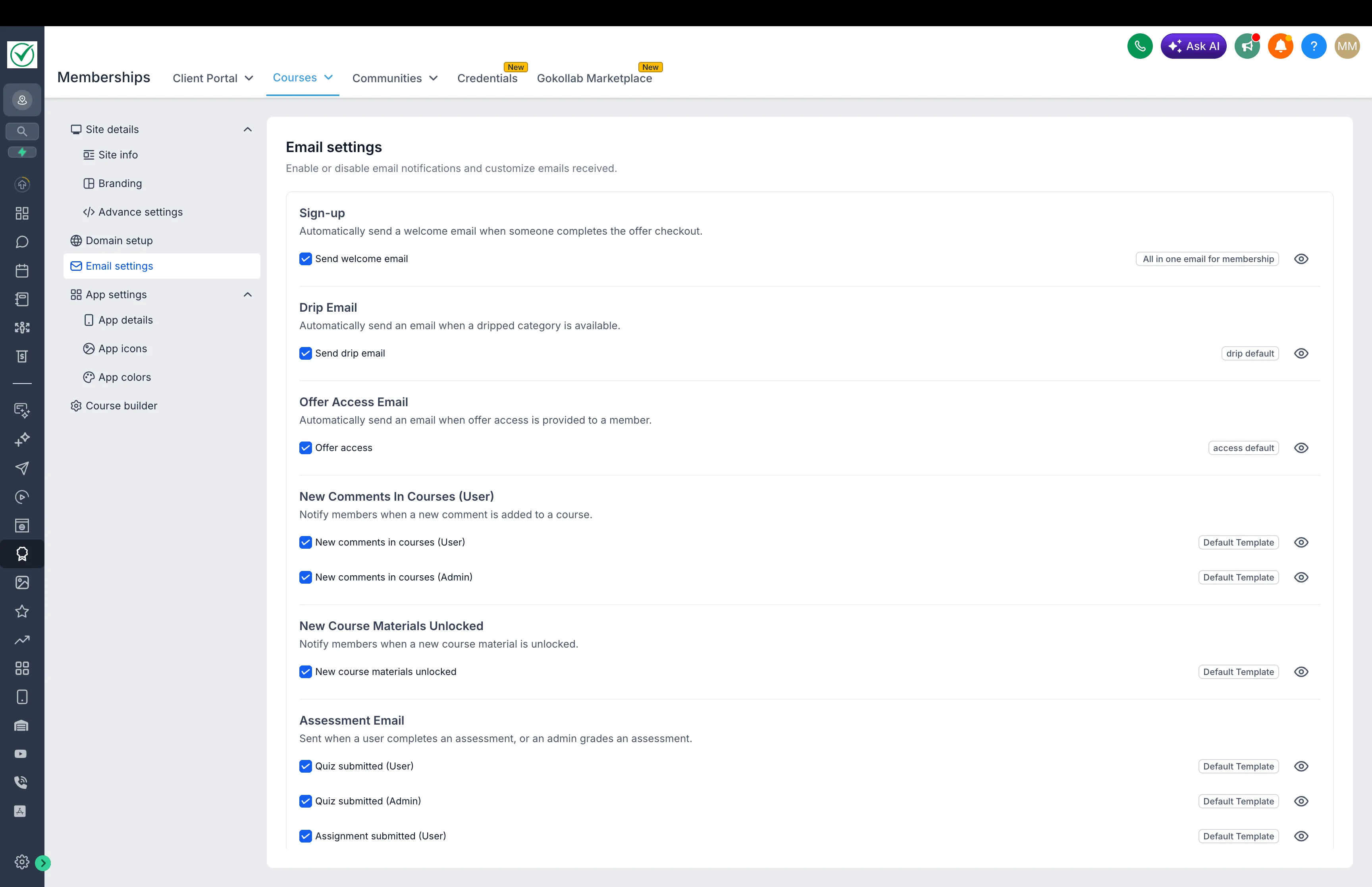
Course email settings with notification categories and template selectors

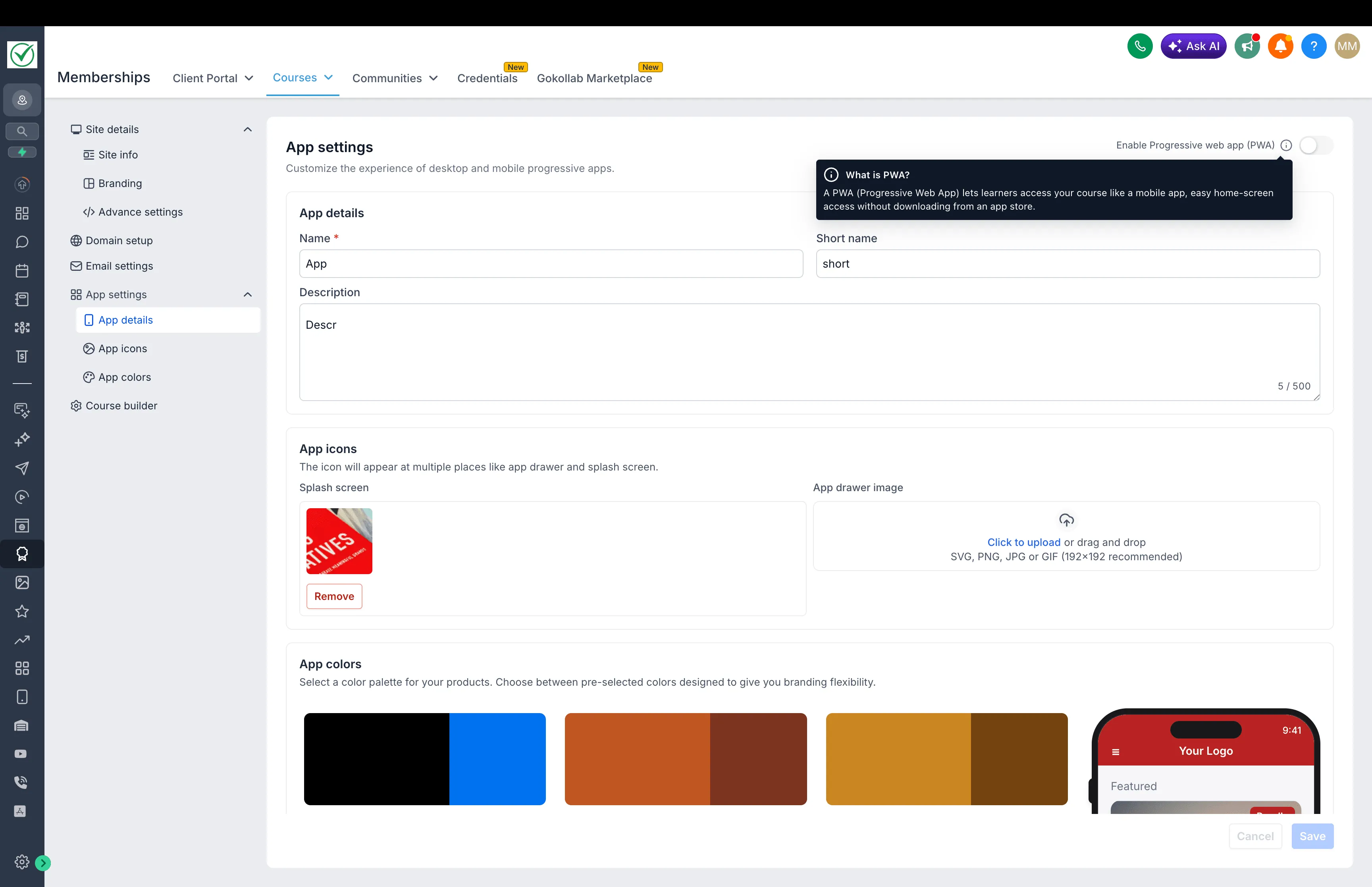
Course app settings for name, icon and color theme

How to Enable It

This feature is currently available in Labs.

  1. Open Labs in your account
  2. Find New Course Settings UI
  3. Turn it on to use the updated experience

In Case You Missed It

You can also read about Communities Events now supporting Live Rooms.

Release Images
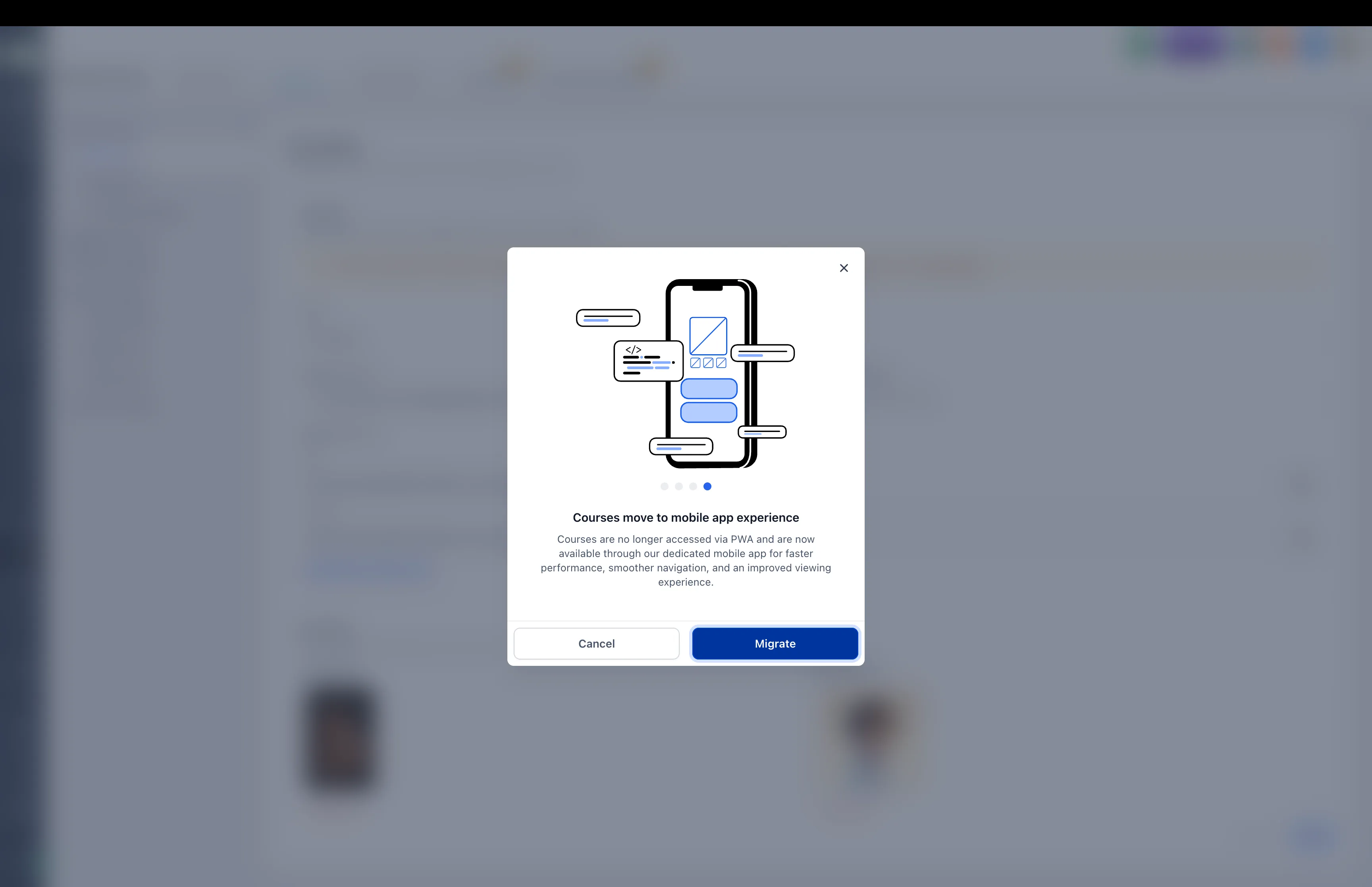
Course mobile experience migration confirmation

Need Help Applying This Update?

If you’d like help rolling this out in SMBcrm, visit Support or request a demo.

Tags New Feature Memberships
Share
60-day money-back guarantee

See what's new in SMBcrm.

Every release adds more ways to capture leads, automate work, and grow. Plans start at $97 a month.

60-day money-back guarantee

Eligible Startup and Professional initial subscription fees only. Usage and add-ons are excluded. Read the refund terms.

No setup fees

Plan your setup with training and support

Cancel anytime

No long-term contracts, stay because you want to