HVAC CRM Software for Contractors
Recover missed HVAC calls, automate service reminders, follow up on replacement quotes, and keep every technician aligned
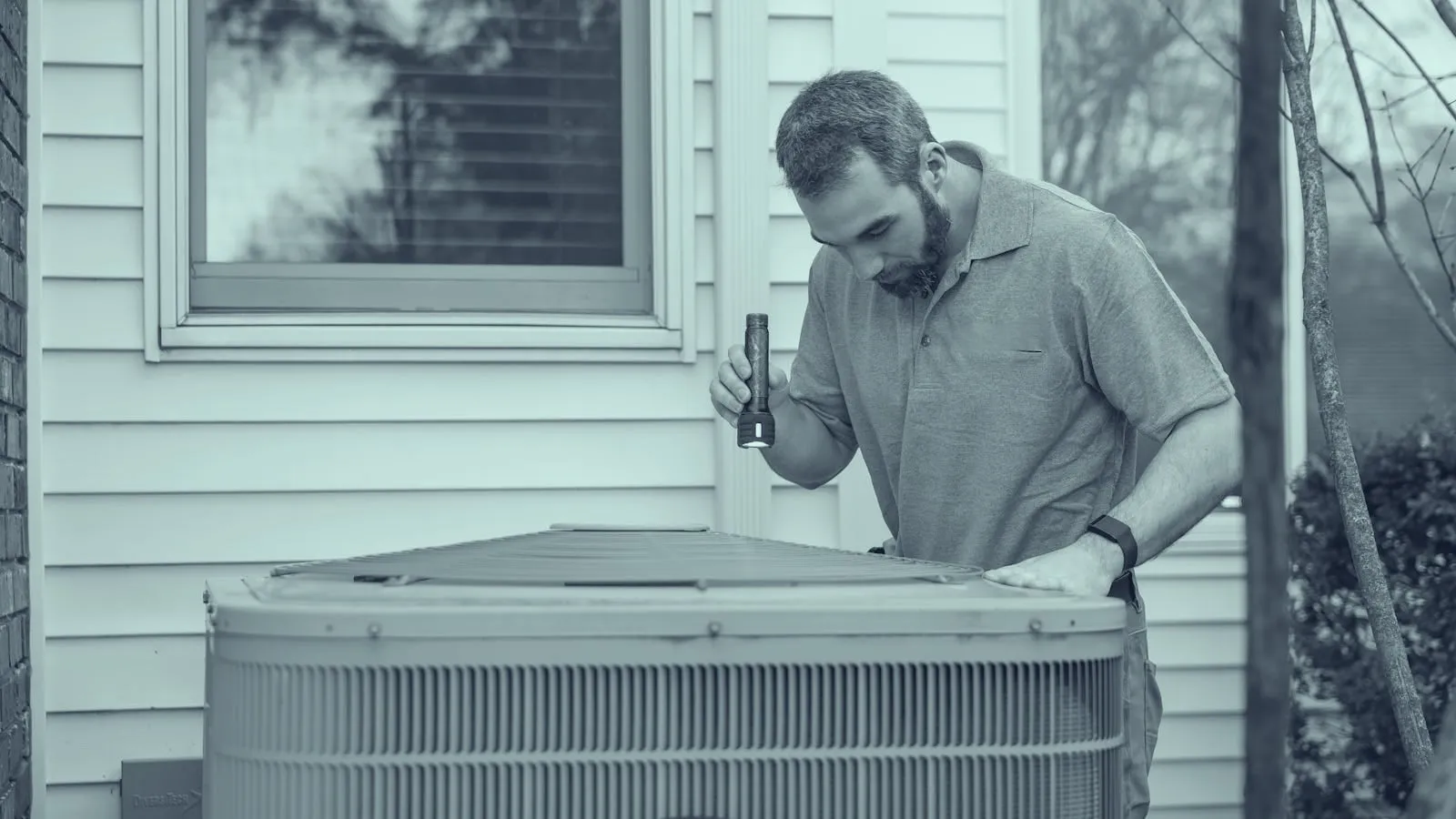
Trusted by HVAC businesses to automate customer engagement, streamline operations, and drive growth.
Challenges in HVAC
These common pain points hold HVAC businesses back from growing. SMBcrm was built to solve them.
Emergency Calls Go to the Fastest Responder
When an AC unit fails or heat stops working, customers call multiple contractors and book the first credible response. Missed calls and slow replies turn into lost jobs.
Replacement Quotes Stall Without Follow-Up
System replacements are expensive decisions. Without consistent quote follow-up, homeowners wait, compare, forget, or choose the HVAC company that kept the conversation going.
Maintenance Renewals Are Easy to Miss
Tune-ups, filter reminders, warranty check-ins, and maintenance plan renewals can become predictable revenue, but only when reminders go out reliably.
How SMBcrm Solves It
Purpose-built tools for HVAC businesses to automate, engage, and grow.
Missed-Call Text Back
Automatically text new callers when your office or technicians miss a call, so the lead knows you are responding before they call another HVAC company.
Service Reminder Workflows
Automate seasonal tune-up reminders, maintenance plan renewals, filter changes, warranty check-ins, and post-service follow-ups.
Replacement Quote Pipeline
Track every AC, furnace, heat pump, and indoor air quality opportunity from first call to quote sent, financing discussion, install, and review request.
Seasonal Campaigns
Run campaigns for spring AC tune-ups, winter heating checks, duct cleaning, maintenance plans, and slow-season reactivation.
Post-Service Review Requests
Trigger review requests after completed service calls so great field work turns into the local reputation that drives the next booking.
Measurable Impact for HVAC
Of calls to small businesses go unanswered — missed-call text-back wins them back
Source: 411 Locals study
More likely to qualify a lead when you respond within 5 minutes
Source: MIT/InsideSales Lead Response Study
Built for HVAC Contractors
SMBcrm works for a wide range of HVAC businesses, from single-truck contractors to multi-tech HVAC companies.
HVAC CRM Questions
Common questions from HVAC teams evaluating SMBcrm.
What should HVAC CRM software include?
HVAC CRM software should include fast lead response, missed-call text back, service reminders, quote follow-up, customer history, review requests, and pipeline tracking for repairs, maintenance, and replacements.
Can SMBcrm help HVAC contractors recover missed calls?
Yes. SMBcrm can automatically text missed callers, route conversations into a shared inbox, and trigger follow-up workflows so HVAC leads do not disappear after one missed call.
Can HVAC companies automate seasonal tune-up reminders?
Yes. HVAC teams can use SMBcrm to schedule automated reminders for AC tune-ups, heating checks, maintenance plans, filter changes, and other recurring service opportunities.
Does SMBcrm help with HVAC replacement quote follow-up?
Yes. SMBcrm can organize replacement opportunities in a pipeline and trigger text or email follow-ups after a quote is sent so prospects continue hearing from your team.
Can technicians use SMBcrm in the field?
SMBcrm is accessible from desktop and mobile browsers, and teams can use it to view contact history, send messages, update pipelines, and keep office and field communication aligned.
Is SMBcrm only for large HVAC companies?
No. SMBcrm works for single-truck HVAC contractors that need better follow-up and for larger HVAC companies that need consistent communication across multiple technicians.
Related Industries
SMBcrm serves adjacent industries with similar workflows and pain points.
Home Services
Book more jobs, get more 5-star reviews, and build a referral engine for plumbers, HVAC, electricians, and more
Learn more
Plumbing
Respond to emergency plumbing leads faster, follow up on estimates, automate reminders, and turn completed jobs into reviews
Learn more
Construction
Win more bids, manage client relationships, and keep projects on track from estimate to final walkthrough
Learn moreReady to book more HVAC calls?
See how SMBcrm helps your HVAC business capture more leads, automate communications, and grow revenue — backed by a 60-day money-back guarantee.
60-day money-back guarantee
Full refund within 60 days if SMBcrm isn't right for you
No setup fees
Get started in minutes, we handle the heavy lifting
Cancel anytime
No long-term contracts, stay because you want to