CRM for Plumbers & Plumbing Companies
Respond to emergency plumbing leads faster, follow up on estimates, automate reminders, and turn completed jobs into reviews
A workflow to start with
From an inquiry to an estimate follow-up
Use a plumbing inquiry to plan the contact records, staff handoff, and follow-up you need.
Configure and test this workflow for your business before turning on messages or reminders.
-
Capture the inquiry
Collect basic contact details and the request in a form. Assign a person to review it.
Explore forms and lead capture -
Track the proposal
Use stages that show whether a conversation is planned, a proposal is sent, or a decision is pending.
Explore contacts and pipelines -
Follow up after staff review
Configure a reminder after the proposal is sent. Stop on reply so a person can answer questions.
Explore follow-up workflows
Where SMBcrm fits
Use SMBcrm for call follow-up and estimates in progress. Keep dispatch, diagnosis, work orders, and job costing in your field-service tools.
Before turning it on
Keep emergency triage and safety advice with qualified people. Staff must confirm availability before promising a service visit.
Plan the setup and checksSee the CRM screens behind the steps
The product tour shows an estimate-follow-up sequence. Adapt the records and handoffs to the process your team has approved.
Challenges in Plumbing
These common pain points hold plumbing businesses back from growing. SMBcrm was built to solve them.
-
Emergency Leads Choose the First Credible Option
A burst pipe, clogged drain, or water heater failure is urgent. If your team misses the first call or responds late, the customer is already booking another plumber.
-
Estimates Get Sent, Then Forgotten
Repipes, sewer repairs, water heaters, and fixture upgrades often require multiple conversations. Without automated follow-up, profitable plumbing jobs fall through the cracks.
-
Recurring Service Is Not Systemized
Past customers need maintenance, inspections, drain cleaning, and future repairs, but most plumbing companies rely on the customer to remember to call again.
How SMBcrm Solves It
Purpose-built tools for plumbing businesses to automate, engage, and grow.
-
Emergency Lead Capture
Capture calls, forms, and ad leads in one place and respond quickly when homeowners or property managers need urgent plumbing help.
-
Missed-Call Text Back
Automatically text plumbing leads when your team misses a call, keeping the conversation alive before the customer moves to the next provider.
Explore calling and the shared inbox -
Estimate Follow-Up Sequences
Send helpful follow-up messages after sewer, repipe, water heater, or fixture estimates so high-value jobs do not fade away.
Explore follow-up workflows -
Pipeline by Service Type
Track emergency calls, estimates, scheduled jobs, completed work, maintenance reminders, and reviews in pipelines that fit your plumbing workflow.
Explore contacts and pipelines -
Review Requests After Completed Jobs
Automatically ask customers for reviews after successful plumbing work to strengthen your Google presence and generate more local trust.
Measurable Impact for Plumbing
Of calls to small businesses go unanswered — missed-call text-back wins them back
Source: 411 Locals study
More likely to qualify a lead when you respond within 5 minutes
Source: MIT/InsideSales Lead Response Study
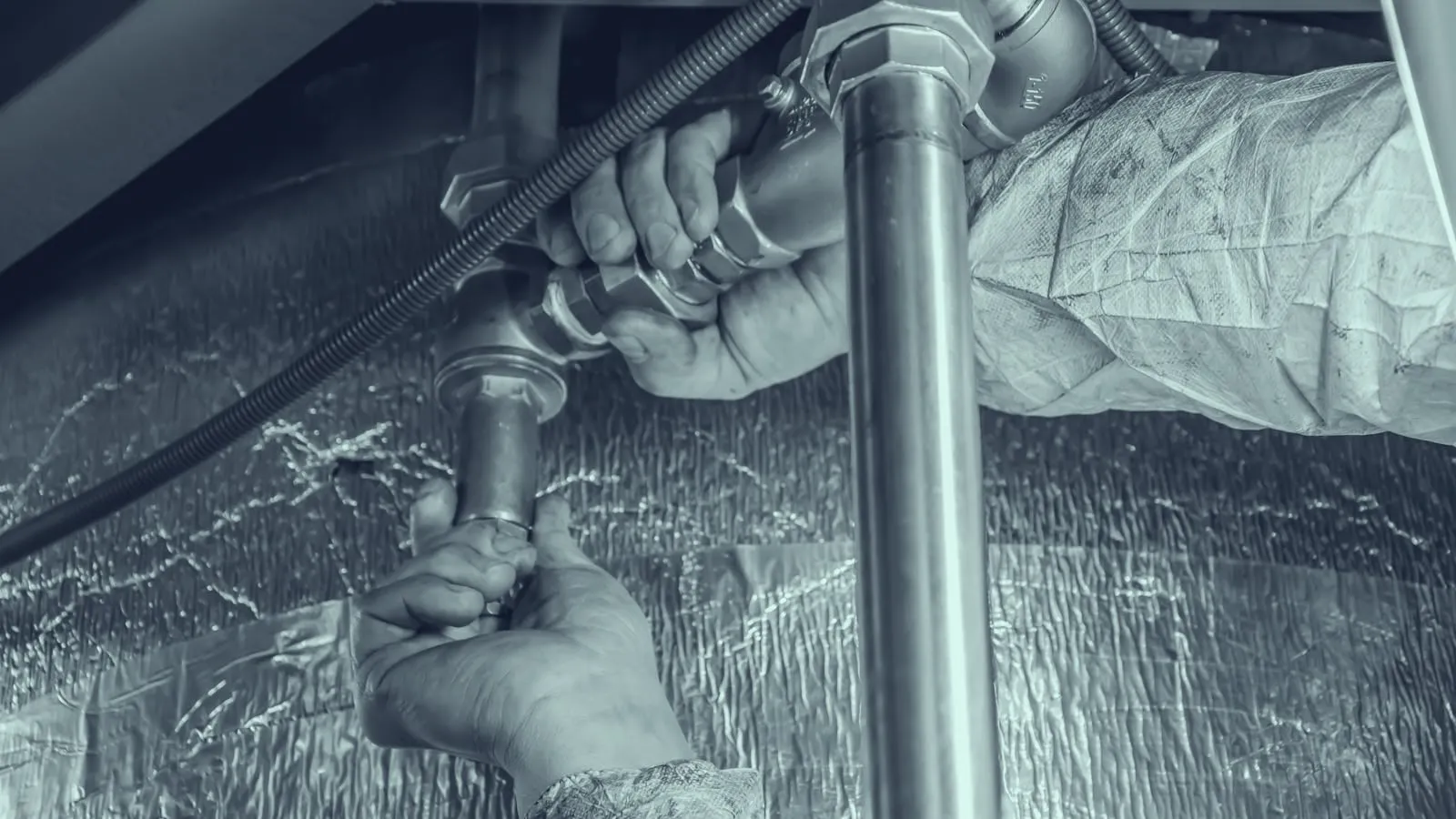
Built for Plumbers & Plumbing Companies
SMBcrm works for a wide range of plumbing businesses, from owner-operators to multi-truck plumbing companies.
- Emergency Plumbing
- Drain Cleaning
- Water Heater Installation
- Leak Detection
- Sewer Repair
- Commercial Plumbing
- Repiping
- Service Agreements
Plumbing CRM Questions
Common questions from plumbing teams evaluating SMBcrm.
What is a CRM for plumbers?
A CRM for plumbers helps manage contacts, emergency leads, estimates, follow-up messages, service reminders, pipeline stages, and review requests from one central system.
Can SMBcrm help plumbing companies respond faster to emergency leads?
Yes. SMBcrm can capture calls, forms, and ad leads, then trigger fast text and email follow-up so urgent plumbing inquiries are not left waiting.
Can plumbers use SMBcrm for estimate follow-up?
Yes. Plumbing companies can use SMBcrm to trigger automated follow-ups after sending estimates for drain cleaning, water heaters, repipes, sewer repair, fixtures, and commercial jobs.
Does SMBcrm include review request automation?
Yes. Plumbing teams can automatically request reviews after completed jobs, helping satisfied customers share their experience while it is still fresh.
Can SMBcrm track recurring plumbing service opportunities?
Yes. SMBcrm can segment past customers and automate reminders for maintenance, inspections, drain cleaning, water heater service, and other repeat opportunities.
Is SMBcrm useful for small plumbing companies?
Yes. Owner-operators can use SMBcrm to avoid missed leads, while multi-truck plumbing companies can standardize communication and pipeline tracking across the team.
Related Industries
SMBcrm serves adjacent industries with similar workflows and pain points.
Home Services
Book more jobs, get more 5-star reviews, and build a referral engine for plumbers, HVAC, electricians, and more
Learn more
HVAC
Recover missed HVAC calls, follow up on replacement quotes and send service reminders. SMBcrm works beside your dispatch software.
Learn more
Cleaning Services
Book more jobs, lock in recurring clients, and build a referral-powered cleaning business that grows on autopilot
Learn moreReady to book more plumbing jobs?
See how SMBcrm helps your plumbing business capture more leads, automate communications, and grow revenue — backed by a 60-day money-back guarantee.
-
60-day money-back guarantee
Eligible Startup and Professional initial subscription fees only. Usage and add-ons are excluded. Read the refund terms.
-
No setup fees
Plan your setup with training and support
-
Monthly or annual billing
Monthly plans renew each month, and you can cancel before the next renewal. Annual plans are paid upfront for the year.