You can now place outbound voice calls in SMBcrm using a phone number you already own. This removes the need to buy a separate phone number before getting started.
What Changed
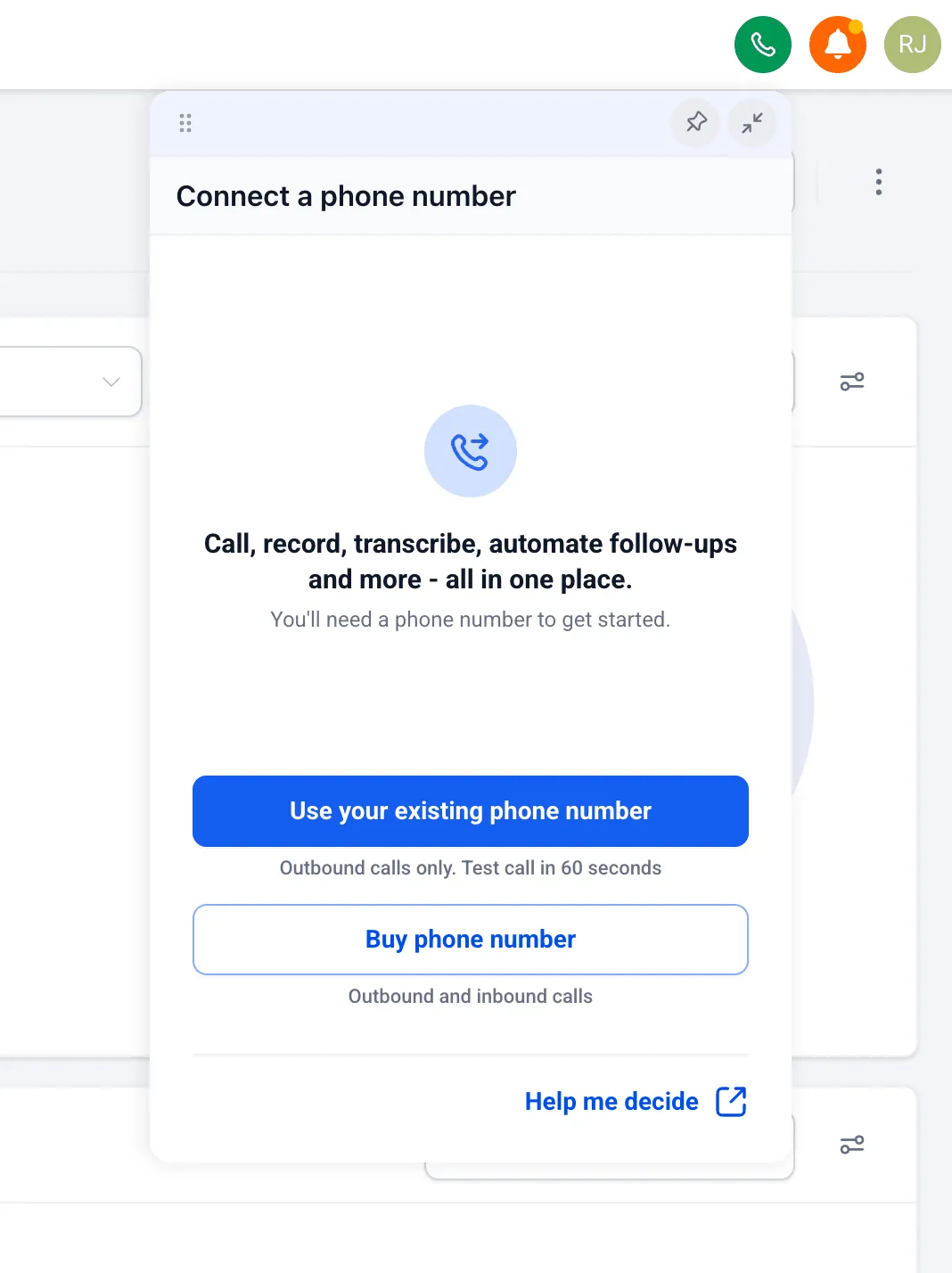
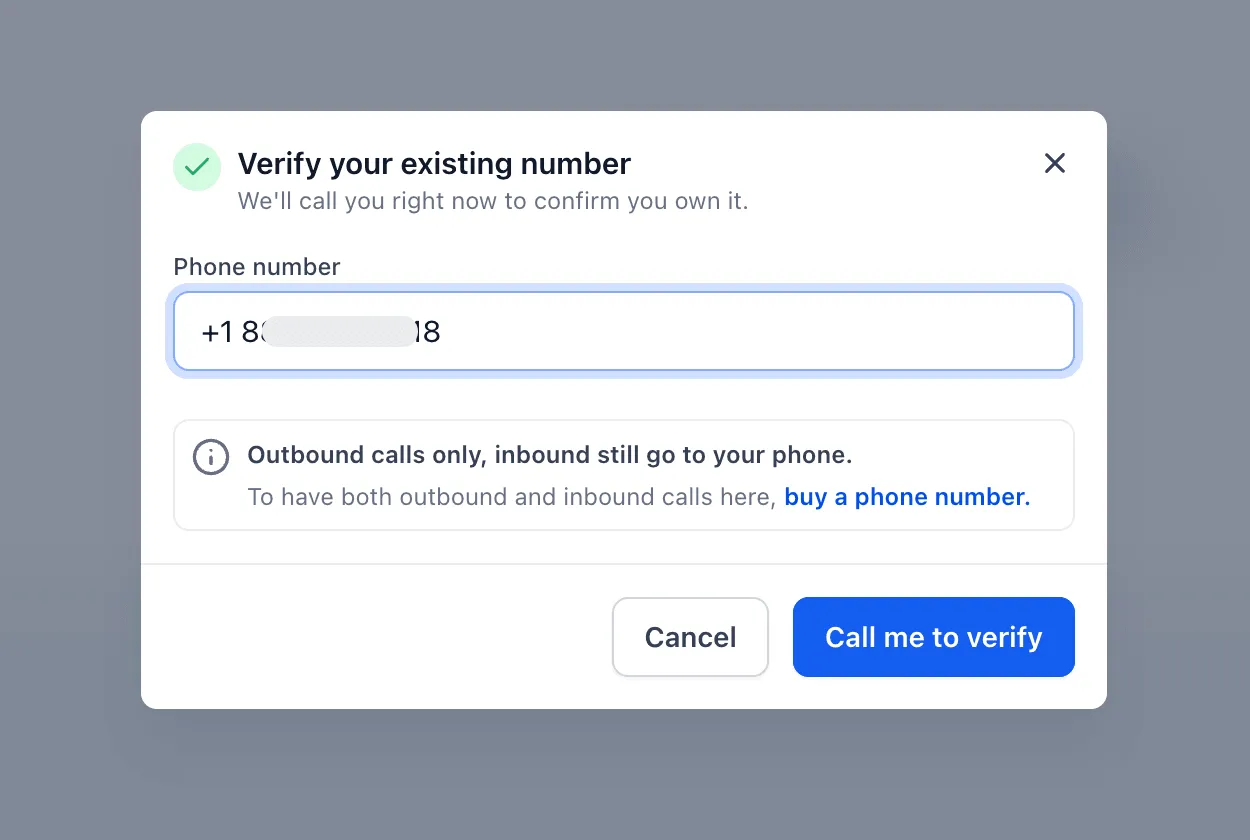
When you open the dialer without a purchased phone number, you can choose to use an existing number as your caller ID for outbound calls.
How Setup Works
- Open the dialer and choose Use your existing phone number.
- Enter the phone number you want to use as caller ID for outbound calls.
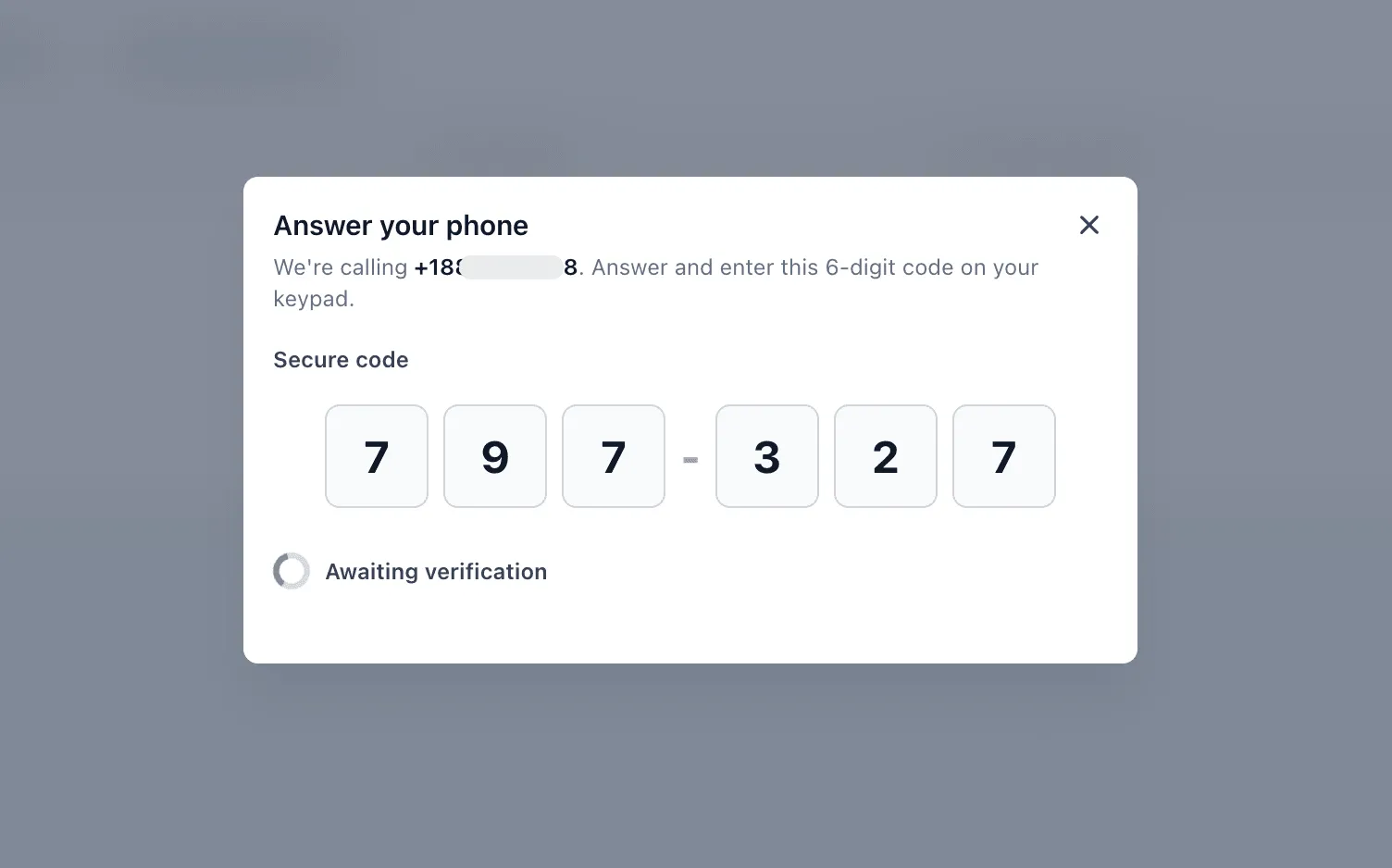
- Answer the verification call sent to that number.
- Enter the 6-digit code to confirm that you own the number.
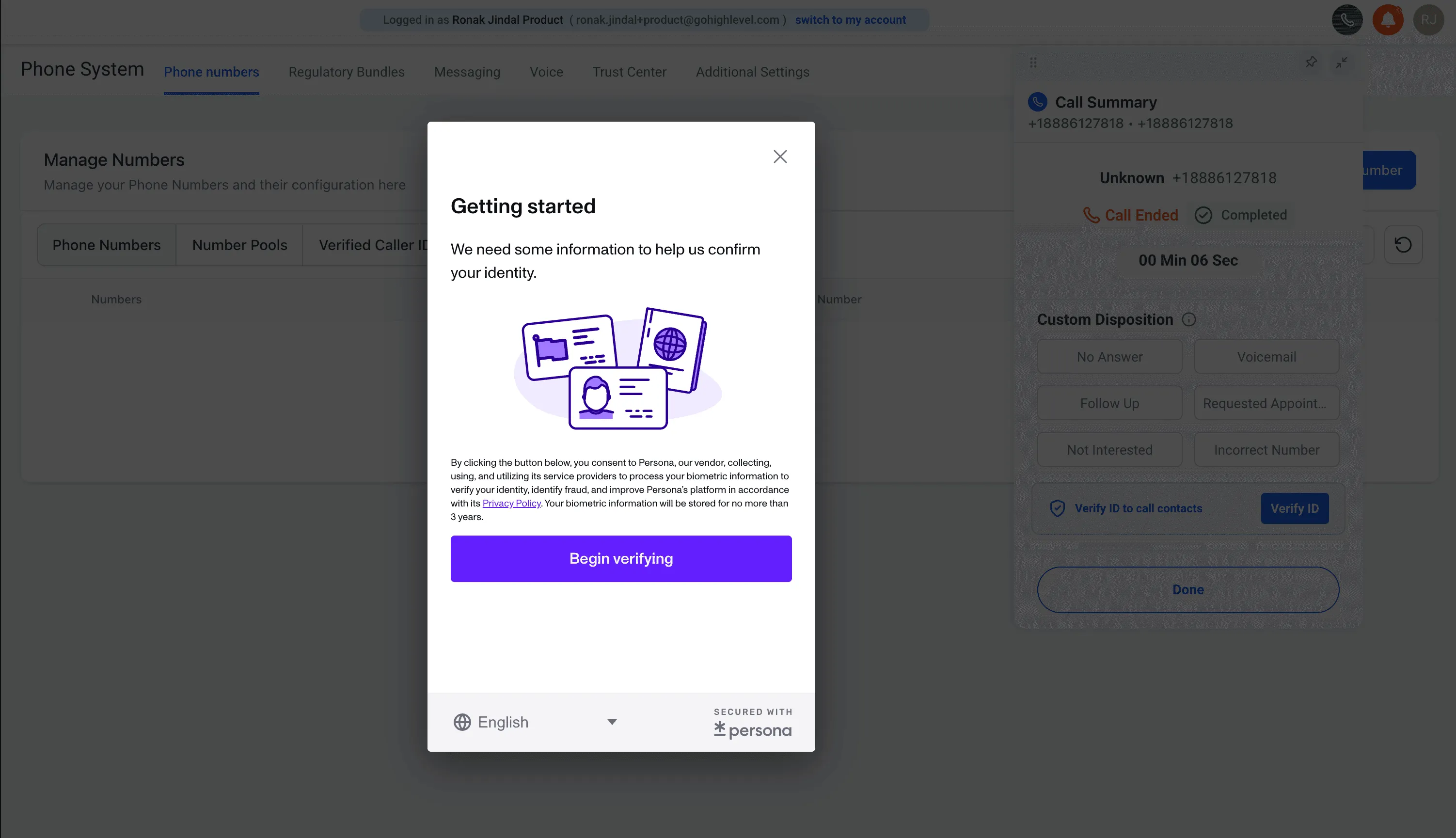
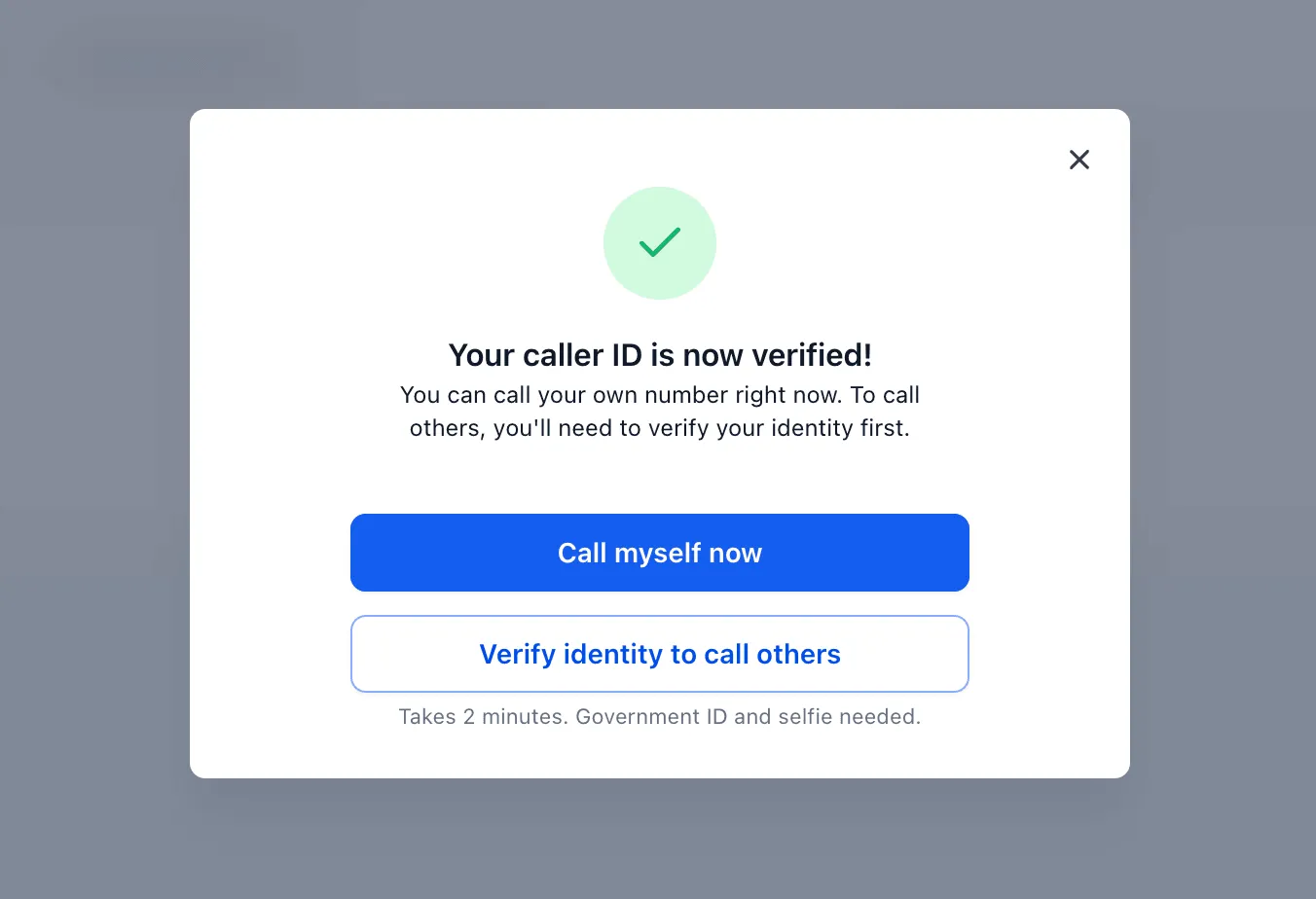
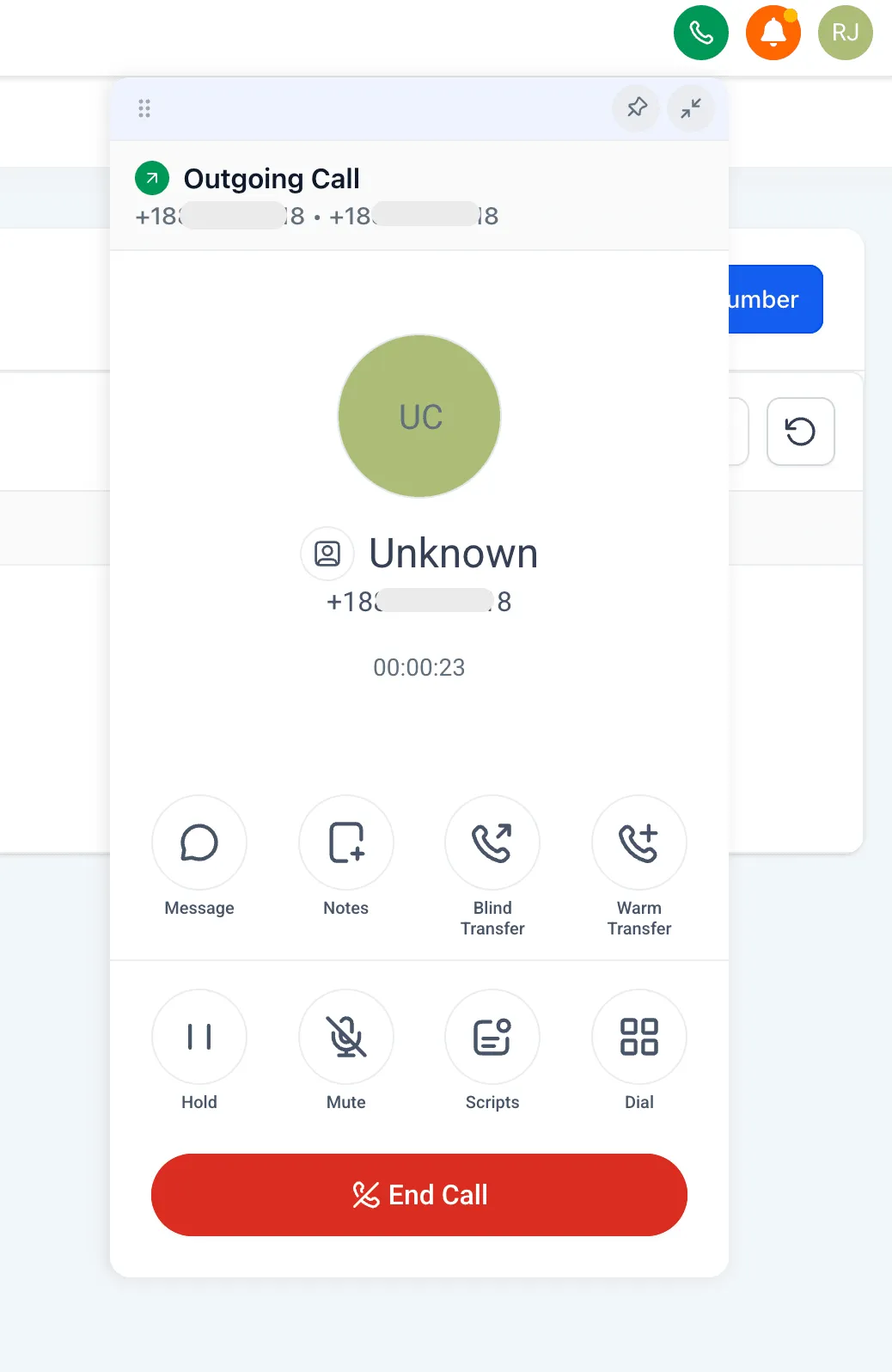
- After verification, you can place a test call to your own number.
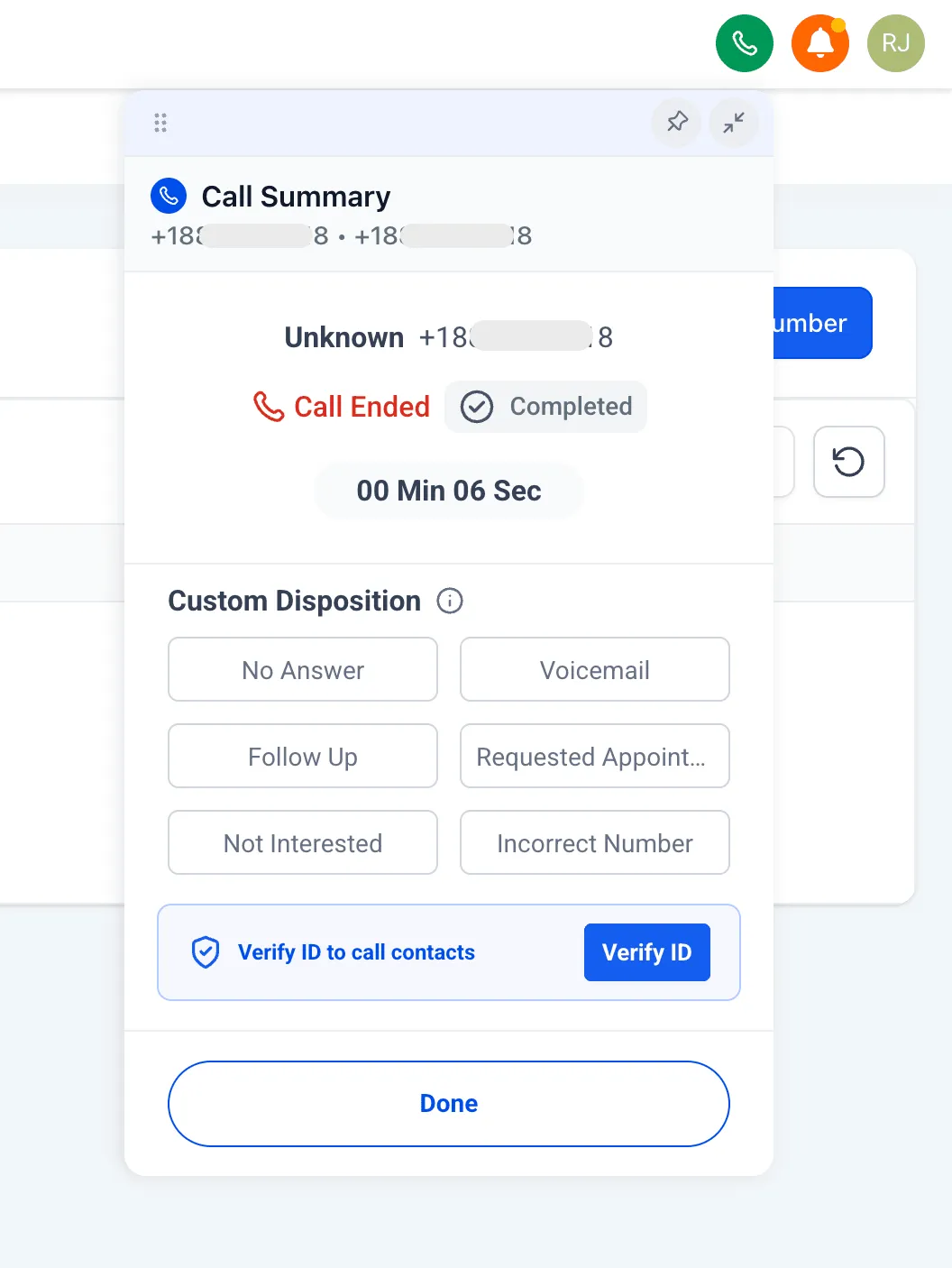
- To call contacts, complete the one-time identity check using a government ID and selfie.
Managing Your Verified Caller ID
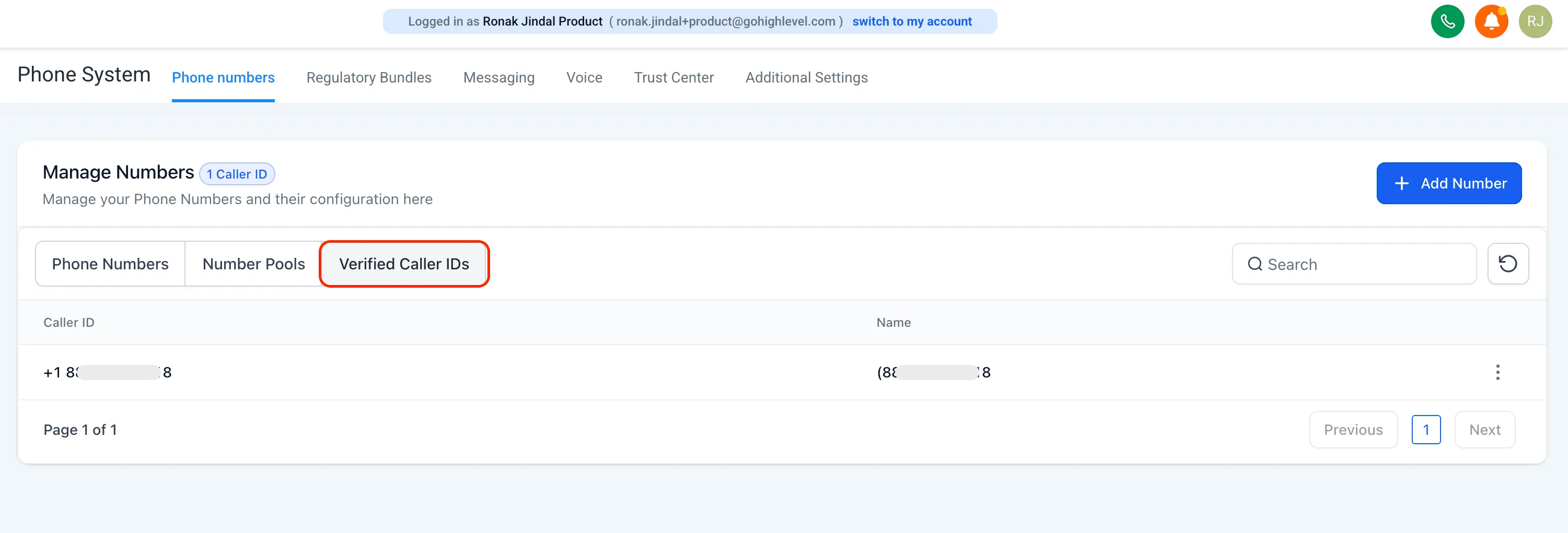
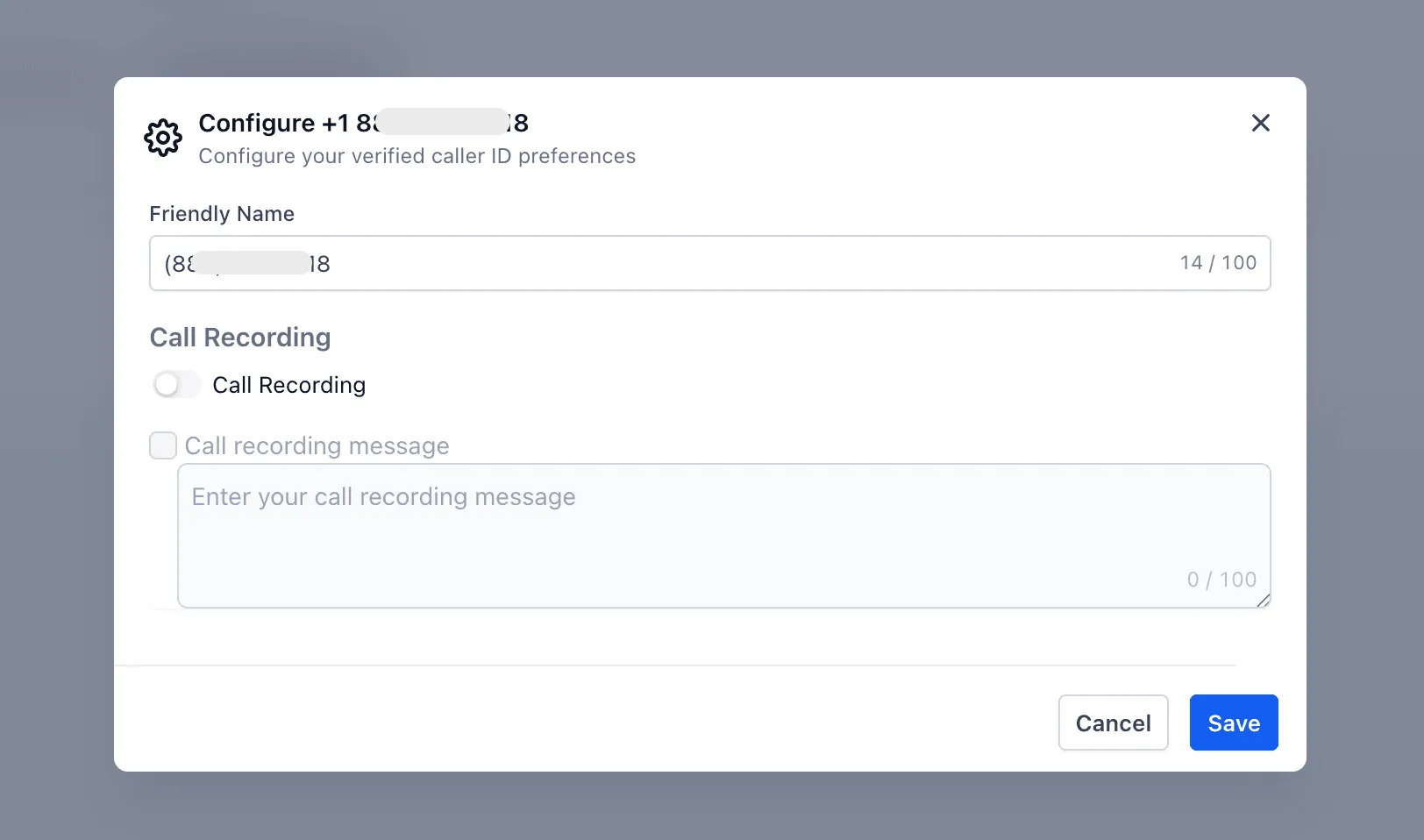
To review settings for your verified caller ID, go to Account Settings > Phone System > Phone Numbers > Verified Caller ID.
You can also use the 3-dot menu to enable call recording.
Before You Use It
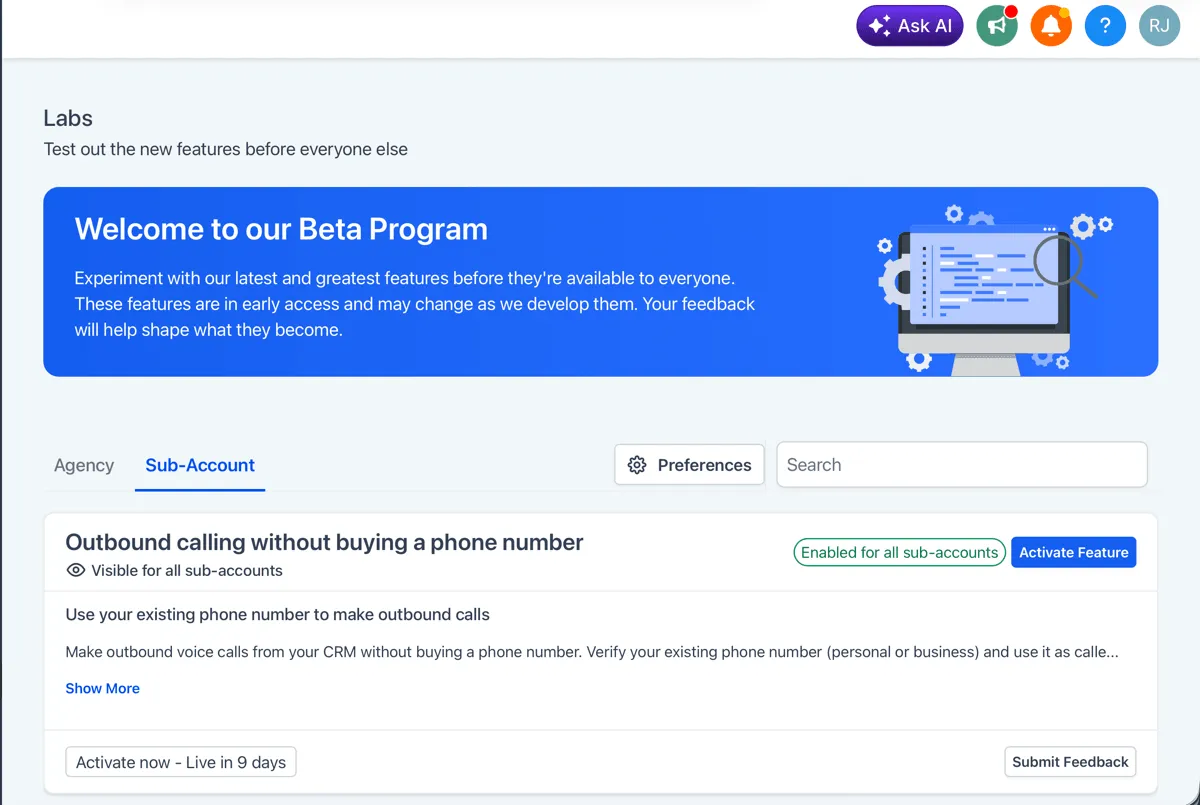
This feature is controlled through Labs and must be activated before it can be used in an account.
Good to Know
- Call costs stay the same as standard outbound calling
- Inbound calls still ring on your existing phone number as usual
- You can continue making outbound calls from that number outside SMBcrm
- You can still purchase a dedicated phone number later if needed
- Identity verification is required once per account
In Case You Missed It
You can also read about Import Content From Another Course.
Release Images
Need Help Applying This Update?
If you’d like help rolling this out in SMBcrm, visit Support or request a demo.