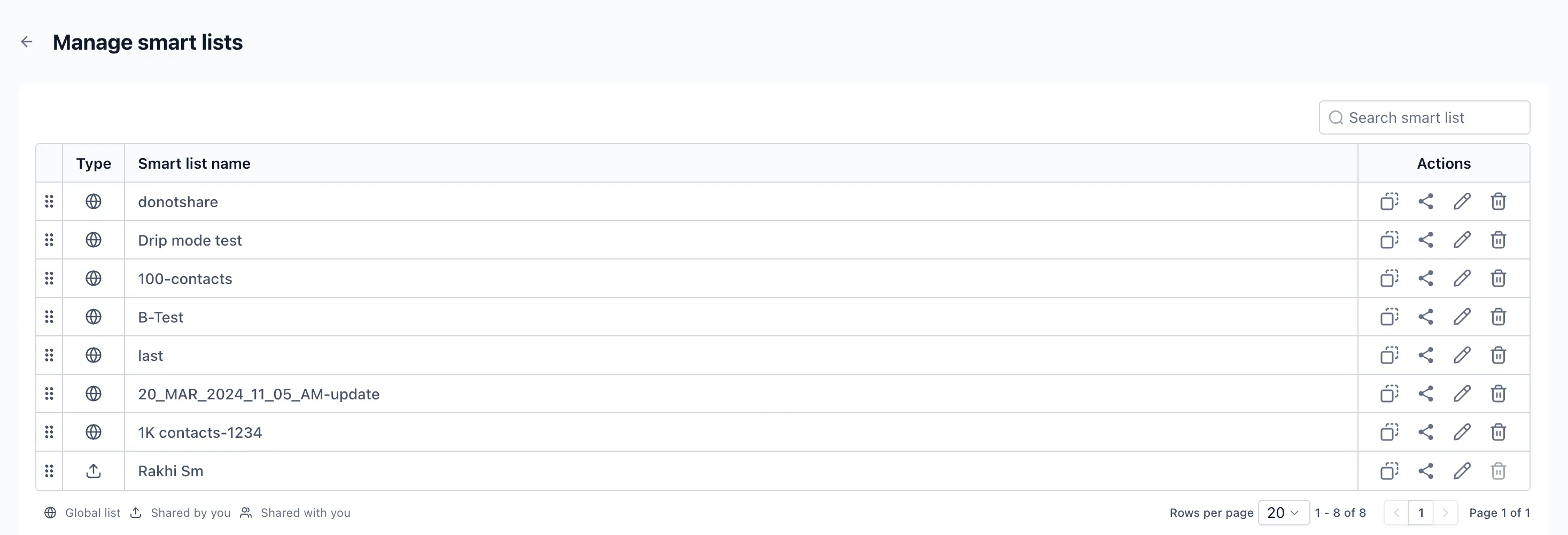
The Manage Smart List page in Contacts has been refreshed to improve usability, visual consistency, and performance. This update is currently available in Labs for early access and feedback.
What’s Changed
- The Manage Smart List page now uses a cleaner, more modern interface.
- Layout and interaction updates make it easier to view, organize, and manage smart lists.
- The share icon has been refreshed for better consistency and accessibility.
- This update brings the final remaining page in Contacts into the same design style as the rest of the module.
How to Access It
- Go to the Smart List page in Contacts.
- Click the three dots next to the Add Contact button.
- Select Manage Smart List.
Availability
This experience is available in Labs for early access and feedback.
In Case You Missed It
You can also read about Ask AI for WhatsApp Campaigns and Template Management.
Related SMBcrm Features
Need Help Applying This Update?
If you’d like help rolling this out in SMBcrm, visit Support or request a demo.