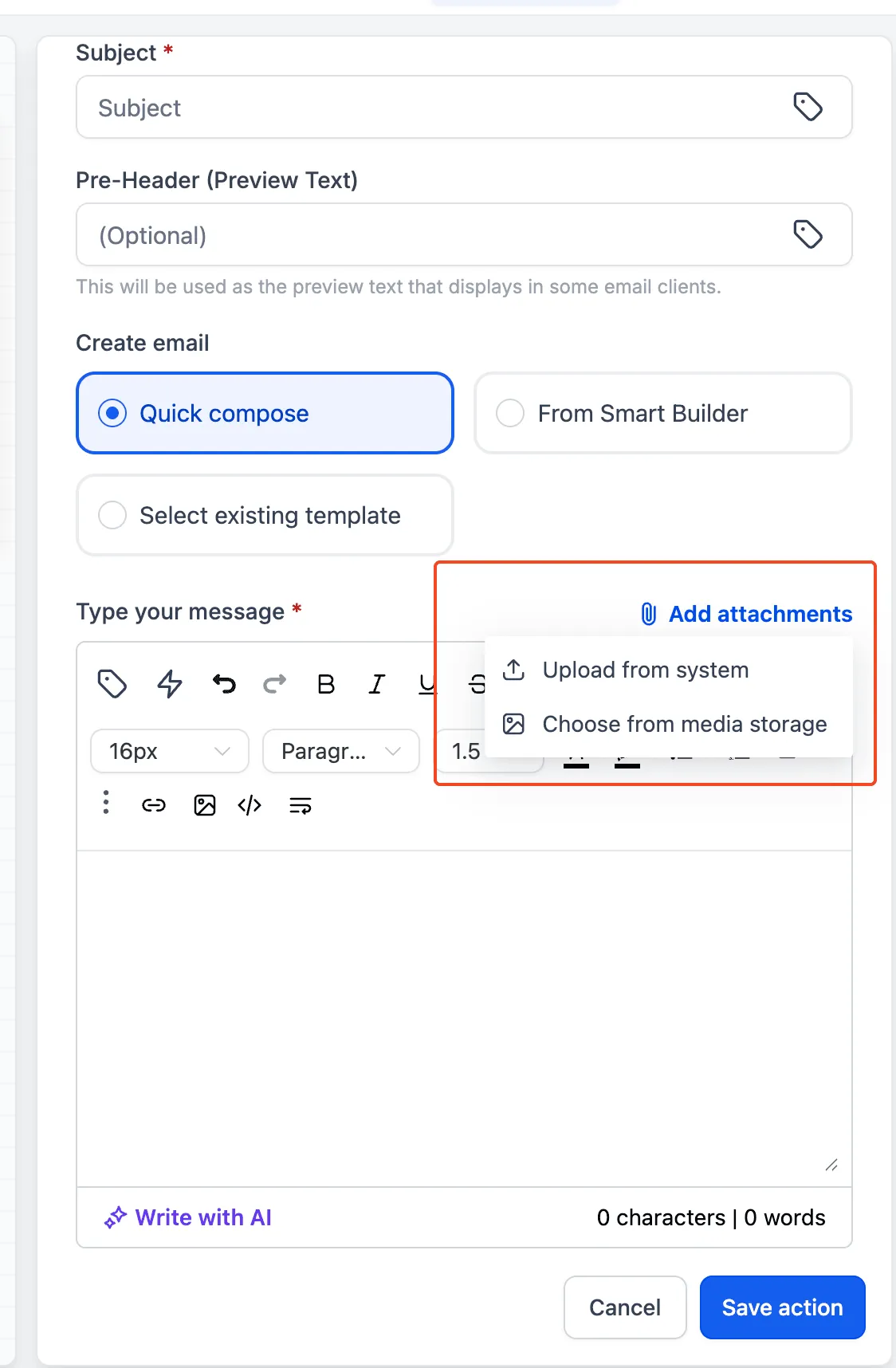
You can now add attachments to workflow email actions using files already stored in the Media Library or by uploading a file from your device.
This update improves day-to-day email setup inside Communication by making it easier to reuse existing assets and avoid repeat uploads.
What Changed
Email actions in workflows now support two attachment options:
- Select files directly from the Media Library
- Upload files from your device
Why It Matters
This update helps teams:
- reuse files already stored in the Media Library
- reduce repeated uploads
- choose between existing assets and new files
- move through email setup faster
How to Use It
- Open your workflow and edit the Send Email action.
- Go to the Attachments section.
- Choose one of these options:
- Select from Media Library to use an existing file
- Upload from Device to add a new file from your computer
- Save the email action and publish the workflow.
In Case You Missed It
You can also read about how AI Agent Actions Can Access Full Conversation History.
Need Help Applying This Update?
If you’d like help rolling this out in SMBcrm, visit Support or request a demo.