SMBcrm has updated the default theme for forms, surveys, and quizzes to provide a cleaner starting point and a more consistent builder experience. This refresh improves the look of common components while making finished assets feel more polished with less manual styling.
If you use SMBcrm for lead capture, these changes affect the default appearance and behavior of several form elements.
What changed
Refreshed default styling
Forms, surveys, and quizzes now use updated fonts, spacing, rounded corners, and a cleaner overall design.
Improved input fields
Checkboxes, radio buttons, monetary fields, and other inputs have been updated to feel more polished and consistent.
Clearer empty states
When content is removed, blank screens are now replaced with clearer empty states.
File upload improvements
The file upload field now shows supported file types, upload size limits, improved icons, and configurable header text.
Payment component updates
The collect payment component now includes improved styling, configurable header text, clearer empty states, and a direct Add Product option.
Date and signature updates
Date placeholders now update automatically based on the selected format, and signature fields support custom placeholder text.
More consistent theme behavior
Images, labels, placeholders, footer colors, and chips now better match the overall theme.
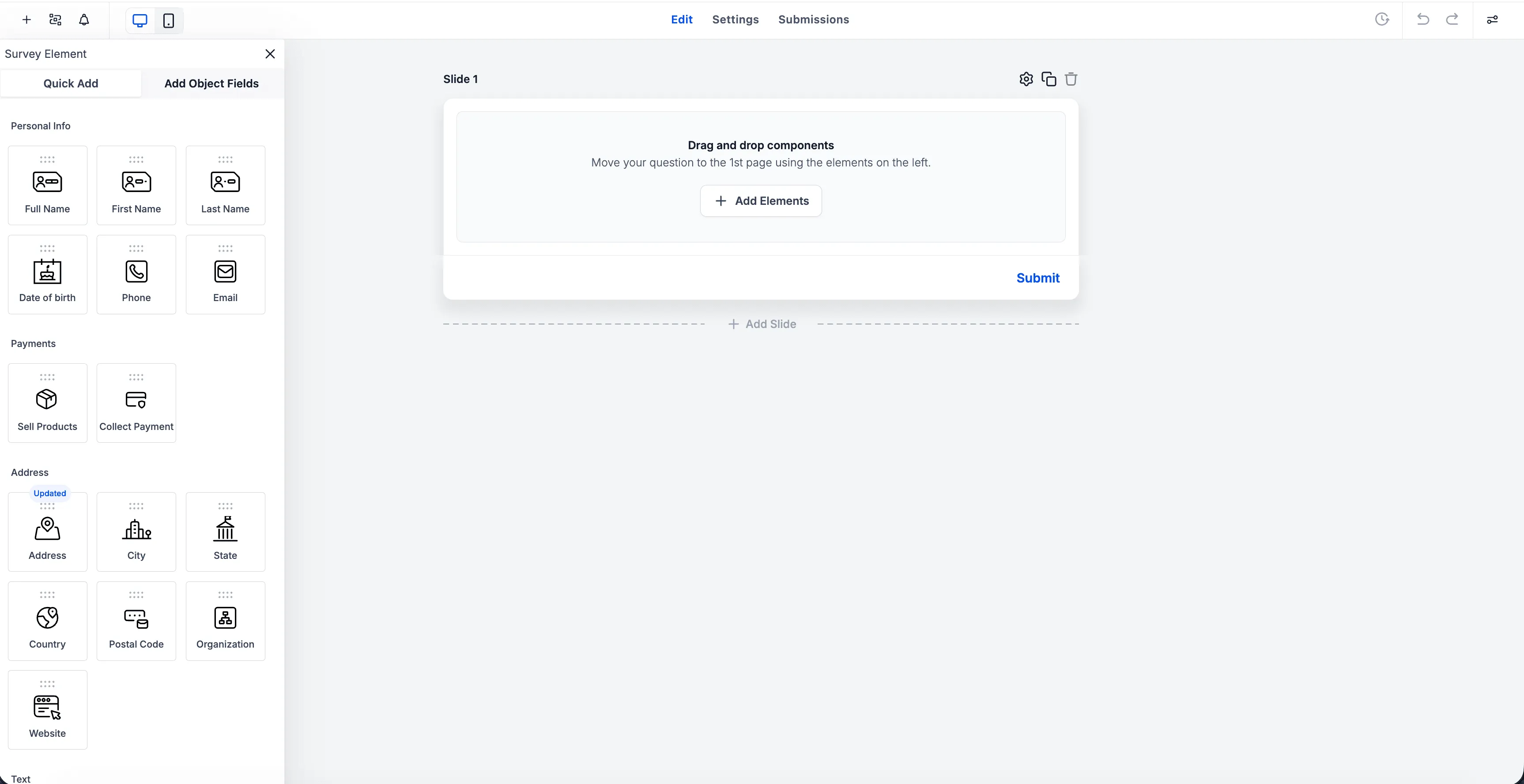
How to access it
Open the Form, Survey, or Quiz Builder and create a new item or edit an existing one. These updates appear across the default theme and supported components, including file upload, collect payment, date picker, signature, checkboxes, and radio buttons.
Why it matters
This update gives forms, surveys, and quizzes a more modern default appearance without as much manual styling. It also improves clarity for end users and gives you more control over how important components look and behave.
In Case You Missed It
You can also read AI Agent Actions Can Access Full Conversation History for another recent SMBcrm update.
Need Help Applying This Update?
If you’d like help rolling this out in SMBcrm, visit Support or request a demo.