AI Agent actions in workflows can now review a contact’s full conversation history across channels before responding. This gives the agent more context across past interactions and helps it continue conversations more accurately.
For teams using Automation, Communication, and AI features, this means automated replies can reflect more of the conversation that already happened.
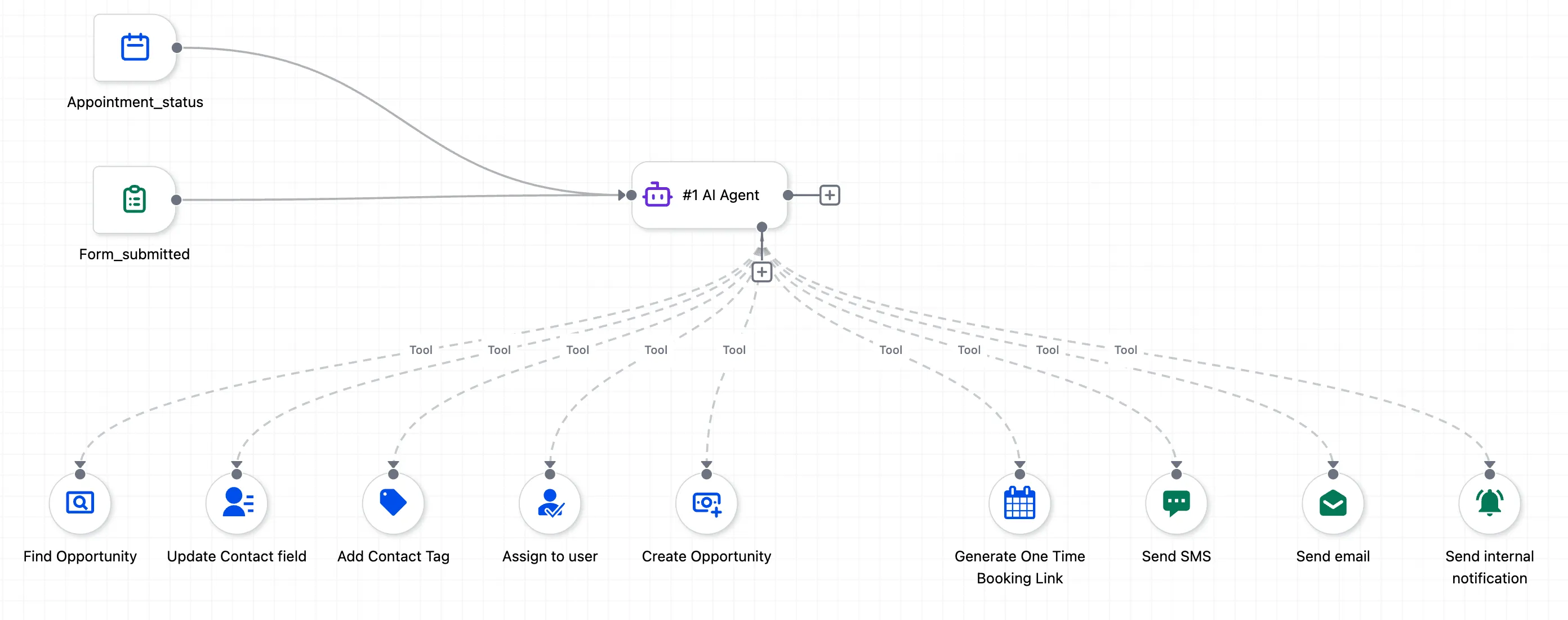
What changed
The AI Agent action inside workflows can now see conversation history across channels, including:
- SMS
- Facebook Messenger
- TikTok
- Other supported channels mentioned in the conversation history
Before replying, the agent can review earlier conversations with the contact instead of only using context from the current handoff point.
What the agent can access
For each conversation, the agent can access:
- The channel where the conversation happened
- Message bodies for recent thread history, with the last 20 messages per thread by default and up to 50
- Message direction, including inbound and outbound messages
- Timestamps for each message
- An AI-generated summary of the full conversation for quicker context
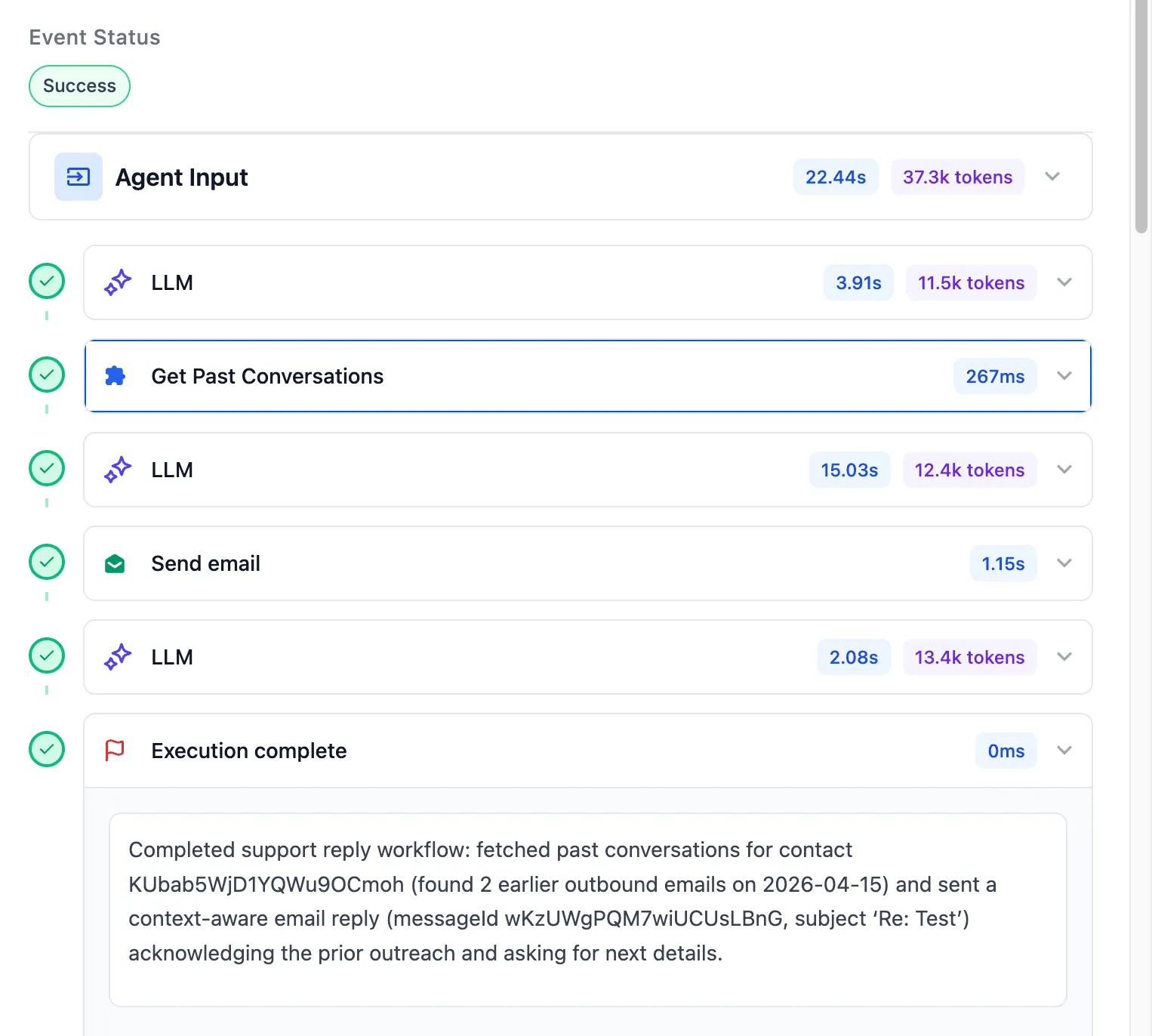
How it works
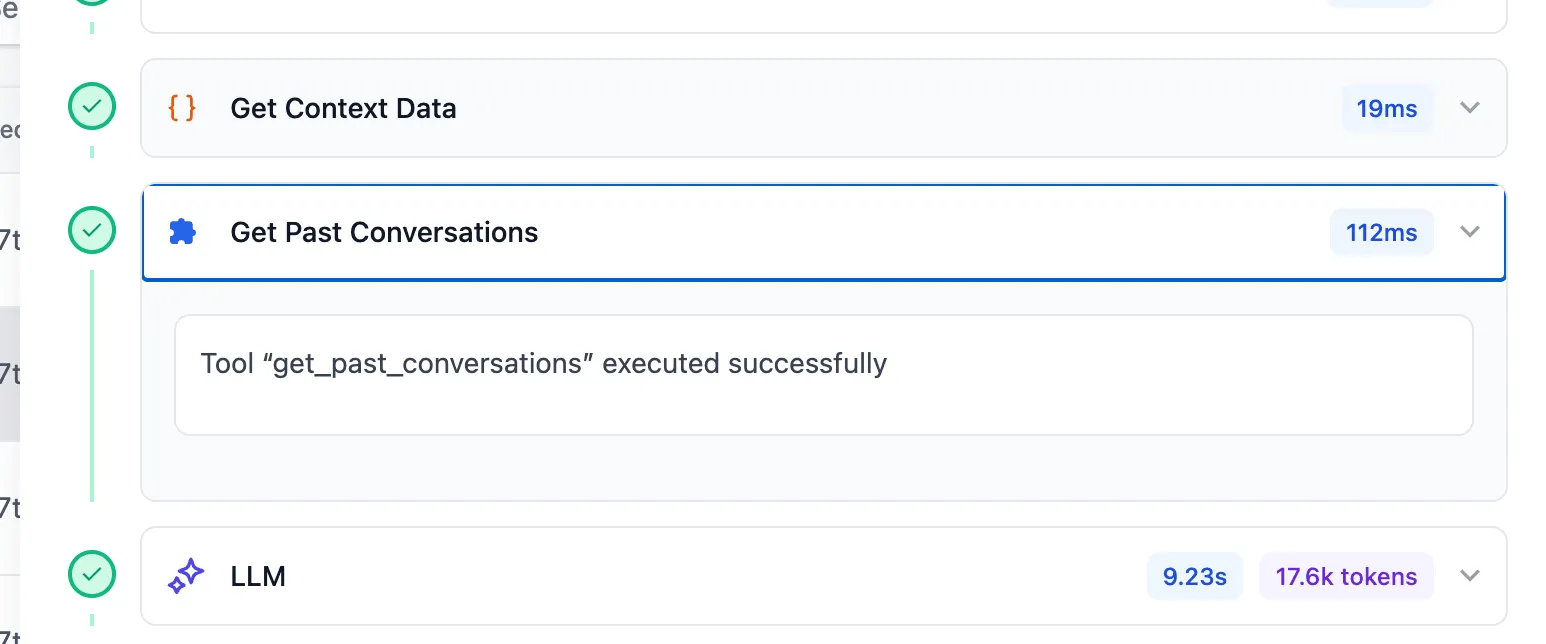
The agent uses this conversation-history tool when it is referenced in the system prompt or needed to complete its goal. It can pull in conversation threads, recent messages across channels, and an AI-generated summary when conversations are long.
That allows the agent to respond with better awareness of prior interactions.
Why it matters
Previously, the agent’s context started from the point where it entered the conversation. If a contact had already been communicating through multiple channels, that earlier history was not visible to the agent.
With this update, the agent can respond with broader context across past messages. For example, if a contact discusses a quote by email and follows up later on Instagram, the agent can respond with awareness of both conversations and continue from where things left off.
In Case You Missed It
You can also read about Drag and Move Workflow Nodes in the Builder.
Need Help Applying This Update?
If you’d like help rolling this out in SMBcrm, visit Support or request a demo.