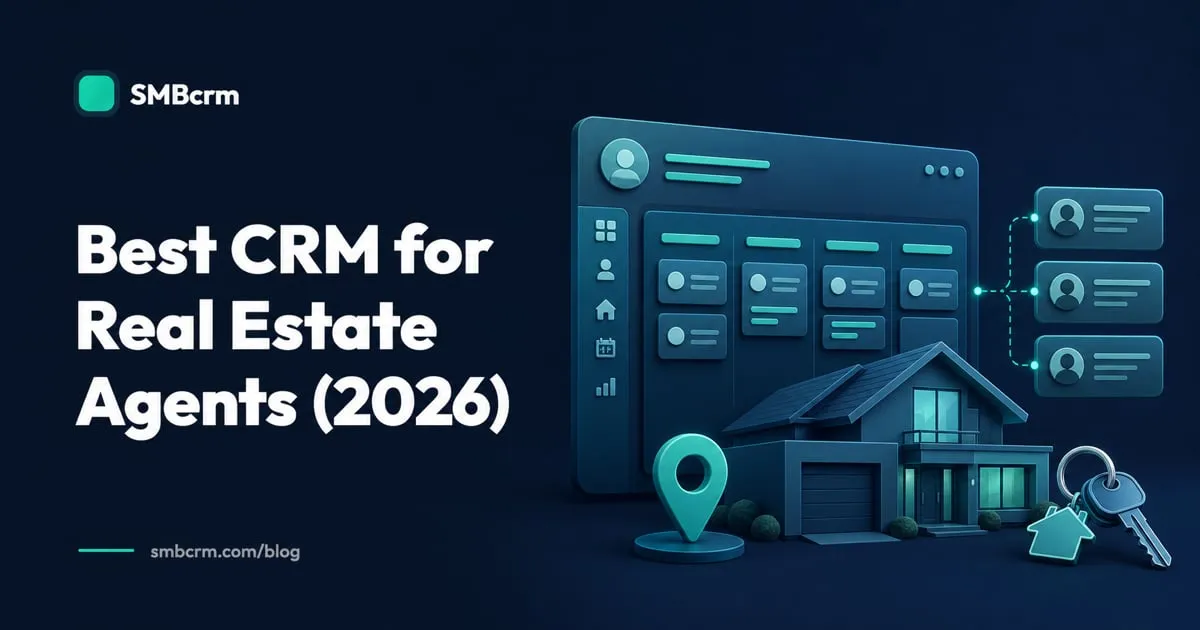
A real estate CRM earns its place when a portal lead arrives during a showing, a past client needs a timely check-in, or a buyer goes quiet after touring three homes. The right system keeps those conversations moving without forcing an agent to spend the evening updating records.
For this guide, we compared six credible options on lead follow-up, pipeline management, automation, texting, integrations, pricing, and fit for independent agents and small teams. If you want to see how these capabilities work in a real estate-specific setup, visit SMBcrm for real estate professionals.
Pricing below was checked against official vendor pages on July 20, 2026, with Realvolve re-checked in September 2026 after its pricing page went offline. Treat it as a comparison starting point, not a final quote. Taxes, messaging and phone usage, add-ons, implementation, and annual billing terms can change the total.
The short list
| CRM | Best fit | Public pricing starting point | Main trade-off |
|---|---|---|---|
| SMBcrm | Independent agents and small teams that want one sales and marketing platform | $97/month for 2 users | Phone, SMS, email, and some AI features have usage charges |
| Follow Up Boss | Teams working a steady flow of internet leads | $69/user/month | Calling costs extra on Grow; it does not provide a website or lead source |
| Wise Agent | Budget-conscious solo agents and small offices | $49/month | Included team members share a login; individual logins and WiseText cost extra |
| Realvolve | Agents who want detailed relationship and transaction workflows | Not publicly listed; priced through a sales quote | Per-seat and configuration-fee pricing require a quote |
| kvCORE | Brokerages that need IDX websites, lead generation, and CRM together | Quote required | No public price makes early cost comparison difficult |
| Pipedrive | Agents who prefer a simple, visual sales pipeline | $14/seat/month, billed annually | Real estate and marketing functions may require setup, add-ons, or integrations |
1. SMBcrm: best all-in-one option for independent agents and small teams
SMBcrm combines contact and opportunity management with two-way SMS, email marketing, calling, forms, appointment calendars, workflows, websites, funnels, and reputation tools. For an agent, that can mean one system for a new buyer inquiry, an automated text response, a consultation booking, a buyer or seller pipeline, and a post-closing review request.
The Startup plan is $97 per month for two users, unlimited contacts, and a $10 monthly advanced-usage credit. Professional is $297 per month with unlimited users and a $98 usage credit. Both plans include the core CRM and marketing tools; Professional also includes four one-on-one onboarding sessions, while every plan includes unlimited group training and 24/7 support. The full onboarding options are explained here.
This setup fits an agent or small team that wants fewer separate tools for lead capture, follow-up, scheduling, and marketing. Calling, texting, email delivery, premium workflow actions, and some AI services are metered, so estimate monthly usage before comparing it with a CRM that bundles communication or leaves it to third parties.
2. Follow Up Boss: best for teams working internet leads
Follow Up Boss is purpose-built around real estate lead response. It connects with lead sources and websites, distributes leads, organizes Smart Lists, tracks agent activity, and supports email, calling, and texting from the CRM. Its open approach is useful for a team that already has an IDX website, paid lead sources, and a working marketing stack.
The Grow plan is $69 per user monthly, or $58 per user monthly when billed annually. Integrated calling is an additional $39 per user on monthly Grow plans. Pro is $499 per month for ten users and includes calling, texting, team inboxes, call reporting, and personalized onboarding. All plans list unlimited contacts, lead sources, and integrations.
Follow Up Boss makes the most sense for a team with enough inbound volume to benefit from lead routing, accountability, and follow-up reporting. The company says directly that it is not a lead provider or website company, so those pieces remain separate. Its current automation documentation also says automations can send email and create tasks, but cannot run a drip-text sequence. Price the full stack, not only the CRM seat.
3. Wise Agent: best budget-focused real estate CRM
Wise Agent covers contact and lead management, drip campaigns, transaction management, calendars, landing pages, reporting, and real estate marketing content. Its pricing is unusually approachable for a real estate-specific product: $49 per month, or $499 per year, with core features and support included.
The account includes up to five team members under a shared-login arrangement. That wording matters. An office that needs individual permissions and accountability will pay $20 per month for each additional login. WiseText is also an add-on, currently listed at $11 per month for 1,000 credits plus a one-time $80 registration fee.
Wise Agent is a practical fit for a solo agent or small office that wants real estate workflows and transaction tools at a predictable base price. The pricing advantage narrows when a team needs separate logins, more texting, or a broader website and advertising stack. Add those costs before deciding.
4. Realvolve: best for relationship and transaction workflows
Realvolve takes a workflow-first approach. Contacts, properties, transactions, notes, files, emails, and texts live together, and the platform focuses on repeatable processes that preserve personal follow-up. Realvolve no longer publishes tier pricing on its own site; the pricing page now returns an error, and the vendor routes cost questions through a sales conversation.
Realvolve’s product pages describe prebuilt workflows, templates, integrated texting, a built-in dialer, guided onboarding, and contact-import help. This depth can suit an agent who wants to formalize listing, closing, and long-term relationship processes instead of assembling every workflow from scratch.
Realvolve suits an established agent or small team willing to invest time in detailed workflows for contacts, properties, and transactions. Neither per-seat nor configuration-fee pricing is public, so a demo and written quote are necessary for a fair cost comparison.
5. kvCORE: best brokerage platform with IDX and lead generation
kvCORE is broader than a stand-alone CRM. Inside Real Estate packages IDX websites, lead-generation tools, a Smart CRM, marketing automation, listing promotion, business analytics, a marketplace, and transaction-management integrations in one platform.
That scope makes more sense at the brokerage or larger-team level than it does for an agent who only needs contact management. Behavioral automation can respond to lead activity, while the website and IDX layer keeps property search connected to the CRM. It also supports brokerage-level reporting and agent accountability.
kvCORE belongs on the shortlist for a brokerage or team replacing separate IDX website, lead-generation, CRM, and marketing products. Inside Real Estate does not publish standard pricing on the product page. You need a sales conversation to learn the subscription, setup, contract, and add-on costs. Smaller teams should compare that quote with the cost of the tools they would actually replace.
6. Pipedrive: best for a visual, customizable pipeline
Pipedrive is a general sales CRM, but its visual pipelines work well for agents who want separate views for buyers, sellers, listings, or investors. Its mobile app, activity reminders, email history, custom fields, reports, and large integration marketplace support a flexible sales process without prescribing a real estate operating model.
The current Pipedrive pricing page lists Lite at $14 per seat per month when billed annually. Growth is $39 per seat per month on annual billing and adds full email sync, automations, nurturing sequences, and a meeting scheduler. Lead generation and email campaigns may add separate costs, depending on the plan and configuration.
Pipedrive works well for an independent agent who values a clean pipeline and is comfortable configuring real estate stages and integrations. It is not an IDX website or real estate-specific transaction platform. Confirm how texting, property data, lead sources, and closing workflows will connect before choosing it. For a closer feature and cost breakdown, see SMBcrm vs. Pipedrive.
How to choose without buying twice
Start with a real week of work, not a feature wish list. Write down where leads arrive, how quickly they should receive a response, which messages need human review, and what must happen from first inquiry through closing and long-term follow-up.
Then test each finalist with the same scenarios:
- Send in a lead from your main website or portal and check the assignment, notification, and first response.
- Build separate buyer and seller pipelines with the fields your team actually uses.
- Schedule a showing or consultation and confirm that reminders and conversation history stay attached to the contact.
- Create a 30-day follow-up workflow that mixes tasks with email or text, then identify every usage limit or add-on.
- Move a sample deal from contract to close and check whether transaction steps live in the CRM or another system.
- Review the mobile experience between appointments, when most agents will add notes and complete tasks.
Run the test with the person who will administer the system and the agents expected to use it. A workflow that nobody maintains is more expensive than a smaller CRM that stays current.
A practical choice for a connected real estate stack
SMBcrm is the strongest fit here for independent agents and small teams that want lead capture, pipeline, texting, email, calling, scheduling, automation, and marketing under one account. It is not automatically the right choice for a brokerage that needs an enterprise IDX rollout, or for an agent who only wants a basic visual pipeline.
Every SMBcrm plan includes a 60-day money-back guarantee, giving you time to validate the setup against real lead and follow-up workflows before making a long-term decision.
Put your real estate follow-up in one place
Compare the plans, communication usage, and onboarding support against the way your business already works.
See plans & pricing or schedule a demo to review the right setup for your team.
Explore this in SMBcrm
See how the CRM fits this industry.
Explore the industry page for an example workflow and the specialist systems your business may still need.
Explore the industry workflow