SMBcrm now supports nested folders for campaigns, templates, and sequences. You can create folders inside other folders to keep assets organized in a clearer, more scalable structure.
This update helps reduce clutter, improves navigation, and makes it easier to manage larger sets of assets across your account.
What Changed
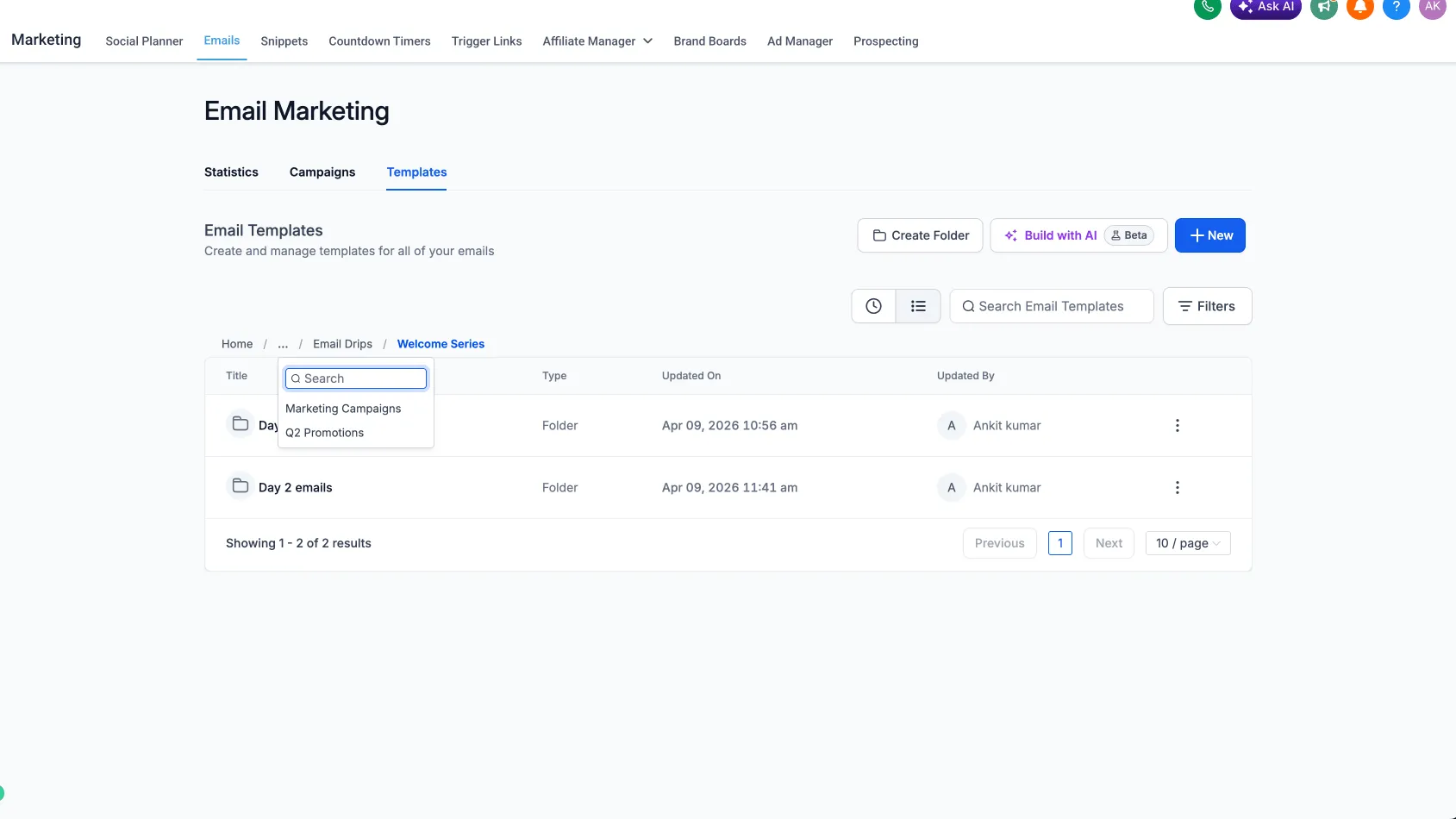
You can now create subfolders within existing folders across campaigns, templates, and sequences.
Key benefits include:
- Better organization with hierarchical folder structures
- Faster navigation when managing many assets
- A more scalable setup for growing teams and accounts
- Consistent folder logic across campaigns, templates, and sequences
For teams working across pages and assets in Websites & Funnels, this can make day-to-day organization easier.
How It Works
To use nested folders:
- Create a folder as usual.
- Open that folder.
- Click New Folder from inside the folder view.
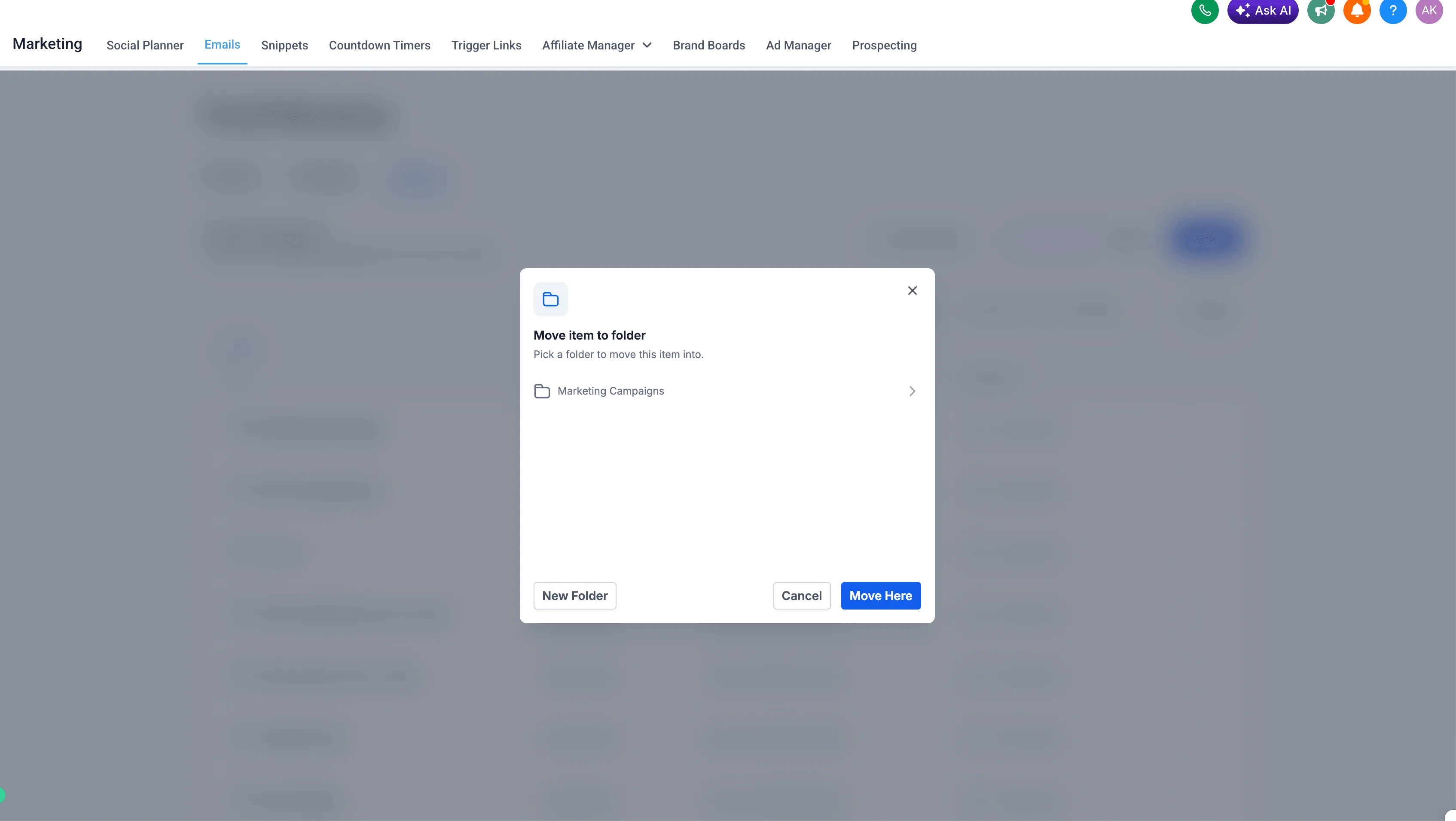
- Move items into the nested folder.
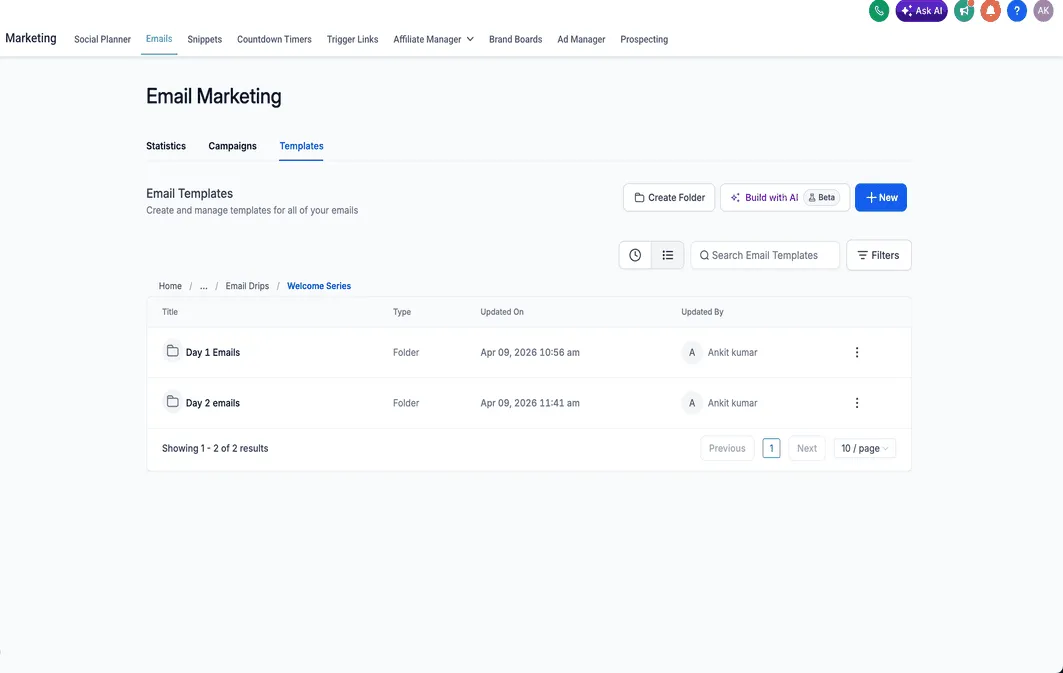
- Use the folder path to confirm the nested structure.
This release supports more than five layers of folder nesting.
In Case You Missed It
You can also read about Communities Events Now Support Live Rooms.
Need Help Applying This Update?
If you’d like help rolling this out in SMBcrm, visit Support or request a demo.