Notifications Tab and Clearer Tooltips in Builders
SMBcrm has improved the builder experience for Forms, Surveys, and Quizzes by making Notifications easier to find and adding clearer in-product guidance.
These updates are designed to help users locate notification settings faster, understand builder options more easily, and reduce the need to leave the builder for basic guidance.
What Changed
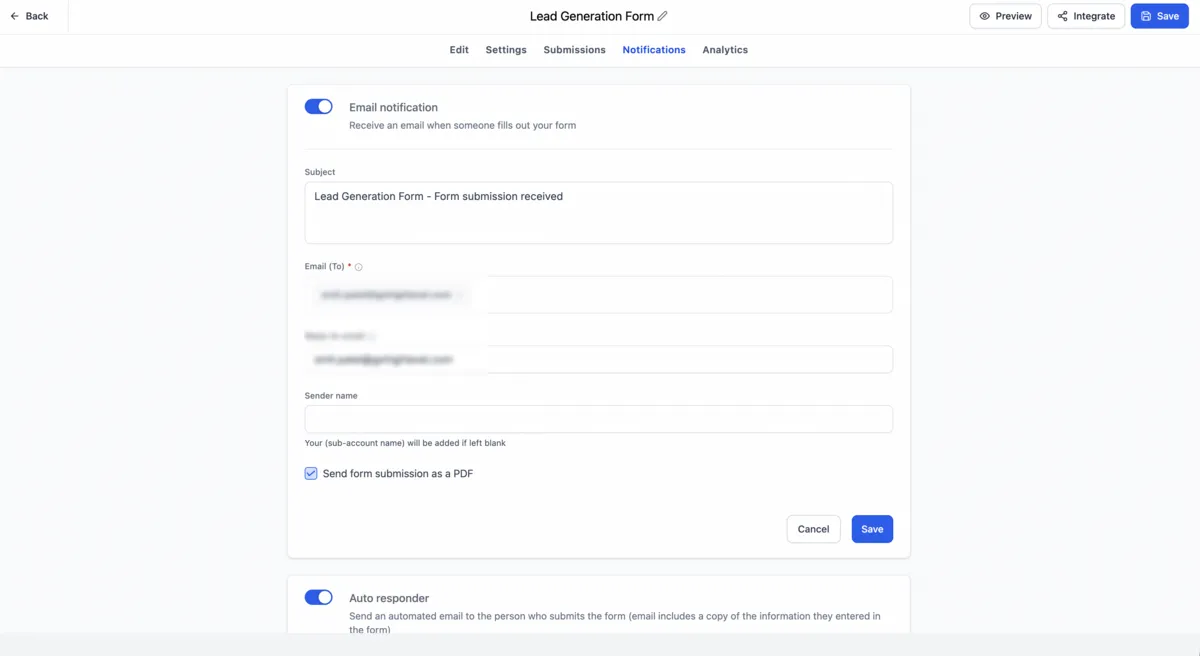
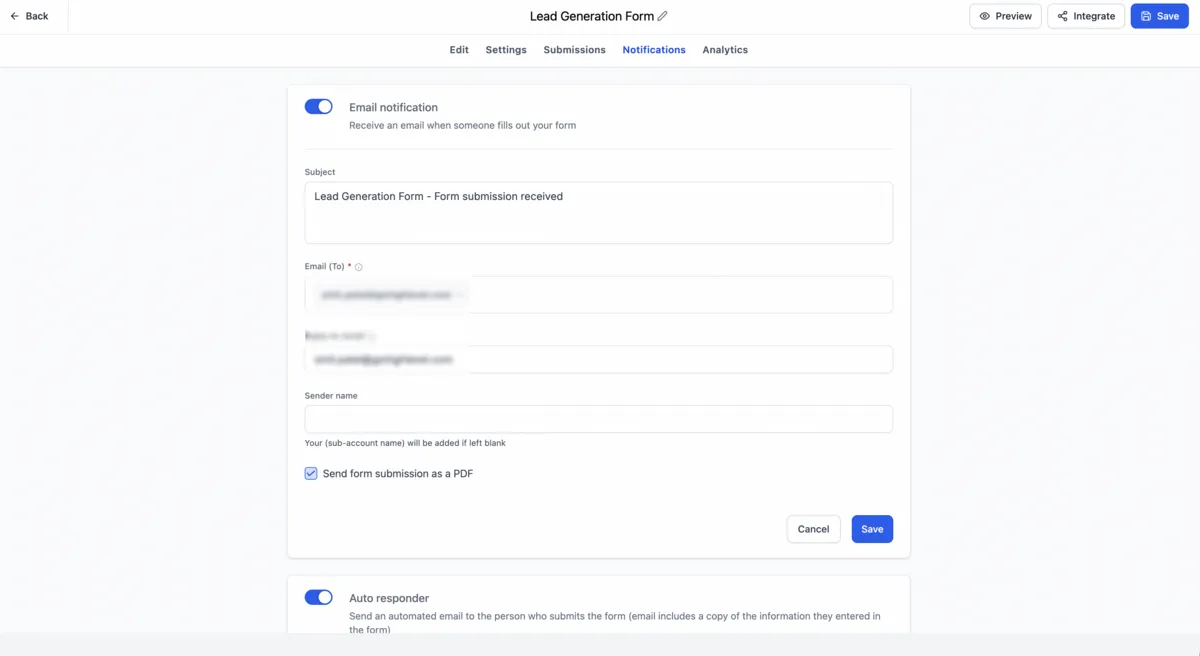
Notifications now appear as a dedicated Notifications tab inside the builder. Previously, notification settings were accessed through an icon, which could be easy to miss, especially for newer users.
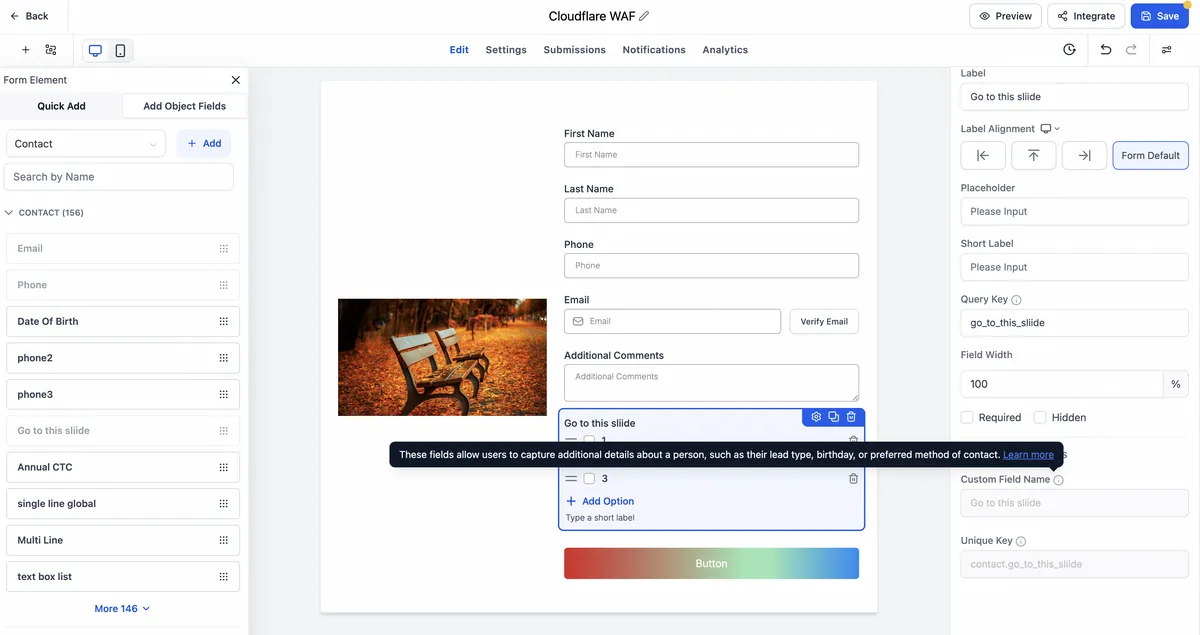
Tooltips across Forms, Surveys, and Quizzes have also been updated with clearer descriptions and more contextual messaging. Where applicable, supported tooltips now include Learn more links to relevant Help Center articles.
Why It Matters
This update improves navigation and makes key settings more discoverable inside SMBcrm’s lead capture tools. Users can now find notification preferences more directly and better understand builder settings without interrupting their workflow.
Notes
- Existing notification functionality has not changed.
- The update focuses on accessibility, navigation, and in-product guidance.
- Enhanced tooltips are available across Forms, Surveys, and Quizzes.
- Contextual Help Center links appear where applicable.
In Case You Missed It
You may also want to review June Template Release: Websites, Funnels, Email, Social, and Ads.
Release Images
Need Help Applying This Update?
Want help turning this update into a working part of your CRM, marketing, or automation setup?
Get Started or schedule a demo and we’ll help you map the right next step.