Product Custom Values for Product Detail Pages
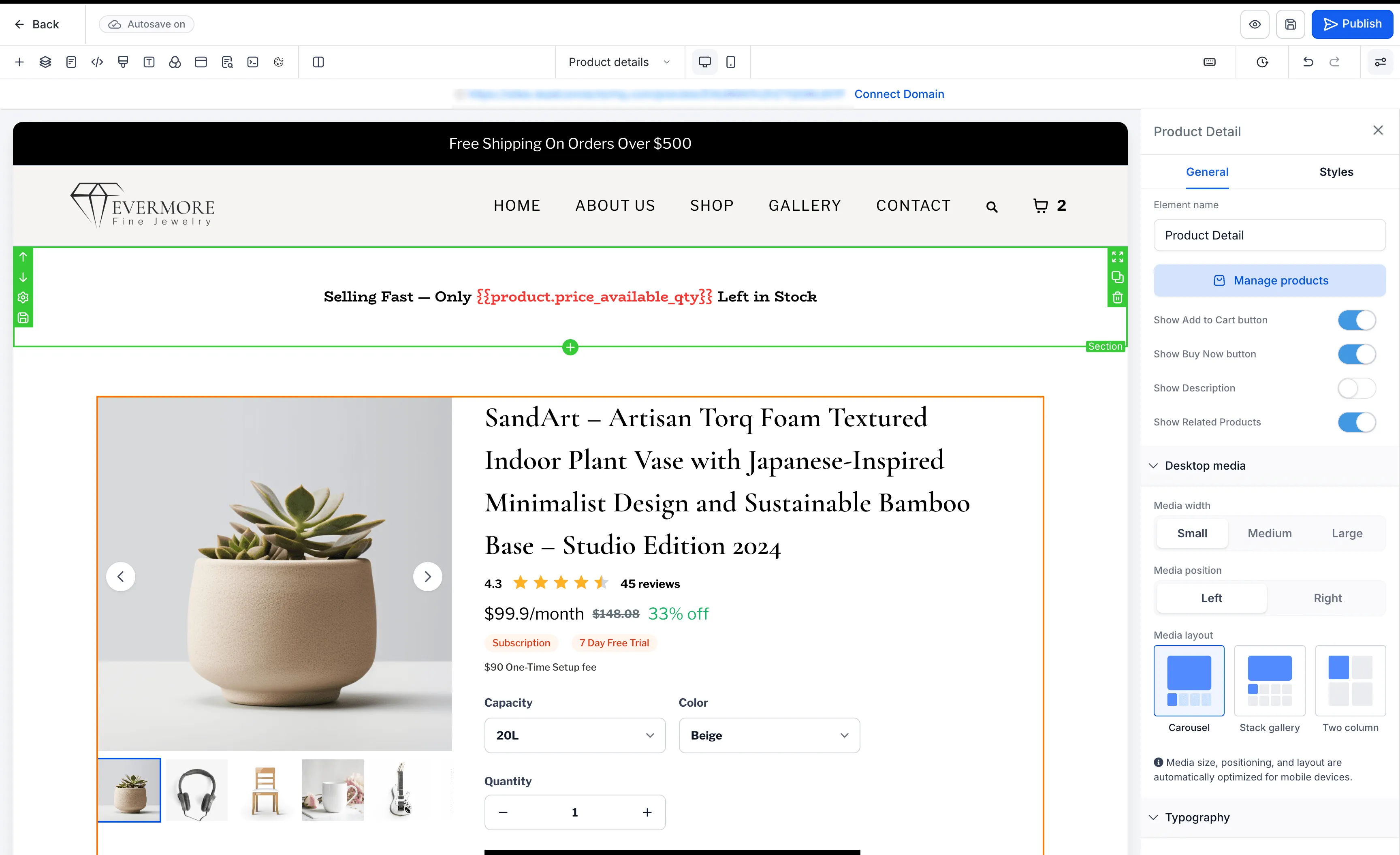
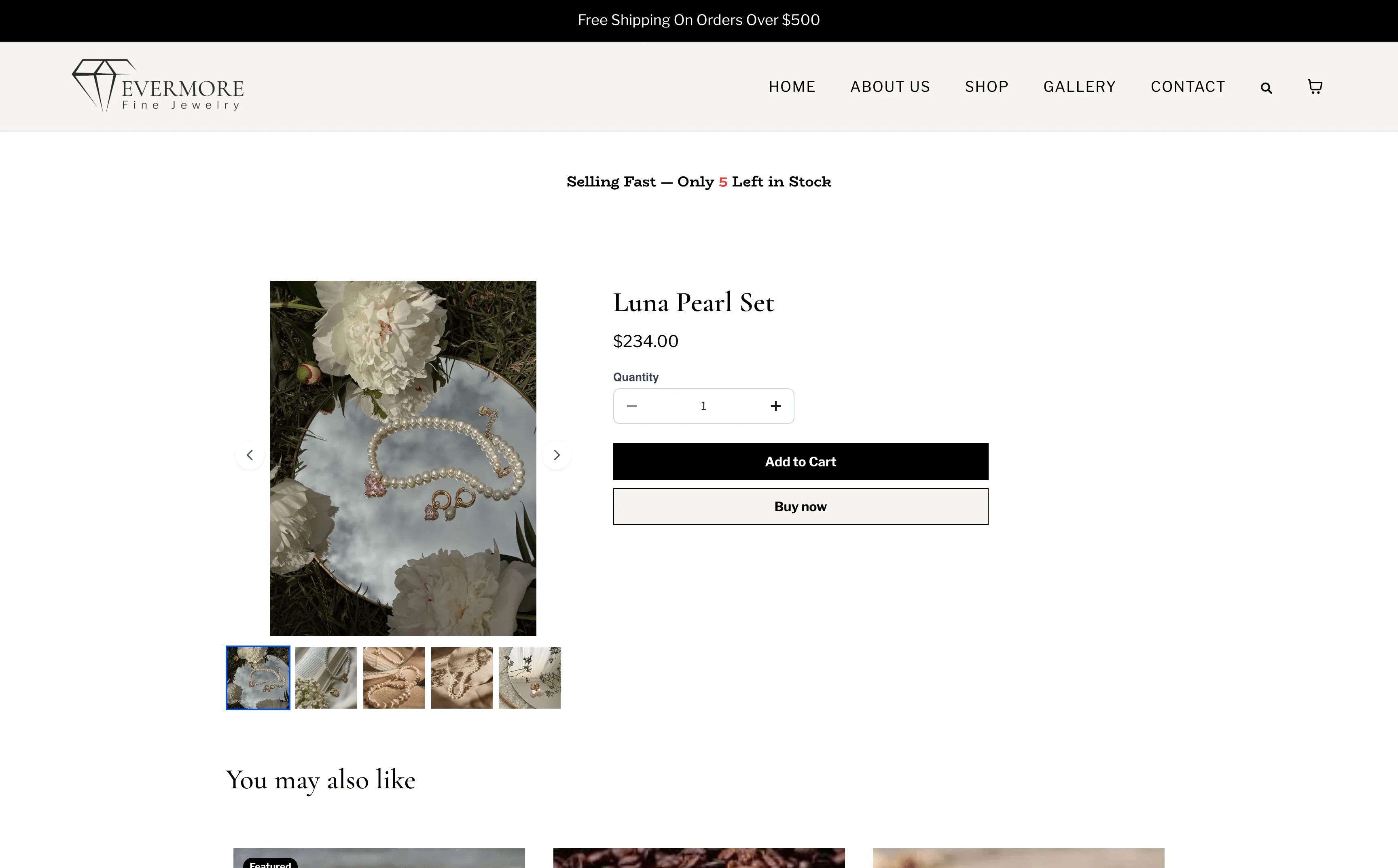
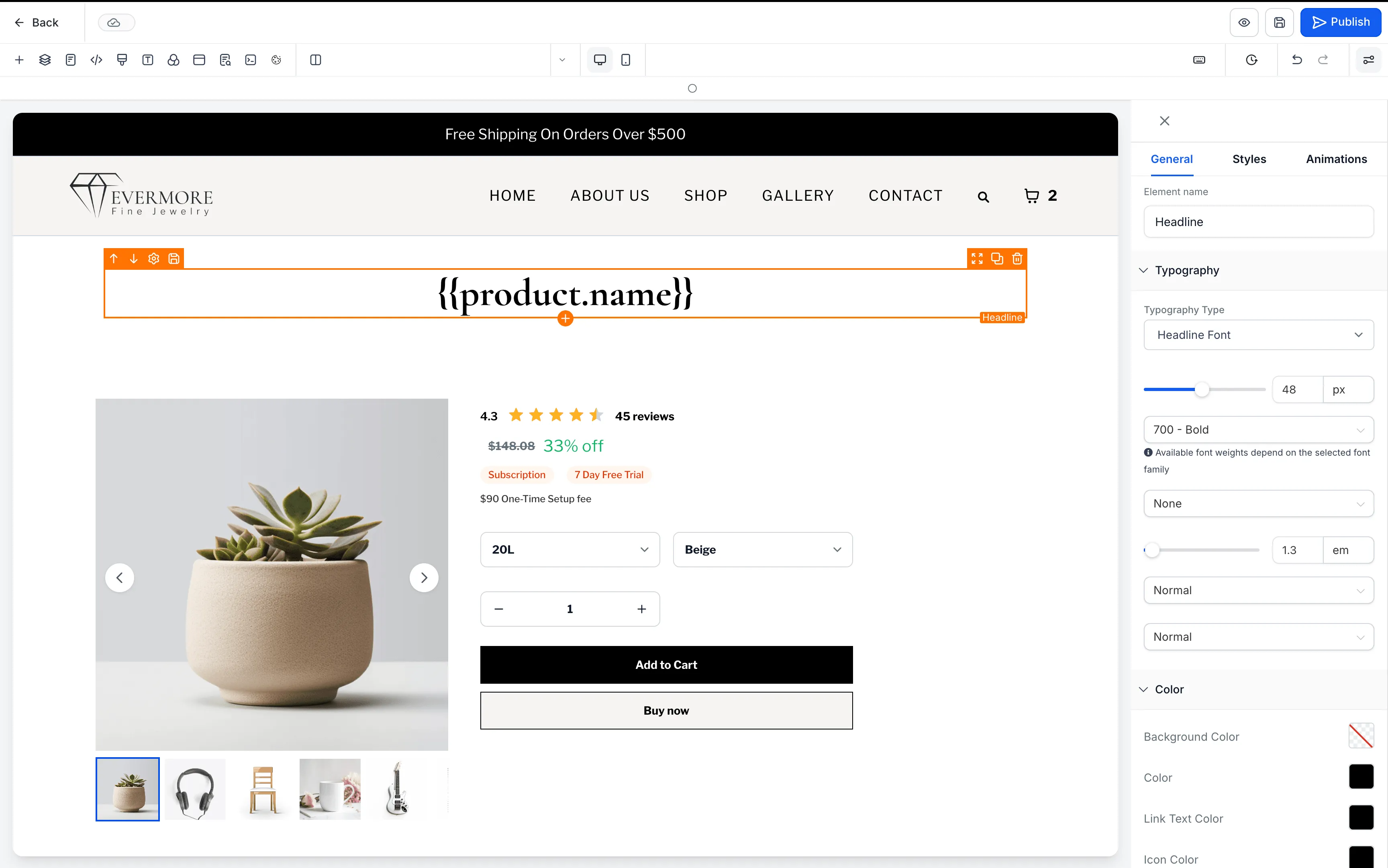
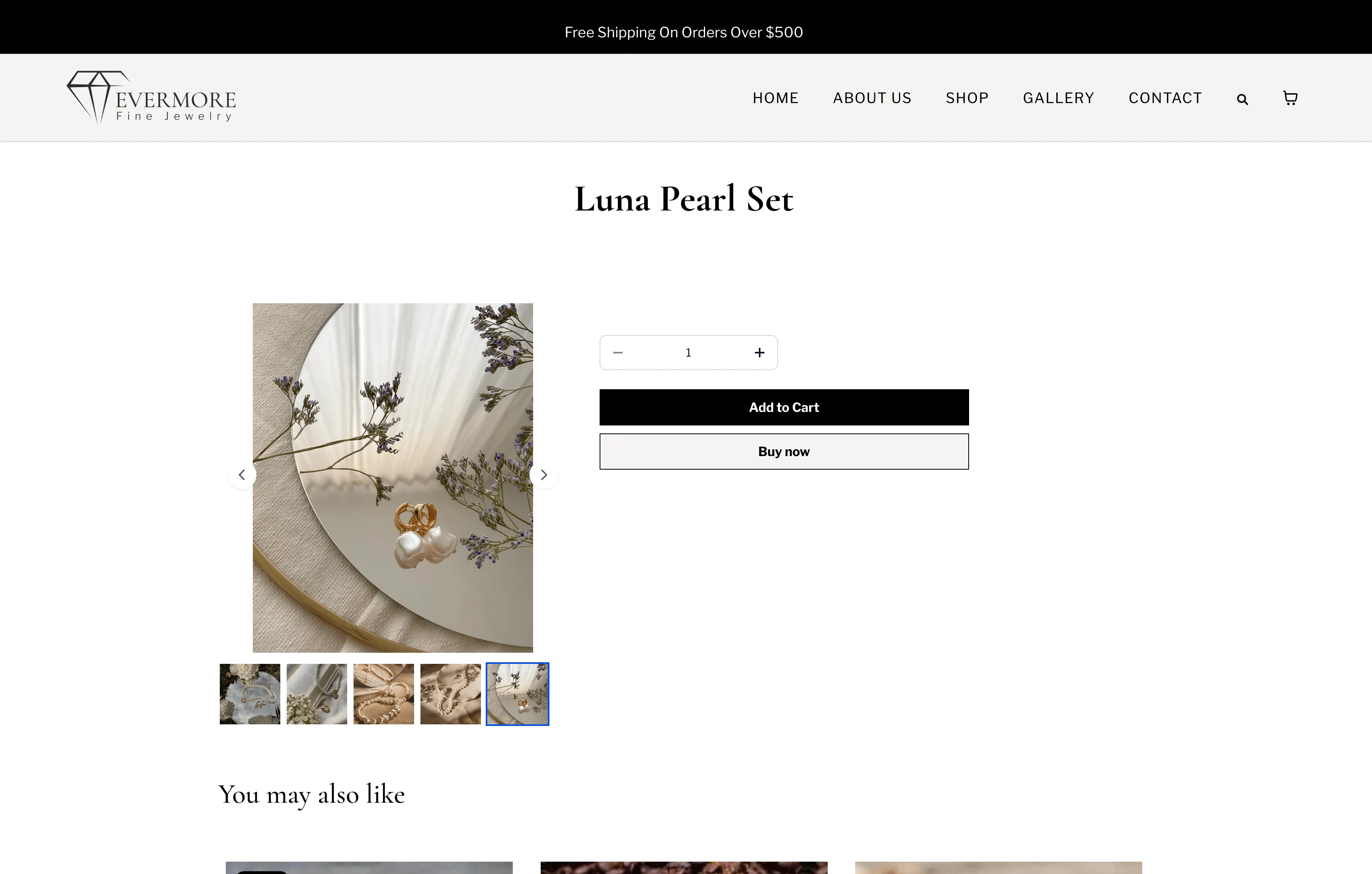
SMBcrm now supports product-related custom values on Product Detail Pages and Custom Product Detail Pages. Store owners can use these values to display product-specific information inside supported text elements.
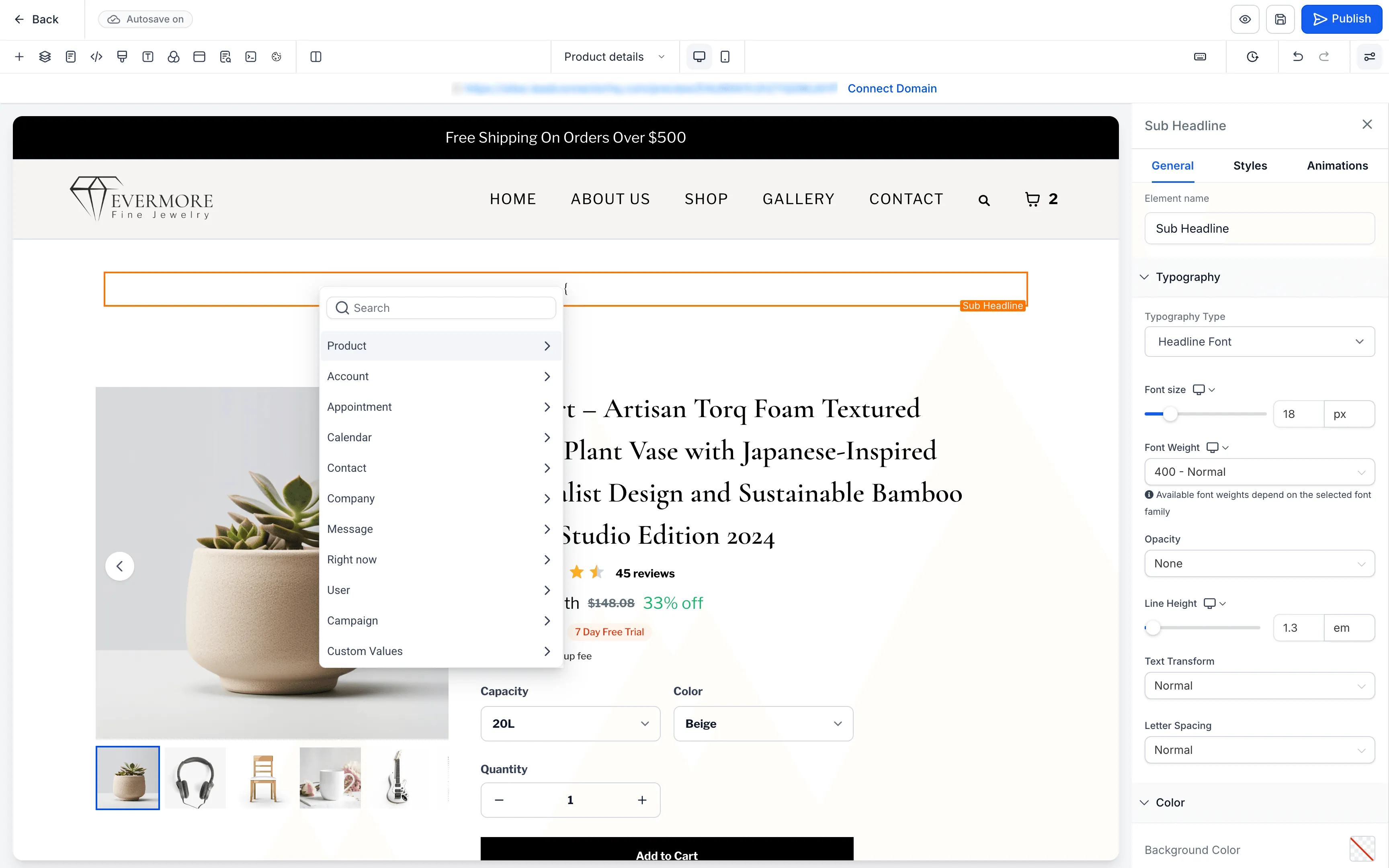
What Changed
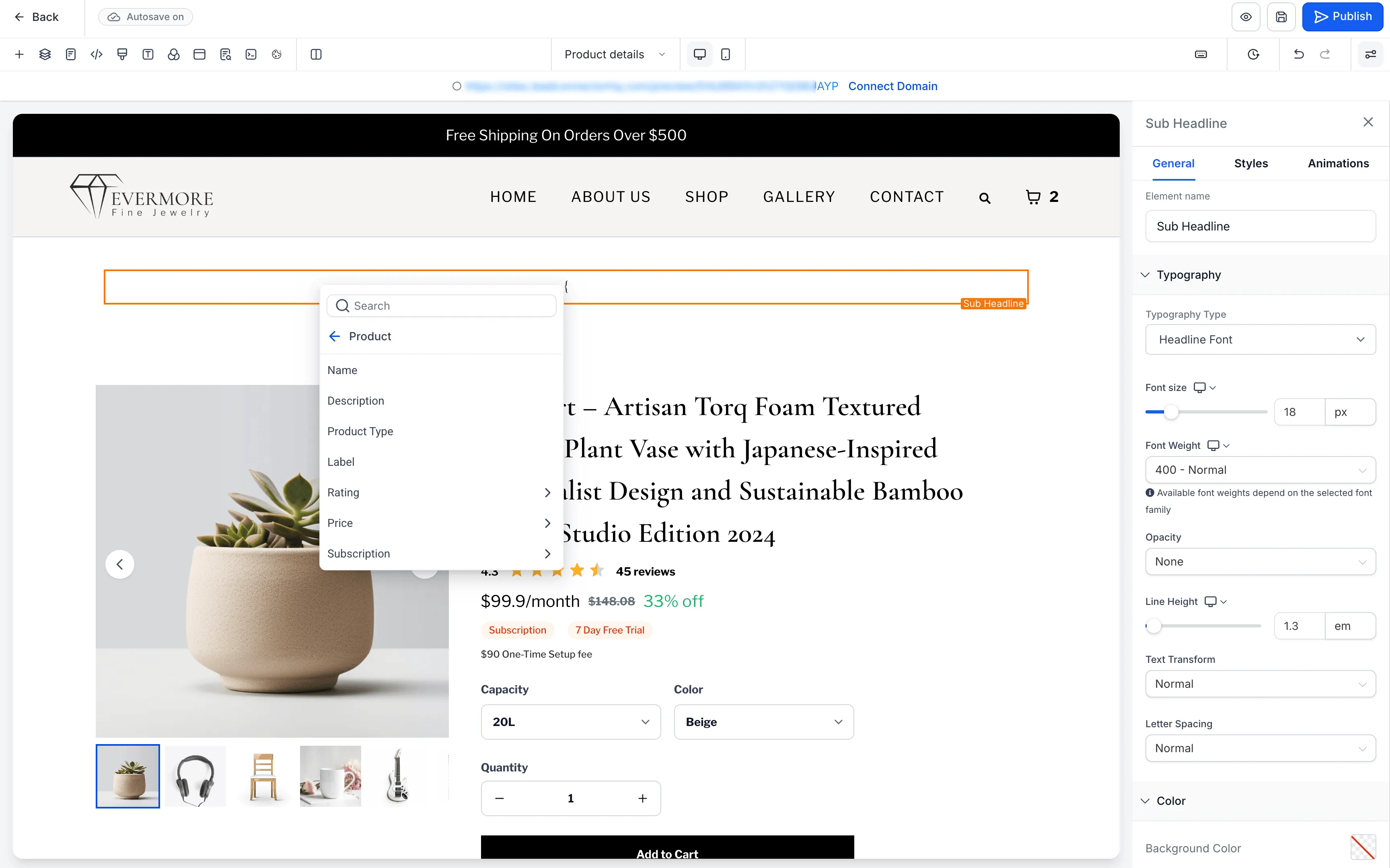
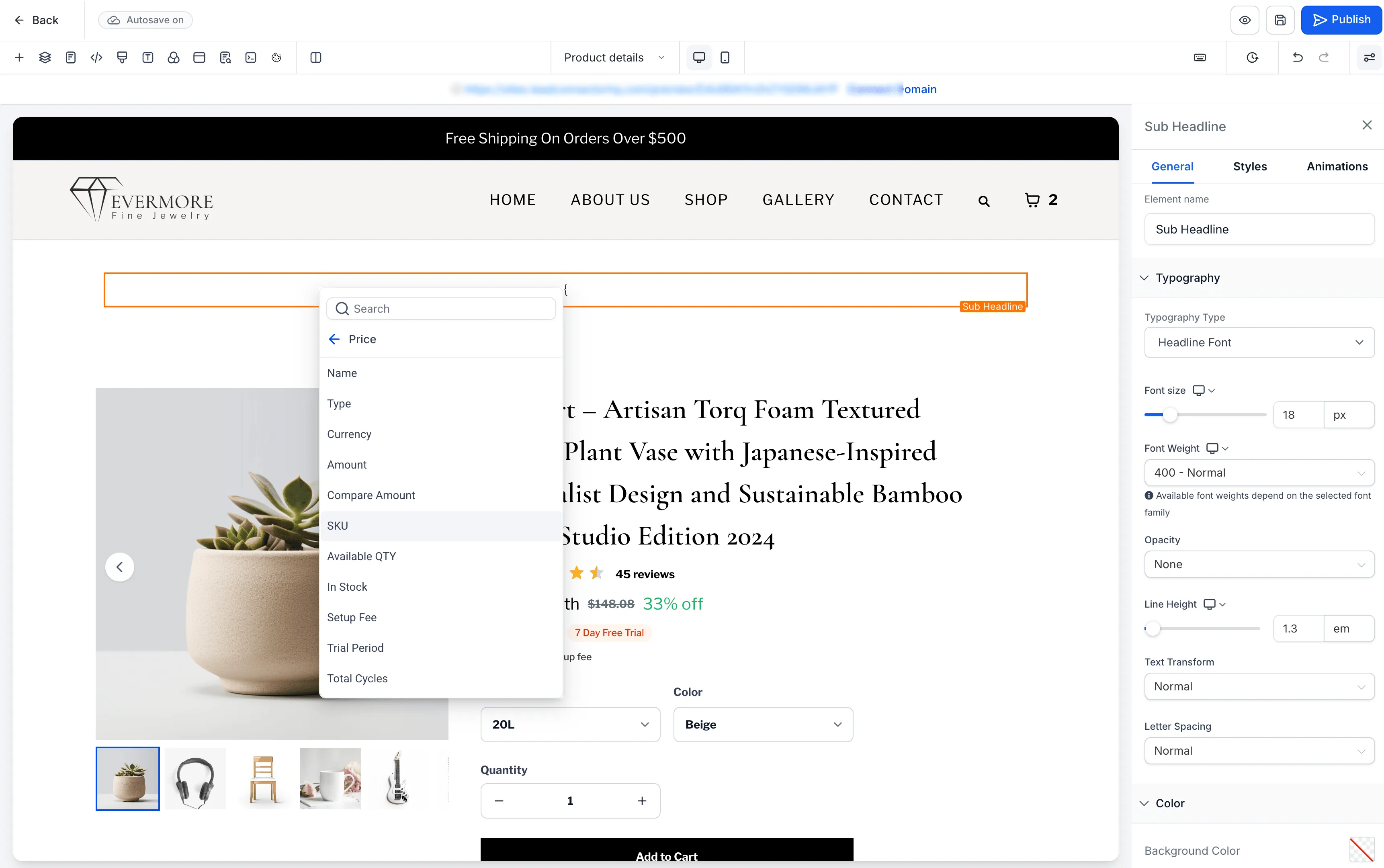
Product custom values can display details such as product name, description, product type, label, ratings, price, SKU, stock status, subscription details, and shipping dimensions.
Variant-based values, including price, SKU, stock, and subscription details, update automatically when a customer switches variants.
Product tokens are available in the Product section of the Custom Values picker, making it easier to build more dynamic product detail page content.
How to Use It
- Open the Store Builder and go to a Product Detail Page or Custom Product Detail Page.
- Select a supported text element: Heading, Sub-Heading, Paragraph, Bullet List, or Rich Text.
- Open the Custom Values picker and choose the Product section.
- Insert the required product token.
- Save and publish the page.
Key Details
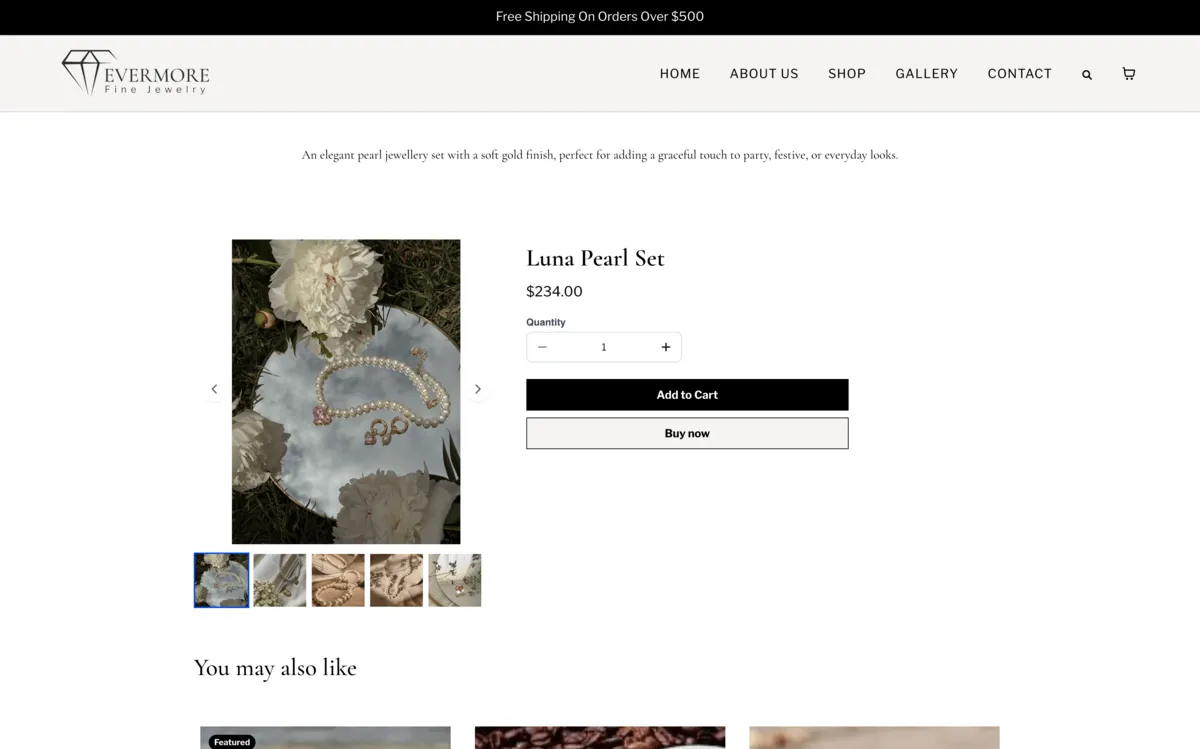
- Product custom values work only on Product Detail Pages and Custom Product Detail Pages.
- Supported elements include Heading, Sub-Heading, Paragraph, Bullet List, and Rich Text.
- Custom values will not work on Product Listing, checkout, landing pages, funnels, blogs, webinars, calendars, or other non-product detail pages.
- Custom values will not resolve inside buttons, FAQs, countdown timers, image captions, form fields, or other unsupported elements.
- Featured Product is only an element. Adding it to a non-product detail page does not make product custom values work there.
- Unsupported or missing values render as blank, so broken custom values do not appear on the live page.
In Case You Missed It
You may also want to read Contact Tag Updates Now Require Confirmation.
Release Images
Need Help Applying This Update?
Want help turning this update into a working part of your CRM, marketing, or automation setup?
Get Started or schedule a demo and we’ll help you map the right next step.