Two CRMs can advertise a similar monthly price and produce very different bills. One gets more expensive when you hire. Another gets more expensive when your contact list grows. A third keeps the subscription steady but charges separately for messages, calls, AI, onboarding, or add-ons.
That is why comparing CRM pricing models matters more than comparing the largest number on each pricing page. The model tells you what makes the bill change.
This guide focuses on the mechanics behind per-user, per-contact, flat-rate, and usage-based pricing. For current vendor price ranges and sample budgets, see how much a CRM costs in 2026.
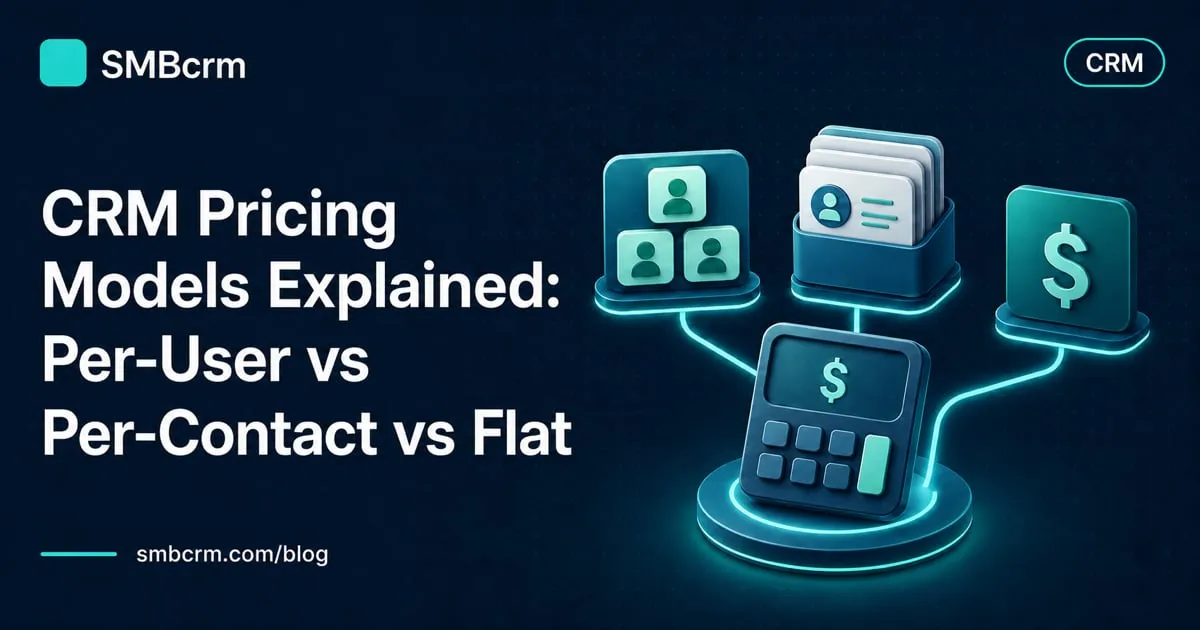
CRM pricing models at a glance
| Pricing model | What drives the bill | Usually works well for | Main risk |
|---|---|---|---|
| Per user or seat | Number of paid users | Small, stable sales teams | Hiring and cross-department access raise the cost |
| Per contact | Number or type of stored or marketable contacts | Businesses with small, well-maintained lists | Database growth can trigger a higher tier |
| Flat rate | Selected plan or account | Teams that value predictable software costs | User limits, feature tiers, or fair-use rules may still apply |
| Usage based | Messages, minutes, emails, actions, credits, or tokens | Businesses with measurable, seasonal volume | A busy month can create a larger bill |
Most platforms are hybrids. A CRM might charge per seat, include a contact allowance, meter AI usage, and sell marketing tools as add-ons. Treat the label as a starting point, then identify every meter in the contract.
Per-user pricing: simple math that grows with the team
Per-user pricing charges for each person who needs a paid seat. The basic calculation is straightforward:
Monthly subscription = paid seats × price per seat
This model can be economical for an owner and one salesperson. It becomes less attractive when support, marketing, operations, or management also need to update records. A six-person team on a $39-per-seat plan pays $234 a month before add-ons. Add two more users and the same plan becomes $312.
That $39 example matches Pipedrive’s published Growth price when billed annually as checked in July 2026. Its official pricing page also shows that billing frequency changes the displayed rate, so use the contract total rather than assuming the annual price is available month to month.
Seat definitions deserve attention. Some vendors offer free view-only access, discounted limited seats, or paid seats only for people who edit records. Others require a full seat for anyone doing meaningful work. Ask who can view, edit, report, automate, or administer without another license.
Per-user pricing is easiest to forecast when the team size is stable and CRM access stays within one department. If the goal is company-wide adoption, estimate the number of users you expect in 12 months, not the number logging in today.
Per-contact pricing: the database becomes the meter
Per-contact pricing ties cost to the number of contacts in the system, the number you actively market to, or a contact tier selected in advance. Those are different definitions.
HubSpot illustrates the distinction. Its marketing contacts documentation explains that marketing contacts count toward the paid tier, while non-marketing contacts can remain in the CRM without being eligible for marketing emails or ads. HubSpot’s official Marketing Hub pricing says customers select a marketing-contact tier and cannot move to a lower tier until renewal.
The trade-off is clear. A contact-based model can fit a business with a small, engaged audience and few internal users. Cost can rise quickly when the database includes years of leads, seasonal customers, imported lists, or records that nobody cleans up.
Before buying, ask the vendor:
- What counts as a billable contact?
- Are unsubscribed, bounced, duplicate, or archived records included?
- What happens when the database crosses a tier during the contract?
- Can the tier decrease immediately after a cleanup, or only at renewal?
- Are email-send limits separate from contact limits?
Do not estimate this model from a newsletter list alone. Count every record you need for sales history, customer service, reporting, and reactivation, then identify which of those records the vendor bills.
Flat-rate pricing: predictable does not mean unlimited everything
Flat-rate CRM pricing charges one subscription price for a plan or account rather than multiplying the fee by every contact or user. It is often easier to budget, especially when headcount and database size are growing.
The fine print still matters. A flat plan may include only a set number of users, reserve important features for a higher tier, or charge separately for communications and AI. Predictable base pricing is not the same as a fixed final bill.
SMBcrm’s current plans are a practical example of a hybrid flat-rate structure. Startup is $97 per month with two users and unlimited contacts. Professional is $297 per month with unlimited users and unlimited contacts. Both include monthly usage credits, while services such as SMS, email, calls, premium actions, and some AI activity have published usage rates.
For a growing team, compare the point at which the higher flat-rate tier costs less than adding seats elsewhere. For a high-volume communicator, estimate usage before assuming that unlimited contacts means unlimited outreach.
Usage-based pricing: pay for activity, not access
Usage-based charges follow what the team consumes. Common meters include:
- SMS messages or message segments
- Phone numbers and call minutes
- Email sends or verification requests
- Automation actions and premium integrations
- AI credits, conversations, or model tokens
- File storage, data enrichment, or API volume
This model is not automatically a hidden fee. It can be fairer than paying for a large allowance you never use, and it can track seasonal demand. The risk is poor visibility. If the vendor cannot show unit rates, included credits, current consumption, and spending controls, forecasting becomes guesswork.
Build a low, expected, and high-volume estimate. A seasonal business should use its busiest month for the high case. Confirm whether unused credits roll over, whether rates change by plan, and whether the account supports alerts or a hard spending cap.
Implementation and onboarding change the first-year cost
Subscription pricing answers what the software costs after it is running. It may not include data cleanup, migration, field mapping, pipeline setup, automation builds, integrations, training, or project management.
These costs may appear as:
- A required vendor onboarding fee
- A fixed implementation package
- Hourly consultant or partner work
- Internal staff time
- A paid migration or data-cleaning service
The difference can be material. HubSpot’s official Marketing Hub page, checked in July 2026, lists required one-time onboarding fees for its Professional and Enterprise tiers in addition to the subscription. Other vendors make onboarding optional or include it with certain plans.
Ask for a written scope. “Onboarding included” might mean access to videos and group sessions, while hands-on migration and workflow setup cost extra. Also confirm what happens if the source data needs more cleanup than expected.
Add-ons can turn one product into a software stack
Add-ons are separate charges for capabilities outside the base plan. They commonly cover email campaigns, lead capture, websites, projects, quoting, e-signatures, additional phone numbers, advanced reporting, AI, or premium support.
Pipedrive’s official pricing page, for example, lists LeadBooster, Projects, Campaigns, Web Visitors, and Smart Docs as add-ons. That does not make the base plan a bad value. It means a buyer who needs those workflows should price them before comparing Pipedrive with a broader suite.
Use the same test for every vendor: map the full workflow, then mark each requirement as included, higher-tier, add-on, usage-based, or external. A low base price loses its advantage if essential work requires several additional subscriptions.
Calculate the 12-month total cost of ownership
Put every option into the same first-year formula:
First-year cost = subscription + seats or contacts + usage + add-ons + implementation + external tools + internal setup time
Use this worksheet for each finalist:
| Cost line | What to verify |
|---|---|
| Base subscription | Monthly versus annual commitment, renewal rate, taxes |
| Users | Current seats, expected hires, guest and view-only rules |
| Contacts | Current database, growth, billable-contact definition, tier changes |
| Usage | Units, credits, discounts, overages, alerts, busiest-month estimate |
| Add-ons | Every required feature outside the base plan |
| Implementation | Migration, configuration, integrations, training, internal labor |
| External tools | Email, texting, scheduling, forms, reviews, quoting, reporting |
| Exit costs | Export access, overlap during migration, contract notice period |
Annualize one-time costs so the comparison is honest. A $2,400 implementation fee adds $200 a month to first-year cost when spread across 12 months. Do the same with annual contracts and internal setup estimates.
Then stress-test the result. Recalculate with two new hires, 25% more contacts, and the highest expected communication month. The best pricing model is the one that still fits when the business changes in the way you expect.
Questions to ask before you sign
Bring these questions to every sales call:
- What causes our bill to increase?
- Which people need paid seats for their actual work?
- Which contacts count toward the paid tier?
- Which features shown in the demo are add-ons or higher-tier features?
- What usage is included, and what are the unit rates after that?
- Is onboarding required, optional, or included, and what work does it cover?
- Can we reduce seats or contact tiers during the contract?
- What will renewal cost if an introductory discount ends?
- Can we export all records, notes, files, and activity history if we leave?
A vendor should be able to show the calculation using your team size, database, and expected volume. If the answer depends on “typical usage,” ask to see the units behind that estimate.
Choose a CRM price you can model before you buy
SMBcrm publishes plan inclusions and usage rates, includes unlimited contacts on every plan, and backs every plan with a 60-day money-back guarantee. Model your expected team and activity, then choose the plan that fits the full workflow.
See plans & pricing or schedule a demo to review your expected CRM cost with the team.
Explore this in SMBcrm
Compare the plan and the usage behind it.
Review plan features alongside phone, messaging, and AI usage. Include setup and the specialist tools you still need in your comparison.
Compare SMBcrm plans