AI Agent Knowledge Base Search for Automations
SMBcrm AI Agent actions can now use Knowledge Base Search as a built-in tool. During execution, the agent can search selected native knowledge bases in real time, bringing relevant business context into its decisions and replies.
This update is useful for teams using AI Features inside Automation. Instead of pasting long FAQ lists, service menus, pricing details, booking rules, or availability notes into a prompt, the agent can retrieve only the information it needs when it needs it.
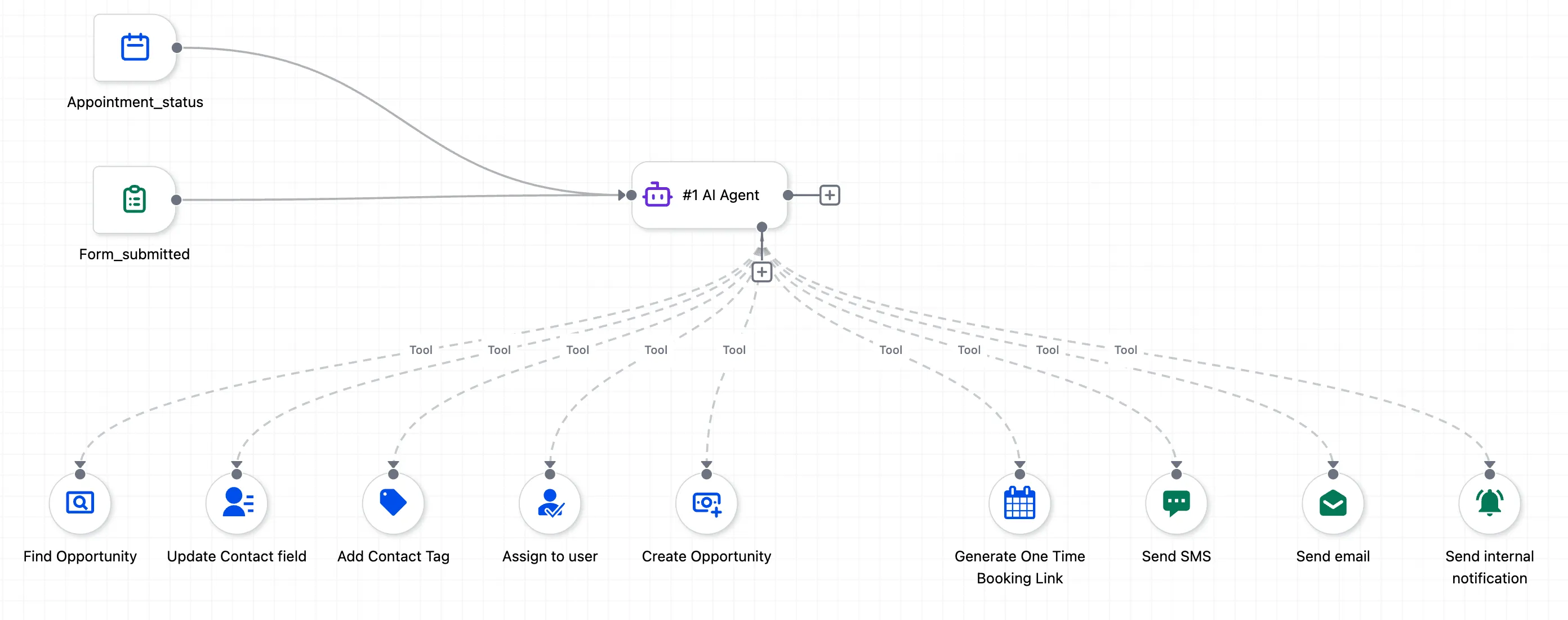
What changed
- The AI Agent action now includes Knowledge Base Search as a tool.
- The agent connects directly to native knowledge bases where business context already lives.
- It can retrieve relevant content during execution instead of loading full static content into the prompt.
- This helps keep prompts lean and can improve response accuracy by grounding answers in the knowledge base.
How to use it
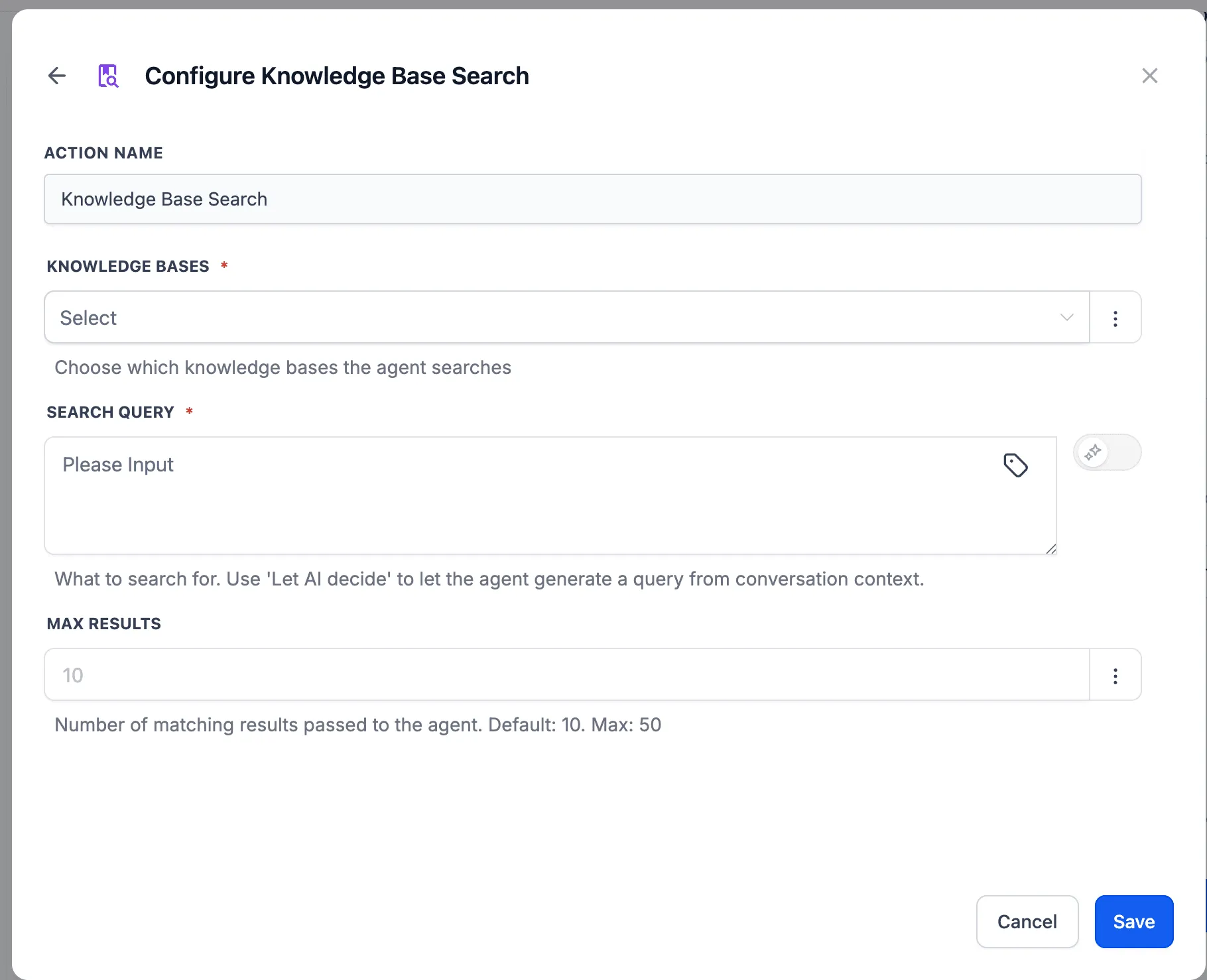
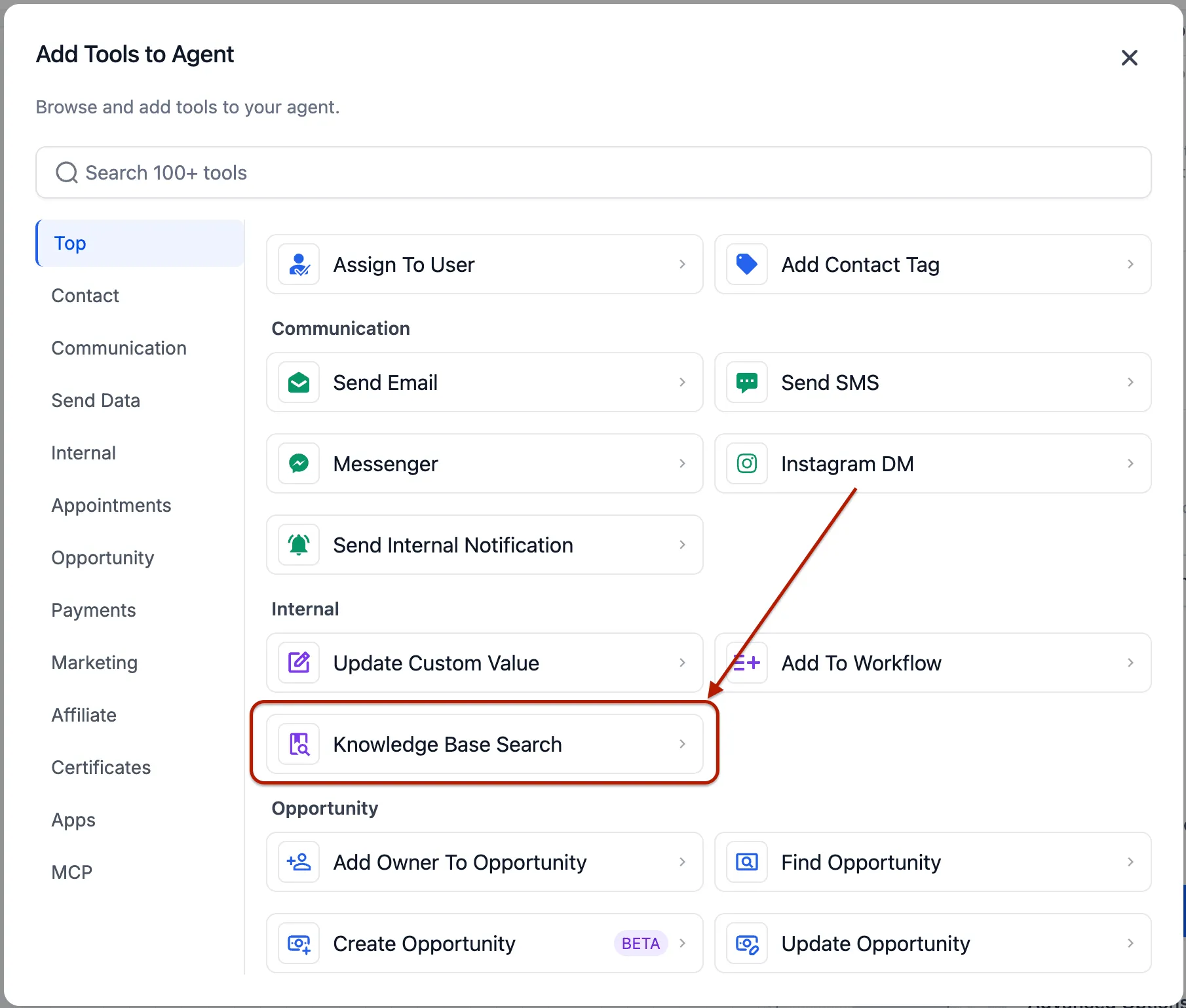
- Select Knowledge Base Search as a tool inside the AI Agent action.
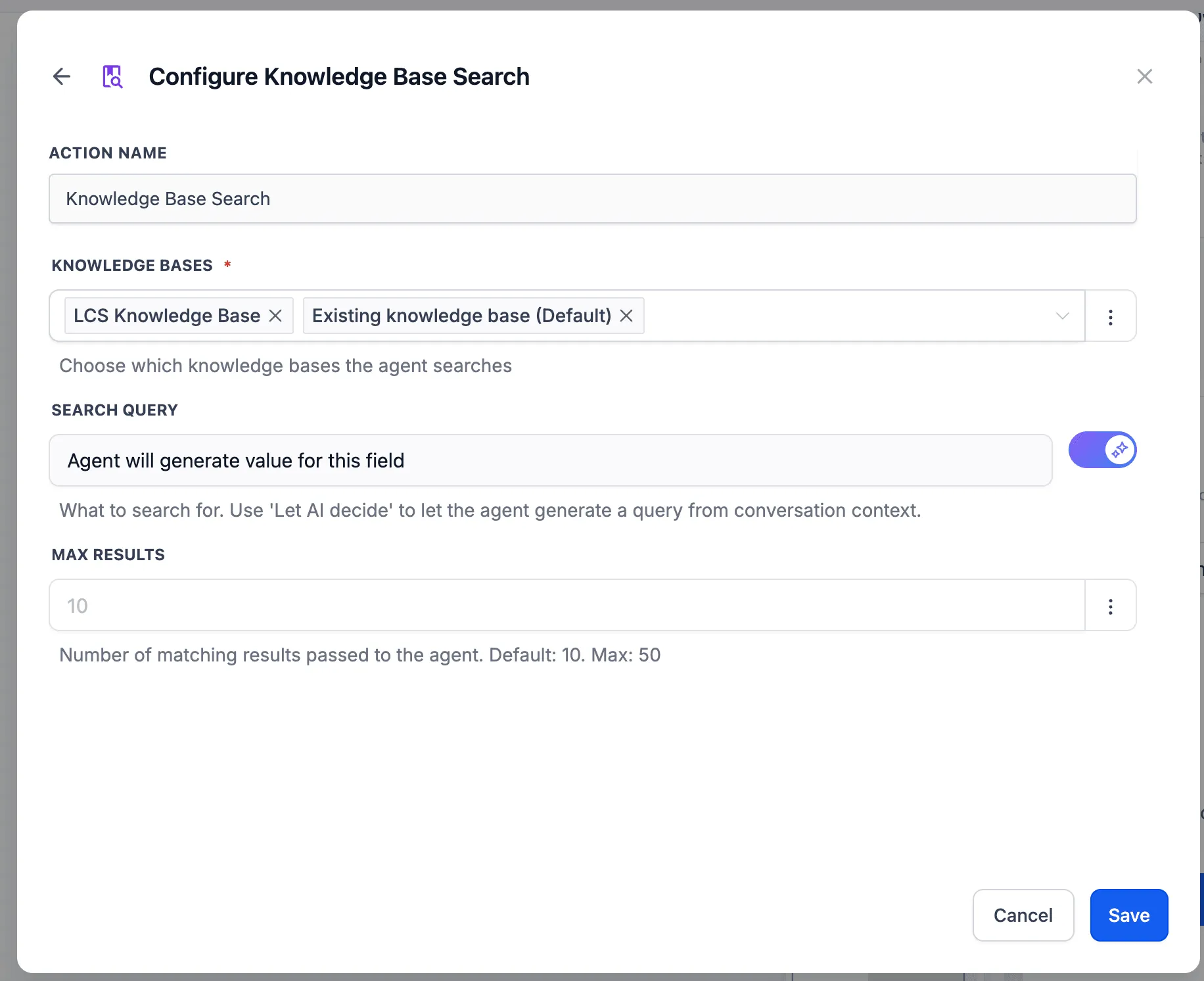
- Choose which knowledge bases the agent should search.
- Define a static search query, or let the AI decide the query dynamically based on the conversation.
- Set the number of chunks the agent retrieves from the knowledge base.
Why it matters
By searching the knowledge base at execution time, the agent can use relevant business information without front-loading pages of context into the prompt. This reduces token usage, keeps business knowledge in one place, and helps the agent produce more grounded responses.
In Case You Missed It
For another workflow update, read HubSpot Actions and Trigger Added to Workflows.
Release Images
Need Help Applying This Update?
Want help turning this update into a working part of your CRM, marketing, or automation setup?
Get Started or schedule a demo and we’ll help you map the right next step.