AI Agent Can Update Custom Values in Automations
The AI Agent action now includes Update Custom Value as a built-in tool for SMBcrm automation. It can evaluate context during execution and write directly to custom values inside an account.
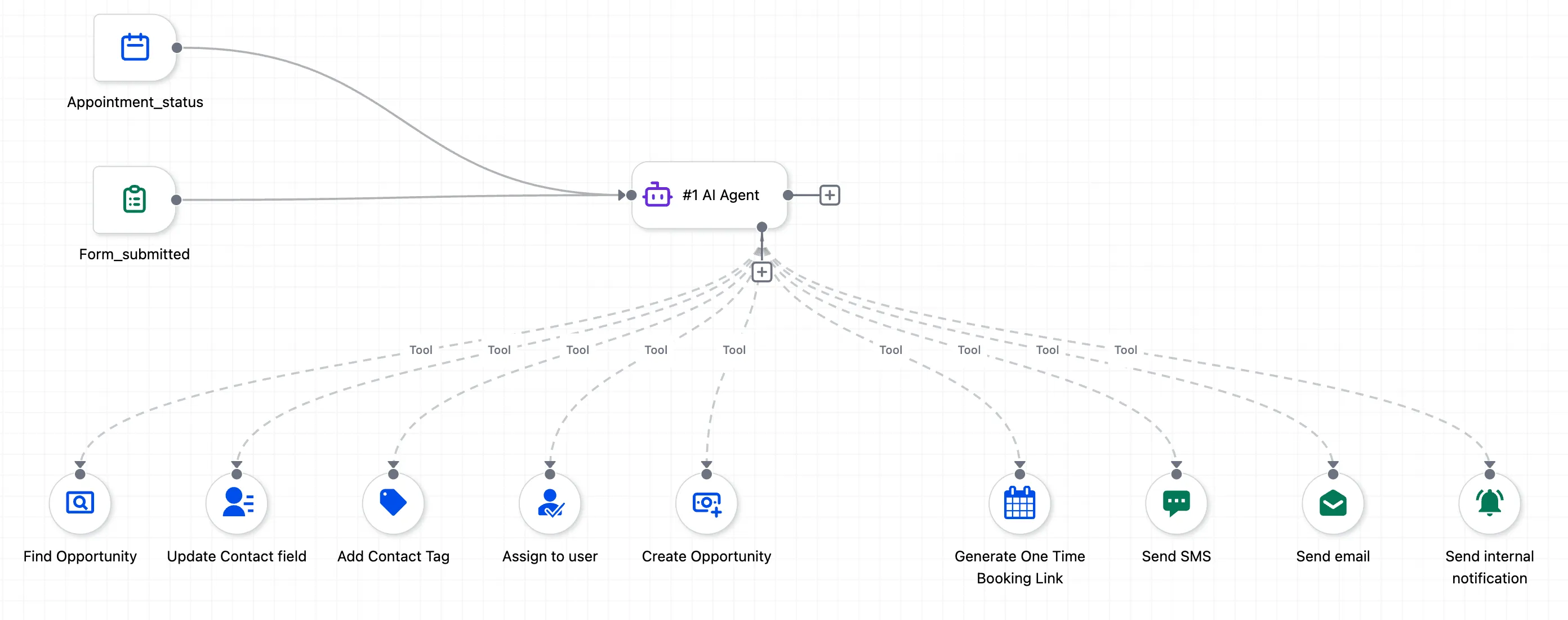
What changed
Update Custom Value helps replace large If/Else trees that were used only to set custom values based on conditions such as:
- Day of the week
- Contact data
- Date formatting
- Timezone
- Pipeline stage
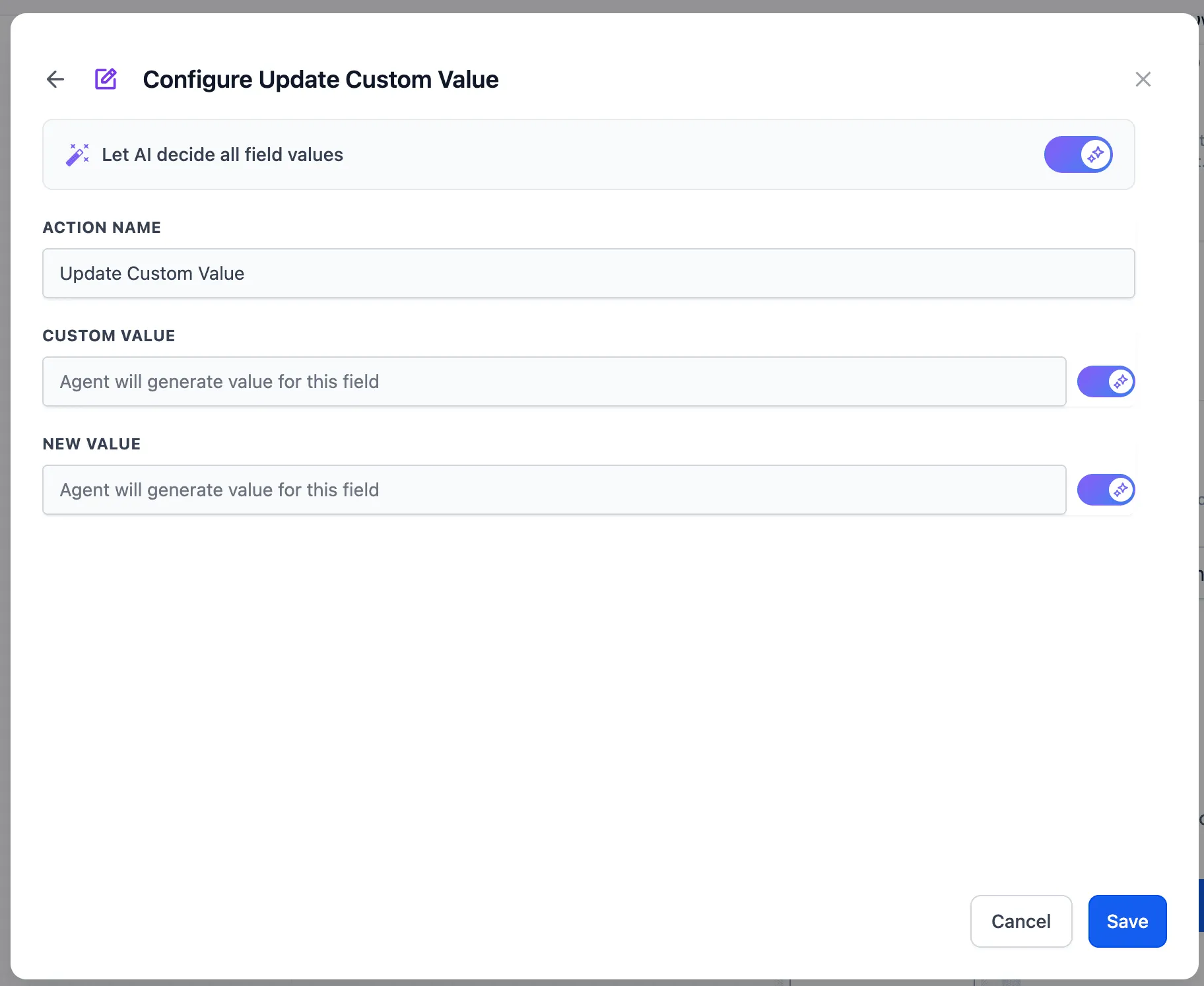
The tool also supports the familiar static value and “Let AI decide” pattern used in other AI features.
How to use it
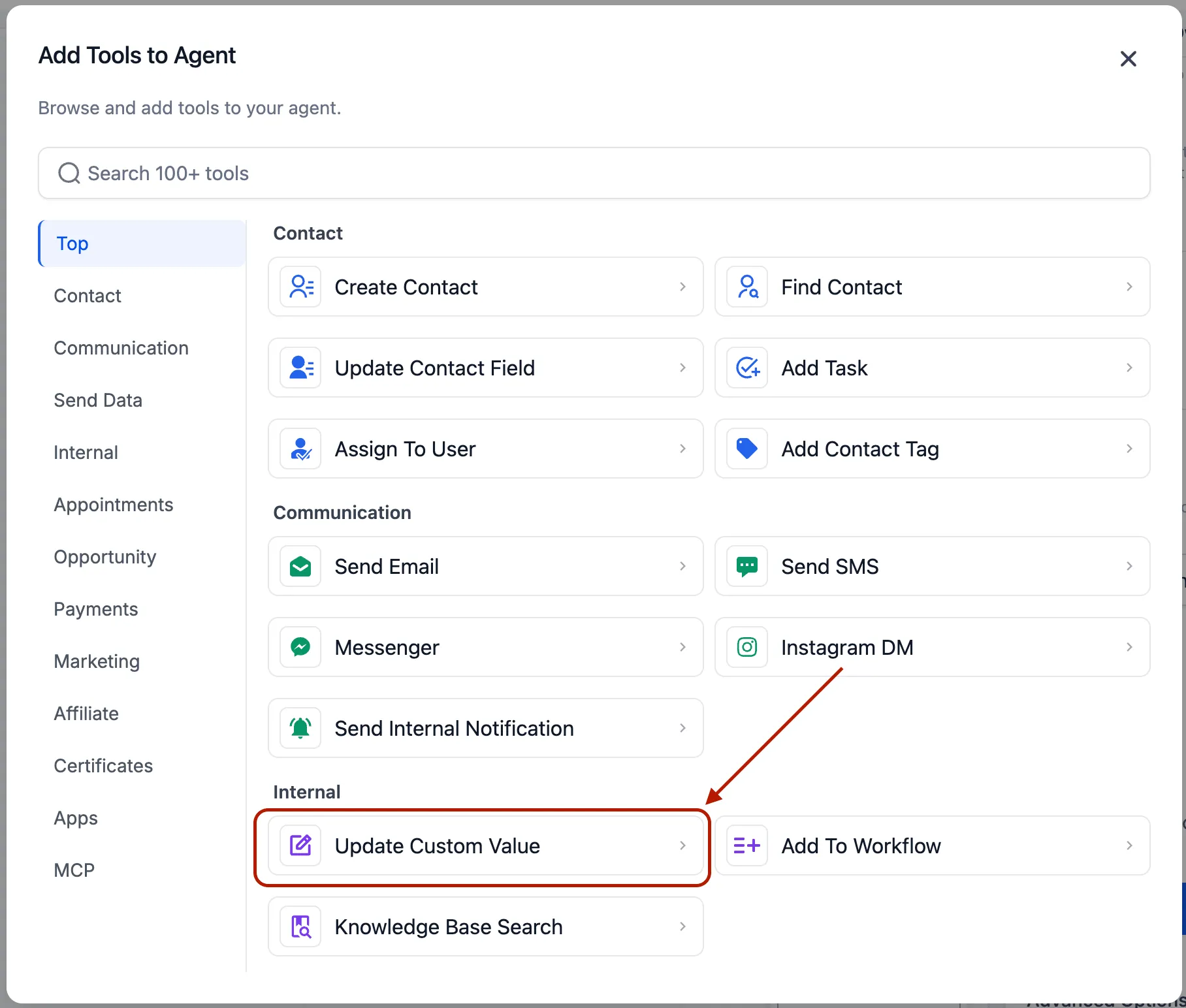
- Select Update Custom Value as a tool inside the AI Agent action.
- Choose a custom value to update, or set it to Let AI decide so the agent can choose the right field based on its reasoning.
- Enter a fixed value or variable reference, or set the value to Let AI decide so the agent can generate the value from your prompt instructions.
Common configurations
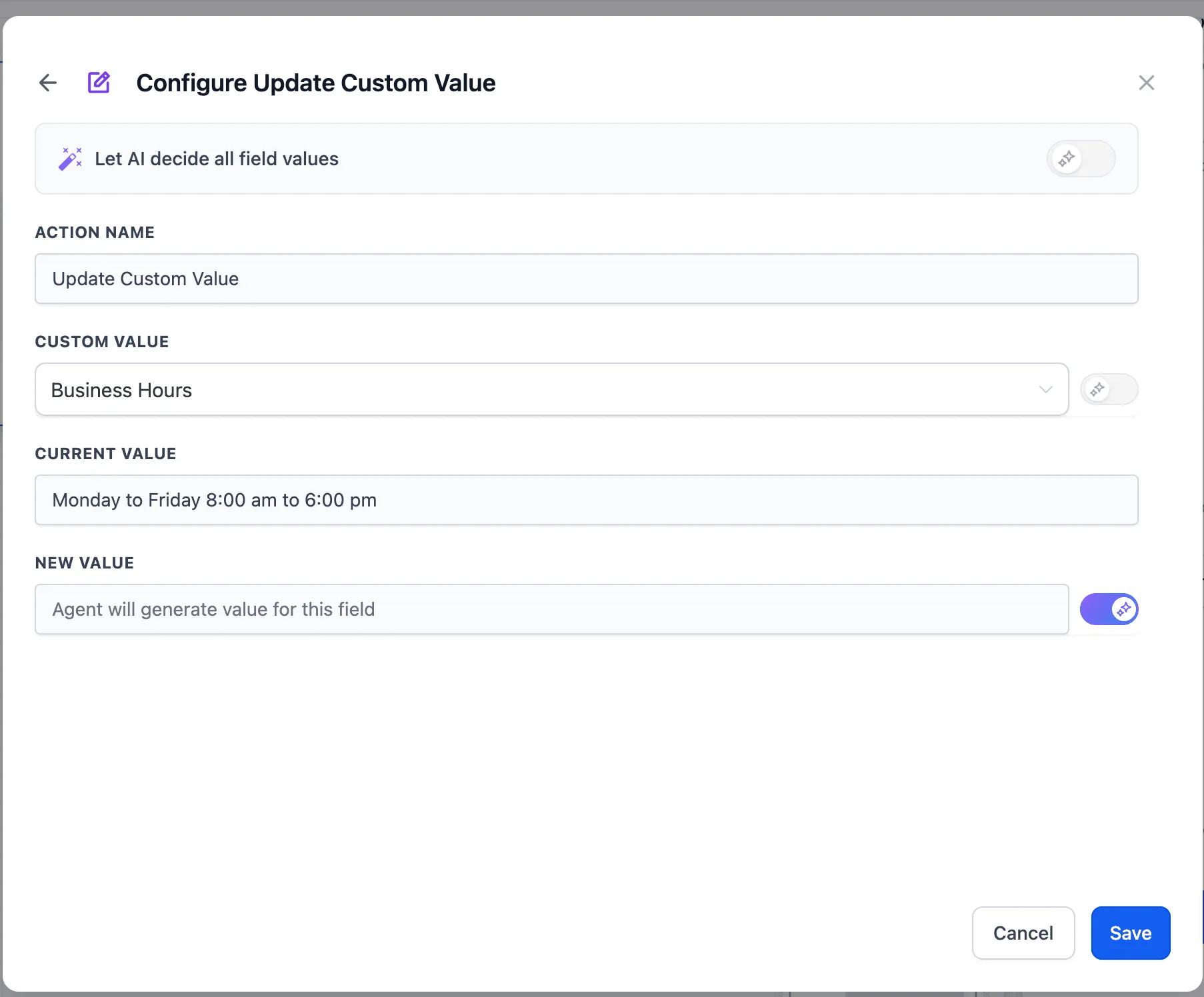
- Static custom value with AI-decided value: Update a specific field with the value the agent determines. This is the most common setup.
- AI-decided custom value and value: Let the agent choose which custom value to update and what to set it to. This is suited for multi-field use cases where the target field depends on context.
Why it matters
Automations that previously needed branching logic for every possible condition, such as day-based schedules, formatted dates, rolling promo codes, or context-aware values, can now be handled in a single agent step. That means less maintenance, fewer actions, faster execution, and lower complexity across workflows.
In Case You Missed It
If you use workflow integrations, read HubSpot Actions and Trigger Added to Workflows.
Release Images
Need Help Applying This Update?
Want help turning this update into a working part of your CRM, marketing, or automation setup?
Get Started or schedule a demo and we’ll help you map the right next step.