You can now view, edit, and manage website code directly inside the builder. This update reduces context switching and makes it faster to work on custom code with live feedback.
What Changed
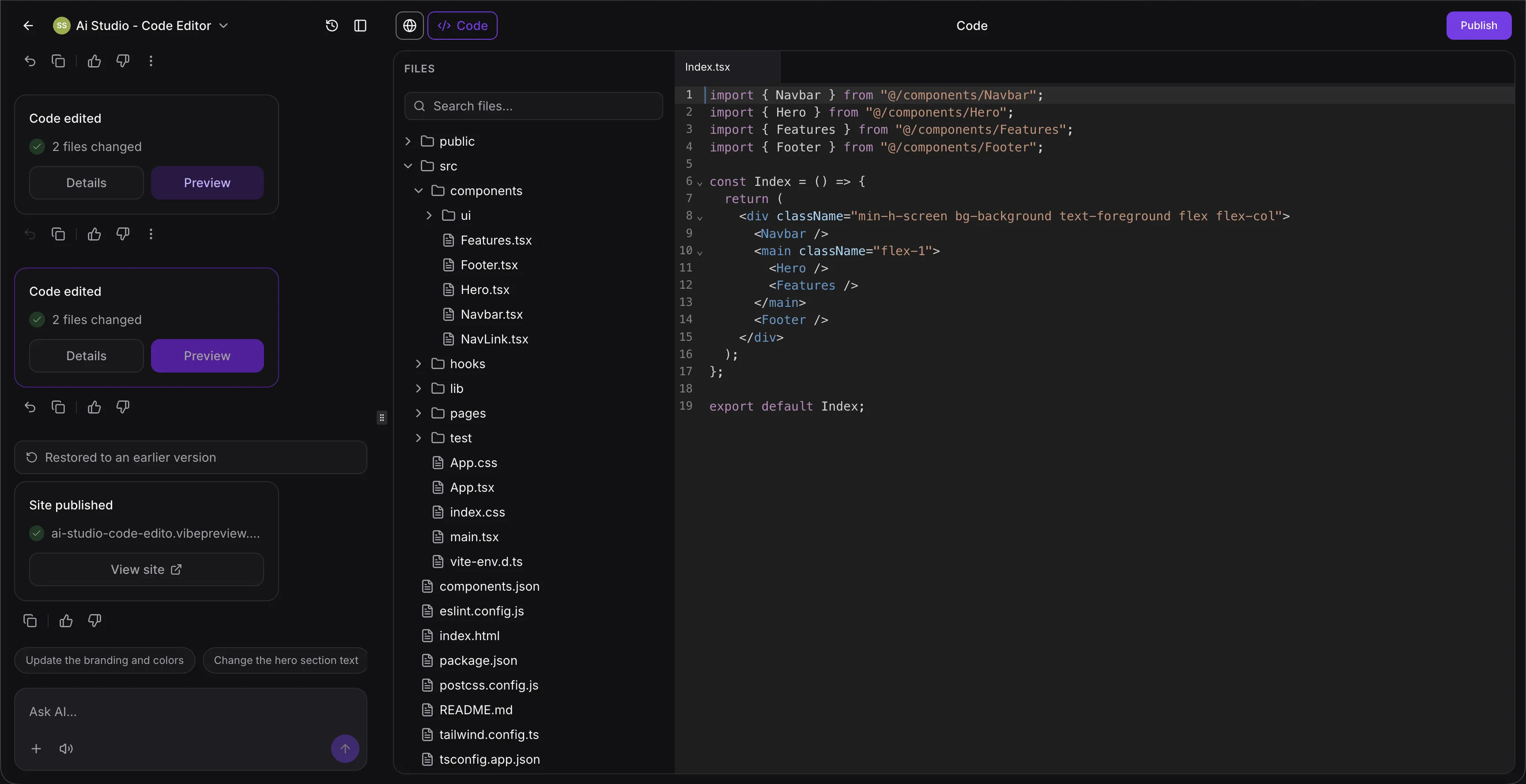
Built-in code editor
The website builder now includes a built-in code editor for working with TypeScript, JSX, CSS, JSON, and more. It also includes tabs, keyboard shortcuts, and unsaved-change indicators.
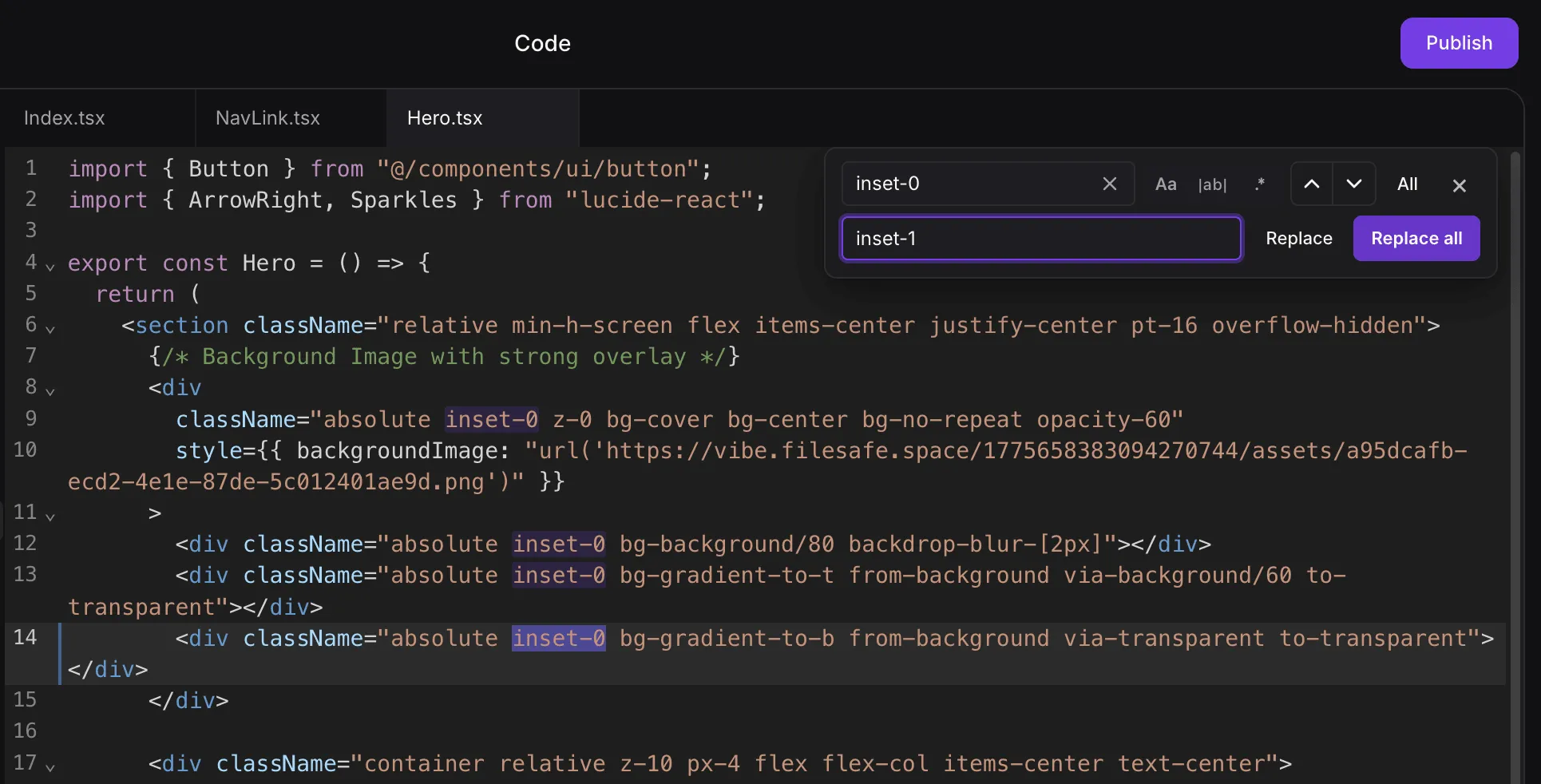
Find and replace
Use Cmd/Ctrl + F to search within code quickly, with options for case-sensitive and whole-word matching.
Global project search
Search across the full project and jump directly to matching results with highlighted matches and line numbers.
Instant save and live preview
Save changes and see updates live in seconds without a separate deploy step.
Smart error detection with AI help
Errors appear immediately while editing. When available, you can use the “Try to fix” option for AI-assisted correction. Learn more about SMBcrm’s AI features.
Automatic route detection
If you create new routes in code, they appear automatically in the route selector.
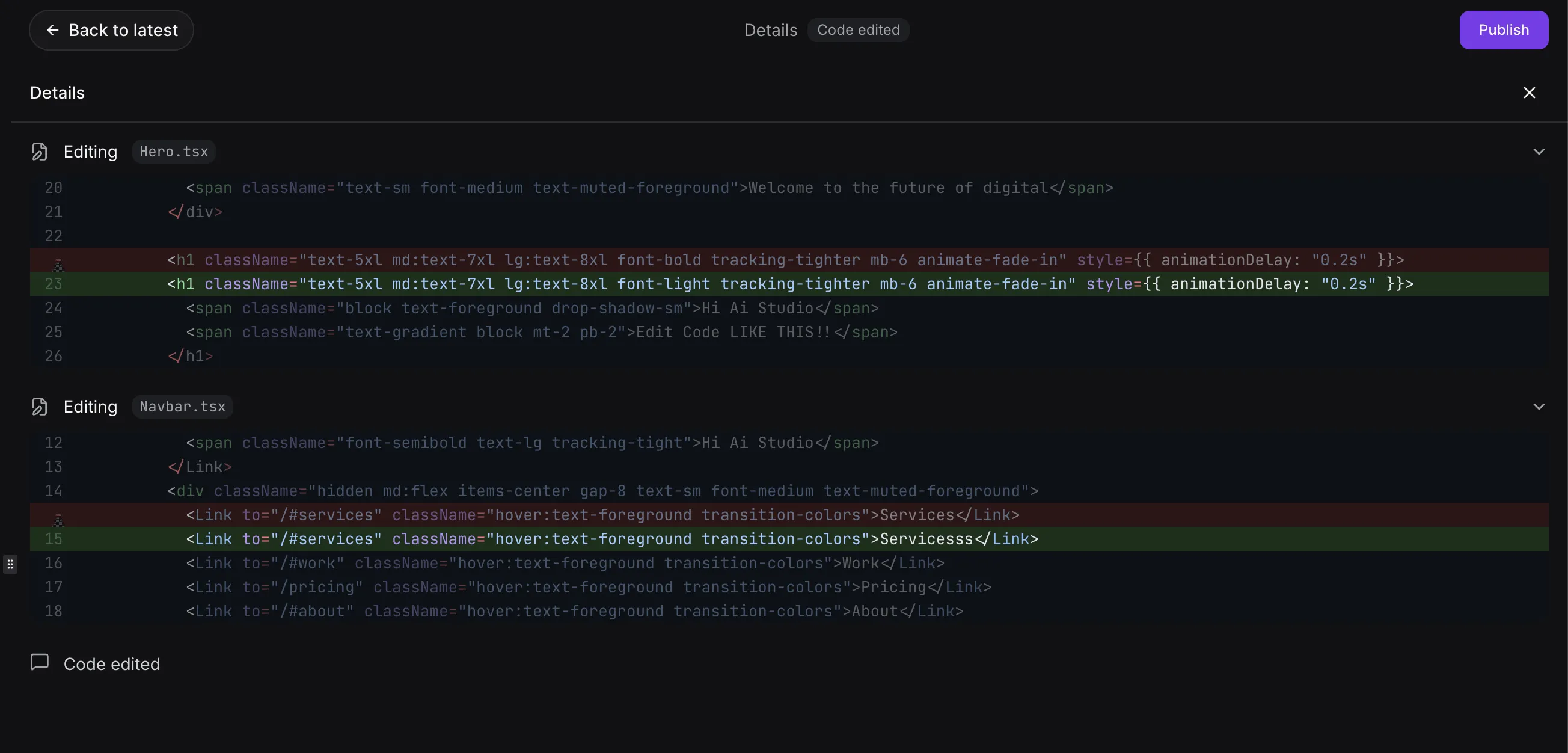
Version history and rollback
Every edit is saved so you can preview, bookmark, or roll back changes when needed.
Unsaved changes protection
The builder warns you before leaving with unsaved changes, helping prevent lost work.
Why It Matters
This update makes custom website editing more efficient by keeping coding, searching, reviewing, and fixing issues in one place.
In Case You Missed It
You can also read about Communities Events Now Support Live Rooms.
Need Help Applying This Update?
If you’d like help rolling this out in SMBcrm, visit Support or request a demo.