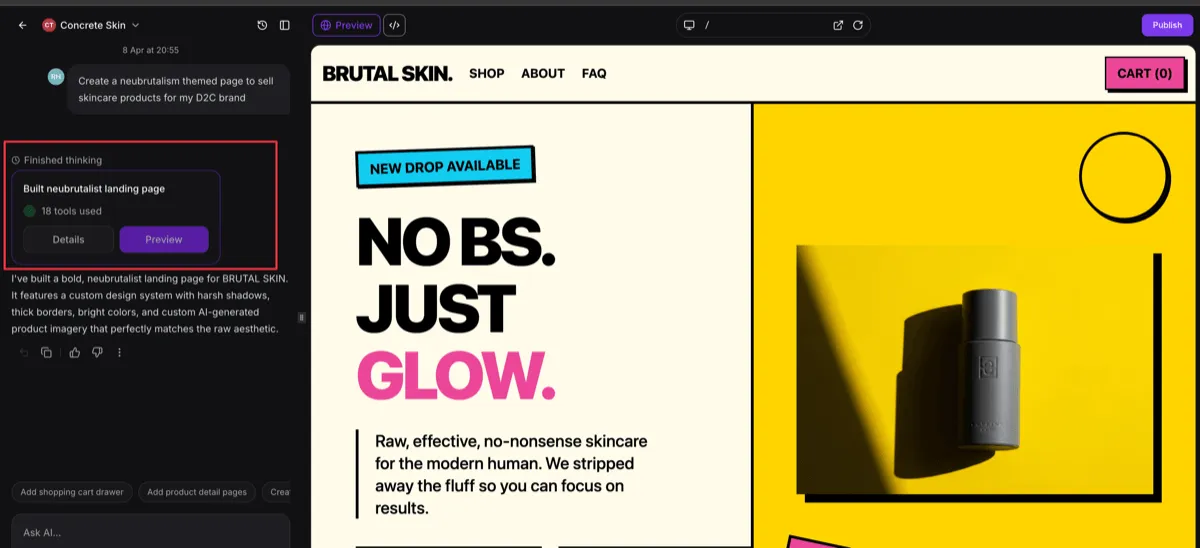
SMBcrm has updated AI Studio tasking with Todo Manager, making multi-step agent workflows more reliable and easier to follow. The update improves task transitions, progress visibility, and context awareness for better execution.
What Changed
This update shifts agent task management from an implicit process to a more explicit workflow system.
Key improvements include:
- Explicit task creation, transitions, and additions through Todo Manager
- Label-based task transitions instead of numeric task indexing
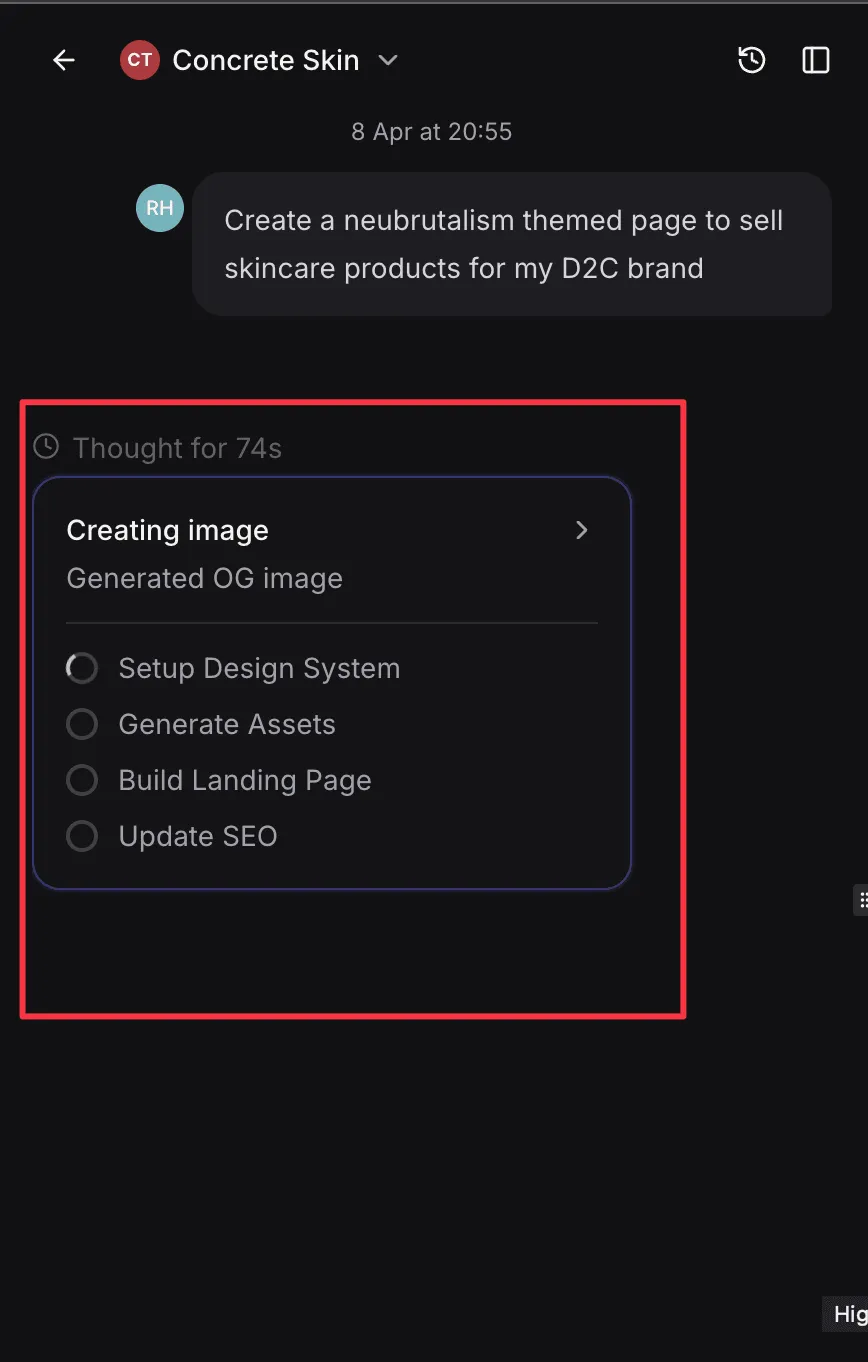
- Dynamic task status updates for active and completed work
- Better planning and context awareness for multi-step task execution
- More structured tool handling with centralized task management
For teams using AI features and automation workflows, this should make complex task sequences easier for agents to manage and easier for users to follow.
Why It Matters
Previously, task handling relied on numeric indexes and inferred transitions, which could create mismatches and make progress harder to interpret.
With Todo Manager, task flow is more clearly defined. That improves:
- Reliability in multi-step jobs
- Accuracy when tasks are added or updated during execution
- Readability with human-friendly task labels
- Visibility into active and completed task states
- Overall model awareness of task order and dependencies
UI and Workflow Improvements
The update also improves the way task progress appears in the interface.
- Tasks now use more descriptive labels
- Progress states are clearer in the frontend
- Existing UI compatibility is maintained while supporting richer task detail
Practical Impact
This update helps AI agents handle multi-step work with clearer transitions and better awareness of what comes next. In practice, that can reduce tasking errors, improve progress tracking, and support more dependable execution in AI-driven workflows.
In Case You Missed It
You can also read about Communities Events Now Support Live Rooms.
Need Help Applying This Update?
If you’d like help rolling this out in SMBcrm, visit Support or request a demo.