AI Studio now retains more project history, keeps context across builder sessions, improves thinking feedback, and makes cloning more reliable.
These updates improve consistency and usability for teams using AI features in everyday work.
What Changed
Larger Project History Support
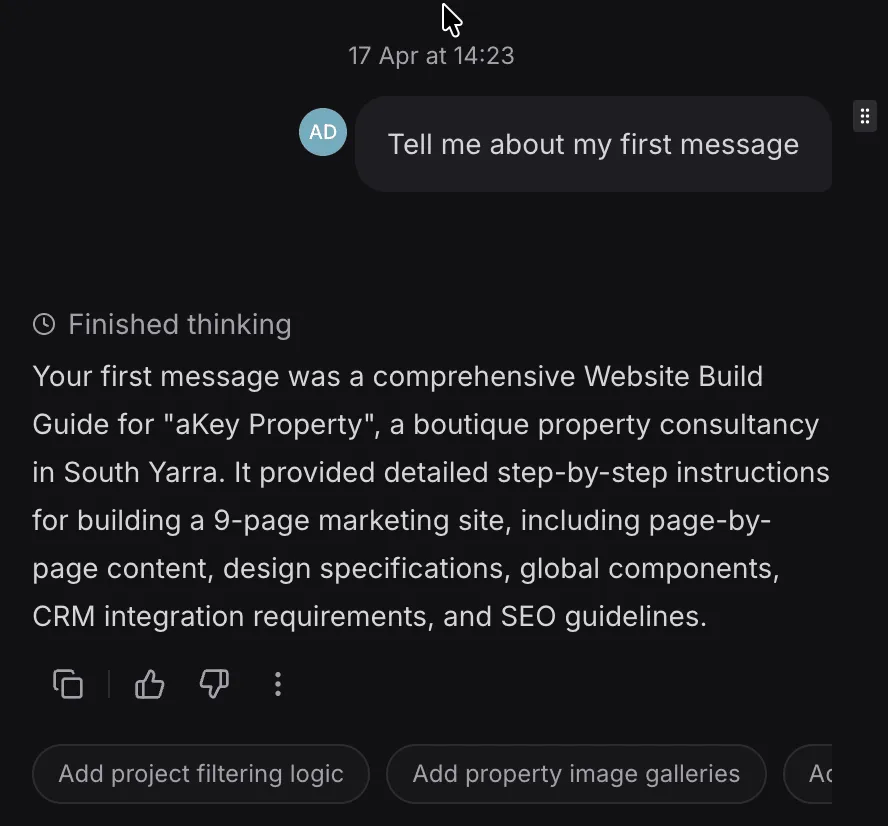
AI Studio now supports a larger context window for project history. For projects that exceed the history budget, compaction helps retain important context so responses stay more accurate and useful.
Better Thinking Feedback
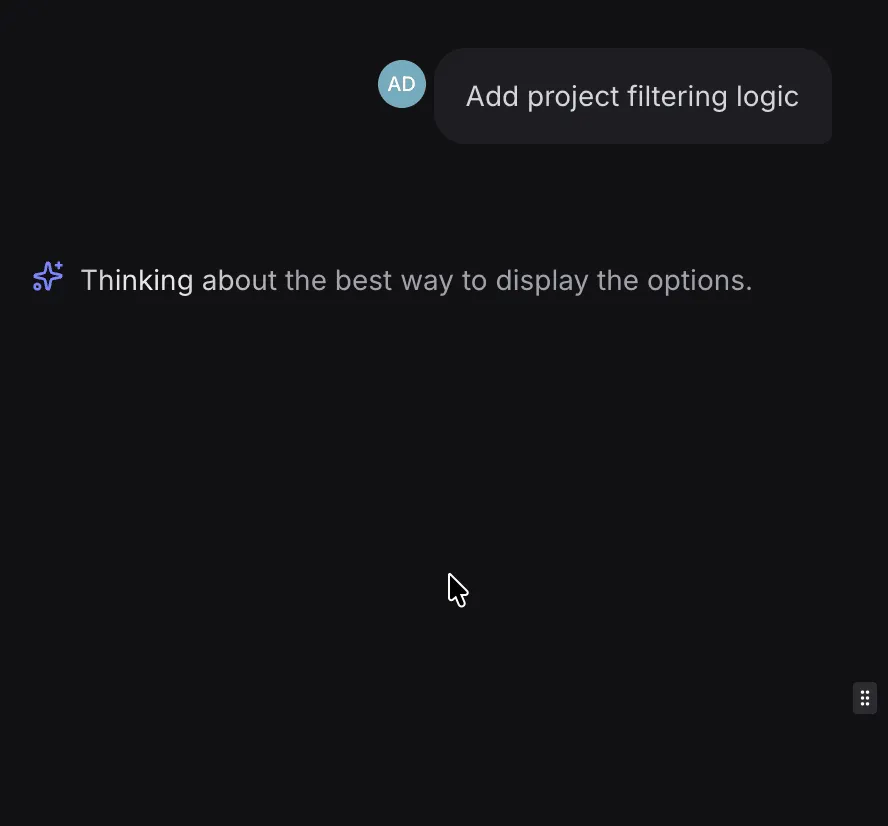
Thinking messages are now more intuitive and more closely aligned with user actions. Instead of a long-running generic “Thinking…” indicator, users will now see more relevant and timely feedback.
Context Continuity Across Sessions
AI Studio now maintains persistent project context across builder sessions. Previously, context could be limited to a single session, which made it easier for the AI to lose track when a new session started.
This change should lead to more consistent outputs across ongoing project work.
Faster, More Reliable Cloning
An internal infrastructure issue that could occasionally cause slow or partial cloning has been resolved. Cloning has been optimized for better speed and reliability.
Why It Matters
For teams working in AI Studio, these changes help reduce context loss, improve response quality, and make common actions feel more predictable.
In Case You Missed It
You can also read about Funnels Can Now Be Added as Course Lessons.
Need Help Applying This Update?
If you’d like help rolling this out in SMBcrm, visit Support or request a demo.