SMBcrm workflows now support Apify actions and triggers. You can run Apify tasks and actors, scrape data, and use external results inside your automations without relying on webhooks or third-party connectors.
If you use Automation to power lead routing, alerts, or follow-up, this update gives you more ways to bring external data into your workflow steps.
What changed
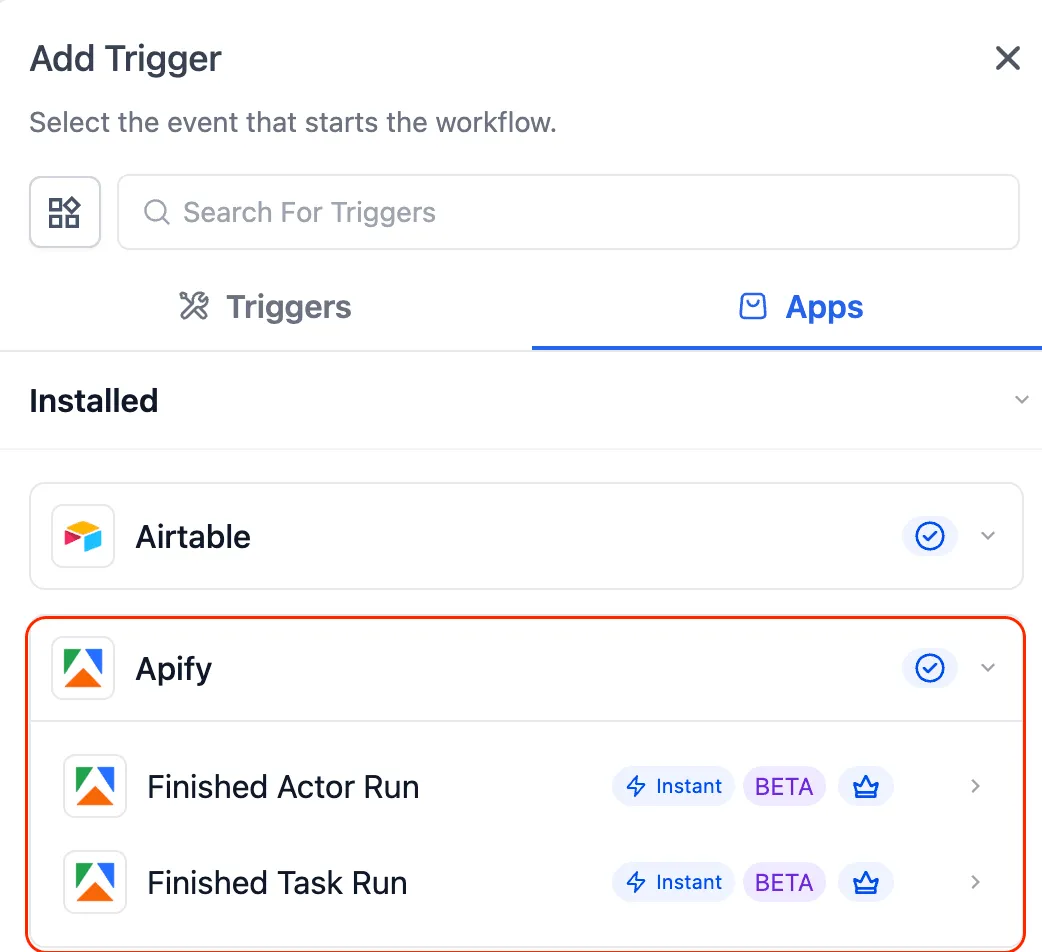
Triggers from Apify into workflows
These triggers can start or continue a workflow based on activity in Apify:
- Finished Actor Run
- Finished Task Run
Actions from workflows into Apify
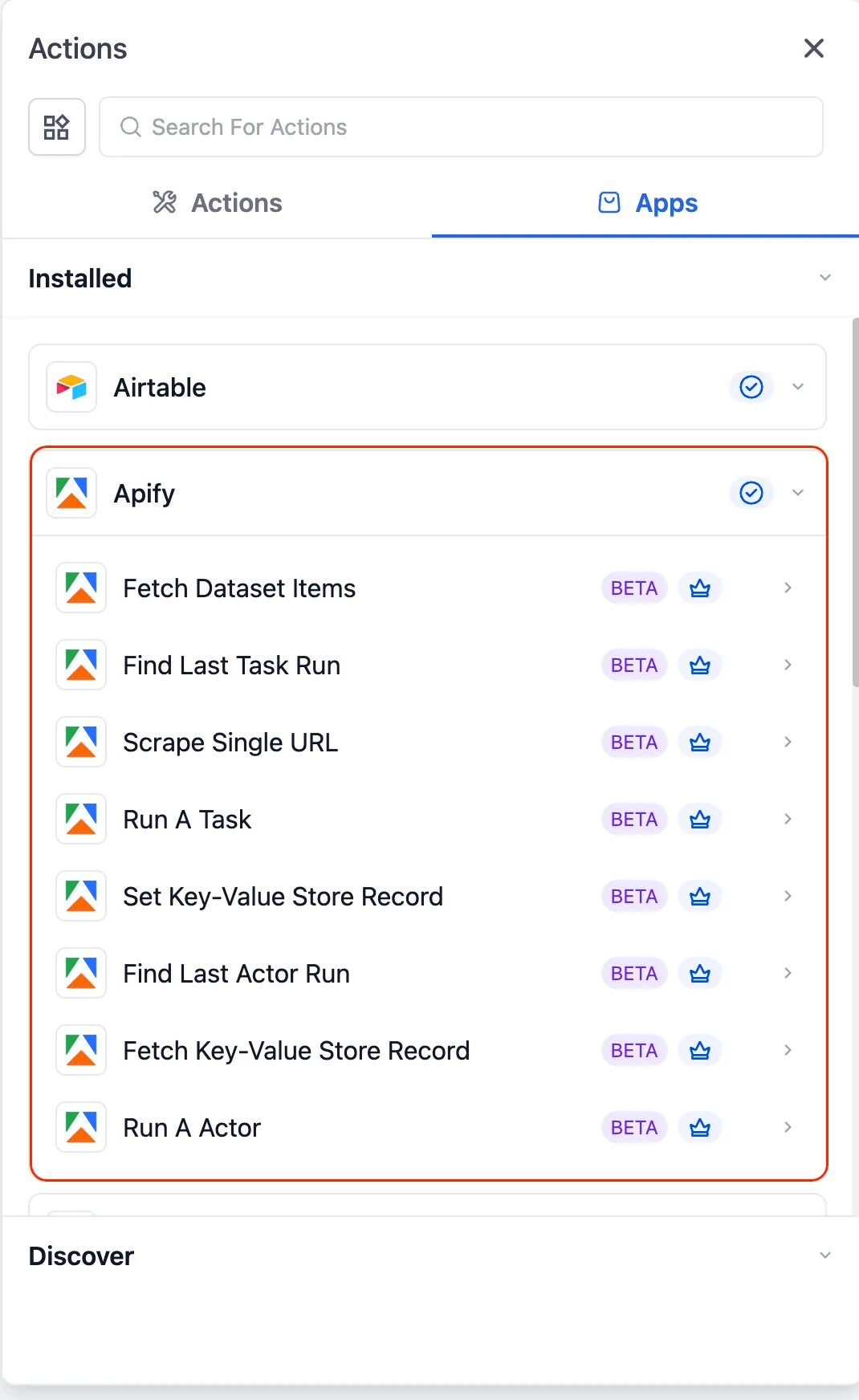
You can now use these workflow actions:
- Run a Task
- Run an Actor
- Scrape Single URL
- Fetch Dataset Items
- Find Last Task Run
- Find Last Actor Run
Example use cases
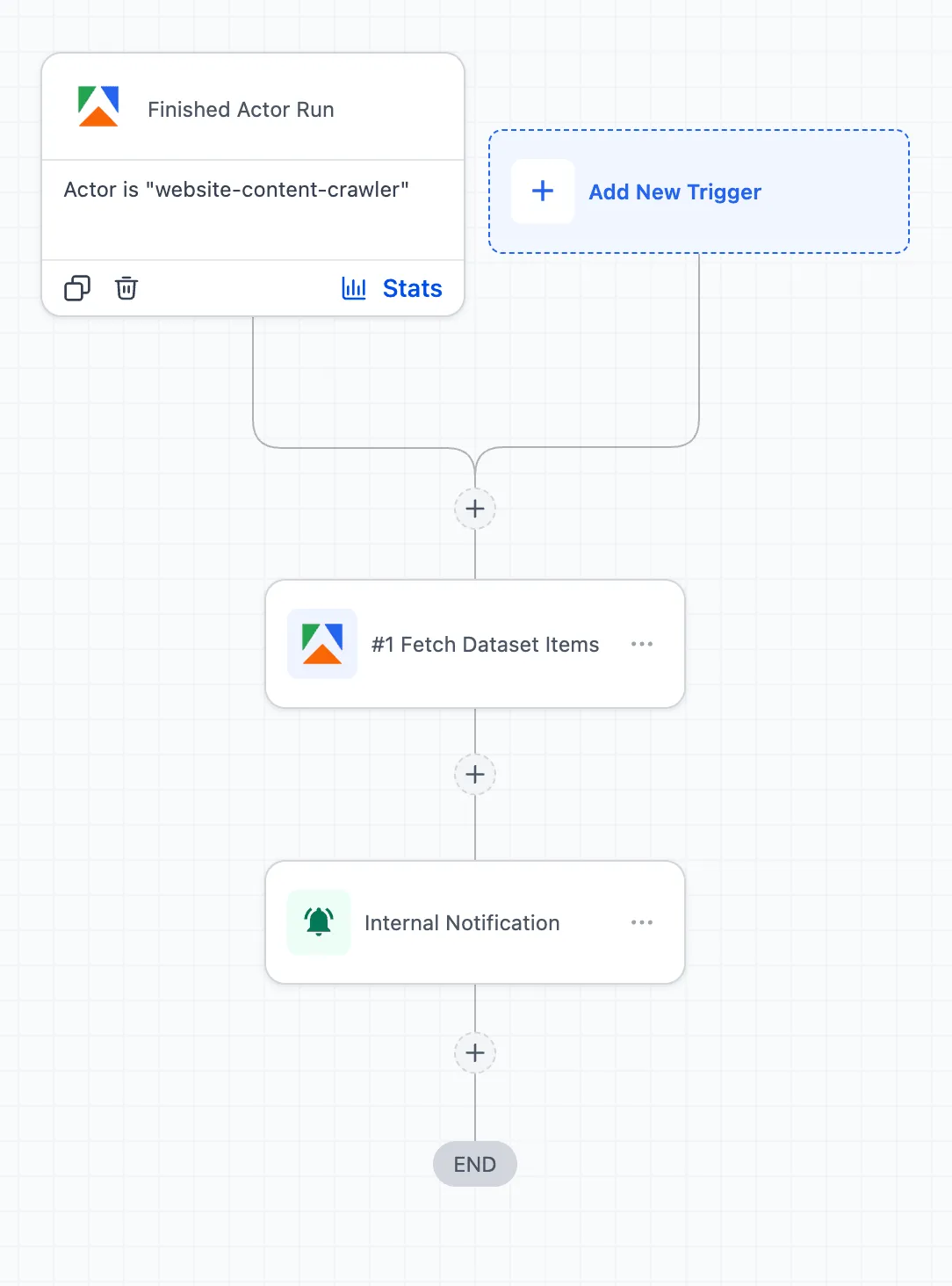
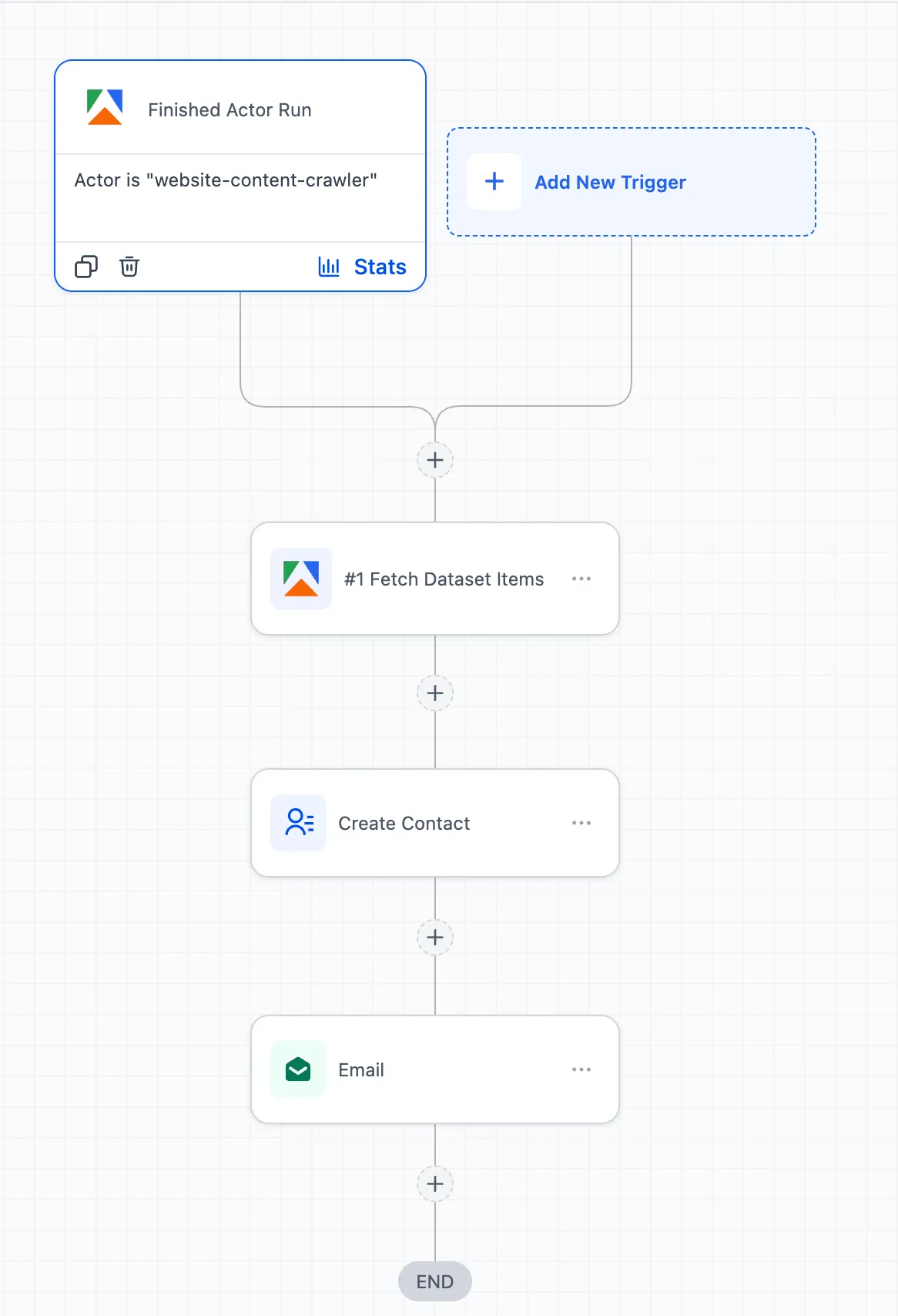
- Scrape local business data and send those records into outreach workflows
- Monitor competitor changes and trigger alerts or follow-up tasks
- Enrich lead records by scraping a website and using those details for segmentation or personalization
How to connect Apify
- In Workflows, search for Apify actions or triggers
- If your Apify account is already connected, the setup fields appear immediately
- If not, select Connect Now and authenticate with your API key
- You can also connect from Settings > Integrations > Apify
Notes
For large datasets, the source recommends adding a wait step after an actor runs, then using Fetch Dataset Items to process the data with an array action.
Usage charges are based on Apify pricing for compute and storage, along with premium workflow usage where applicable.
In Case You Missed It
You can also read Assigned User Custom Values Now Work in Funnels and Calendar Confirmations.
Need Help Applying This Update?
If you’d like help rolling this out in SMBcrm, visit Support or request a demo.