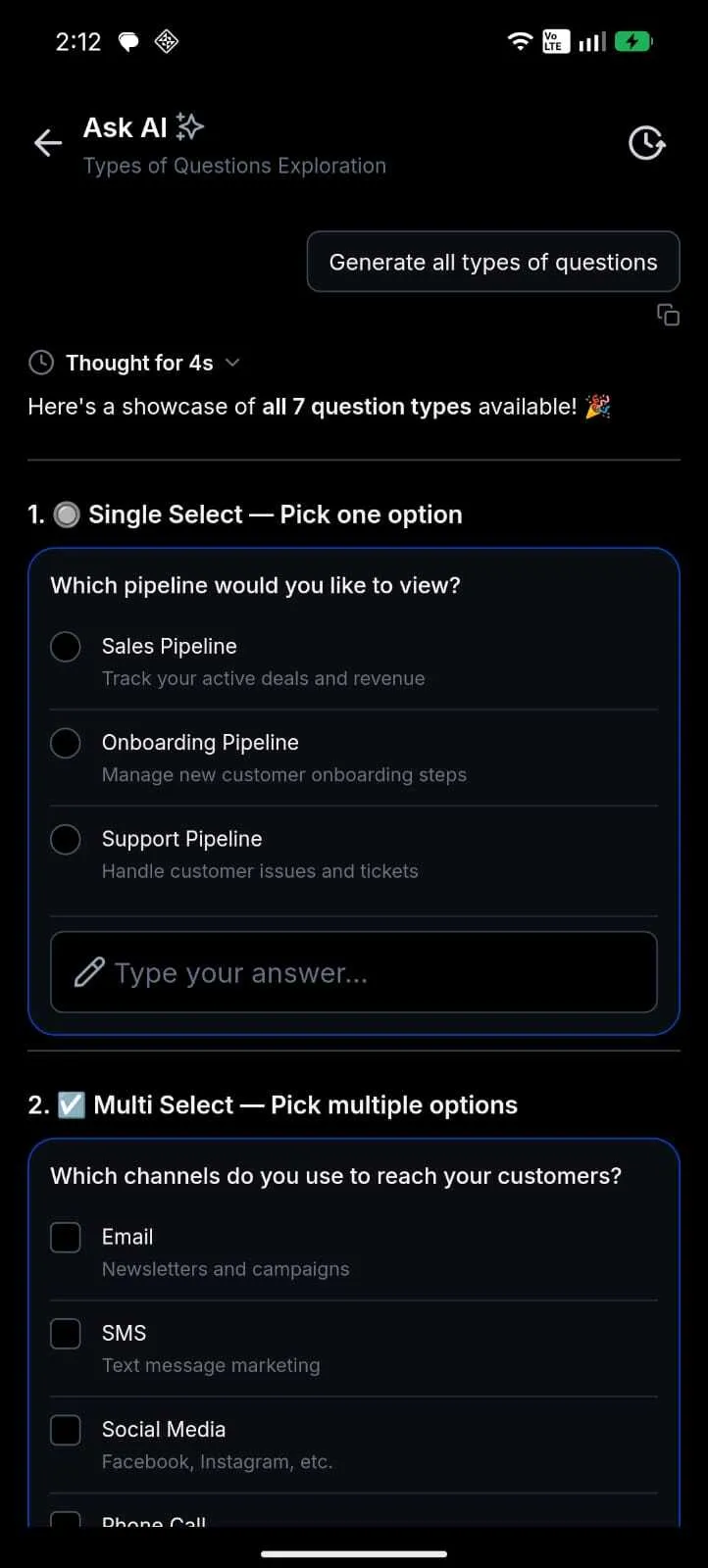
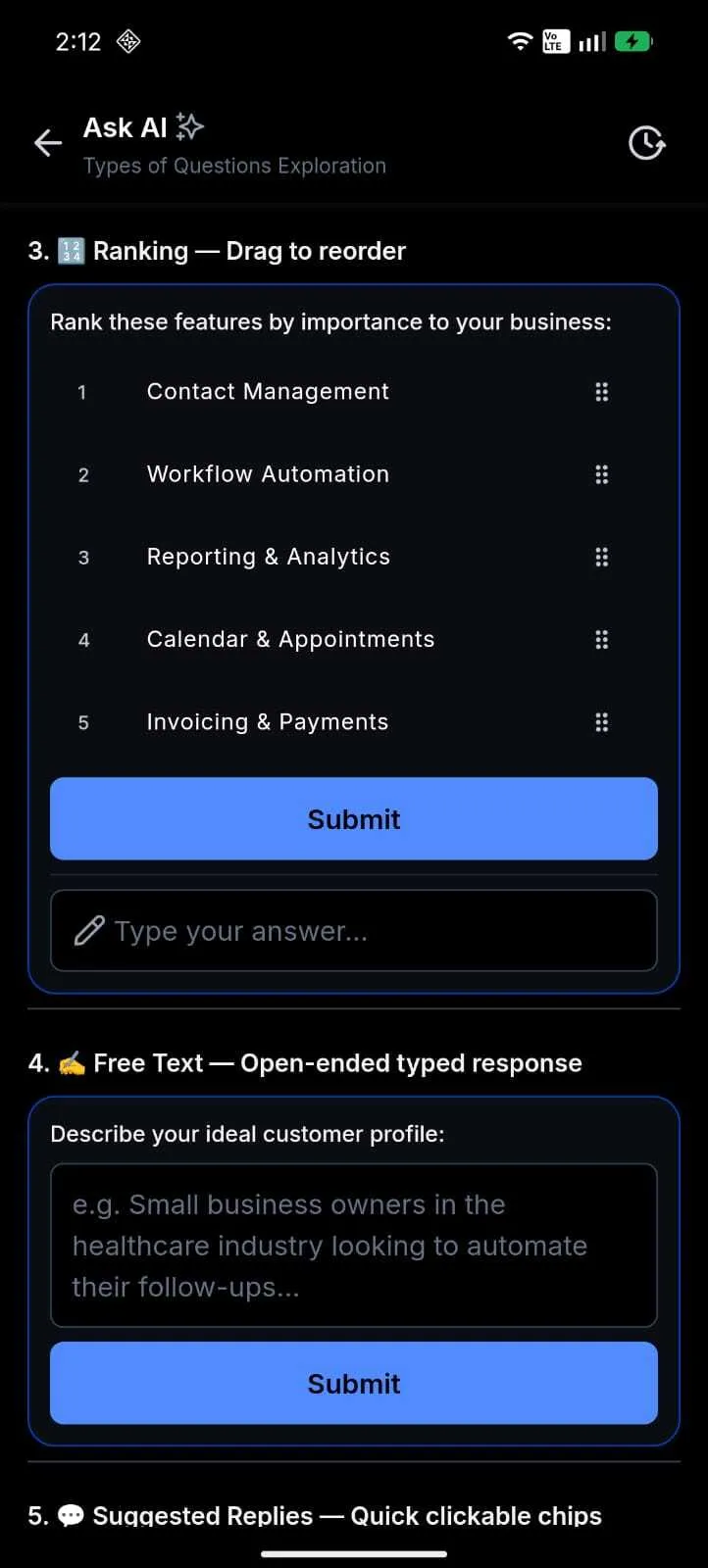
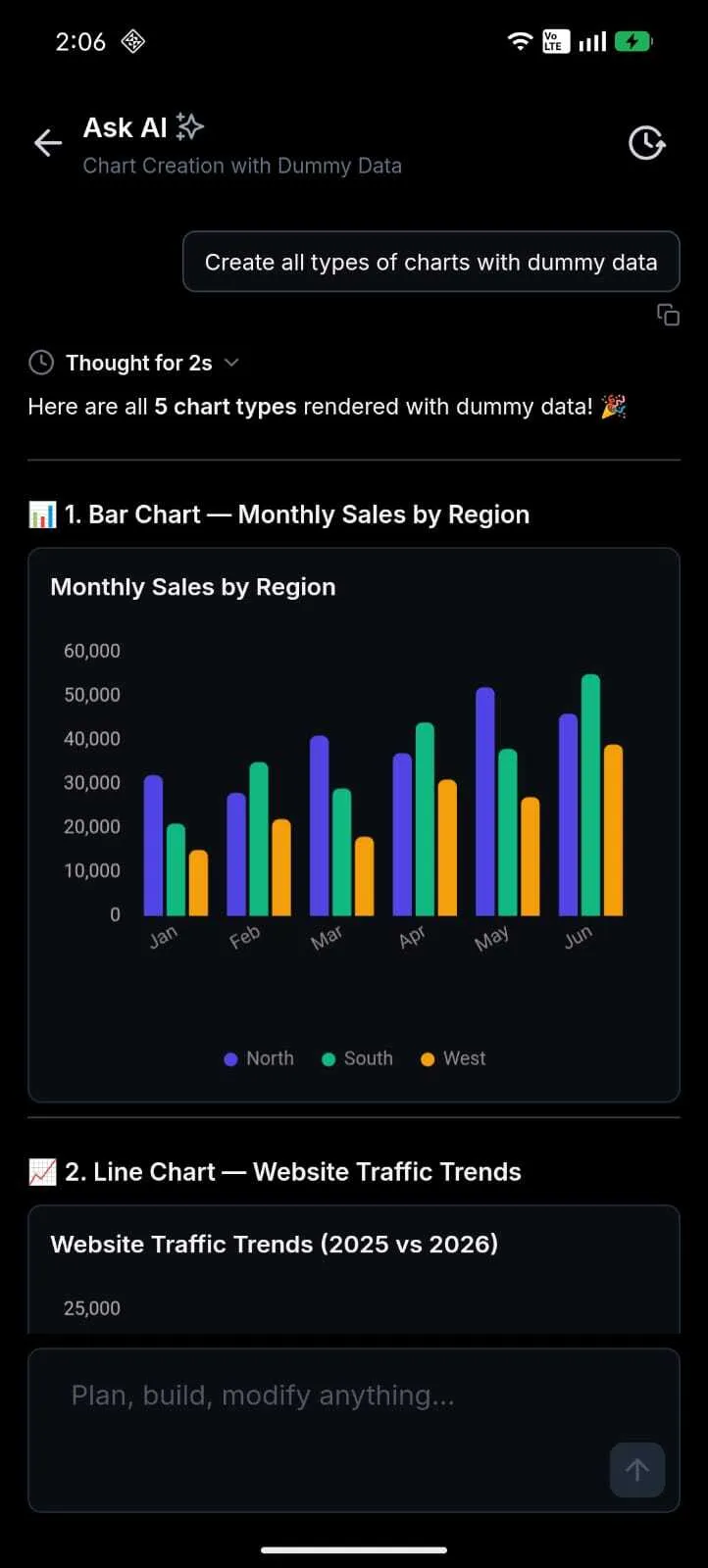
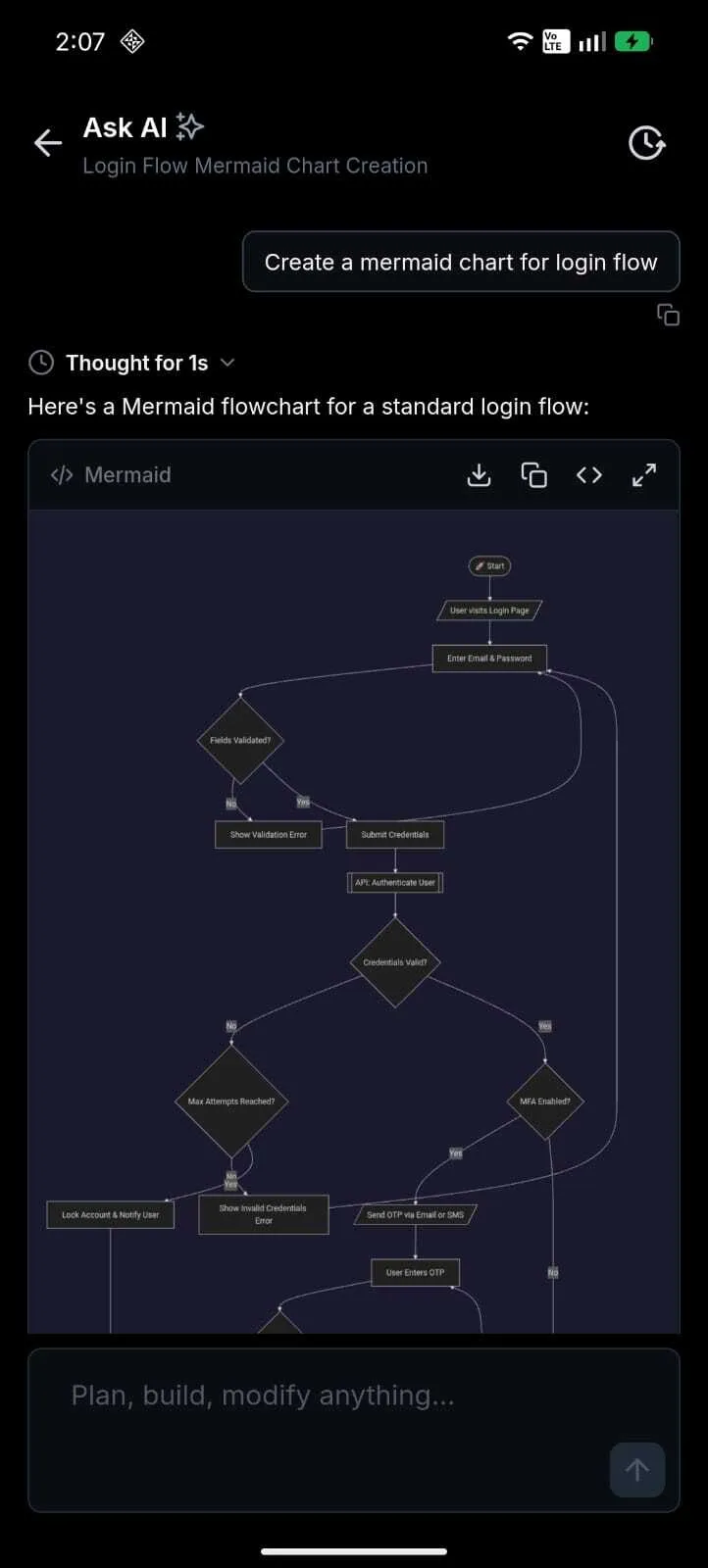
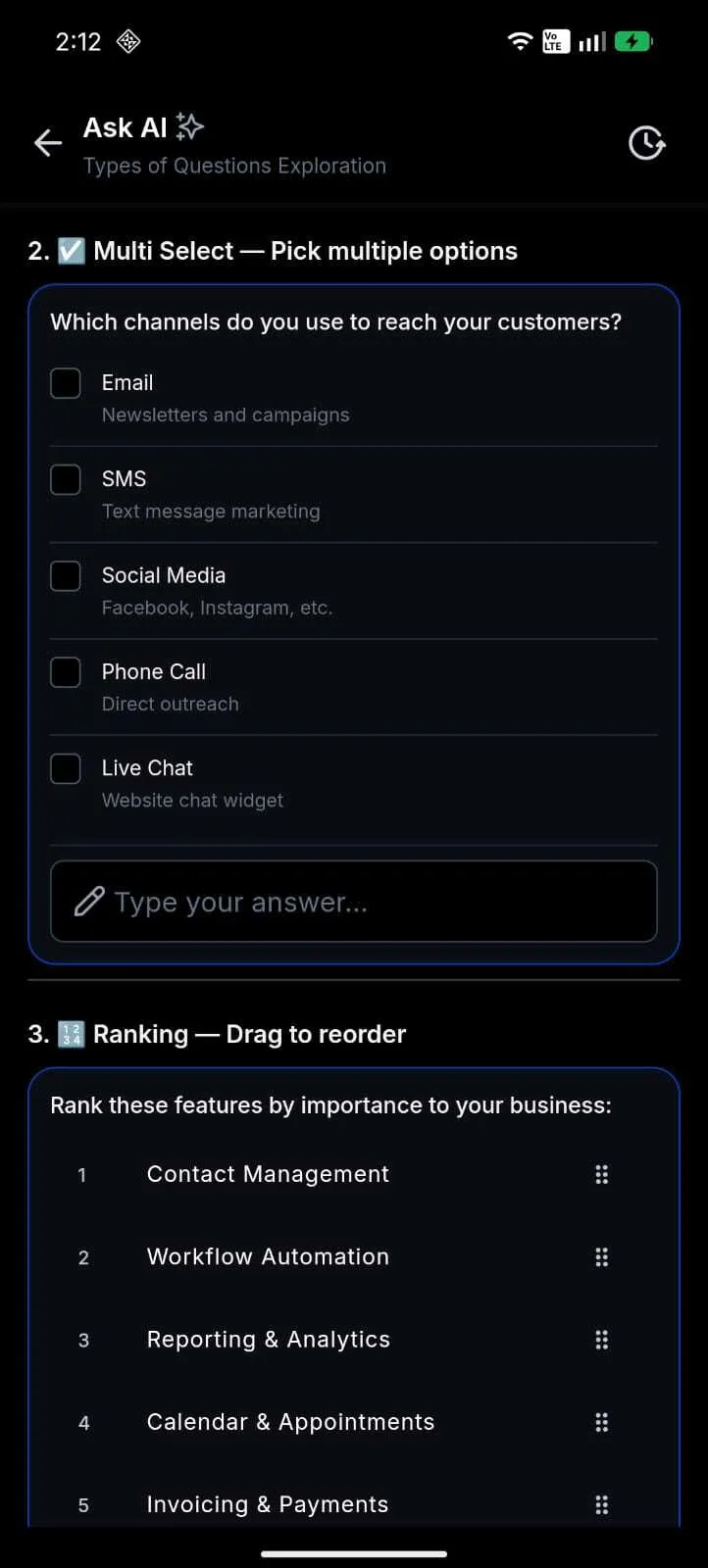
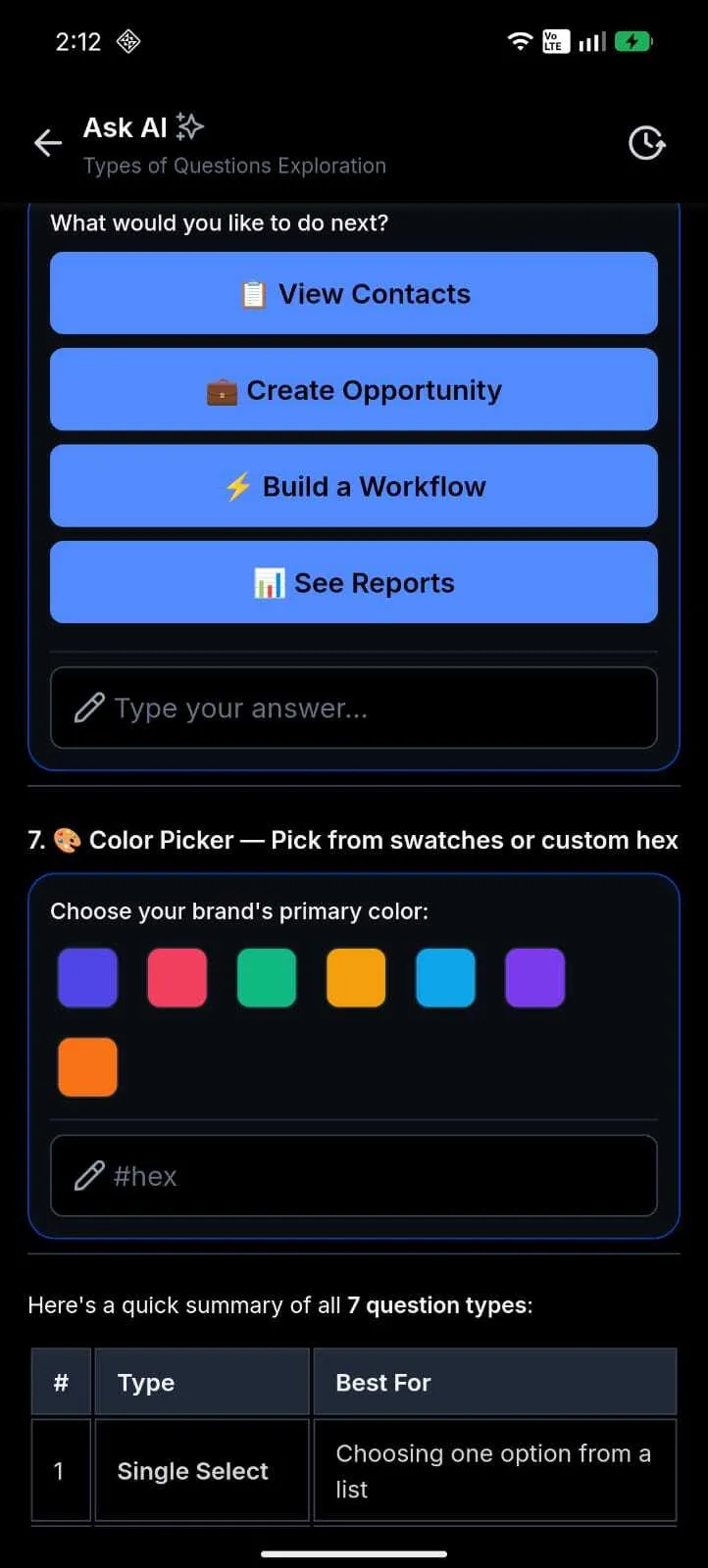
Ask AI in the SMBcrm Mobile app now respects the same per-user access settings configured on web. If a teammate has access, they can open Ask AI from the app and chat from their phone. Teammates without access will not see the entry point.
For teams using SMBcrm AI features, this brings mobile access closer to the web experience while keeping access controlled per user.
What changed
- Per-user Ask AI access now carries over from web to mobile.
- Ask AI is no longer limited to administrators in the mobile app.
- Users with access can open Ask AI from the floating action button, home screen, or dashboard.
- Users without access do not see the entry point, and direct links show Ask AI is not available.
- Administrators may see a non-blocking setup banner when some account teammates still need access.
- If a usage limit or policy blocks a message, chat now shows a clearer explanation instead of a generic send failure.
Why it matters
Teams can use Ask AI from their phones while working in the field, with clients, or away from a desktop. Administrators can still grant access per user instead of relying on an admin-only mobile experience.
How to get started
- Grant Ask AI access on web for the account users who should have it.
- Open the SMBcrm Mobile app and sign in as a user with Ask AI access.
- Tap Ask AI from the floating action button, home screen, or dashboard.
- If you manage team rollout, use the setup banner to finish access configuration on web. The composer stays enabled for users who already have access.
Availability and notes
- Release date: June 18, 2026.
- Available version: 4.18.1, build 833.
- Status: Public.
- Platforms: iOS and Android.
- Users without access will not see Ask AI until an administrator grants access on web.
- If an account hits its monthly limit or access is blocked, an in-chat banner appears and the composer is disabled until the issue is resolved.
- If access cannot be verified while offline, the app shows a retry screen.
- Paid consent is not collected on mobile during the current free period, matching web.
- Paid-feature consent is listed to return on mobile when metered Ask AI billing goes live, aligned with web.
In Case You Missed It
For another recent product update, read June Template Release: Websites, Funnels, Email, Social, and Ads.
Release Images
Need Help Applying This Update?
Want help turning this update into a working part of your CRM, marketing, or automation setup?
Get Started or schedule a demo and we’ll help you map the right next step.