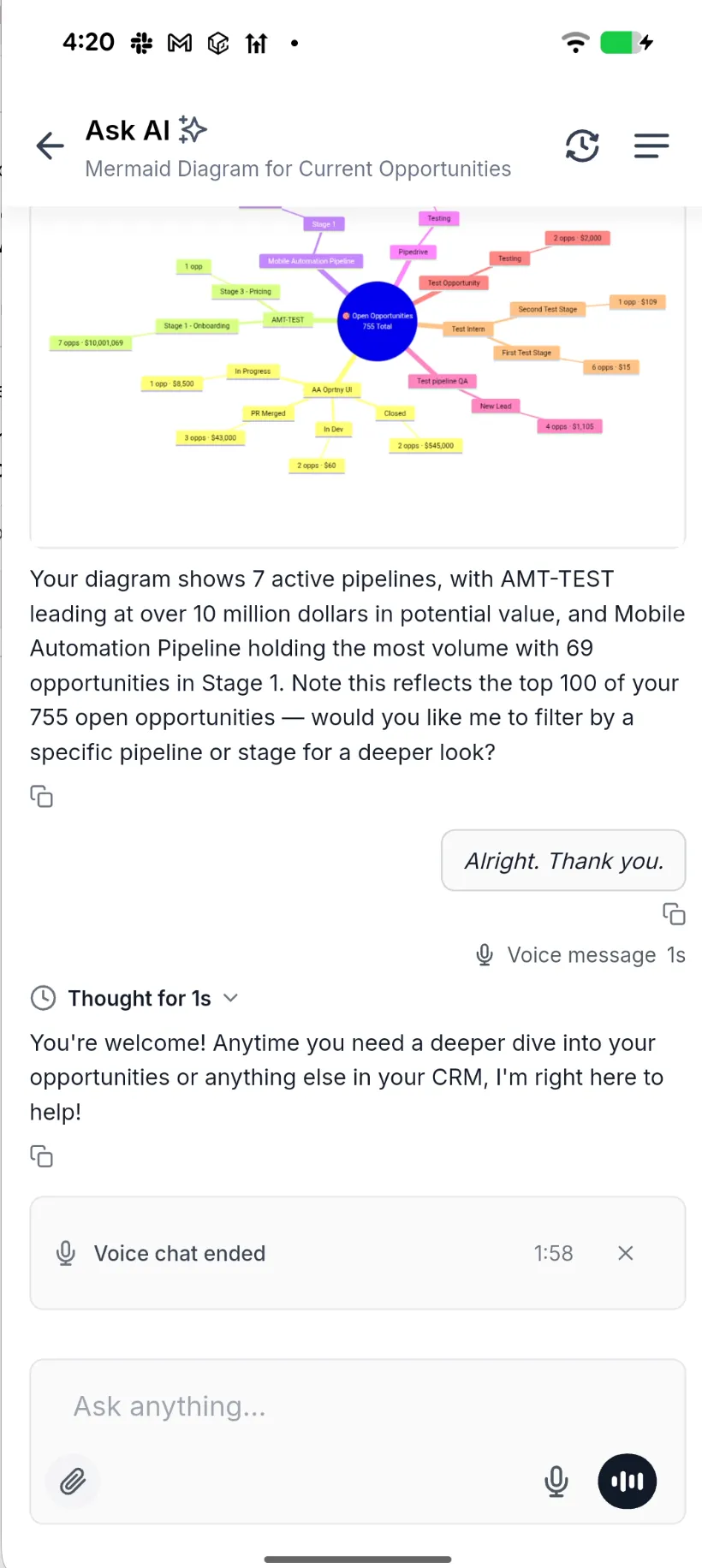
Ask AI now supports two-way voice in the SMBcrm Mobile app. You can speak a question, hear the reply, and interrupt to redirect the conversation. Voice and typed messages stay in the same chat.
How it works
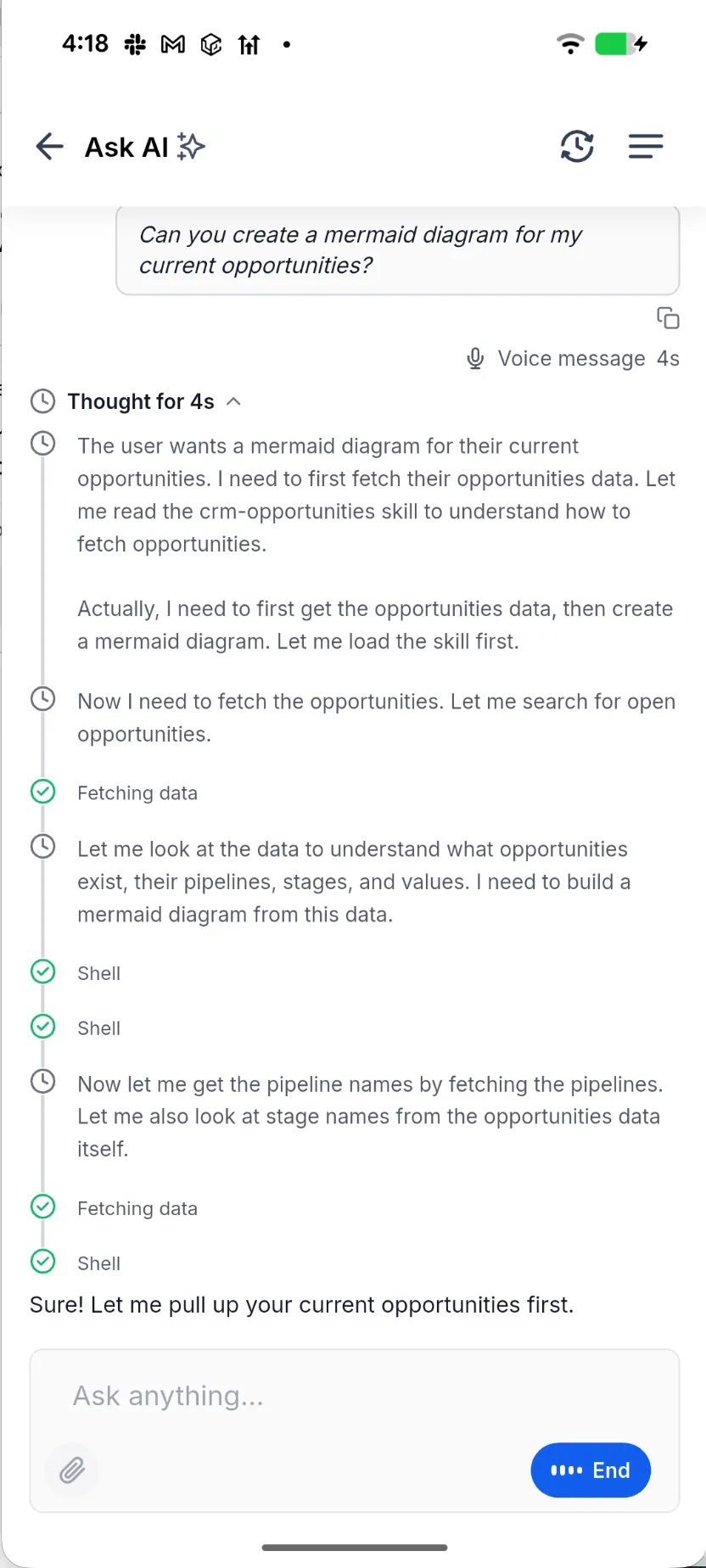
- Tap the mic to speak. Your words appear as you talk, then become a transcript with a duration label.
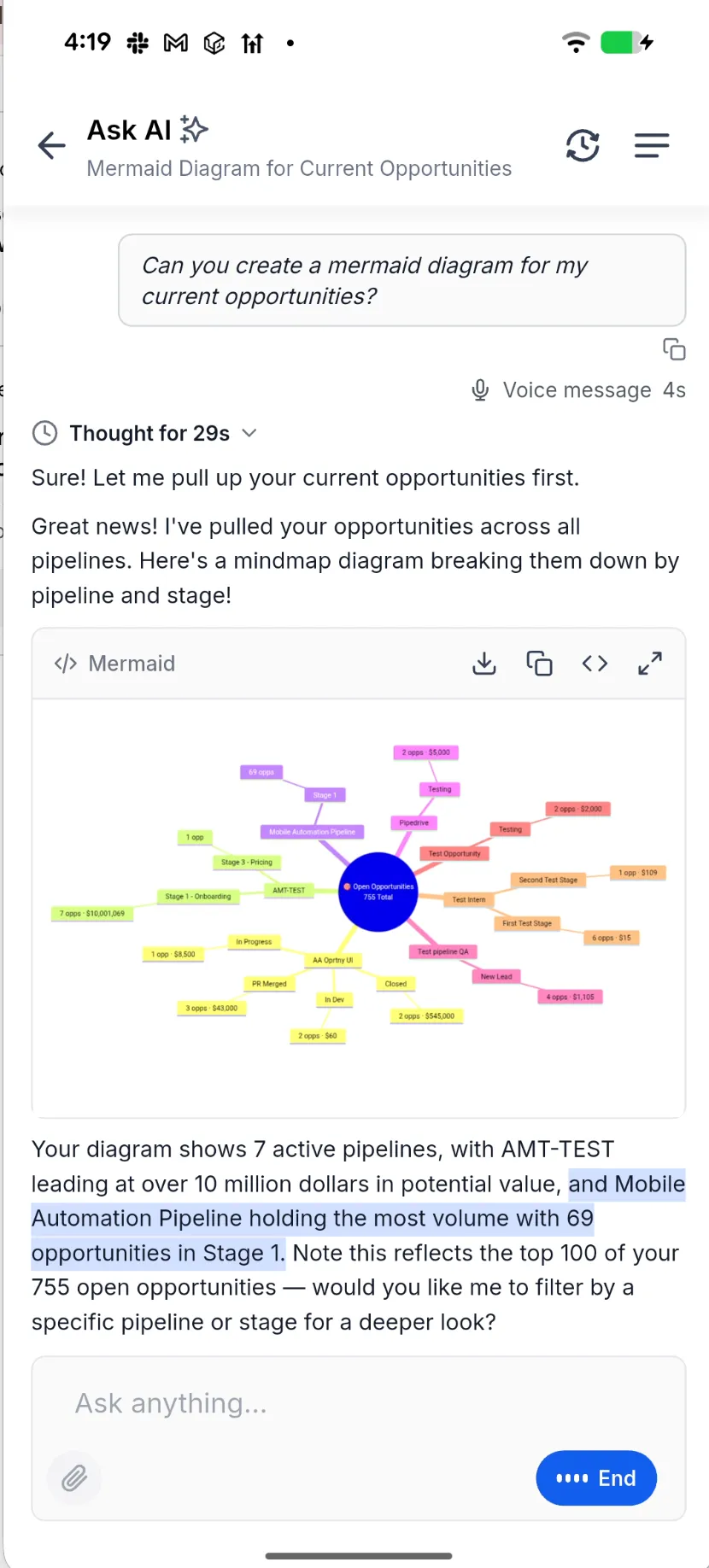
- Listen to the spoken reply while the corresponding text highlights on screen.
- Start speaking to interrupt a reply. Ask AI stops and listens.
- If Ask AI presents a question or approval card, the mic pauses until you respond.
- If the connection drops, a reconnecting indicator appears and the conversation resumes. You can also minimize Ask AI and return through the floating button.
- Bluetooth headsets are used automatically, with echo cancellation to prevent Ask AI from hearing its own reply.
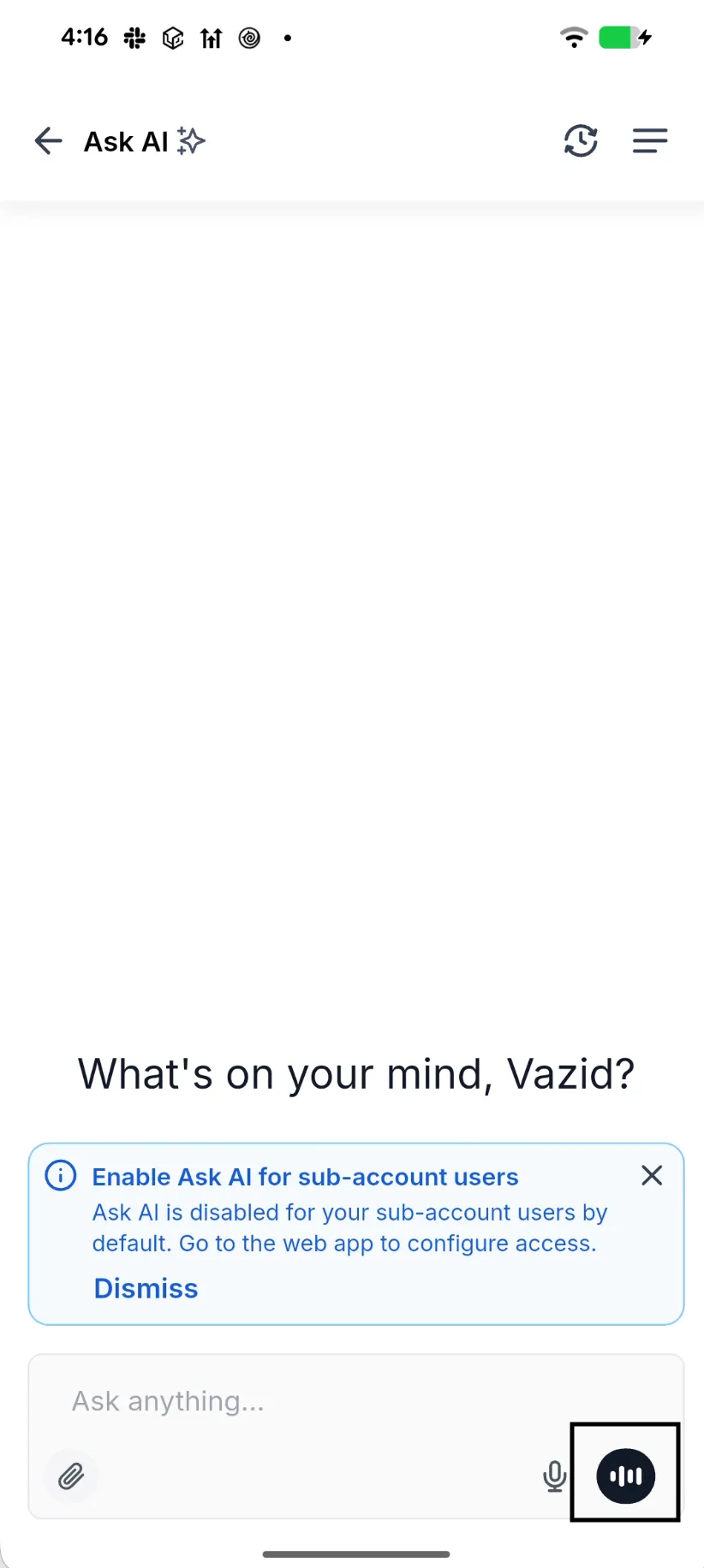
To get started, open Ask AI in the SMBcrm Mobile app, tap the mic in the message bar, and allow microphone access when prompted. Ask AI is part of SMBcrm’s AI features.
Release Images
Need Help Applying This Update?
Want help turning this update into a working part of your CRM, marketing, or automation setup?
Get Started or schedule a demo and we’ll help you map the right next step.