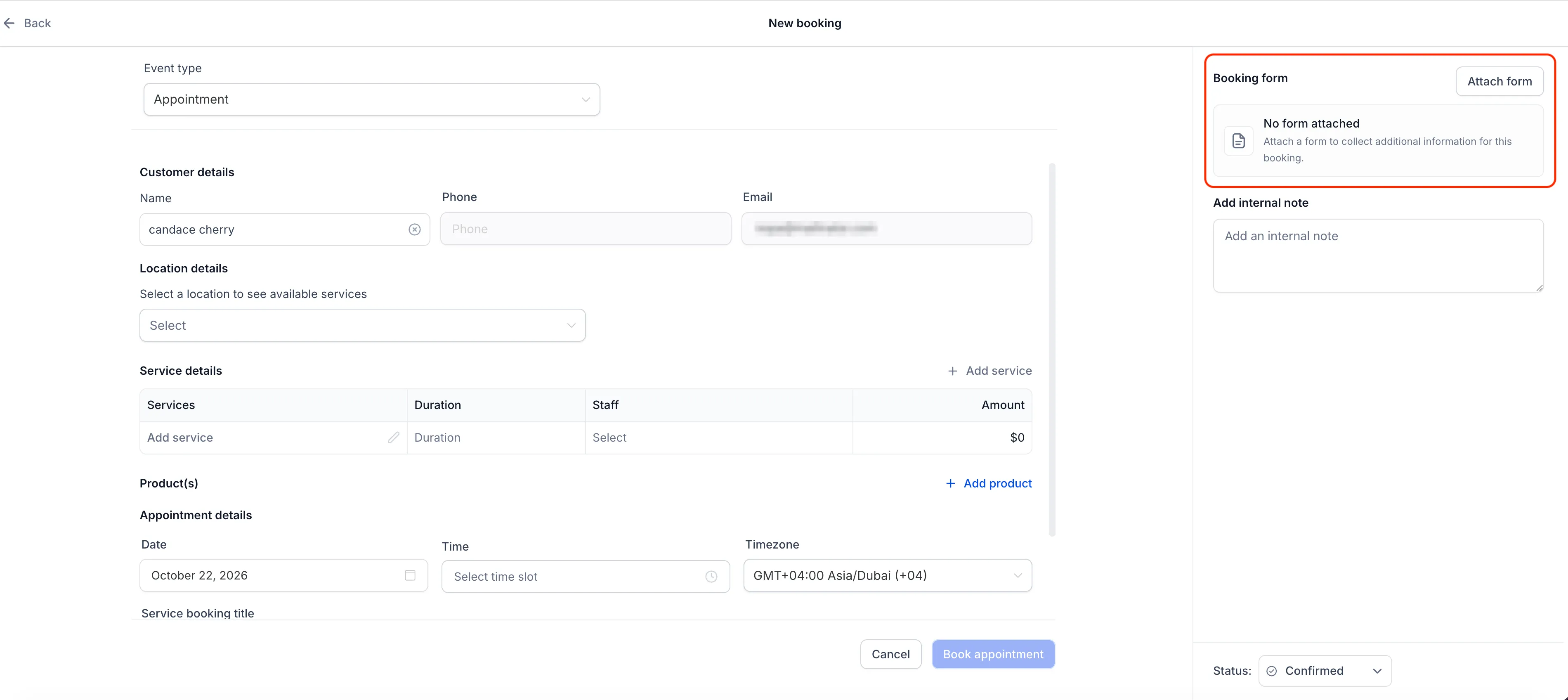
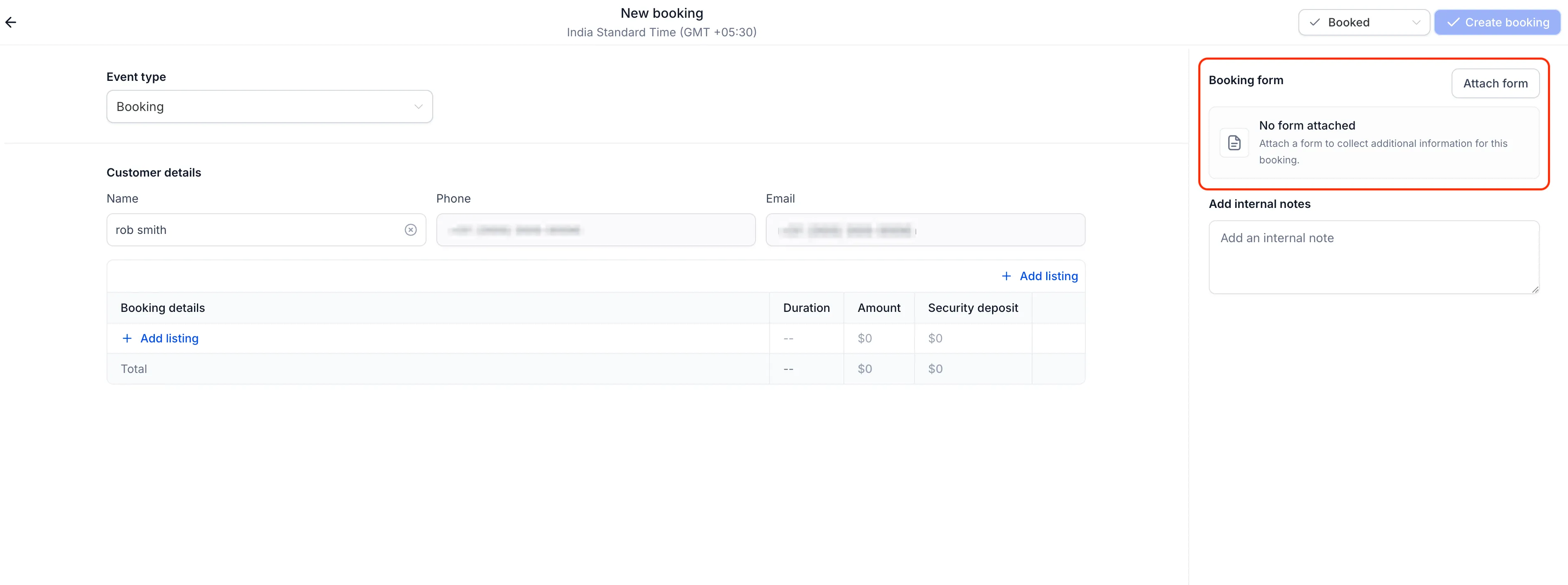
You can now attach and complete a form when creating a service or rental booking in the appointment modal. This helps your team collect consistent intake information for manually created bookings and bookings made through the booking page.
What Changed
- Optional booking forms: Use the new Booking form section to attach a form, or create the booking without one.
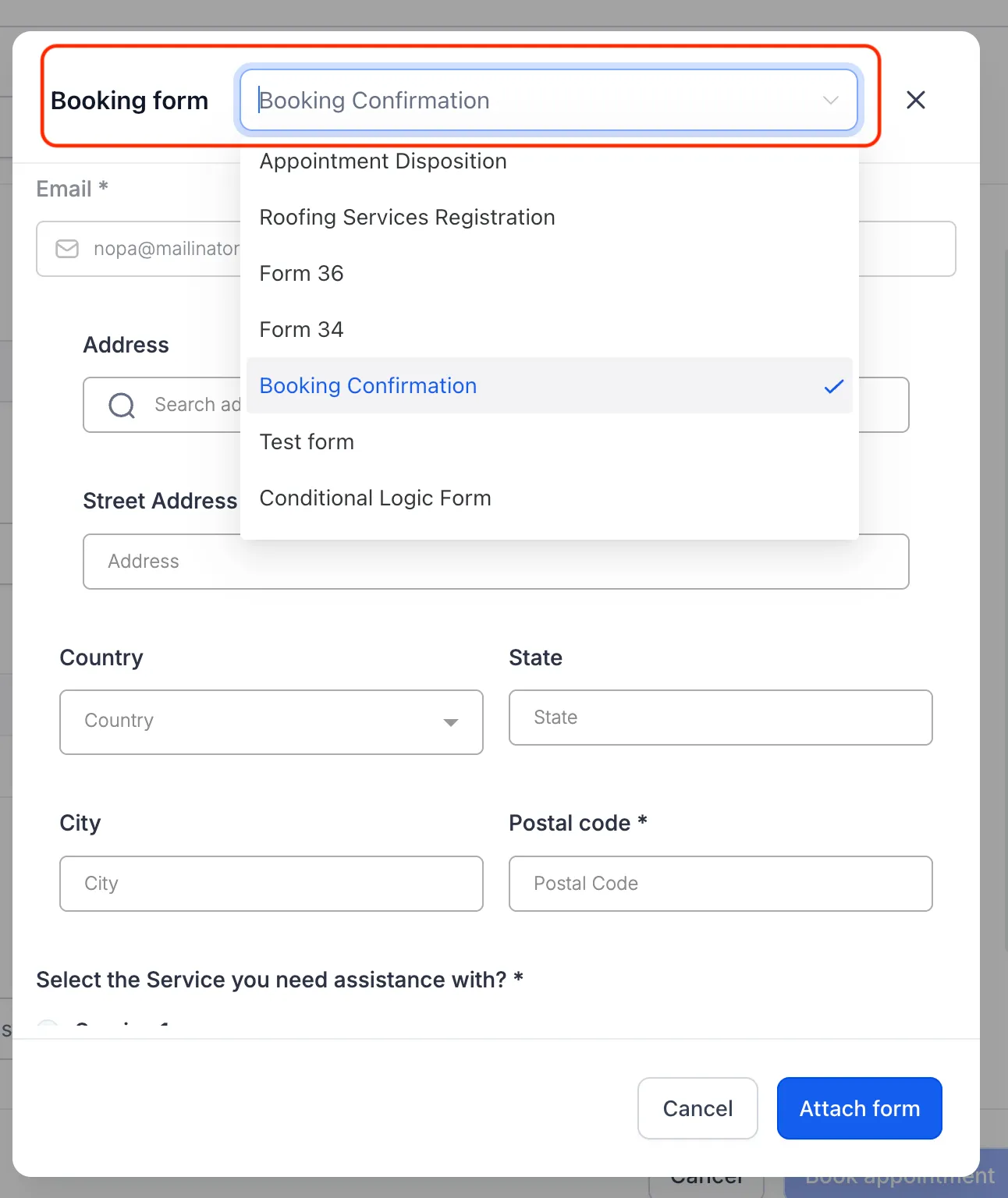
- Preselected form: Your configured form is selected automatically. You can choose another available form from the dropdown.
- Prefilled contact details: First name, last name, email, and phone are filled in from the selected contact.
- Focused intake: CAPTCHA, product selling, and payment elements do not appear when completing a form in the appointment modal.
These changes support your lead capture workflow by keeping intake details with the booking.
How to Attach a Form
- Create a service or rental booking in the appointment modal and select the contact.
- In the Booking form section, click Attach form.
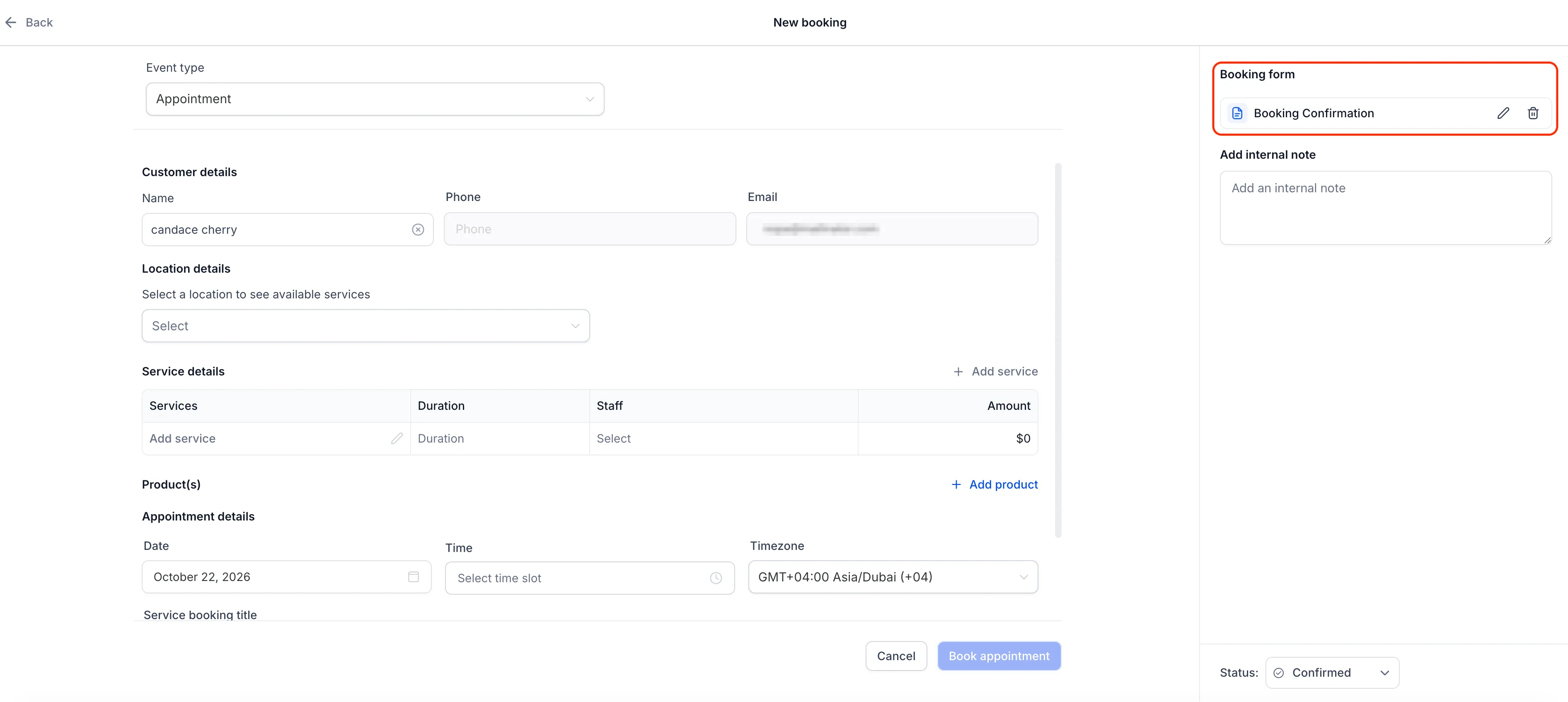
- Complete the form on the customer’s behalf, then create the booking.
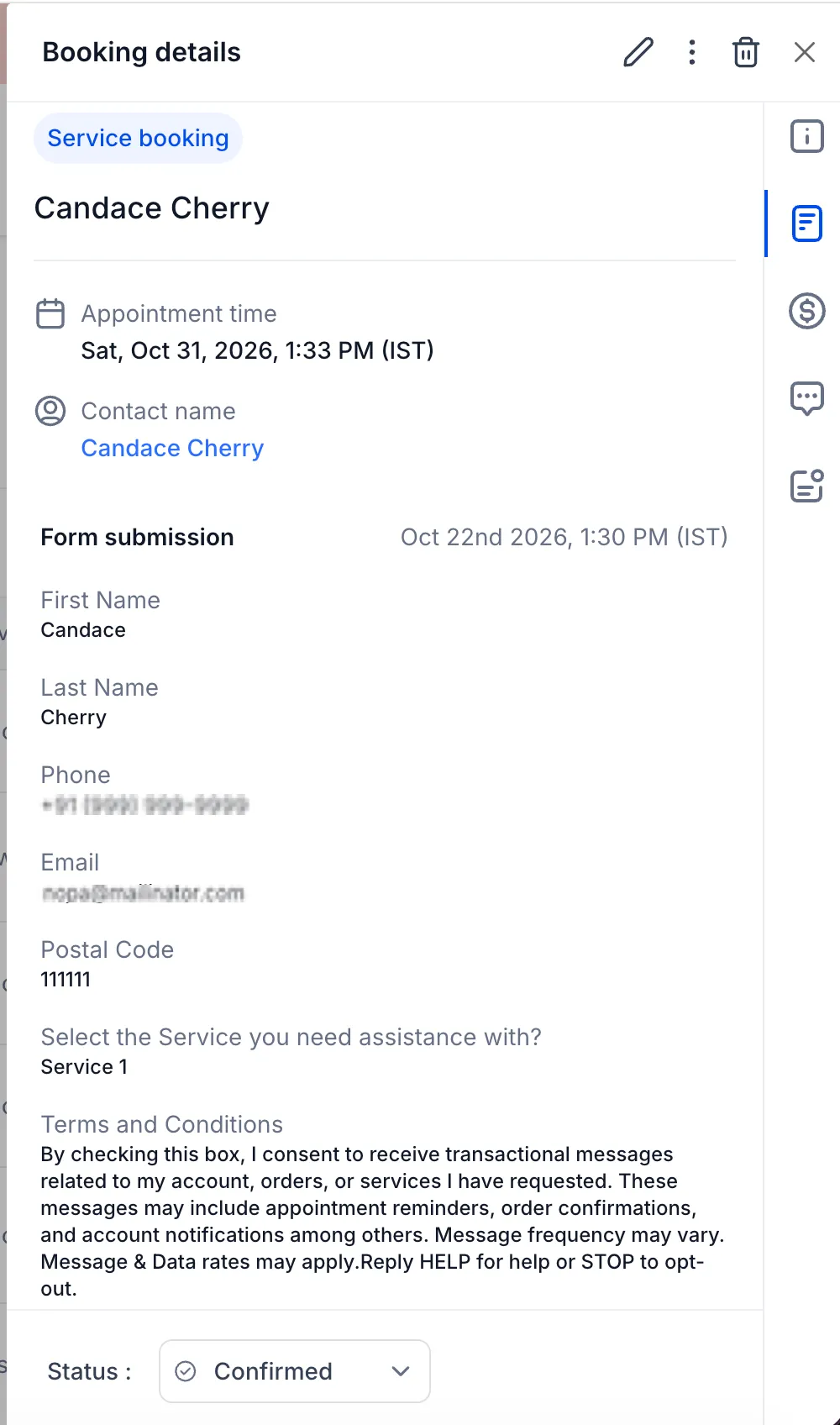
- Open the appointment details to view the submitted form.
Important: Forms can only be attached while creating the booking. They cannot be added or edited afterward.
Release Images
Need Help Applying This Update?
Want help turning this update into a working part of your CRM, marketing, or automation setup?
Get Started or schedule a demo and we’ll help you map the right next step.