Unsubscribing from a community email now turns off only that notification type for the community that sent it. Emails from other communities and other parts of SMBcrm continue as normal.
How it works
When a member clicks Unsubscribe in a community email, a confirmation page identifies the community and notification type, such as comment mentions or posts with @everyone. Once the member confirms, future emails matching both are stopped.
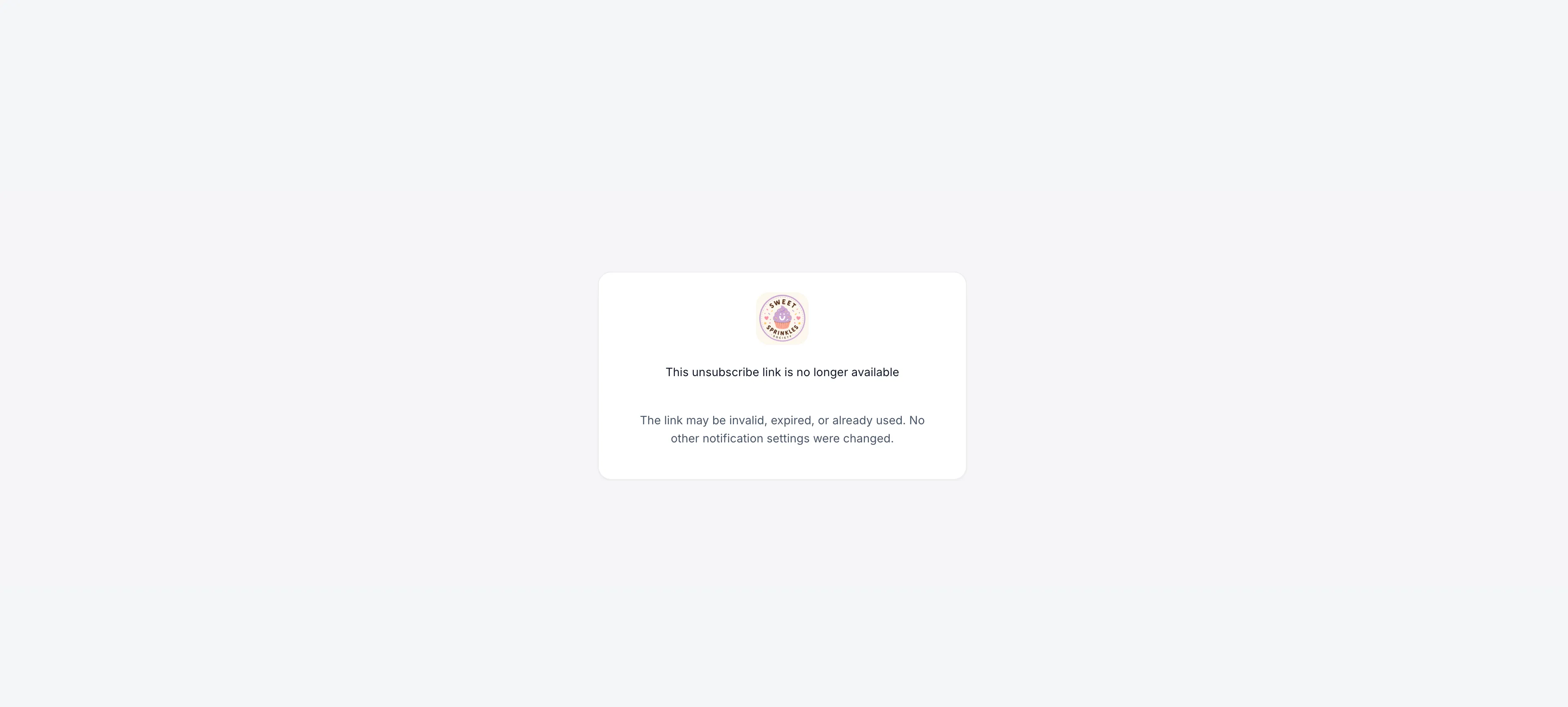
If an unsubscribe link has already been used or has expired, a message explains that no settings were changed. Members can re-enable a disabled email notification at any time in their notification settings.
These more specific preferences help members manage emails from their SMBcrm communities without opting out of unrelated updates.
Release Images
Need Help Applying This Update?
Want help turning this update into a working part of your CRM, marketing, or automation setup?
Get Started or schedule a demo and we’ll help you map the right next step.