Document Privacy and Access Controls in Labs
SMBcrm Labs is adding enhanced privacy and access controls for files stored in the contact record documents panel. The update gives users more flexibility when sharing documents that may contain sensitive client information.
What changed
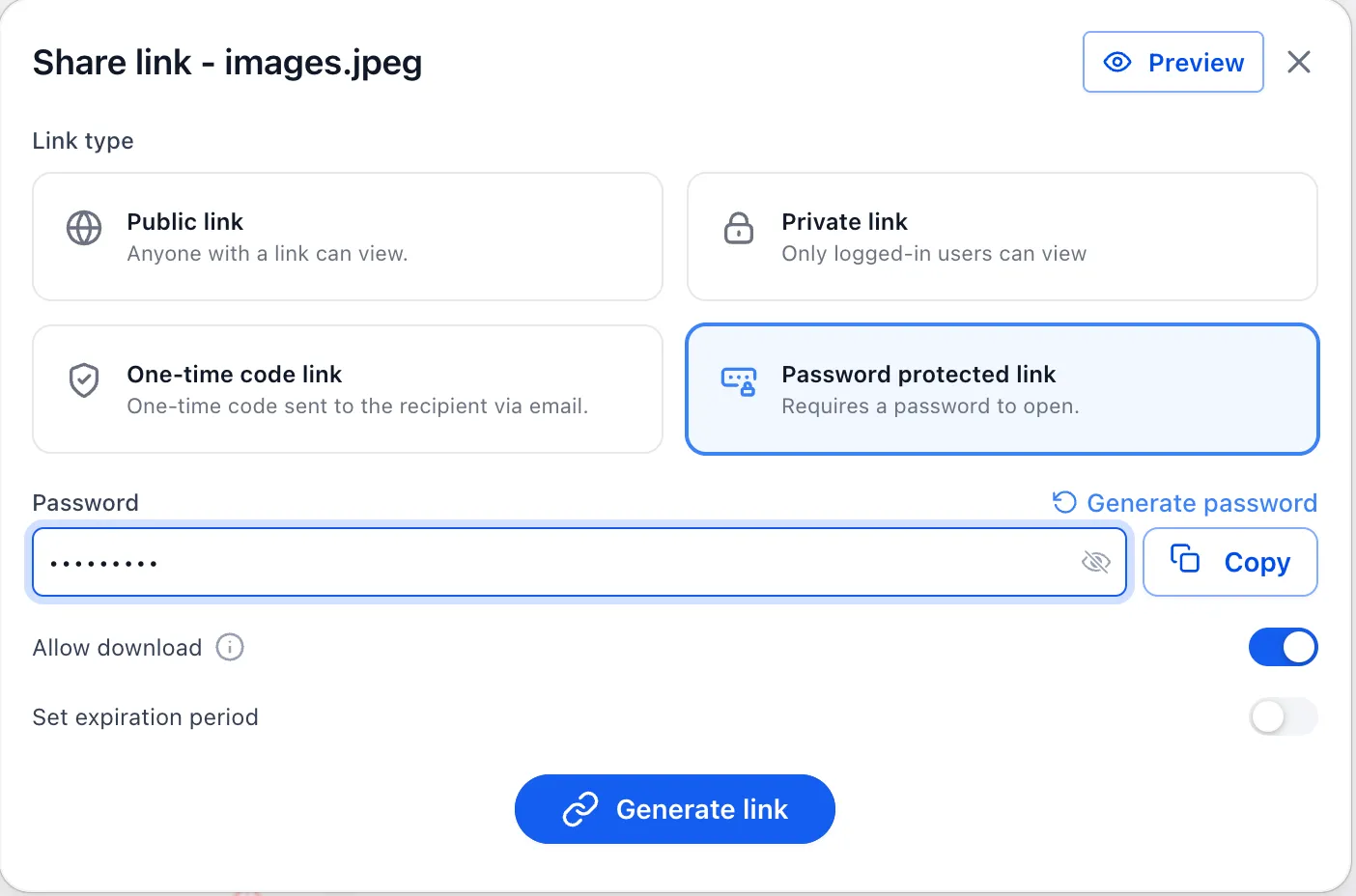
When sharing a document, users can choose from multiple access options:
- Public link: accessible by anyone with the link.
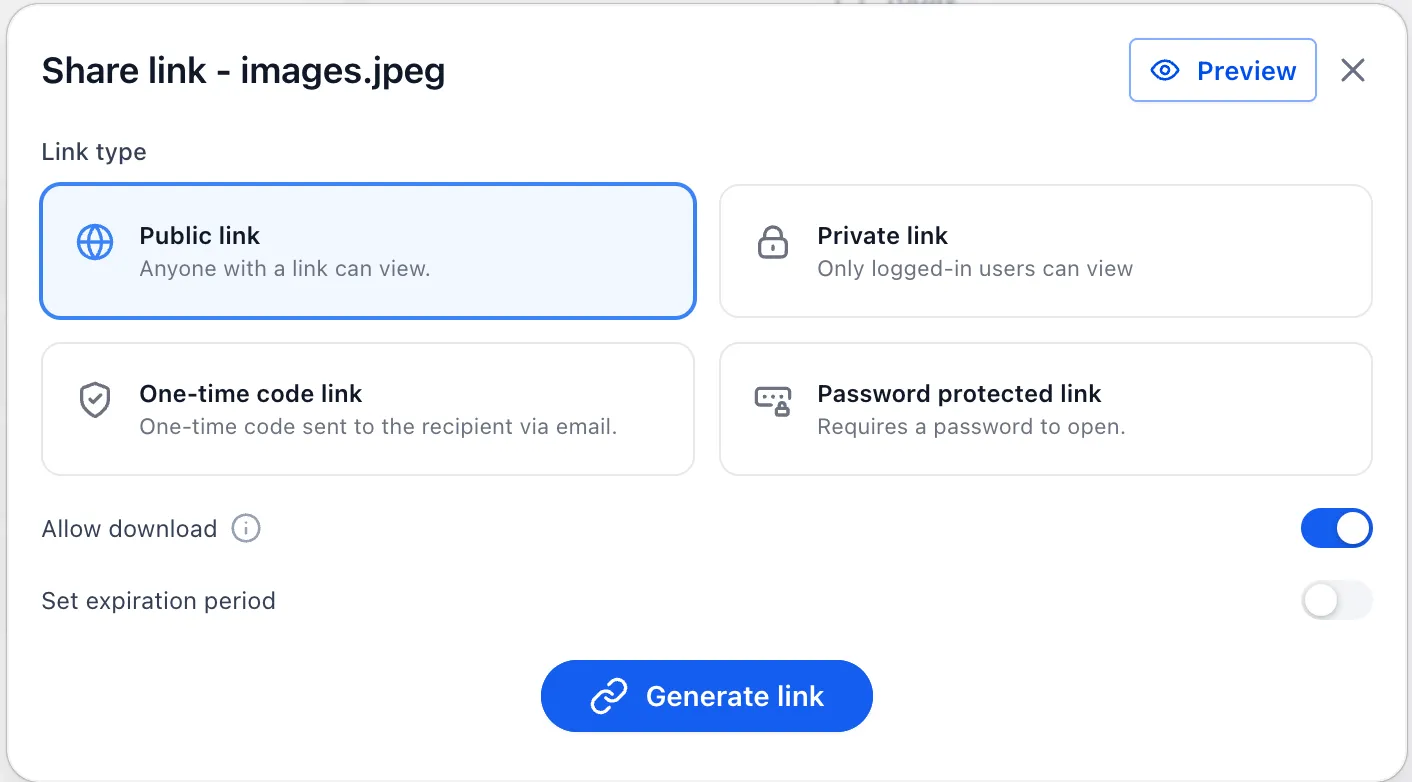
- Private link: accessible only to authorized SMBcrm users.
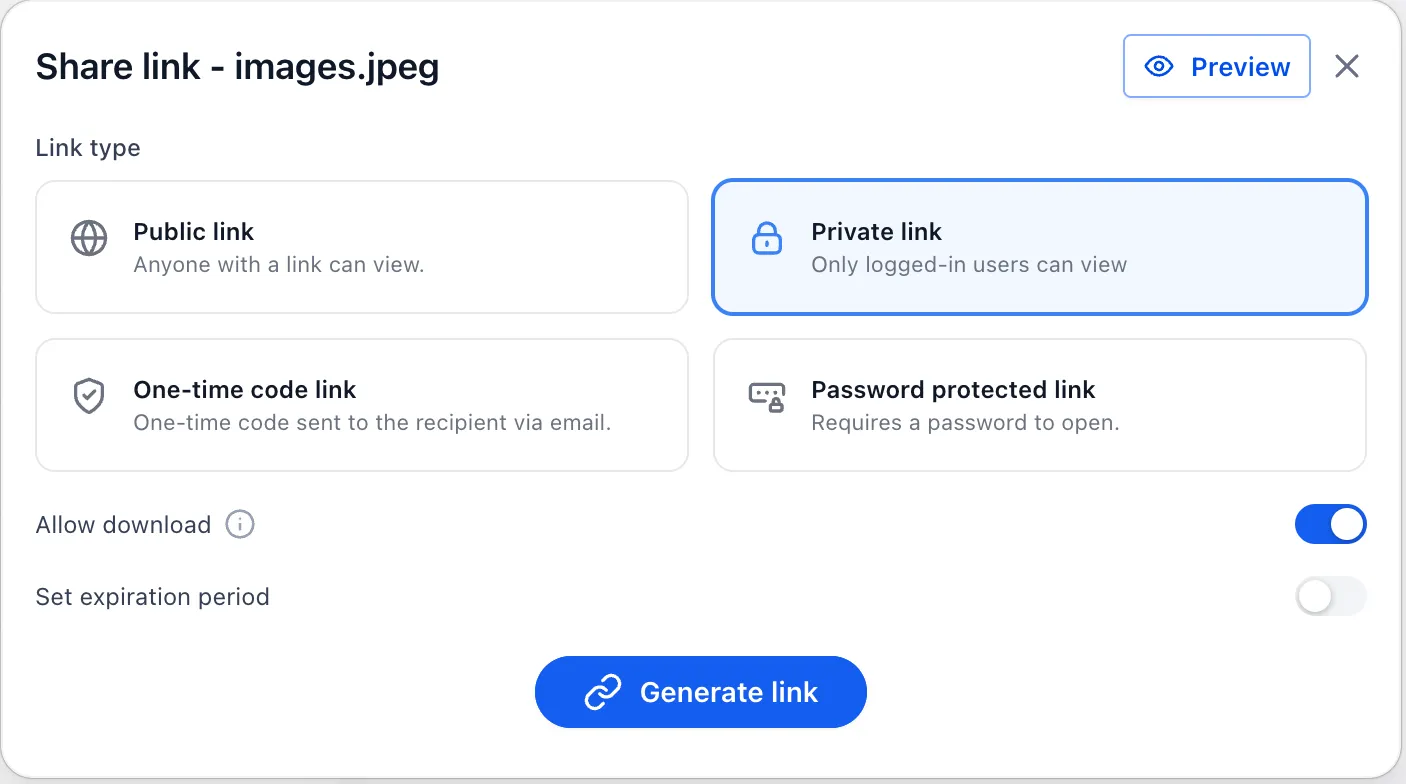
- One-time code link: access is verified with a one-time password sent to the contact’s email address.
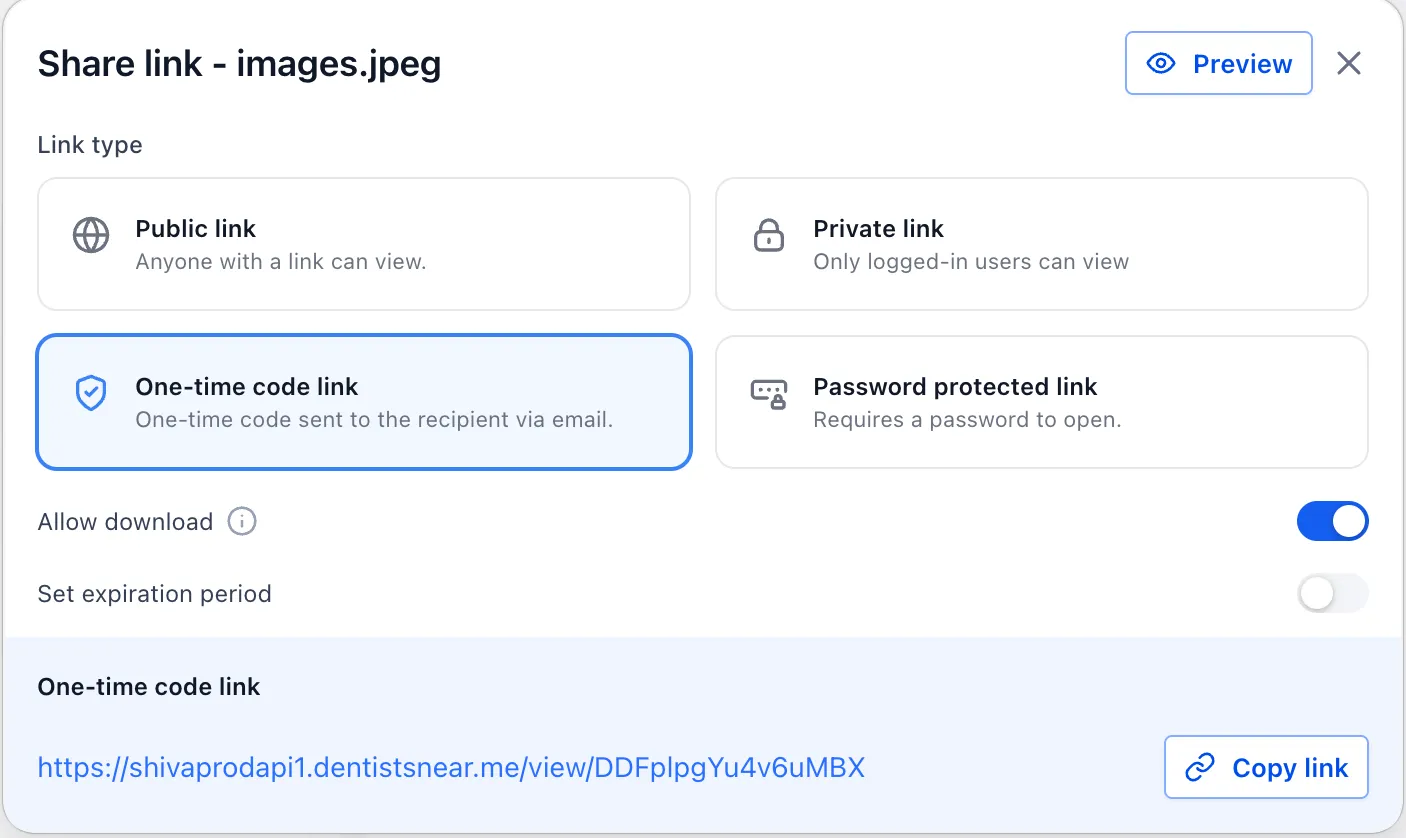
- Password-protected link: access is secured with a user-defined passcode.
Additional controls
Users can also:
- Set expiration dates for shared links.
- Allow or restrict document downloads.
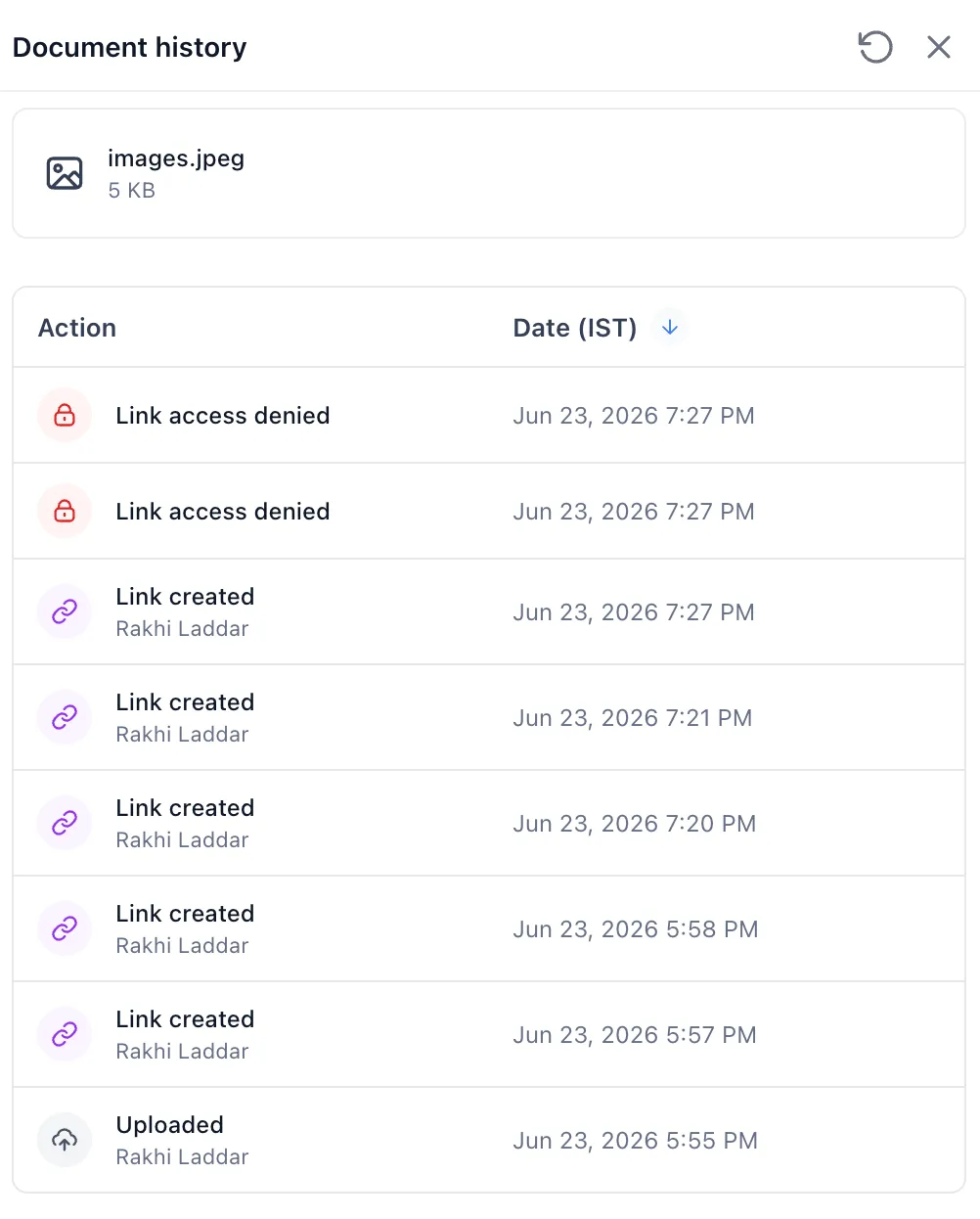
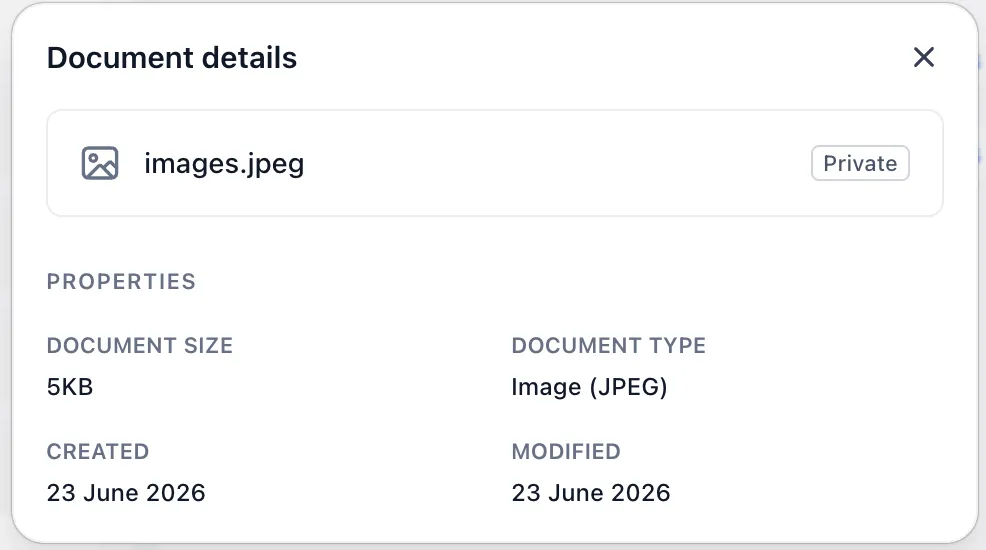
- View document details and access history for better visibility and auditing.
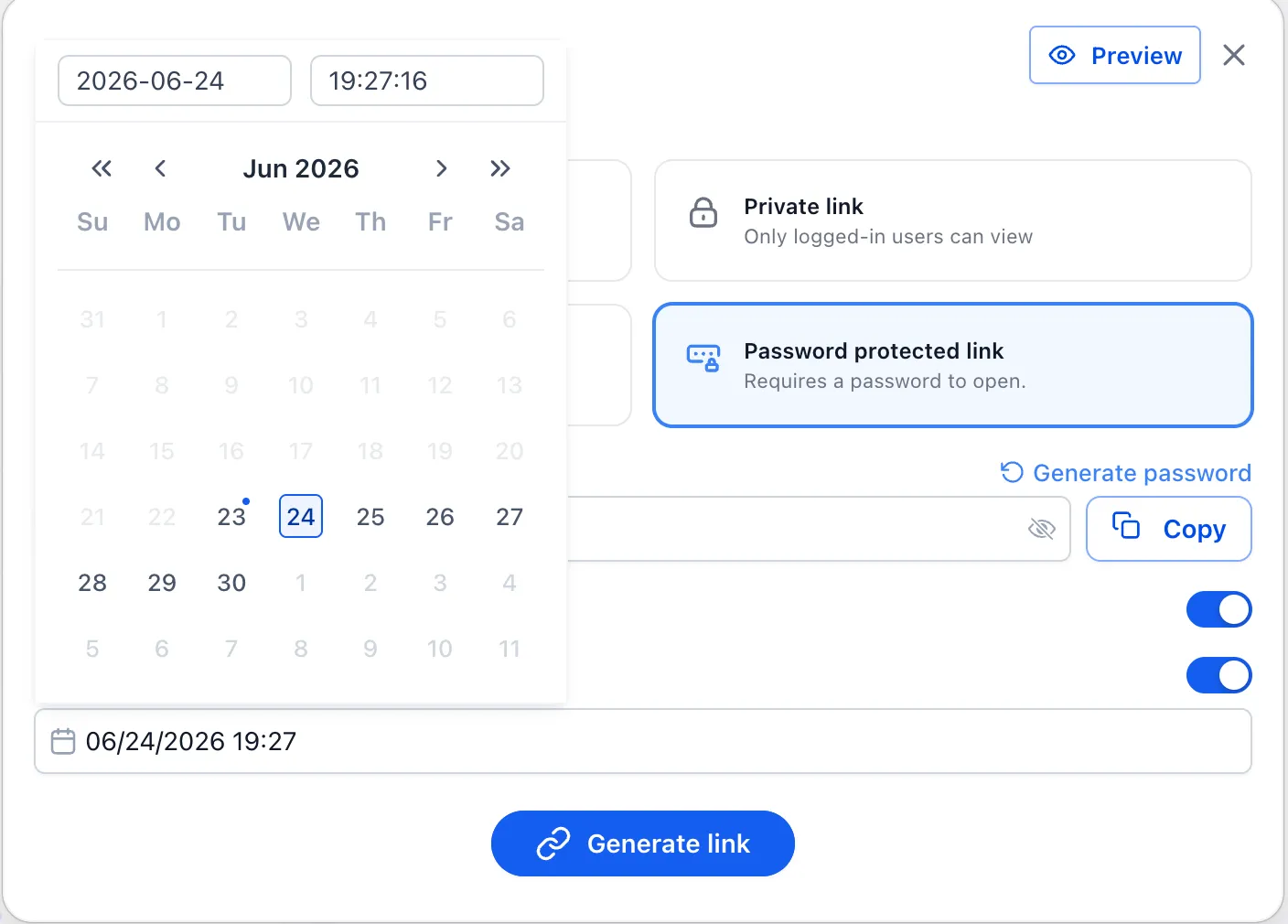
By default, document links are internal and private unless the user changes that setting while sharing.
Why it matters
These controls help teams share documents more deliberately, align with internal security policies, and give contacts a clearer, more secure document access experience.
What is planned next
SMBcrm is working toward extending these privacy and access controls to document attachments shared through notes and custom fields. The source update also notes planned enhanced security for email attachments sent through marketplace apps.
In Case You Missed It
You may also want to read Conversations SLA Performance Dashboard.
Release Images
Need Help Applying This Update?
Want help turning this update into a working part of your CRM, marketing, or automation setup?
Get Started or schedule a demo and we’ll help you map the right next step.