SMBcrm dashboards now include a dedicated Google Ads section in the widget panel. After Google Ads is connected at the account level, the available widgets can pull in ad performance data automatically.
What Changed
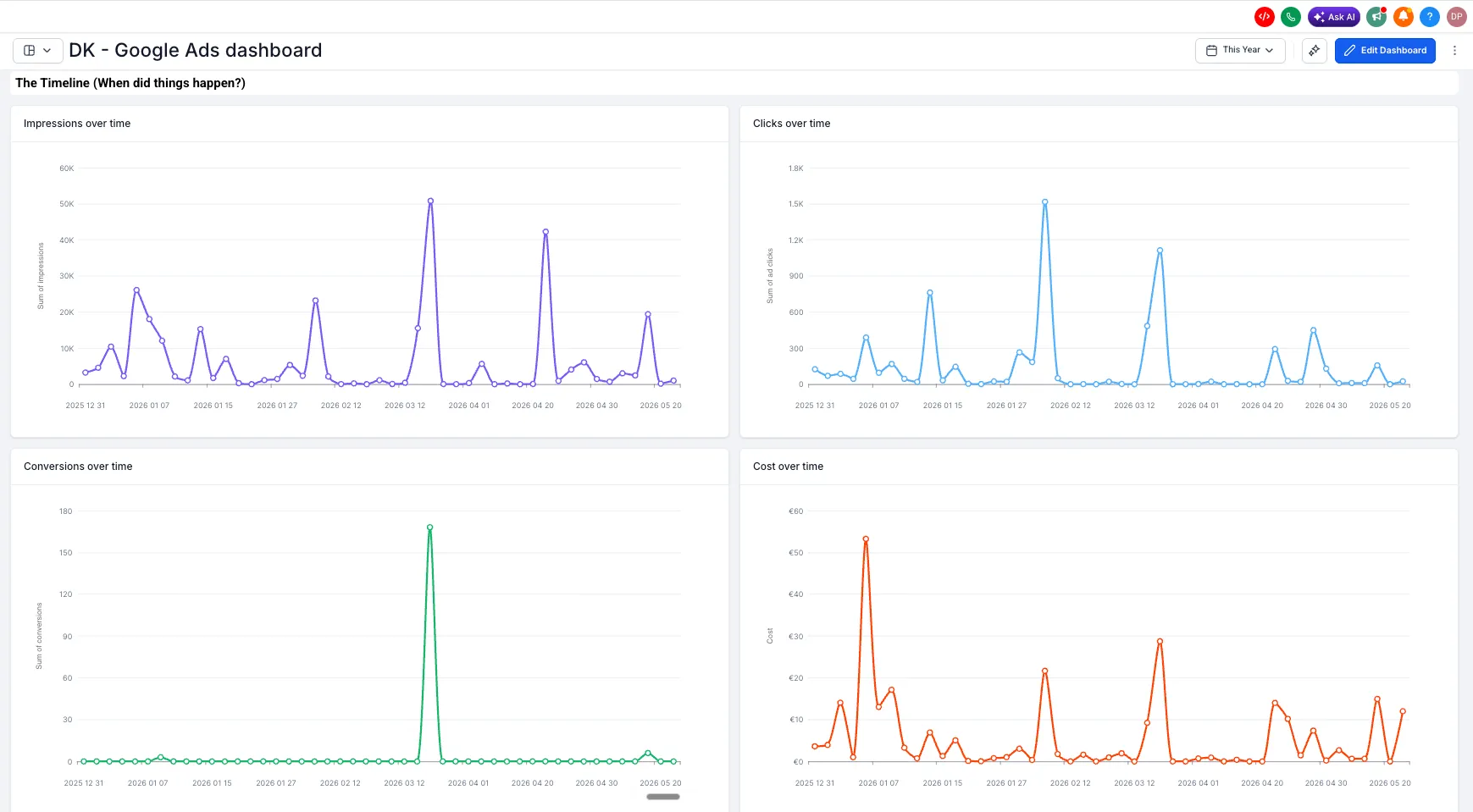
The Google Ads widget section includes 11 ready-to-use widgets:
- Total conversions
- Conversions over time
- Total cost
- Cost over time
- Total clicks
- Clicks over time
- Total impressions
- Impressions over time
- Clicks by campaign
- Conversions by campaign
- CPC, or cost per click
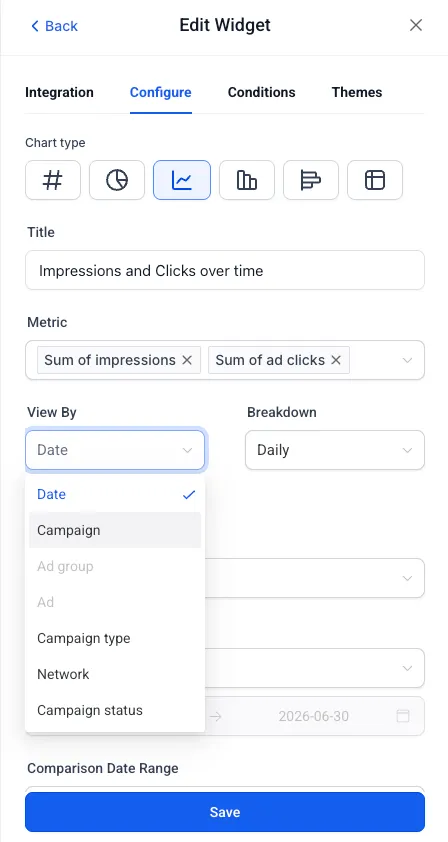
Each widget can be configured with filters for Campaign, Campaign type, Zero impressions, Zero conversions, and PPC markup.
Custom Metrics Support
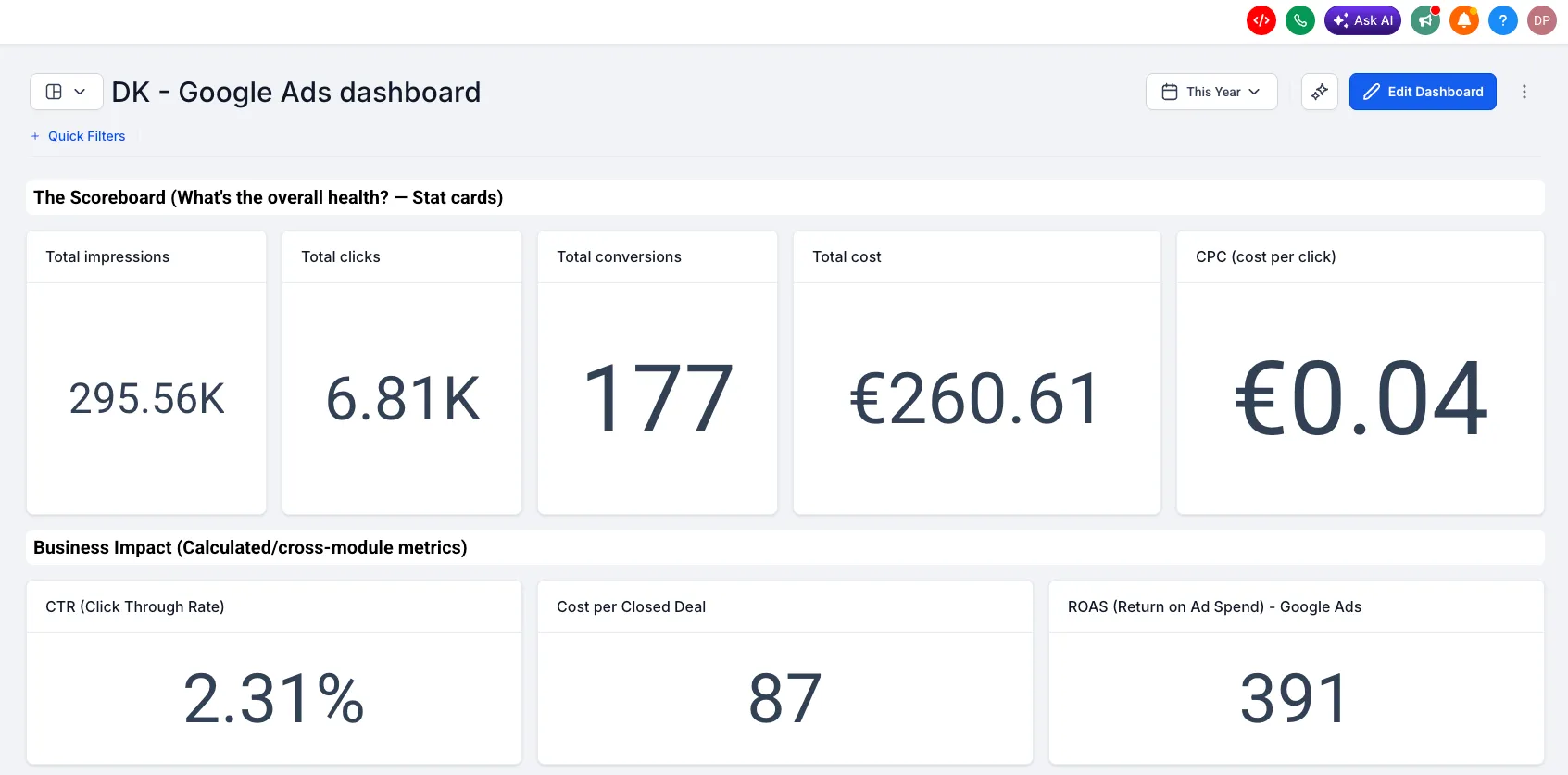
Google Ads metrics are also available as dimensions in Custom Metrics. This makes it possible to build cross-module KPIs, such as ROAS or cost per closed deal, using the formula builder.
How It Works
- Connect Google Ads at the account level under Settings, Integrations, Google Ads.
- Open a dashboard and select Edit dashboard.
- Select Add widget and go to the Google Ads section.
- Choose a widget, confirm the linked ad account in the Integration tab, configure filters and chart type, then save changes.
Why It Matters
Google Ads performance can now be reviewed alongside other reporting widgets in SMBcrm. Teams can monitor spend, clicks, impressions, conversions, and campaign-level performance without switching platforms.
The added Custom Metrics support also helps connect ad spend to pipeline and revenue data for clearer performance reporting.
Availability Notes
- Google Ads must be connected at the account level before widgets show data.
- All 11 widgets support filtering by Campaign, Campaign type, Zero impressions, Zero conversions, and PPC markup.
- The update applies to Dashboards, Reporting, and Custom Metrics.
- It is available on plans that include Dashboards and Reporting.
In Case You Missed It
For another reporting update, see SMS Dashboard Widgets and Custom Metrics.
Need Help Applying This Update?
Want help turning this update into a working part of your CRM, marketing, or automation setup?
Get Started or schedule a demo and we’ll help you map the right next step.
Explore this in SMBcrm
Use the CRM to review your next decision.
Explore contacts, pipelines, and dashboards. Choose the records and definitions your team will use before relying on a report.
Explore CRM dashboardsAlready using this feature? Find setup help