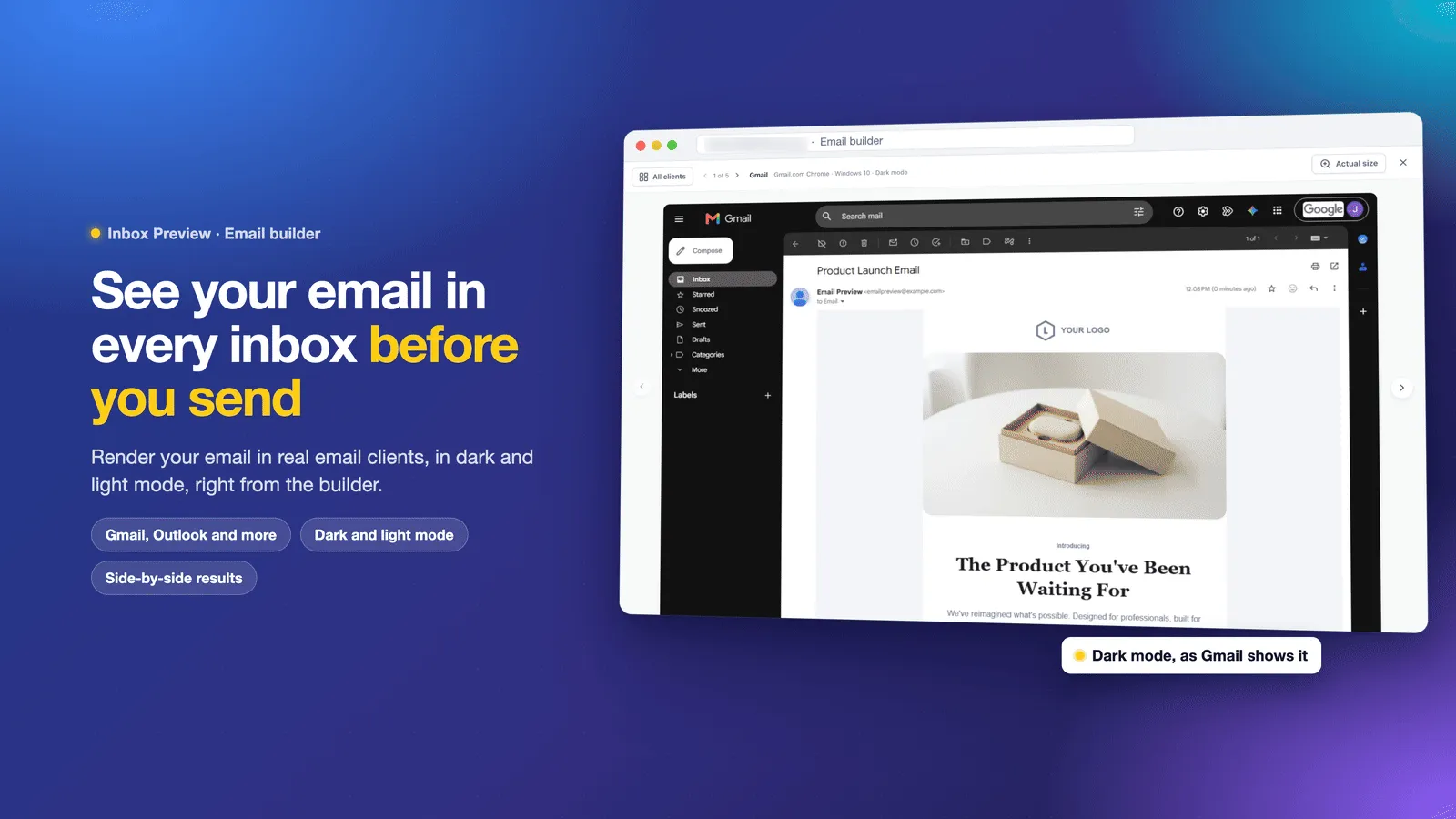
Inbox Preview lets you check how emails render in Gmail, Outlook, Apple Mail, and other email clients before sending. Available after enabling it in Labs, it captures rendering from real clients rather than relying only on simulated desktop, tablet, or mobile previews.
What You Can Check
- Personalized content: Preview as a specific contact to see their details filled in.
- Client and device differences: Select clients to test, filter by web, desktop, or mobile and light or dark mode, and pin frequently used clients so they stay selected.
- Layout and formatting: Compare images and design across clients, open previews at full size, and move between them for closer inspection.
- Potential rendering issues: Check for Outlook formatting problems, dark-mode inconsistencies, and Gmail content clipping. View the estimated email size and a warning if Gmail will clip it.
- Preview freshness: After you edit an email, see which previews need updating.
How to Use Inbox Preview
- Go to Settings > Labs and enable Inbox Preview.
- Open an email in the email builder or AI editor.
- Click Inbox preview in the toolbar, or access it through Preview & test.
- Select the email clients you want to test.
- Click Preview email and review each preview as it arrives.
Preview Allowance
Each account has a set number of inbox previews. Failed previews do not count toward that allowance, so you can retry them right away.
Release Images
Related SMBcrm Features
Need Help Applying This Update?
Want help turning this update into a working part of your CRM, marketing, or automation setup?
Get Started or schedule a demo and we’ll help you map the right next step.