Live Sessions Are Now Built Into Courses
Live sessions in SMBcrm courses now bring scheduling, hosting, learner notifications, and recordings into one workflow for course creators using Memberships & Education.
What changed
Flexible session scheduling
Creators can schedule one-time sessions or recurring series directly inside a course. Recurring sessions support daily, weekly, and custom patterns, with time zone awareness for participants.
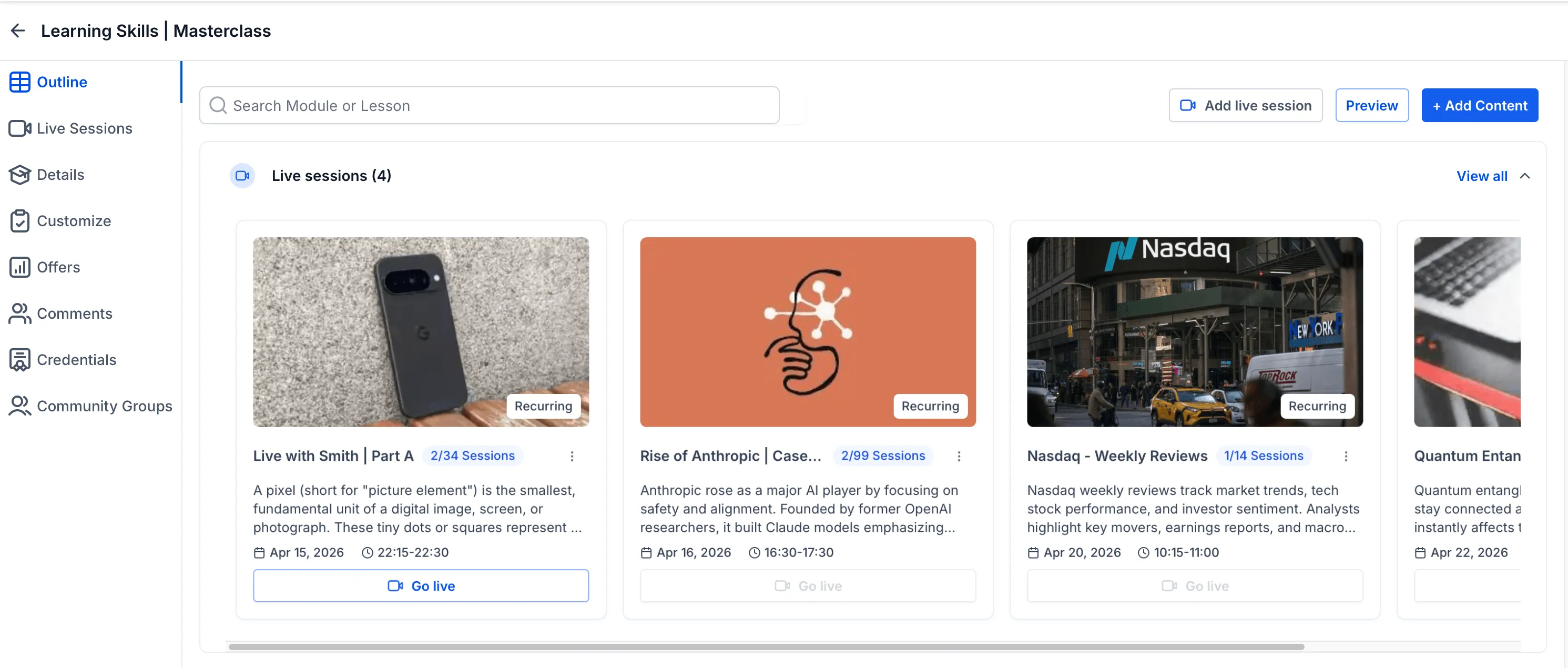
Live sessions in the course outline
Live sessions are integrated into the course outline with a dedicated section. Each session appears as a card with preview details so learners can browse and track upcoming sessions.
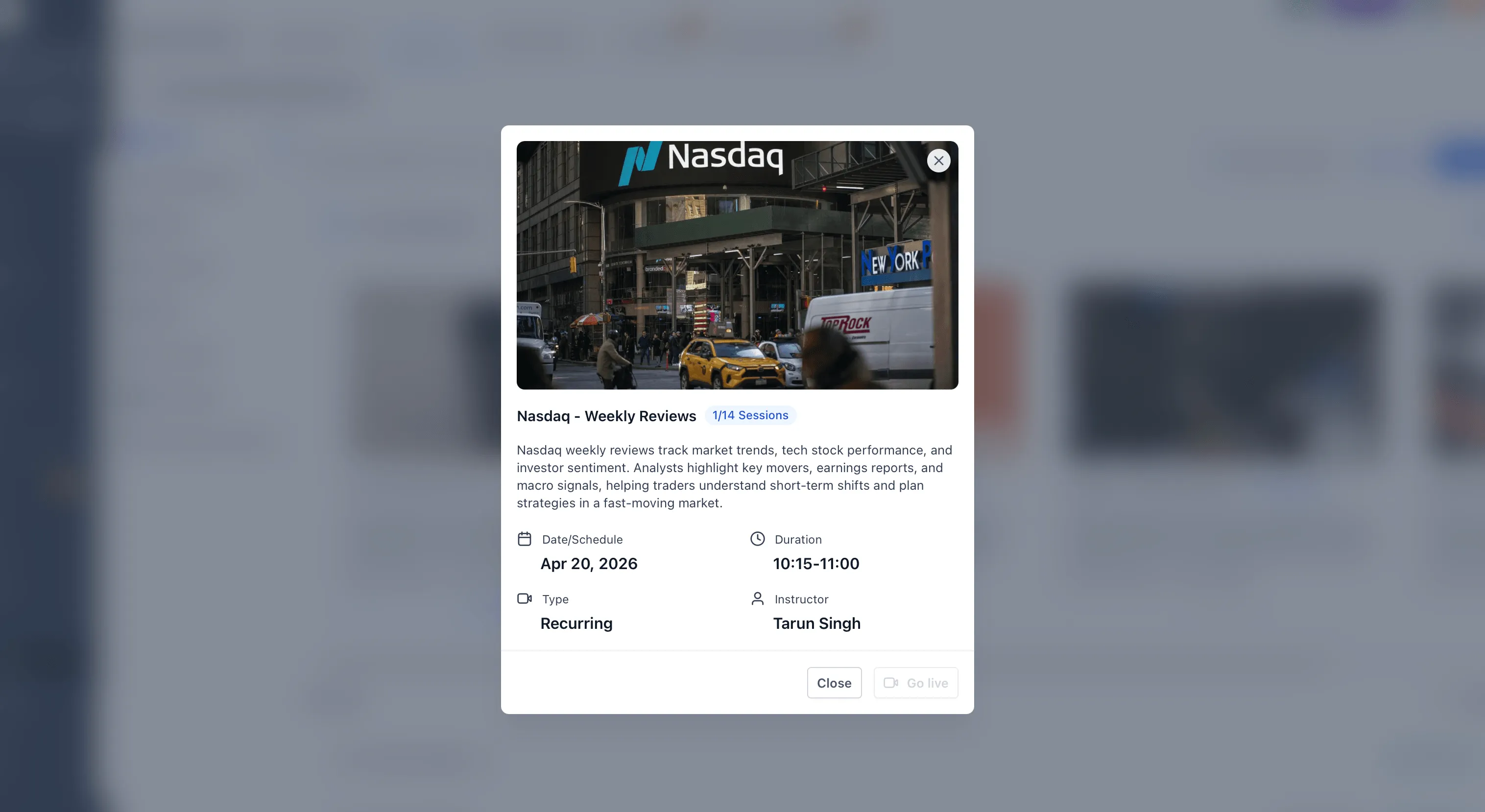
Better control for creators
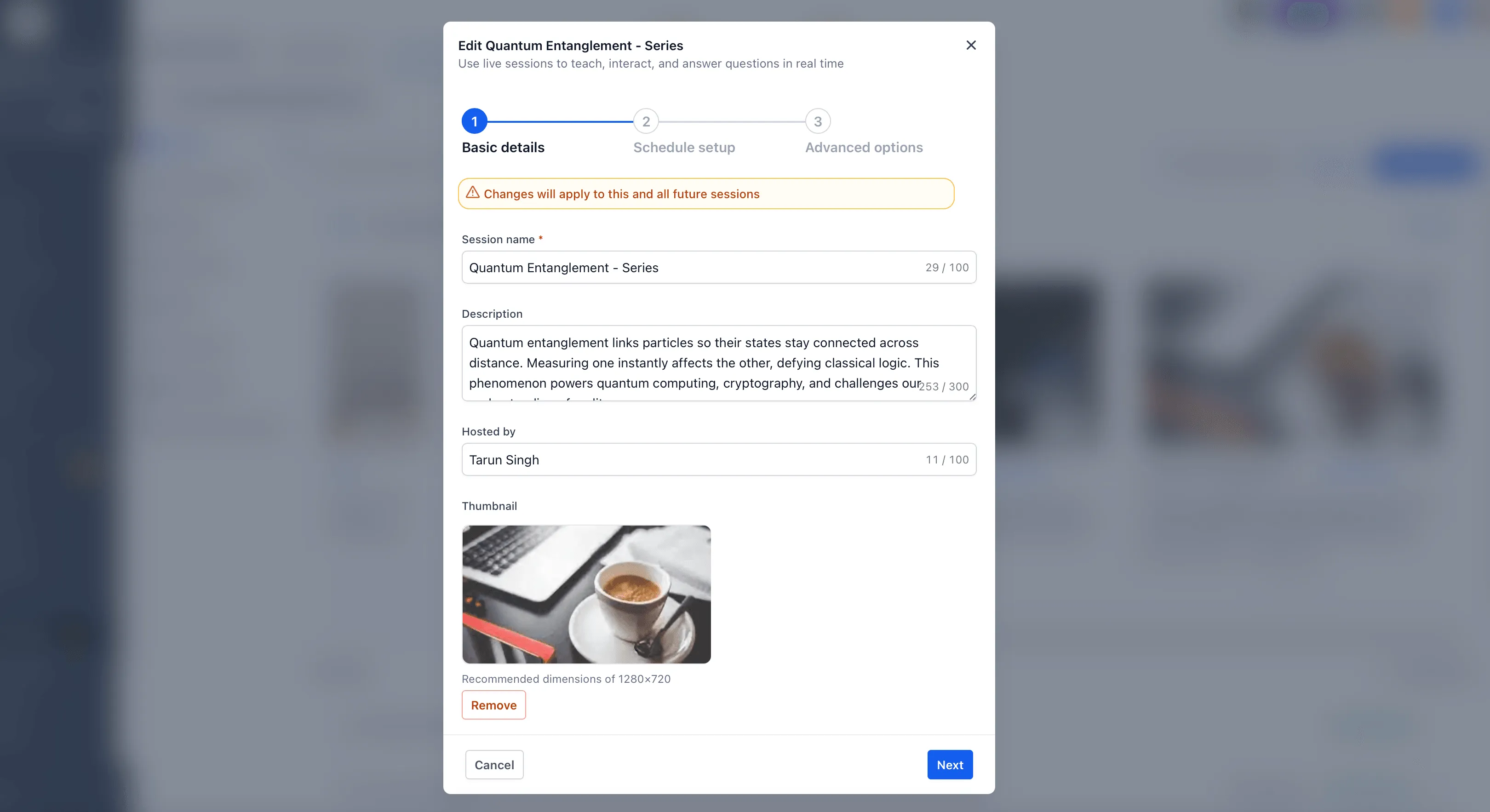
Creators can edit or cancel sessions at any time. For recurring sessions, changes can apply to a single occurrence or all upcoming sessions.
Go-live controls and notifications
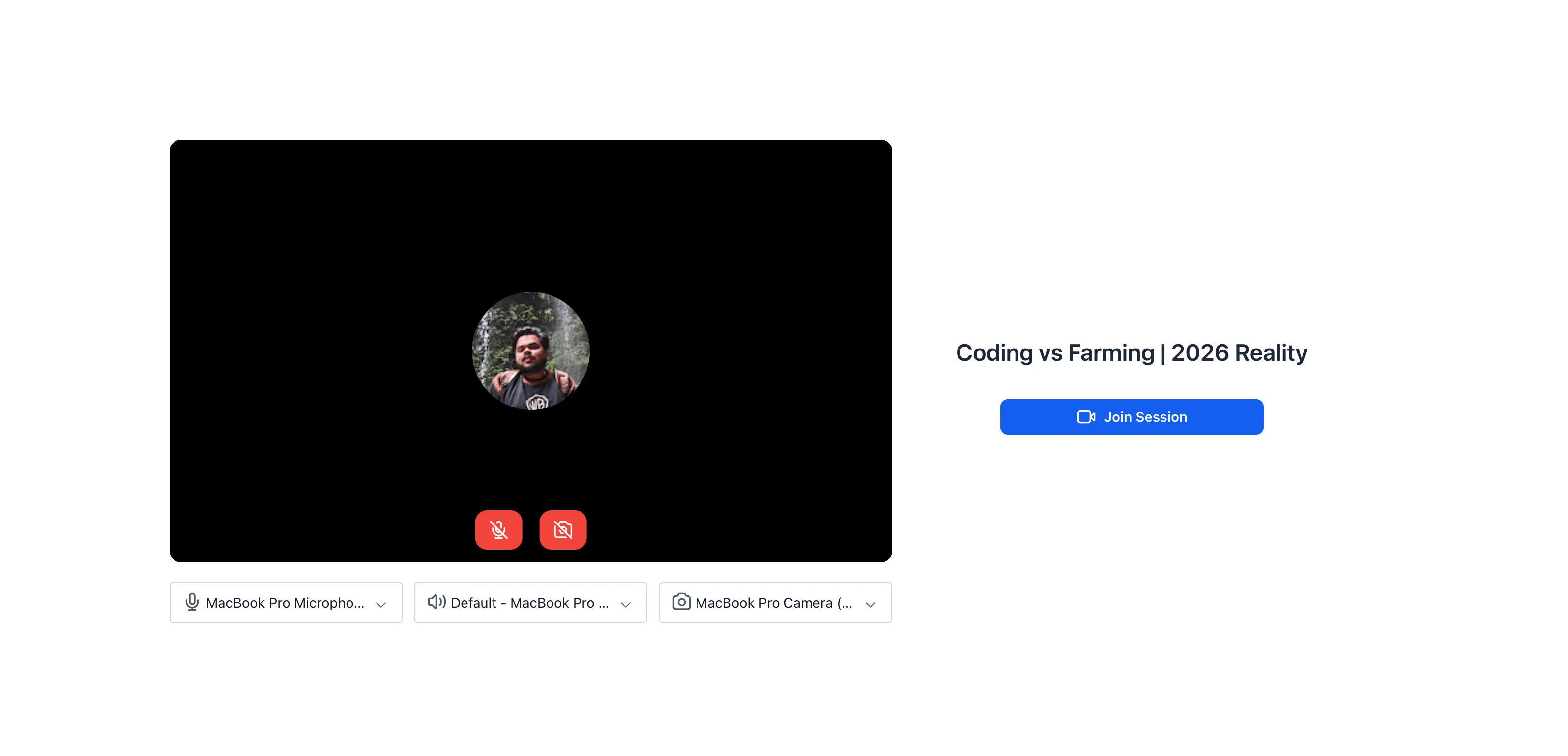
The Go Live button becomes available 15 minutes before the session starts. Admins receive reminder emails, and creators can manage learner notifications for session reminders, updates, and go-live alerts.
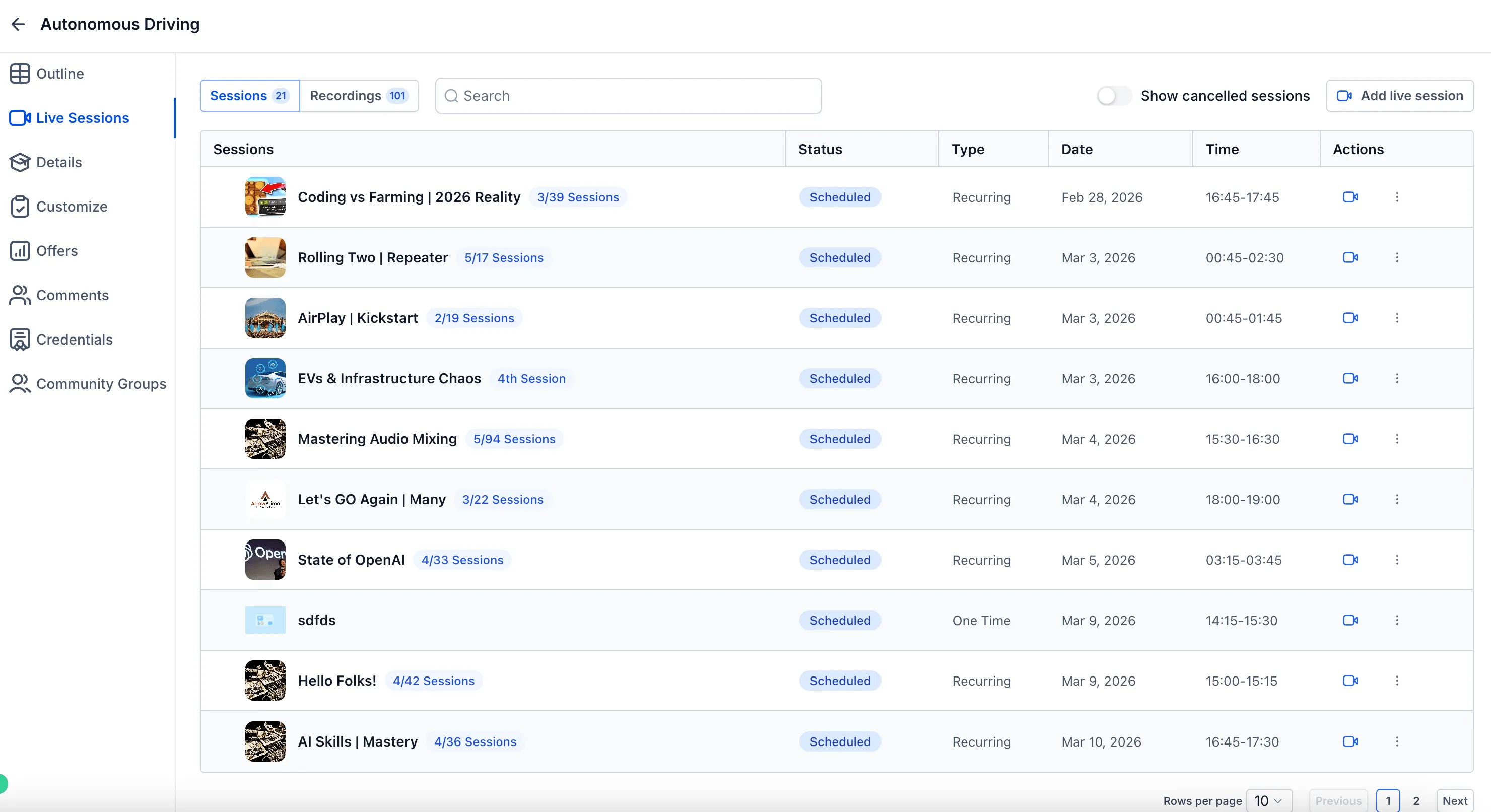
Recordings for future viewing
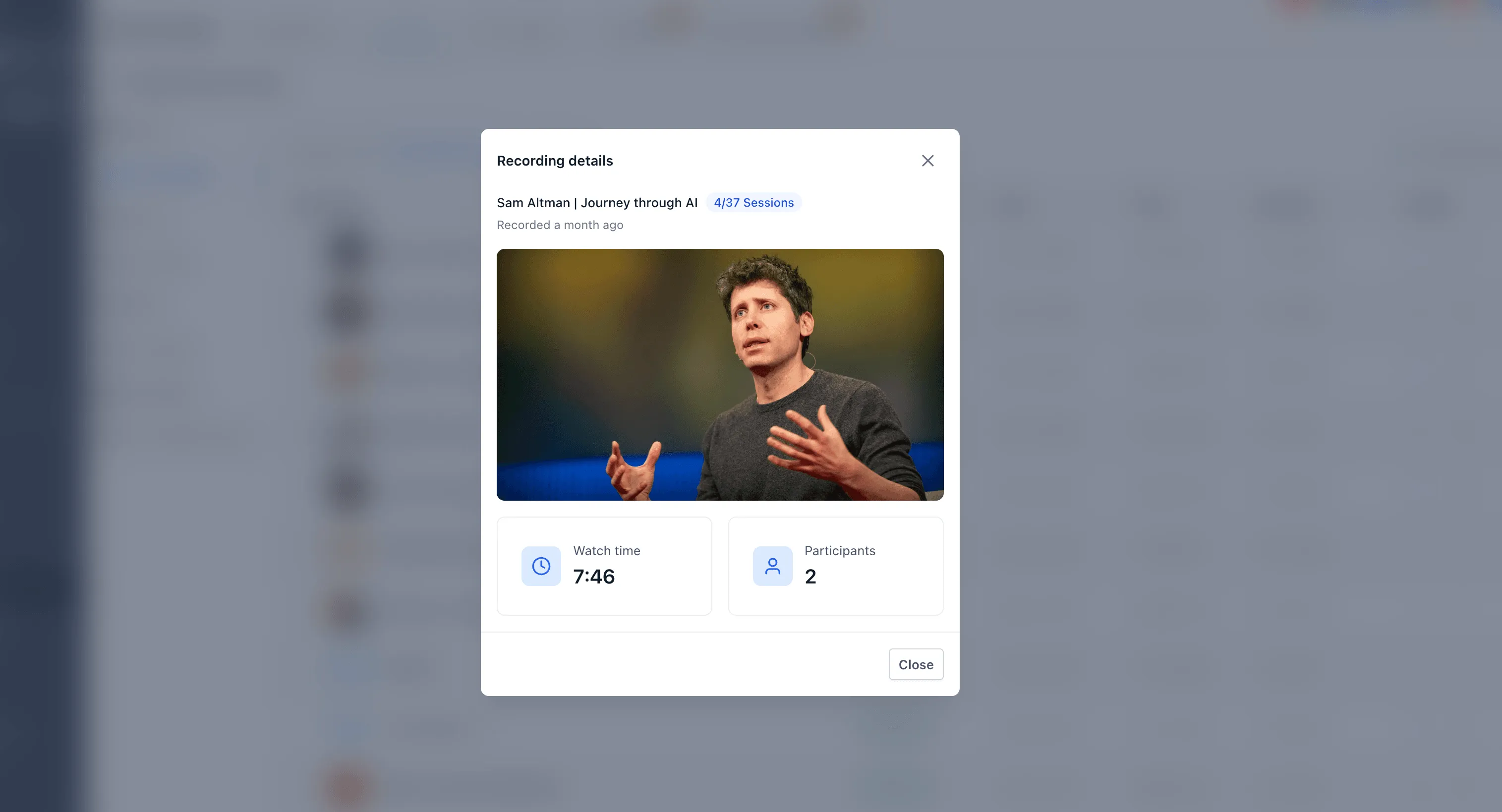
After a session ends, creators can access the recording, download it, or add it into the course as a lesson for future viewing.
Why it matters
Live sessions combine scheduling, learner access, notifications, hosting controls, and recordings in one course workflow. This helps creators run live learning experiences without managing those steps separately.
In Case You Missed It
For another recent workflow update, read Contact Tag Updates Now Require Confirmation.
Release Images
Need Help Applying This Update?
Want help turning this update into a working part of your CRM, marketing, or automation setup?
Get Started or schedule a demo and we’ll help you map the right next step.