SMBcrm now supports locale-based currency formatting for store elements, making prices easier to read for shoppers in different regions.
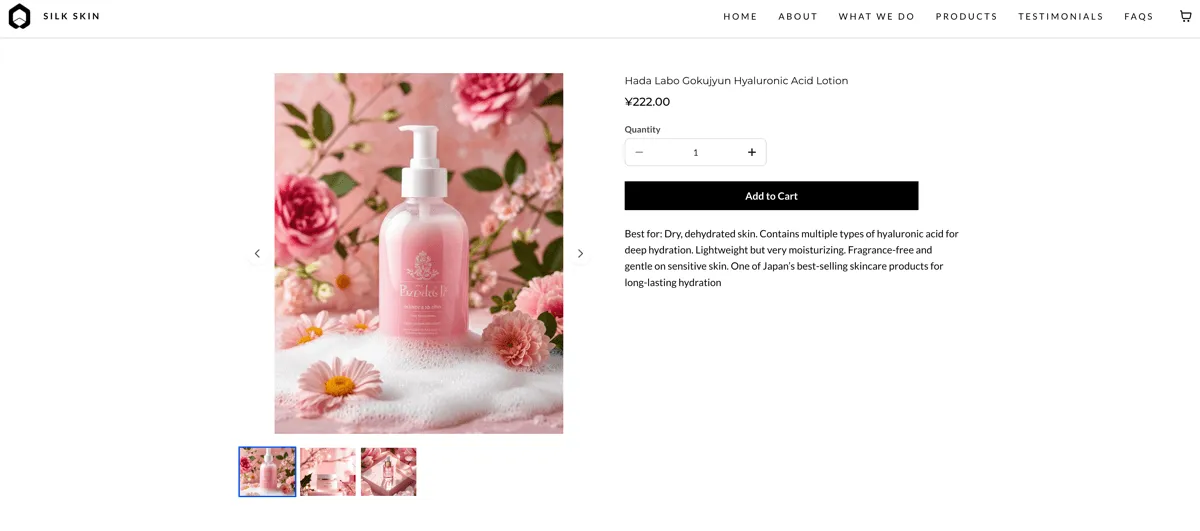
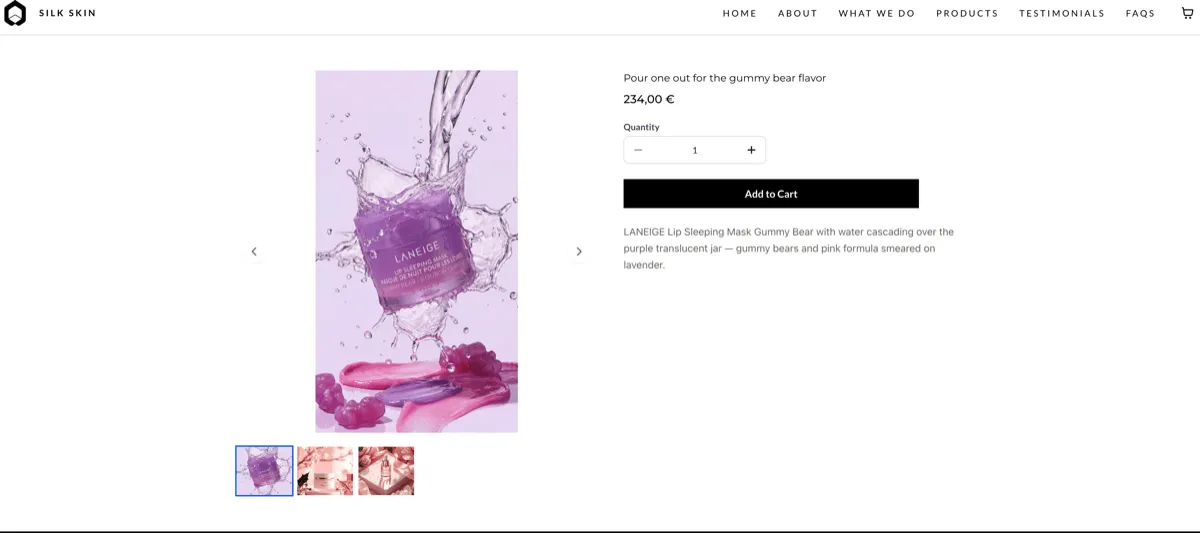
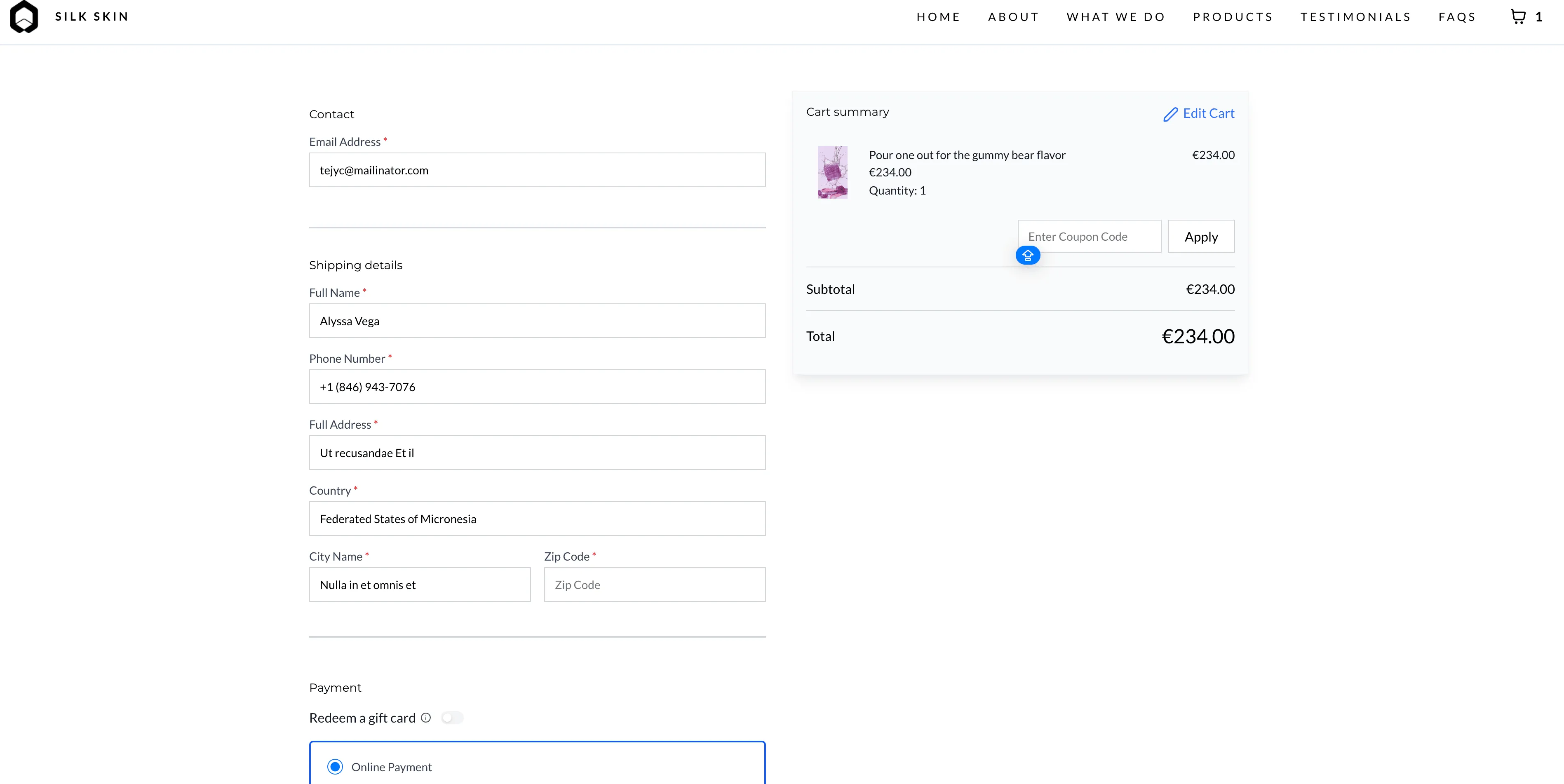
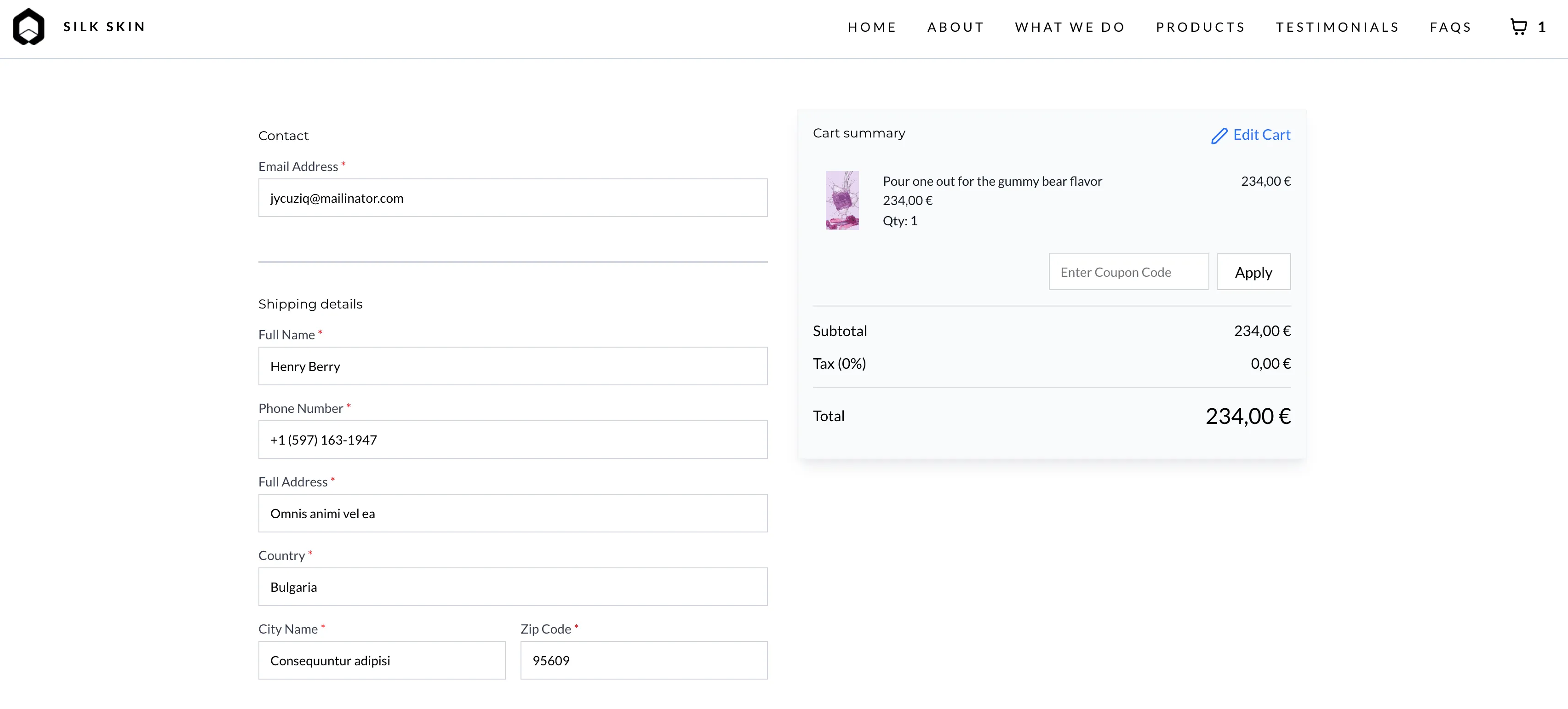
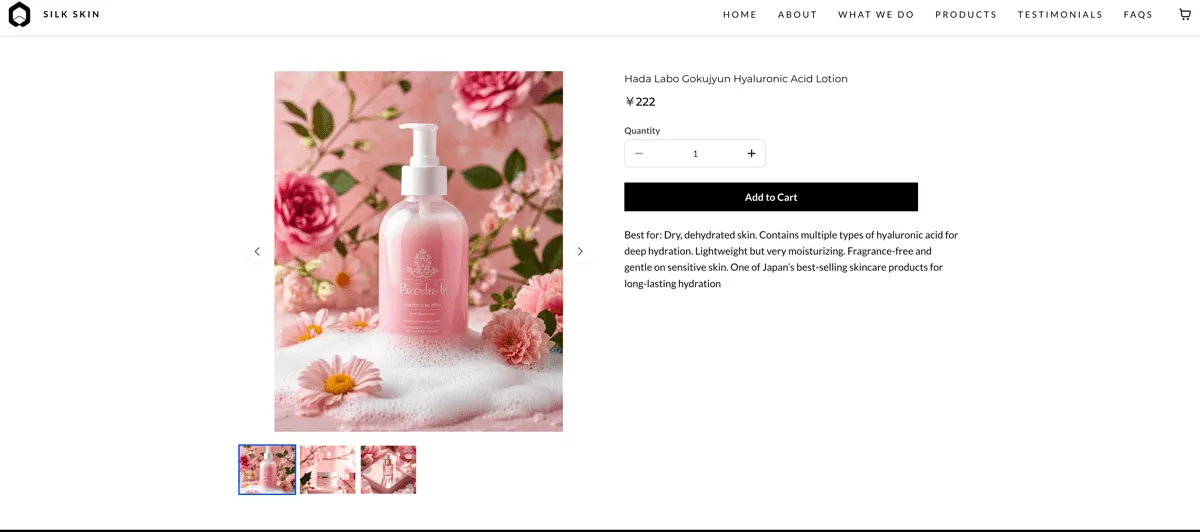
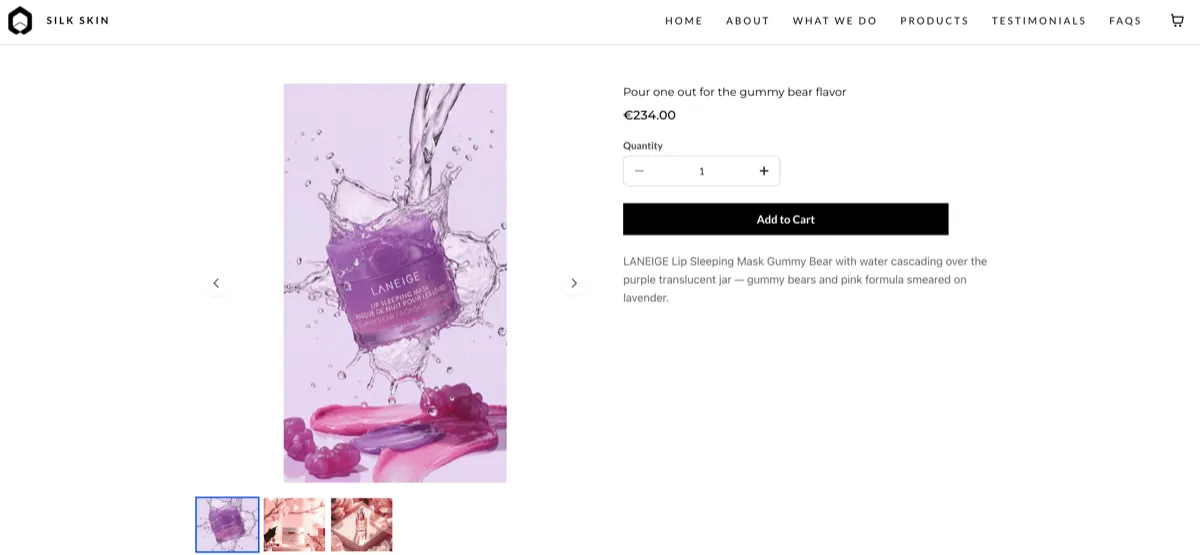
Prices can display in regionally familiar formats such as $1,000.00 or €1.000,00 instead of plain numbers. This applies to product listing pages, product detail pages, cart, checkout, and other store elements.
What Changed
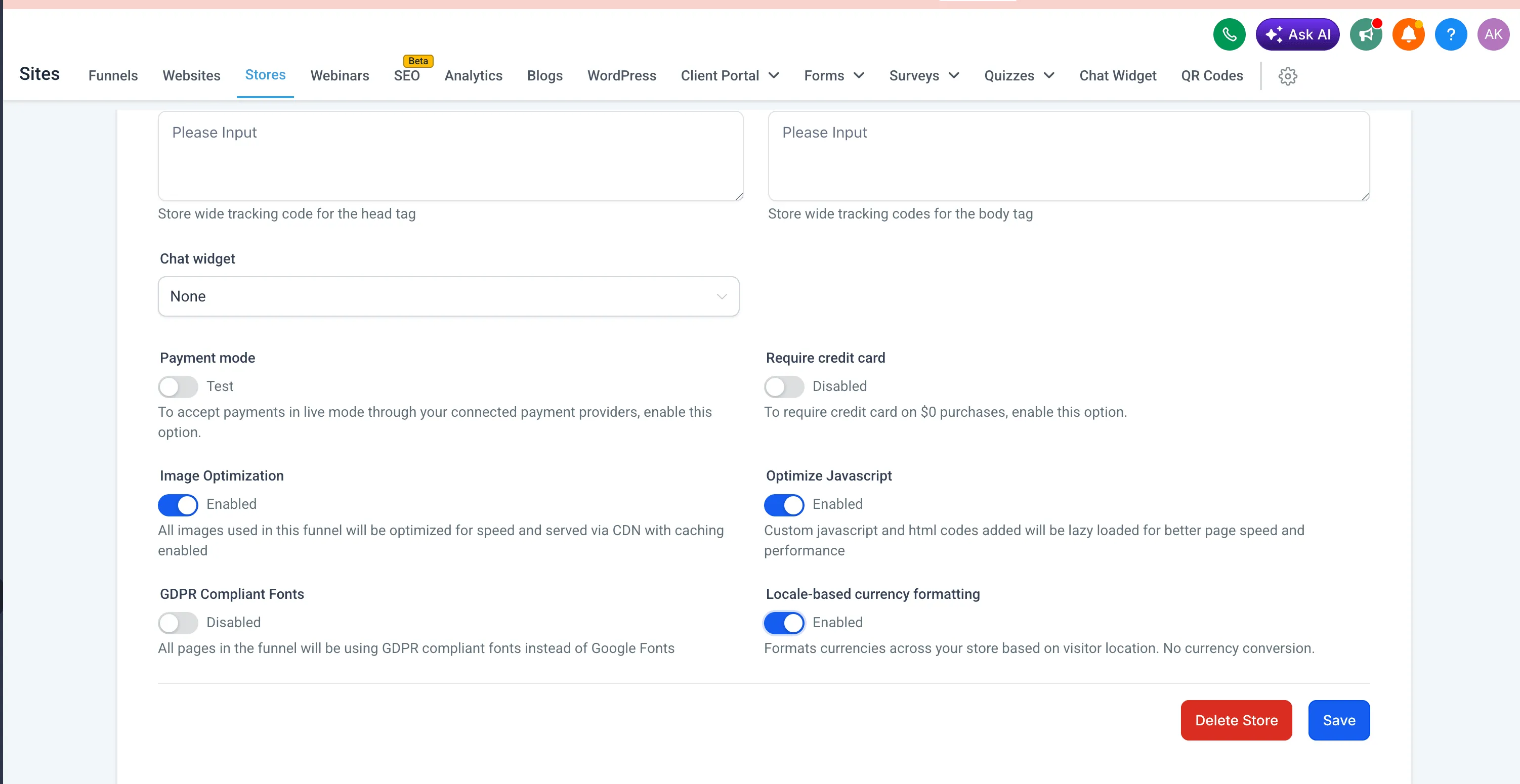
- You can enable Locale-Based Currency Formatting in Store Settings.
- Price formatting is determined by page language and the visitor’s location.
- The system automatically handles separators, decimals, and currency symbol placement.
- If locale data is unavailable, formatting defaults to en-US.
How to Use It
- Open Store Settings in your ecommerce store.
- Turn on Locale-Based Currency Formatting.
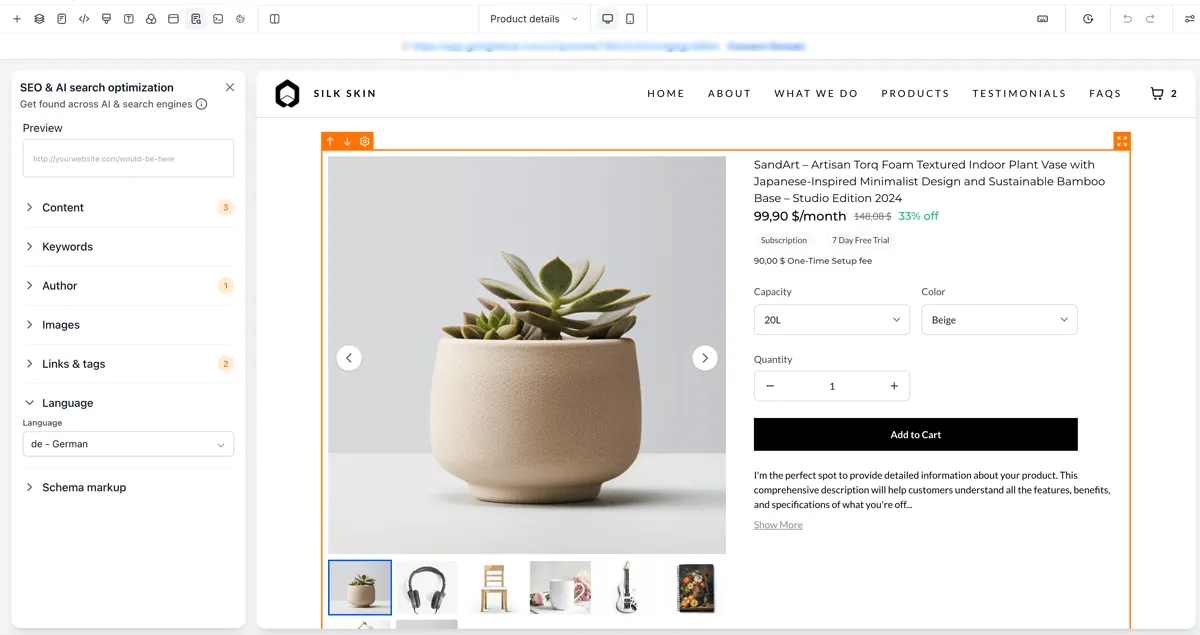
- In the builder, open SEO & AI Search Optimization settings.
- Set the Page Language under the language section.
- Save and publish your changes.
Important Notes
- This feature changes formatting only. It does not convert prices using exchange rates.
- Displayed formatting is based on the visitor’s location, not the store’s location.
- The update is intended to improve price clarity and consistency for international shoppers.
In Case You Missed It
You can also read about Improved Store Element Visibility in Builder.
Release Images

Need Help Applying This Update?
If you’d like help rolling this out in SMBcrm, visit Support or request a demo.