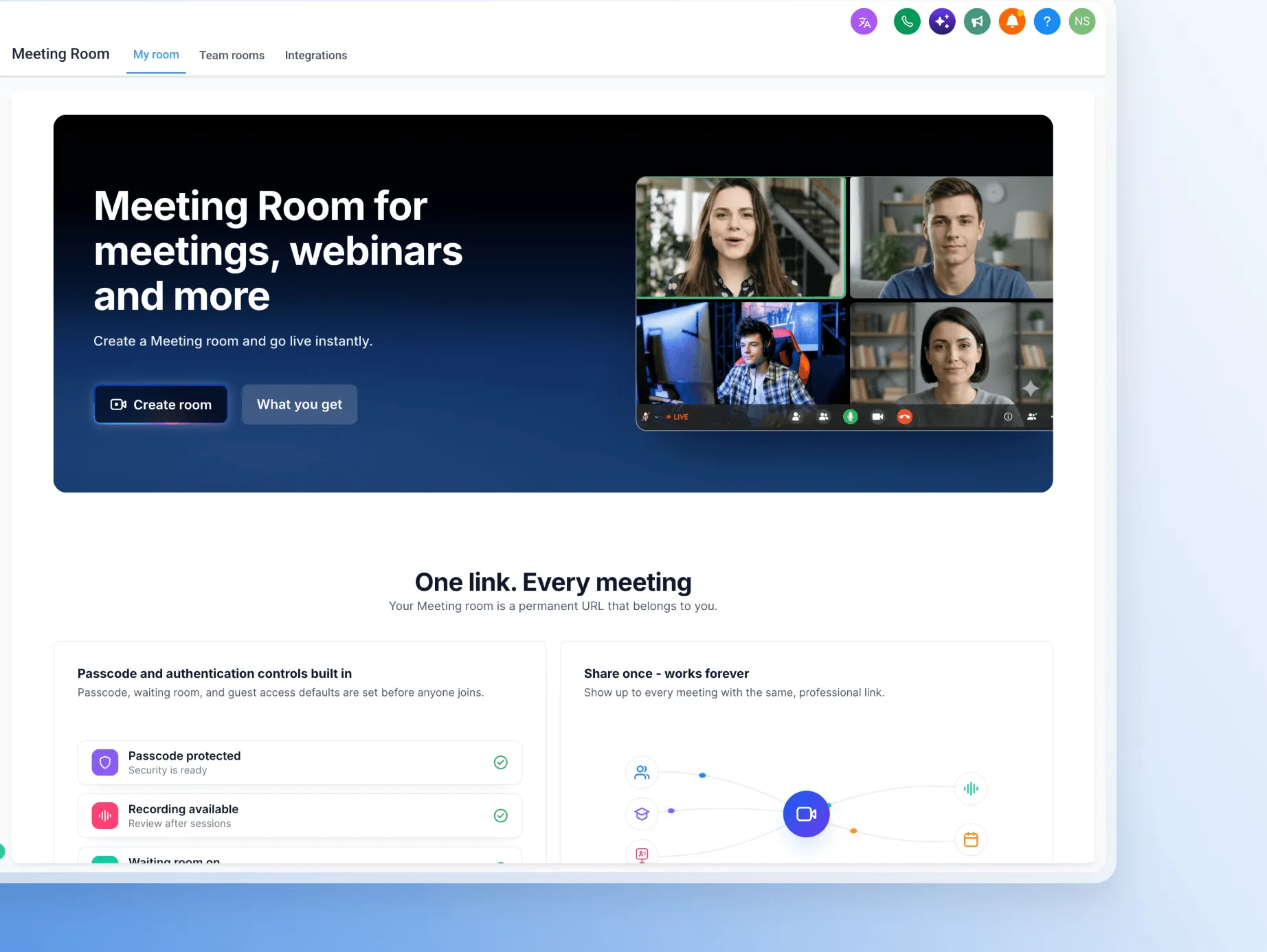
Meeting Room is a new built-in video conferencing experience for client appointments, sales calls, team discussions, training, and demonstrations.
Start or Schedule a Meeting
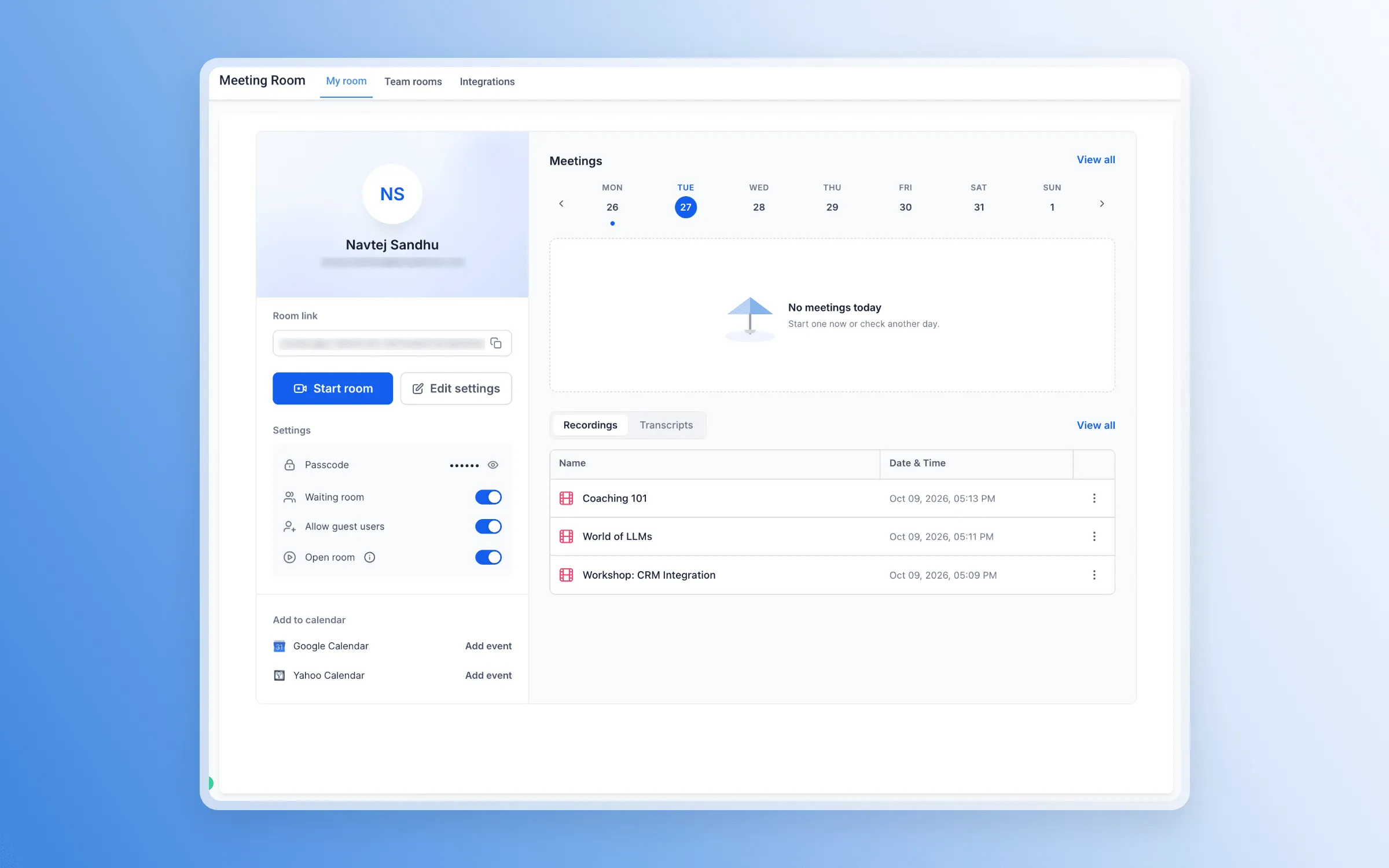
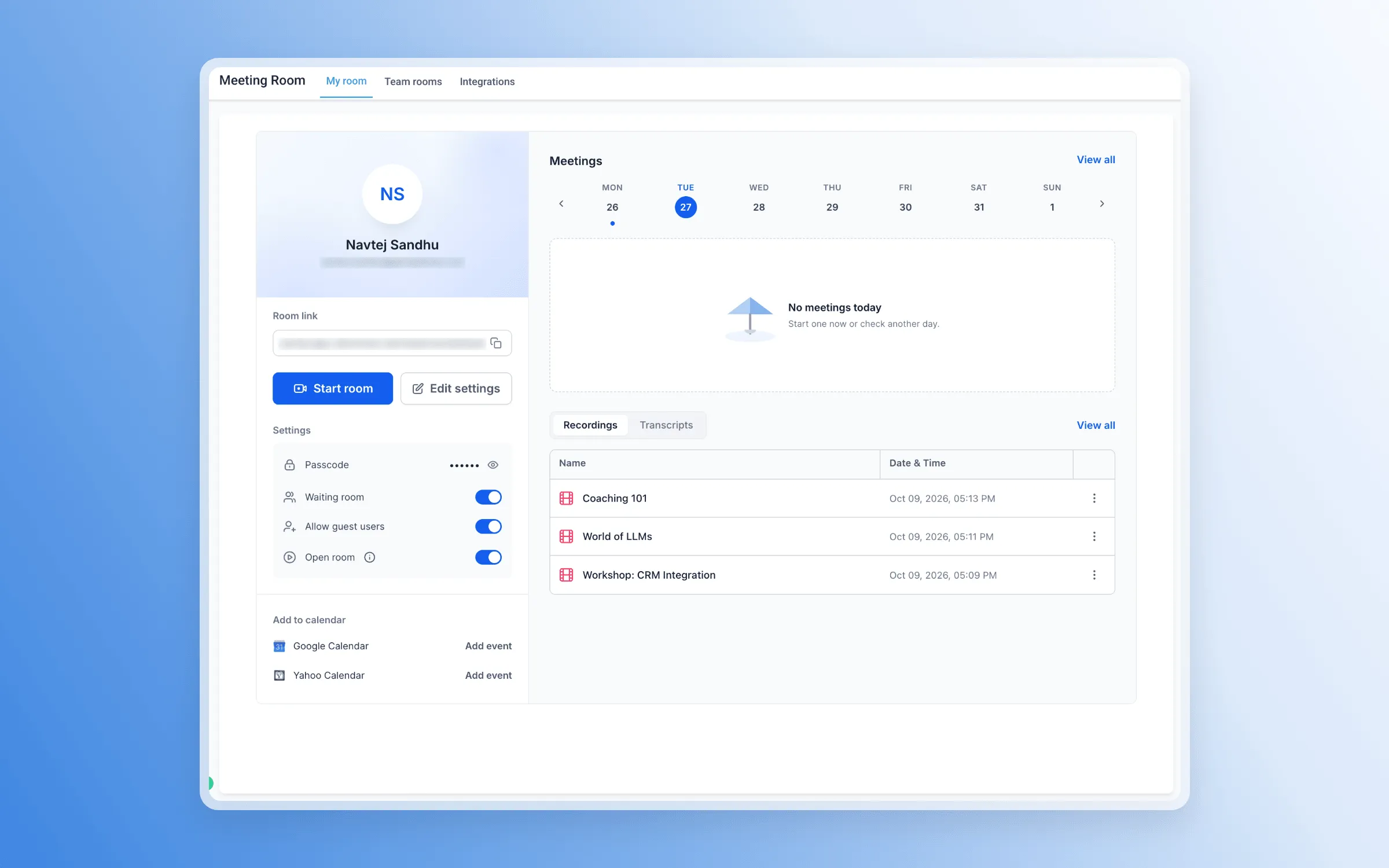
- Create a personal meeting room with a permanent, reusable link.
- Start an instant meeting without scheduling an appointment.
- Automatically generate unique Meeting Room links for calendar appointments.
- Invite guests by link, with no account required.
Collaborate and Manage Participants
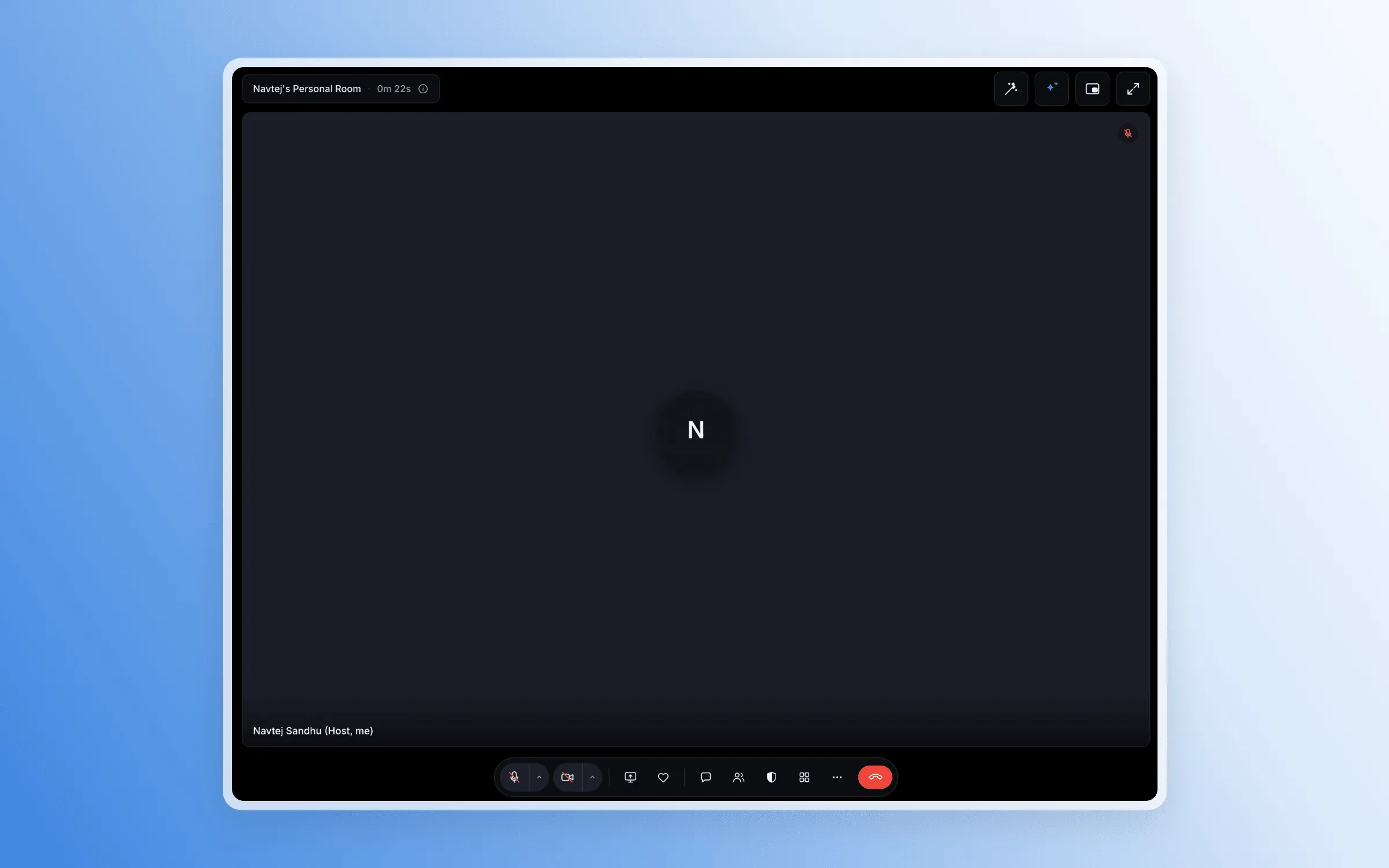
Meeting Room supports HD video and audio, screen sharing, and live chat. During meetings, you can:
- Assign co-hosts and control participant microphone, camera, and screen-sharing permissions.
- Protect access with waiting rooms and passcodes.
- Use reactions, hand raising, and flexible meeting layouts.
- Upload custom backgrounds when signed in.
- Continue watching while multitasking with picture-in-picture mode.
Review Recordings and Summaries
Record important conversations and revisit them in Meeting History. When available, meeting history can include recordings, speaker-labeled transcripts, and participant and meeting details.
Generate an AI-powered summary from a meeting transcript to review key takeaways, action items, next steps, and important decisions without rereading the full conversation.
Get Started
Open Meeting Rooms from the side panel to create your personal meeting room or start an instant meeting. For booked appointments, select Meeting Room as the meeting location when configuring your calendar.
Release Images
Need Help Applying This Update?
Want help turning this update into a working part of your CRM, marketing, or automation setup?
Get Started or schedule a demo and we’ll help you map the right next step.