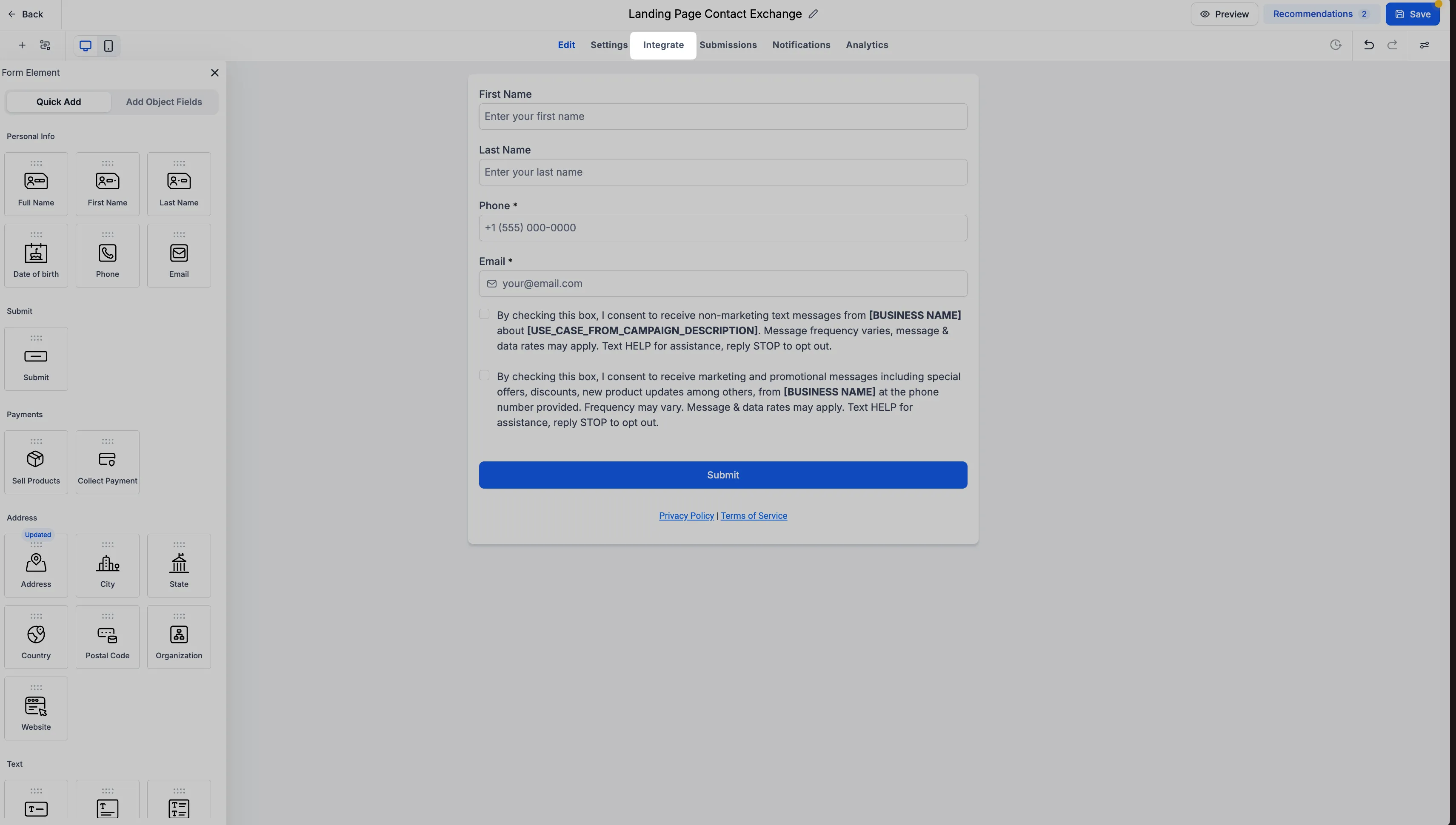
The Forms, Surveys, and Quizzes builders now have a dedicated Integrate tab. It replaces the previous Integrate button and brings embedding, sharing, email, and workflow connections into one place for your lead capture tools.
What’s Changed
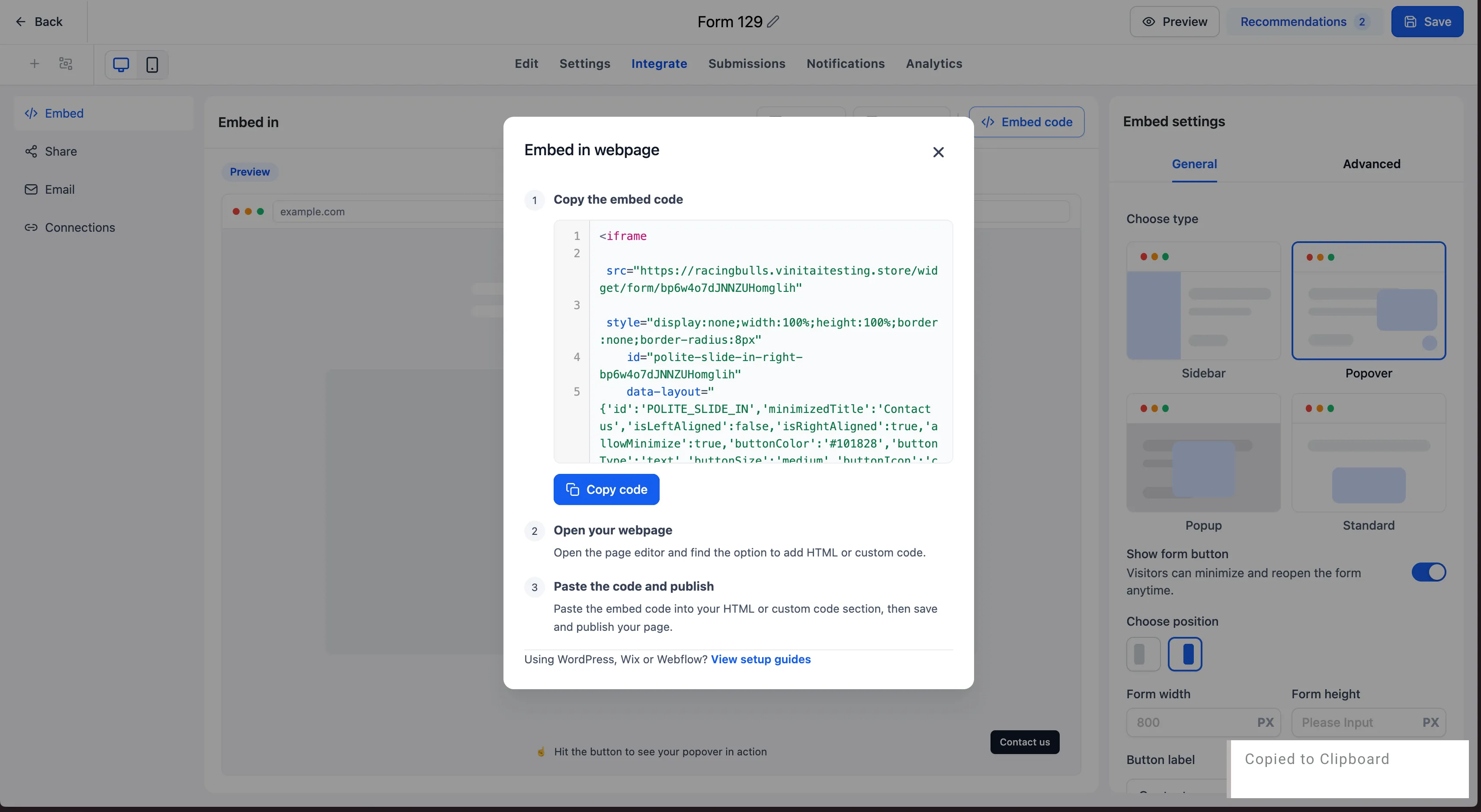
Embed previews
Live previews are available across existing embed options. You can compare how your form, survey, or quiz will appear and see configuration changes reflected in real time before embedding it.
Sharing and ready-to-use QR codes
The Share section brings together direct links, social sharing, and automatically generated QR codes. Each form, survey, and quiz has a ready-to-use QR code that you can customize and download without leaving the builder. You no longer need to create a separate code in the QR Code section.
Email access
Existing email integration functionality is unchanged. From the Email section, you can continue adding forms to an existing email template or creating a new email with your form.
Workflow connections
The Connection section shows workflows associated with your form, survey, or quiz. You can also start creating a workflow directly from this section instead of searching elsewhere in the platform.
Next steps after saving
Clicking Save now opens a modal with integration options, helping you move from building to sharing, embedding, or setting up submission automation.
How to Access It
Open a form, survey, or quiz in its builder, then select Integrate. Choose Embed, Share, Email, or Connection to preview embeds, distribute your content, or manage workflow connections.
Coming Soon
The following capabilities are planned but are not part of the initial release:
- Direct embedding into funnel steps and website pages from the Embed section.
- Visibility into connected funnel steps and website pages in the Connection section.
Release Images
Need Help Applying This Update?
Want help turning this update into a working part of your CRM, marketing, or automation setup?
Get Started or schedule a demo and we’ll help you map the right next step.