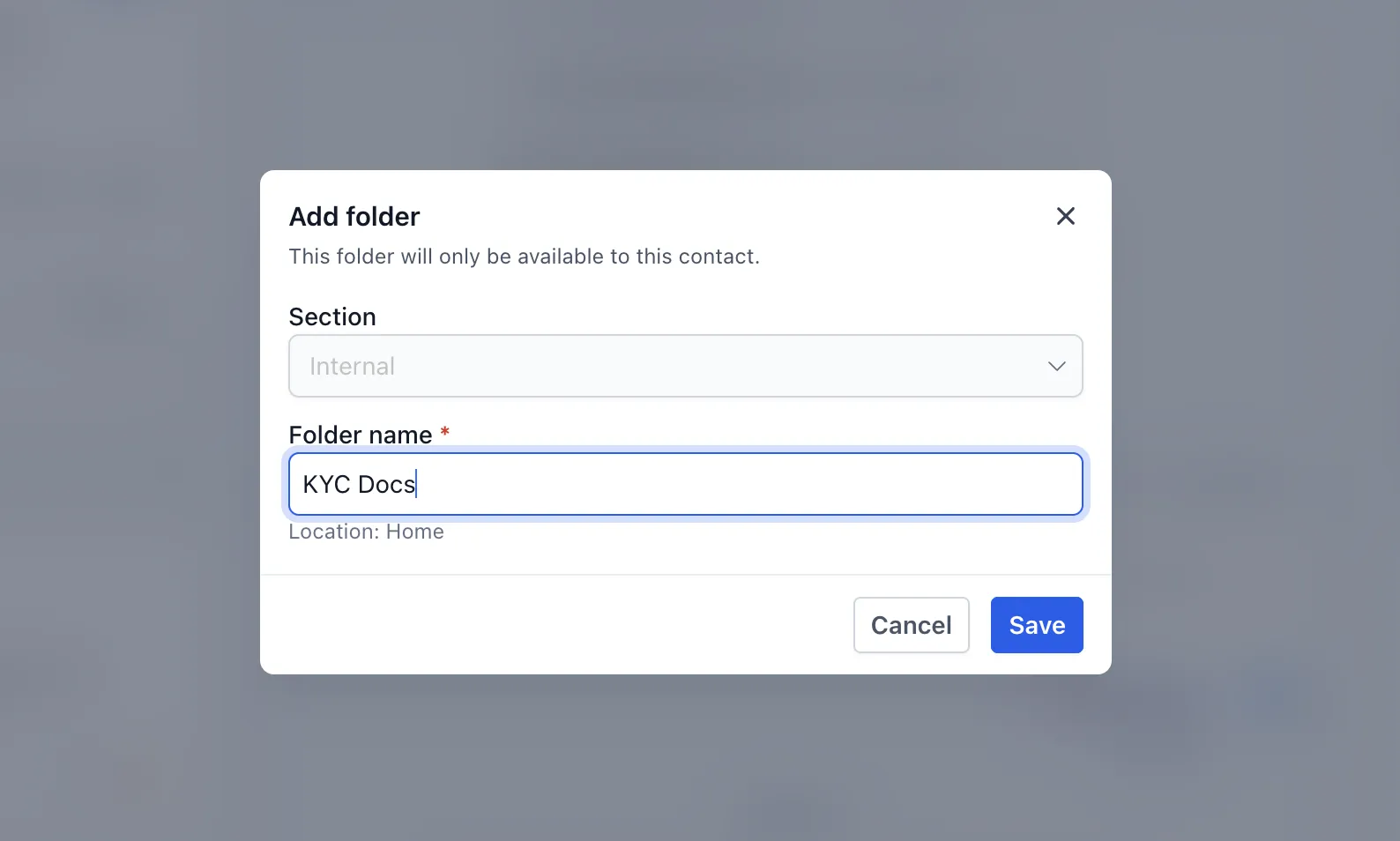
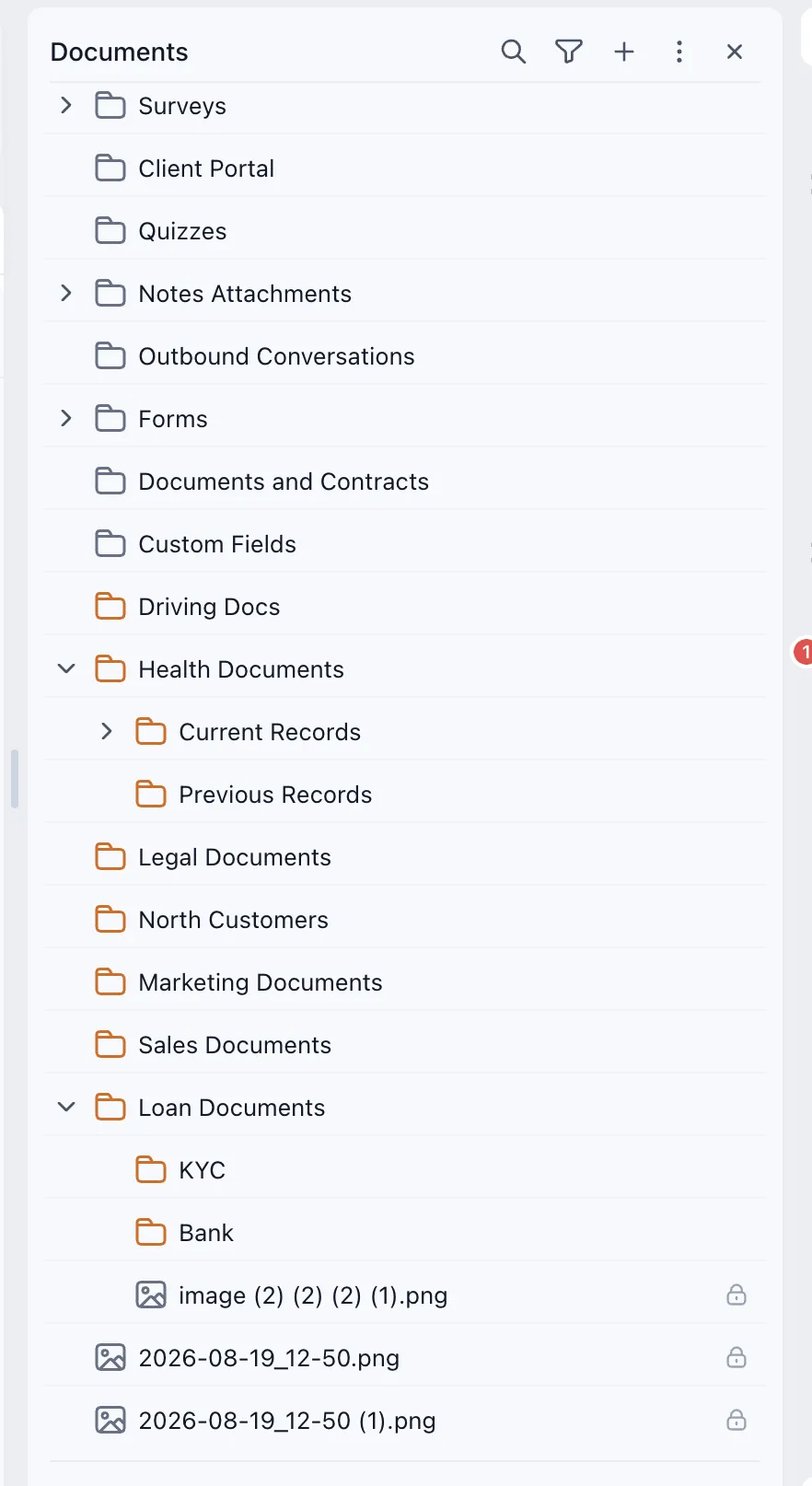
Folders on the contact detail page help you organize documents within your SMBcrm contact records. Each contact has an independent folder structure, keeping their documents separate and easier to find.
Organize and Move Documents
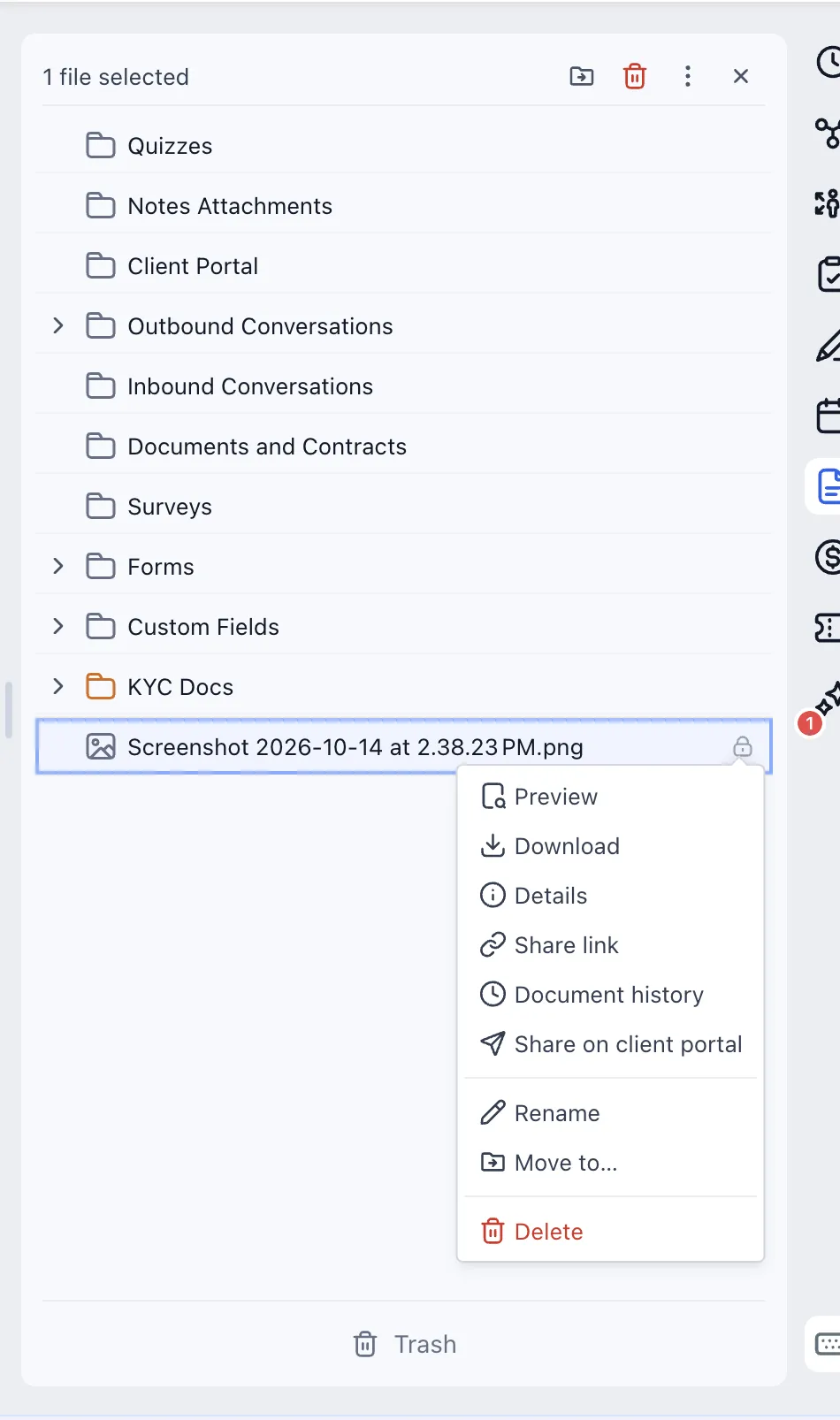
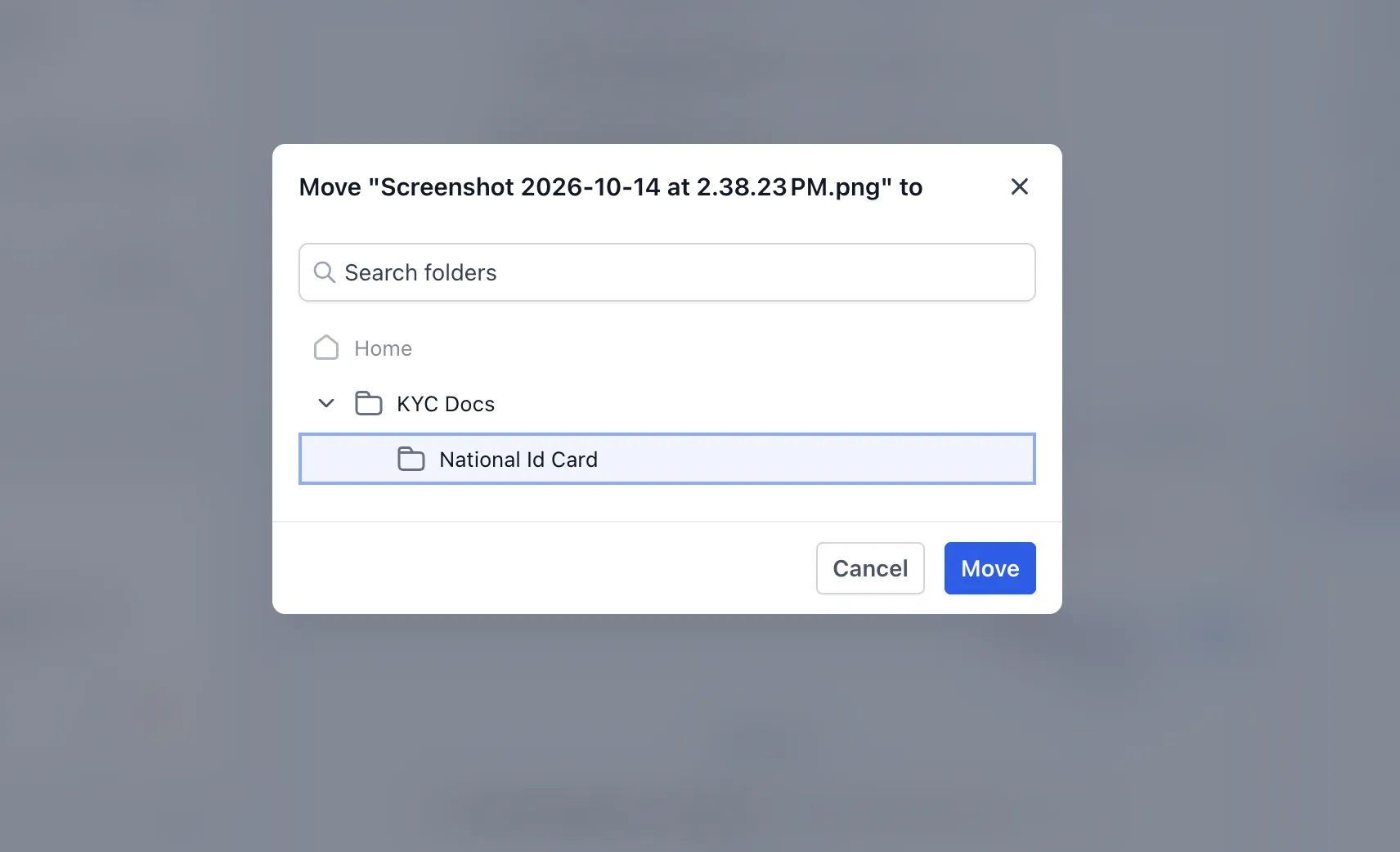
Create custom folders and nested folders to group related documents. You can move files between folders without re-uploading them and move folders between levels as your document structure changes.
There are two types of folders:
- System folders: Predefined folders that cannot be deleted. Files inside system folders are also currently protected from deletion.
- Custom folders: User-created folders that you can organize and delete as needed. Files uploaded to custom folders can also be deleted.
Recover Deleted Files and Folders
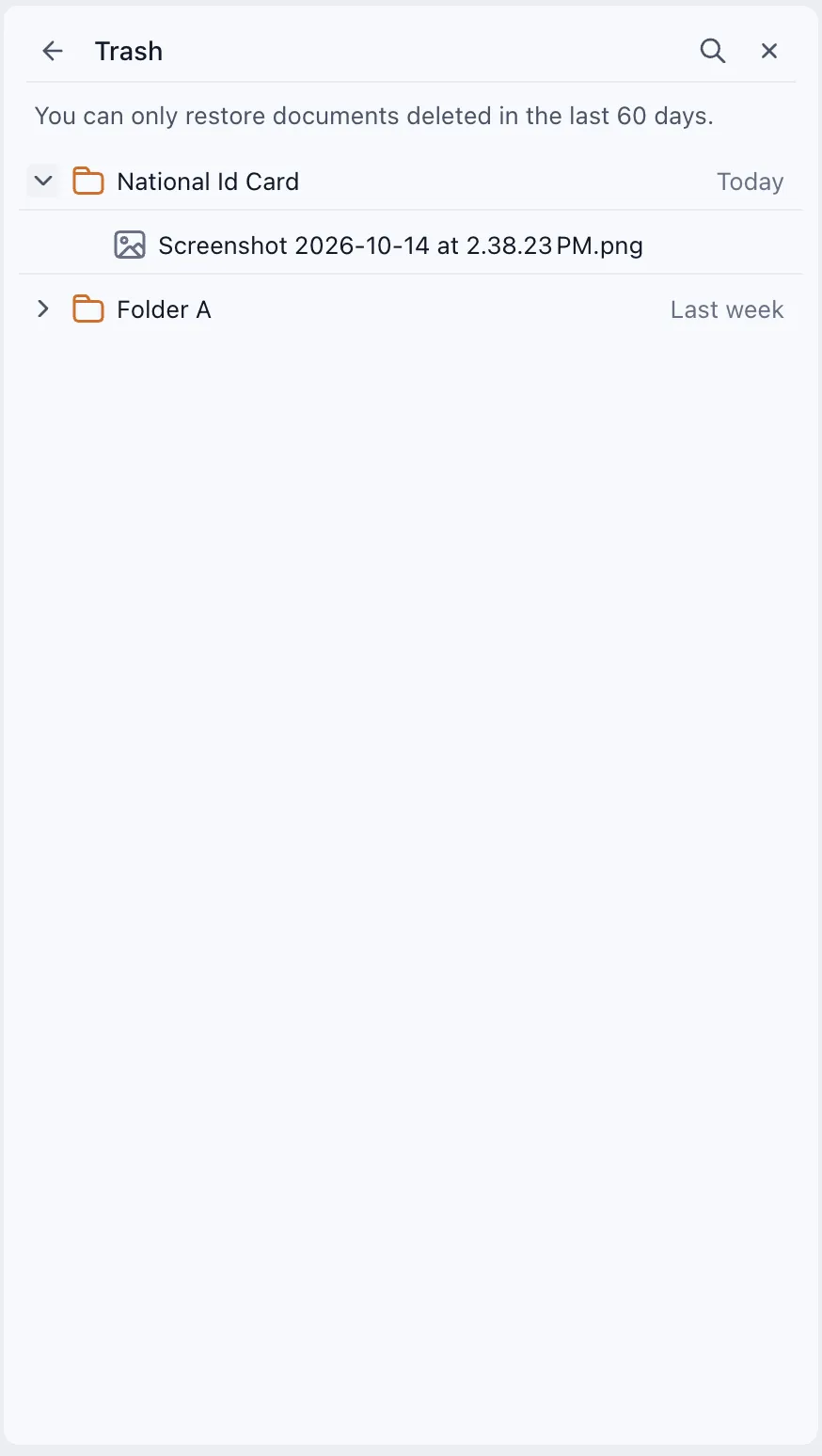
Deleted files and custom folders move to Trash rather than being permanently removed immediately.
- Restore individual files or entire folders within 60 days of deletion.
- Restore deleted folders along with their contents.
- After 60 days, deleted files and folders are permanently removed and can no longer be restored.
Release Images
Need Help Applying This Update?
Want help turning this update into a working part of your CRM, marketing, or automation setup?
Get Started or schedule a demo and we’ll help you map the right next step.