Pinterest Multi-Board Publishing in Social Planner
Social Planner now supports multi-board publishing for Pinterest. You can create one Pinterest post and publish it to up to 25 boards per Pinterest account without duplicating the post manually.
What Changed
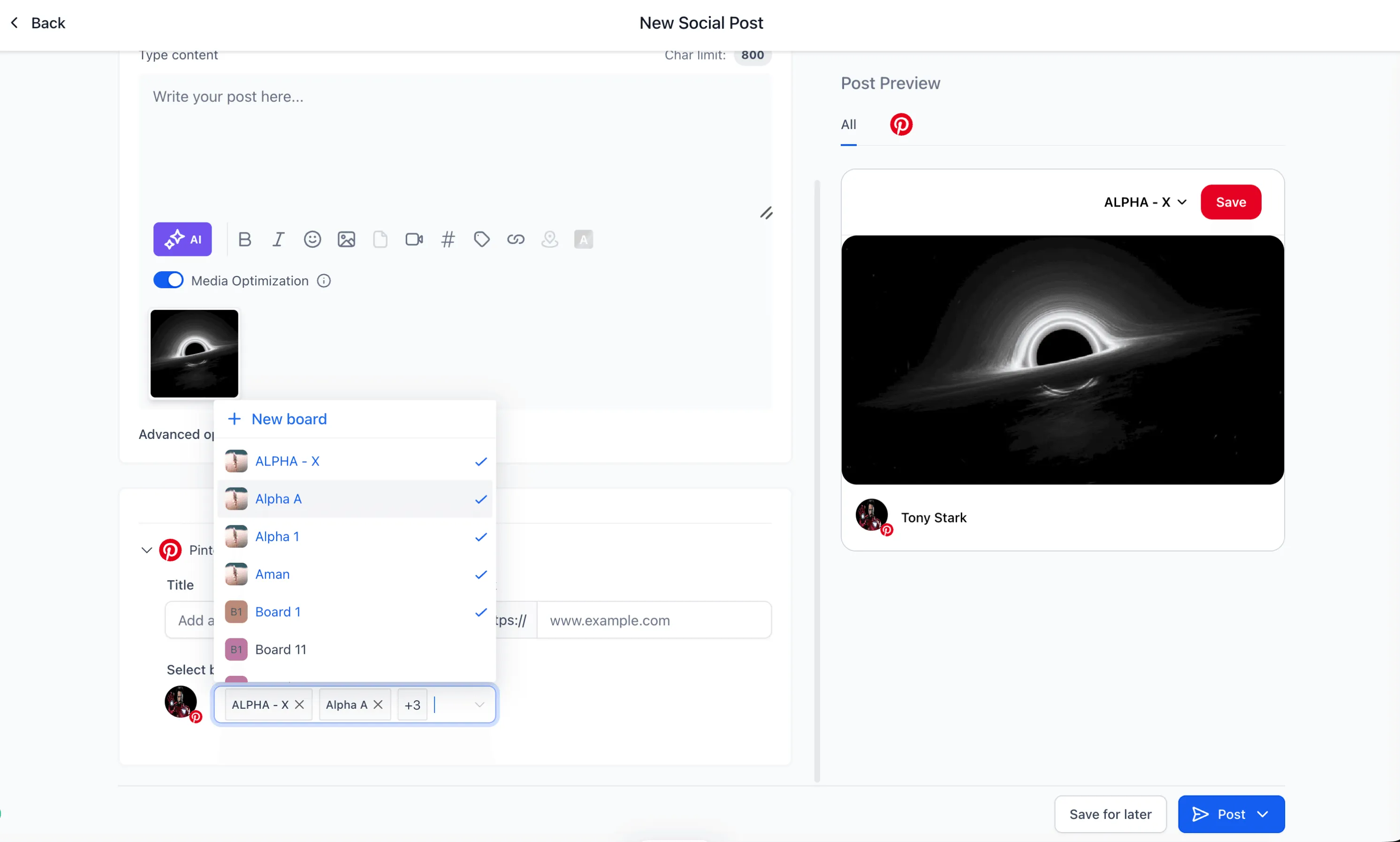
Select multiple Pinterest boards in one post
When creating a Pinterest post, you can now choose multiple boards from the Boards selector.
- Select up to 25 boards per Pinterest account
- Use board chips to review selected boards
- Remove selected boards easily
- Work across multiple connected Pinterest accounts
- Keep selected boards pinned at the top for quicker access
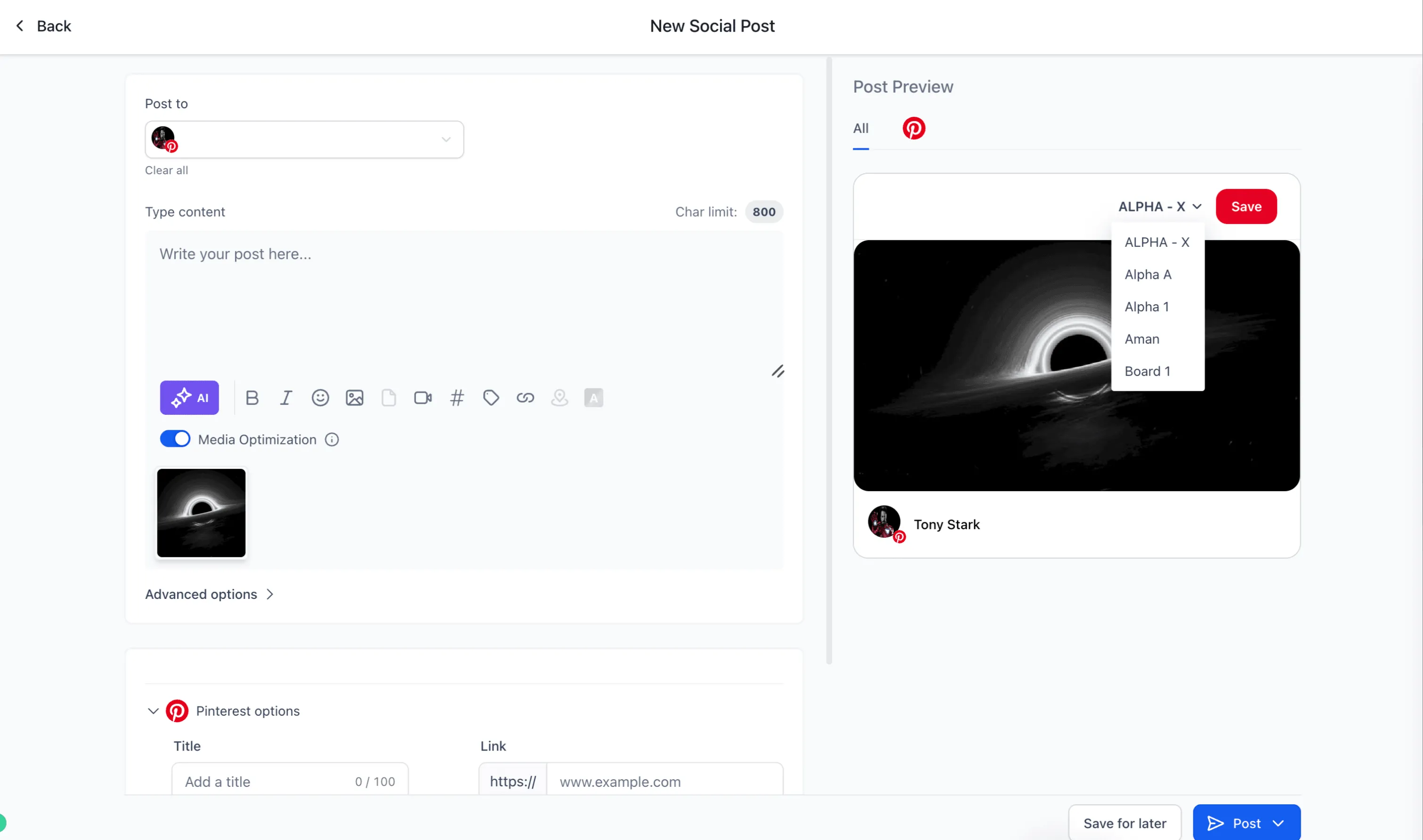
Publish separately to each board
Each selected board creates its own published pin automatically. This keeps publishing and reporting separated by board.
- Each board is tracked independently
- A failure on one board does not block the others
- Analytics remain separated per board
Supported publishing flows
Multi-board Pinterest publishing works across these Social Planner flows:
- Instant publishing
- Scheduled posts
- Approval workflows
- Recurring posts
- Category Queue
- CSV bulk uploads
How to Use It
- Go to Marketing, then Social Planner.
- Create a new Pinterest post.
- Select your Pinterest account or accounts.
- Choose up to 25 boards from the Boards selector.
- Publish, schedule, or queue the post.
Social Planner automatically creates individual pins for each selected board.
Notes
- The maximum is 25 boards per Pinterest account.
- Each selected board creates a separate published post.
- Board-level failures do not impact other selected boards.
- Existing Pinterest drafts continue working normally.
In Case You Missed It
You may also want to read Default Values for Email Personalization.
Need Help Applying This Update?
Want help turning this update into a working part of your CRM, marketing, or automation setup?
Get Started or schedule a demo and we’ll help you map the right next step.