SMBcrm now supports manual retries for failed subscription payments from the Subscription Details page. This gives businesses another way to recover subscription revenue when automatic retries have been exhausted or are unavailable.
The update applies to subscriptions using NMI, Authorize.Net, Square, and Mercado Pago.
How it works
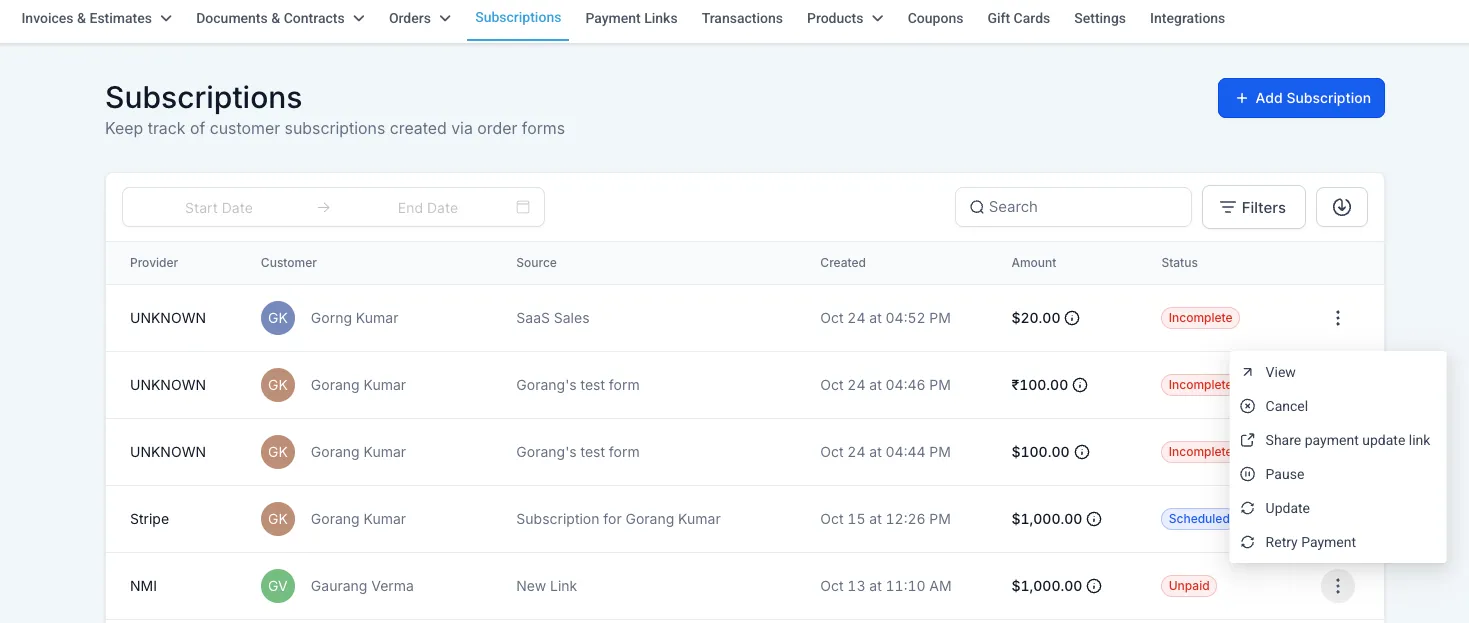
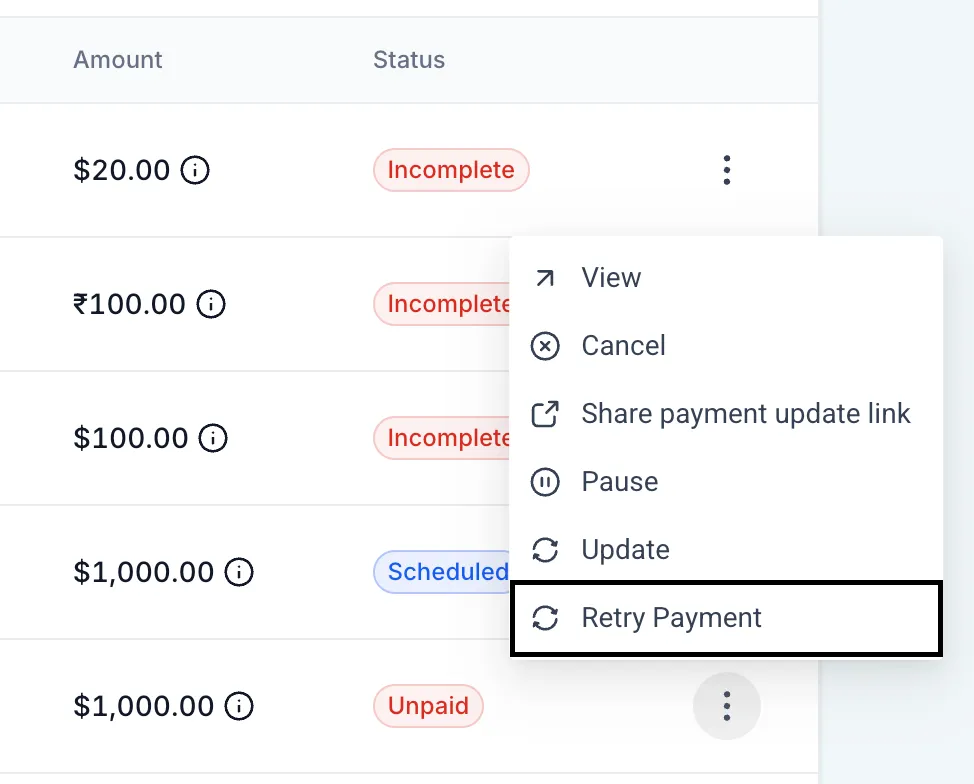
Go to Payments > Subscriptions and open a subscription with an Unpaid or Past due payment status. After automatic retries are exhausted, you can:
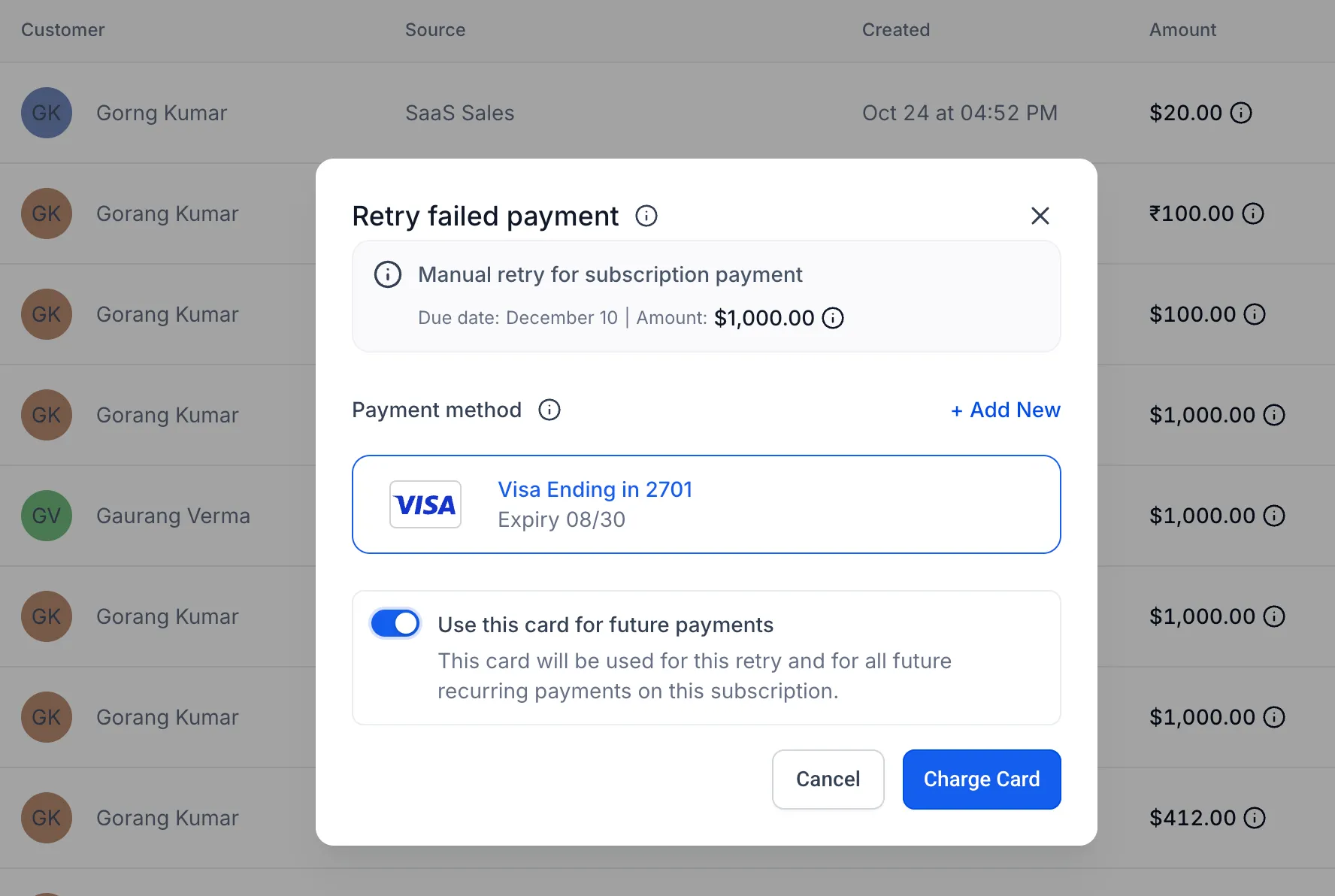
- Retry the oldest unpaid payment using a saved card or a newly added card
- Optionally set the selected card as the subscription’s default payment method
- Attempt a failed payment retry up to three times with the same card
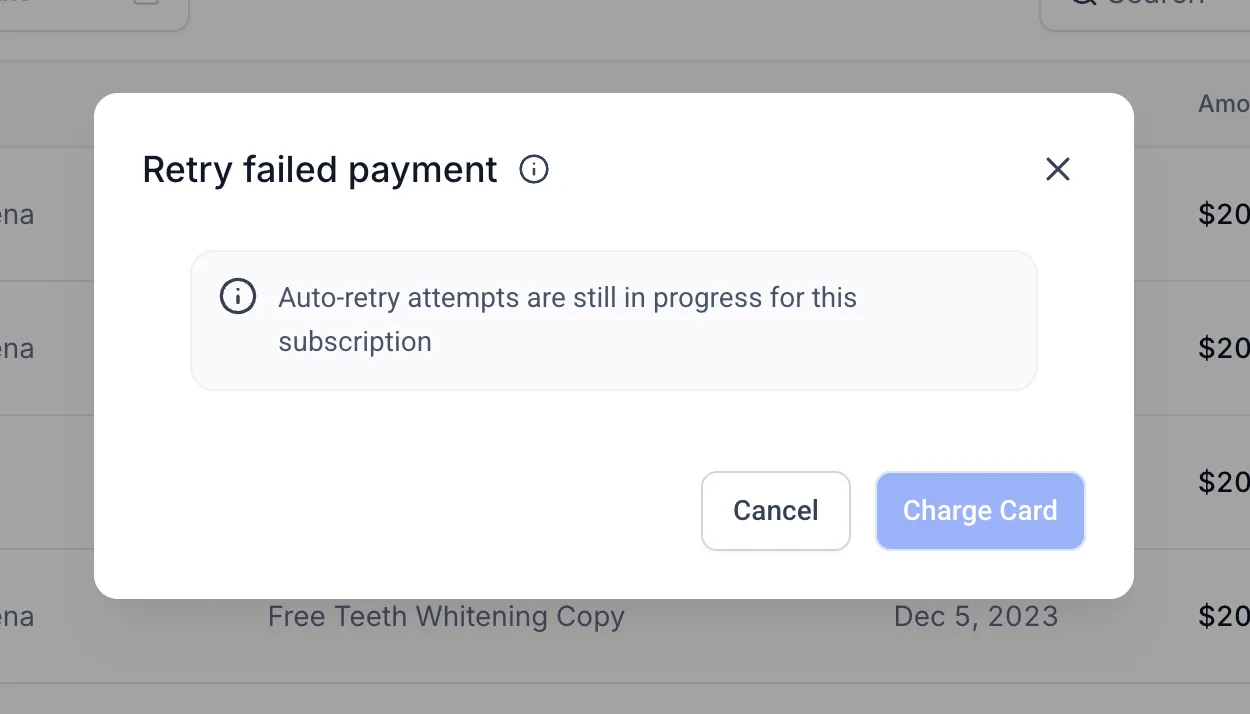
- Retry that card again after a 24-hour cool-down if all three attempts fail
- See localized warnings when another retry is not yet available
This adds more control to subscription payment recovery inside SMBcrm Payments & Commerce, without requiring a separate collection process.
Why it matters
Previously, failed subscription payments could remain unpaid after automatic retries were exhausted, which often required businesses to collect payment another way.
Manual retries make it easier to manage failed payments in SMBcrm and reduce the operational friction around involuntary subscription churn.
In Case You Missed It
You may also want to read Privacy and Terms URLs Required for Toll-Free Verification.
Release Images
Need Help Applying This Update?
Want help turning this update into a working part of your CRM, marketing, or automation setup?
Get Started or schedule a demo and we’ll help you map the right next step.