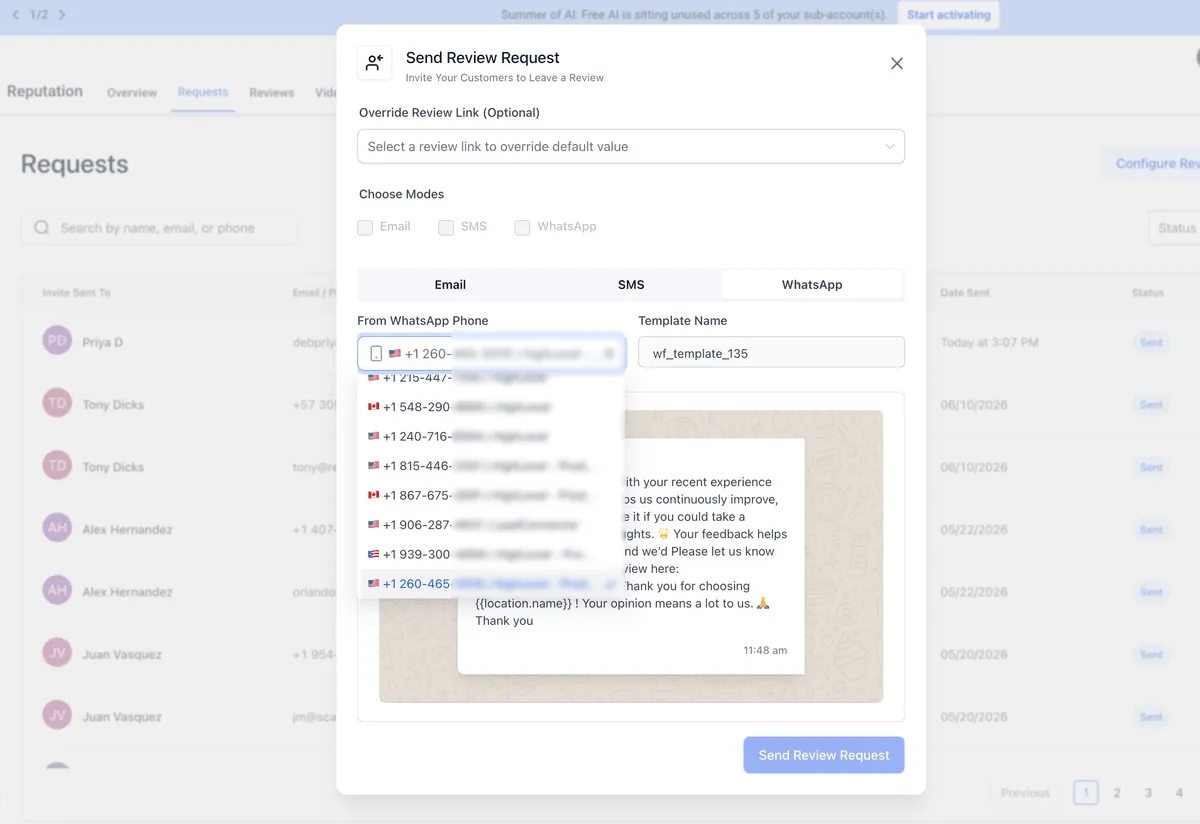
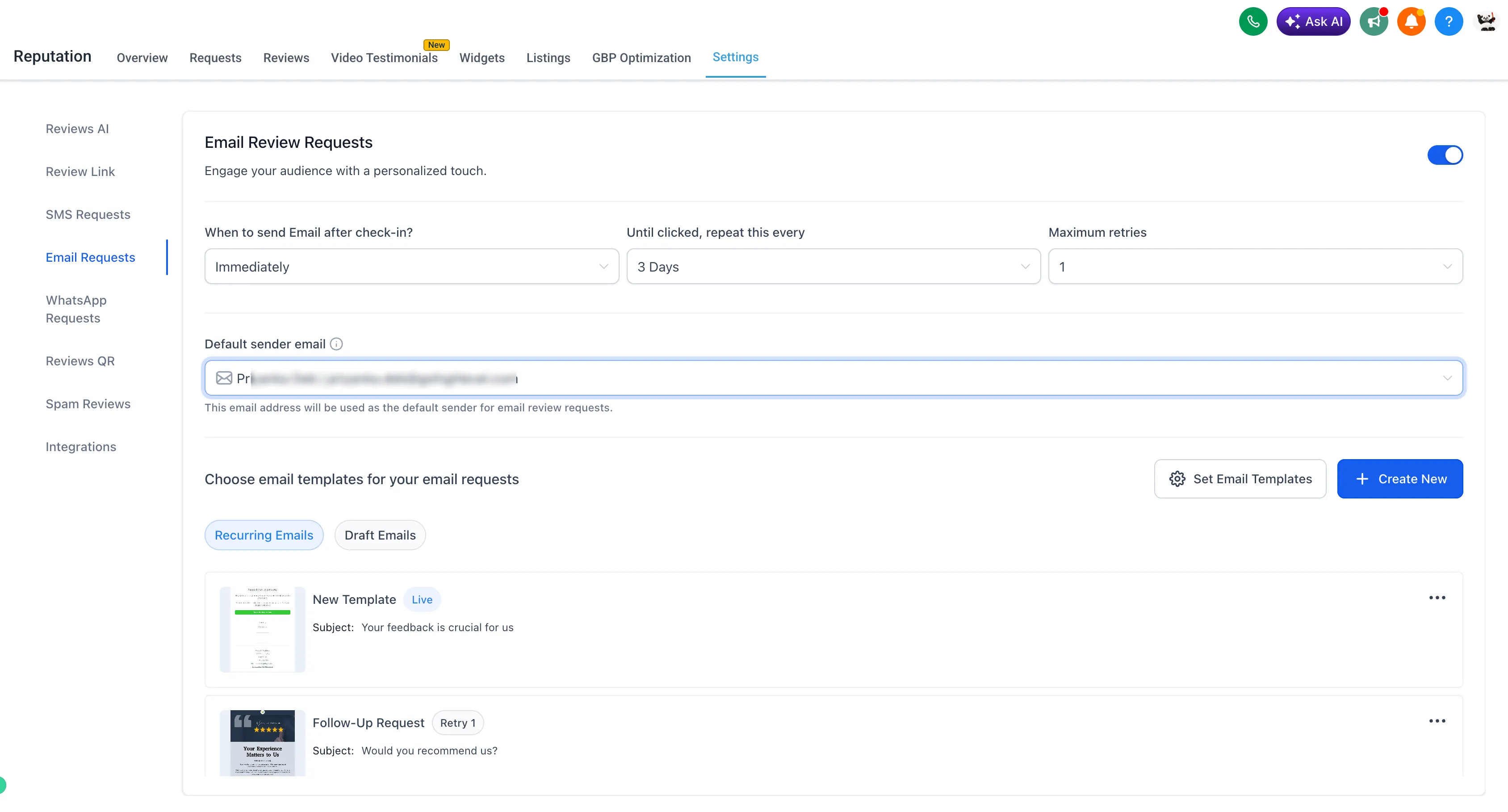
SMBcrm now lets each account choose the default phone number for SMS and WhatsApp review requests, plus the default email address for email review requests.
The selected sender is automatically used across:
- Manual review requests
- Campaigns
- Workflows
Why it matters
Consistent sender identities can help customers recognize your request and reduce confusion when review requests are sent from SMBcrm. This also keeps review outreach more consistent across your reputation management workflows.
Where to find it
Go to Reputation > Settings, then review the email, phone, or WhatsApp review request sender settings for the account.
Need Help Applying This Update?
Want help turning this update into a working part of your CRM, marketing, or automation setup?
Get Started or schedule a demo and we’ll help you map the right next step.