Share Meeting Recordings as Community Posts
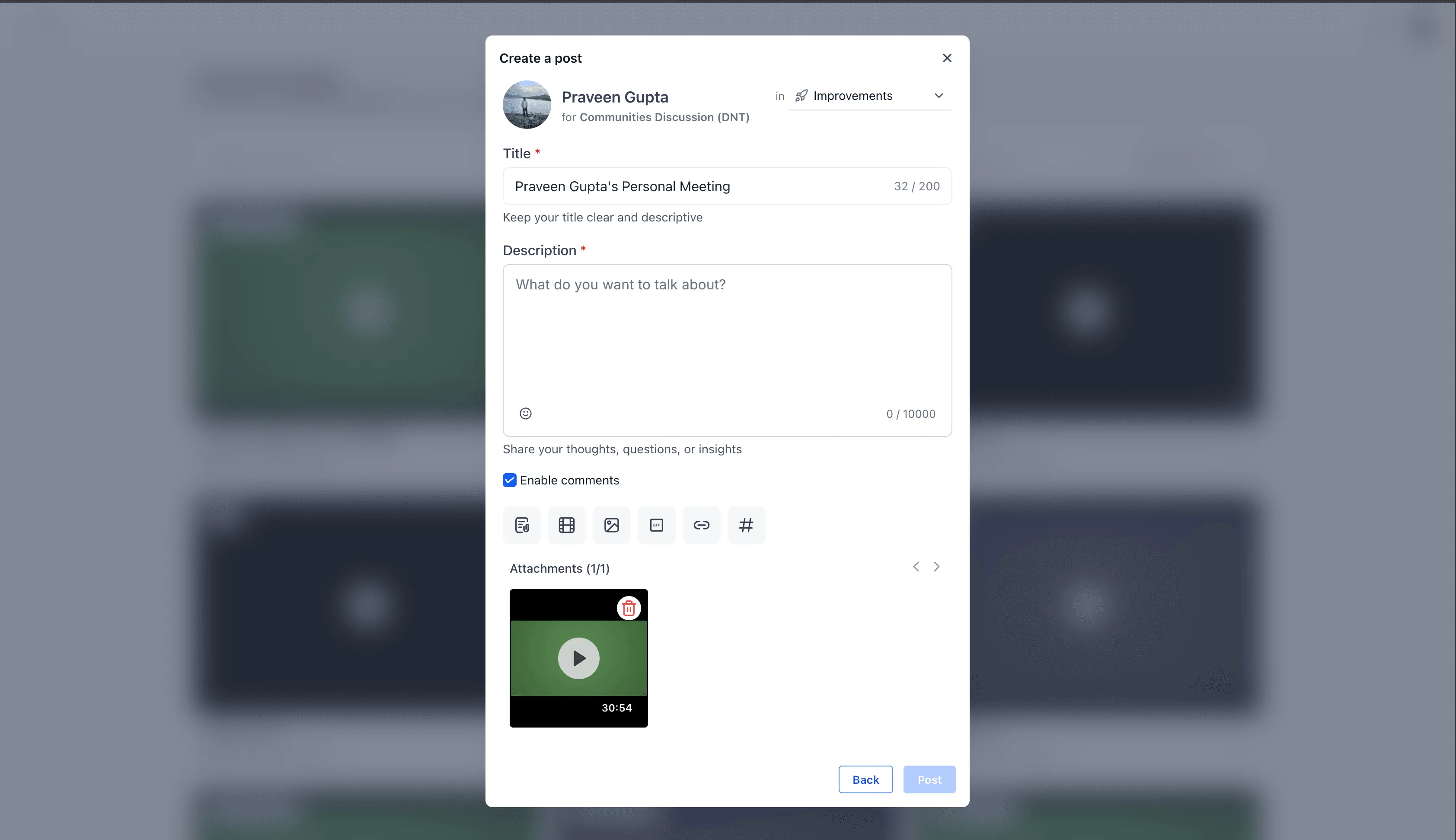
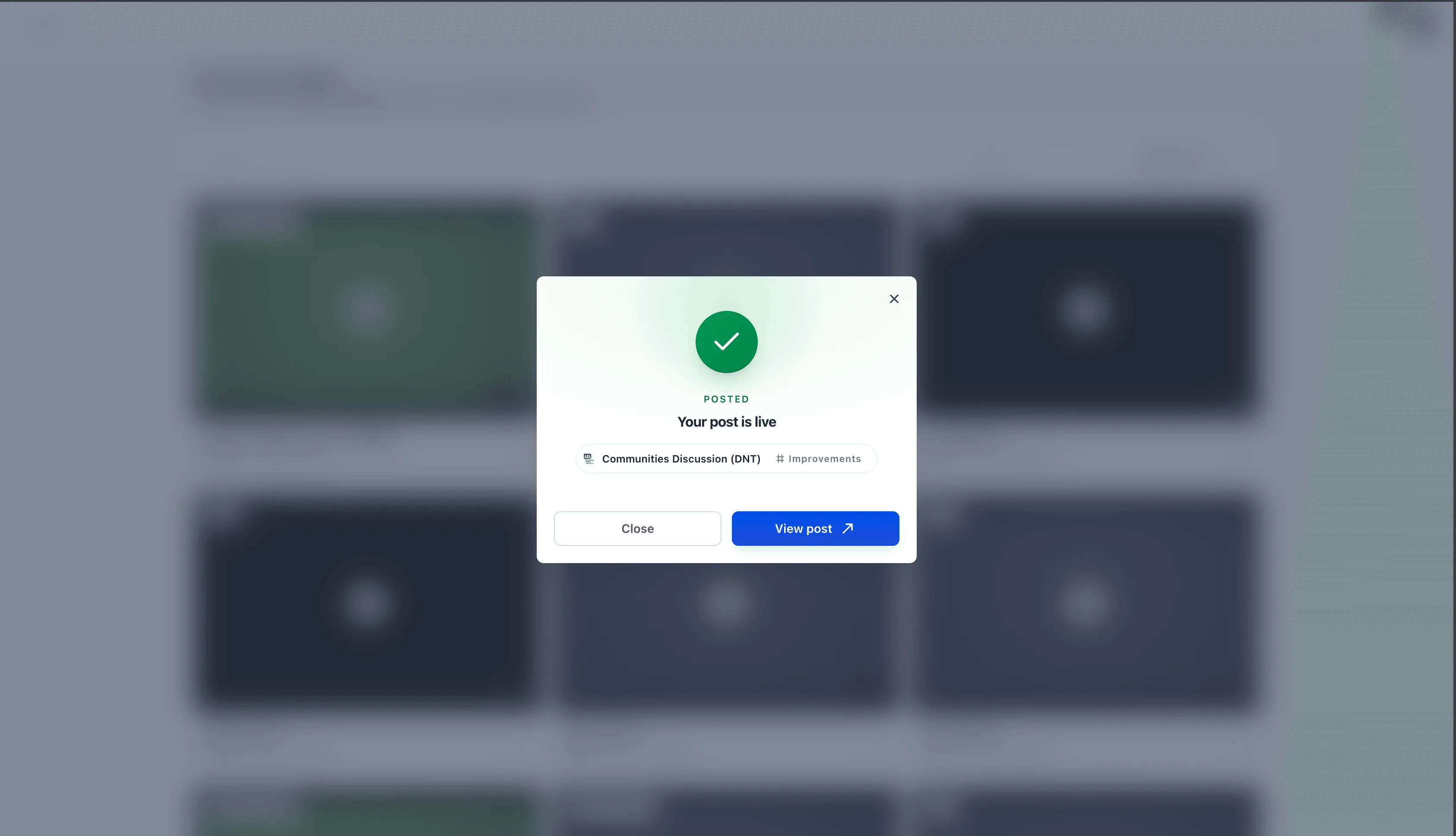
SMBcrm now lets users share a meeting recording directly into Communities from the recordings workflow. This helps teams continue discussion after a meeting without creating a separate manual post.
This update is useful for teams using Memberships & Education features to keep conversations, updates, and follow-up content inside the right community channel.
How it works
- Open the profile avatar in the top right and select Manage Profile.
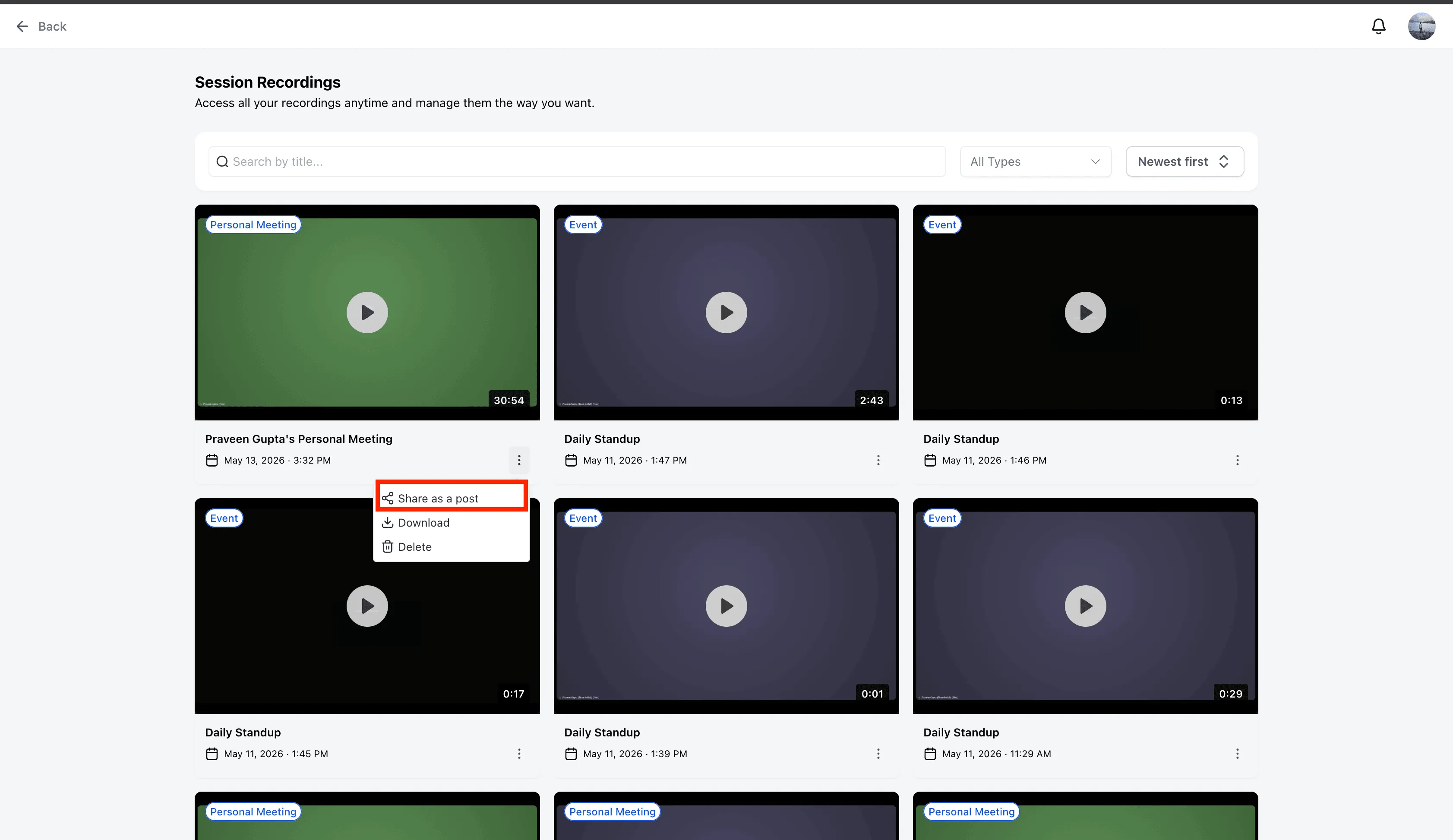
- Go to Meetings, then select View recordings.
- Choose the relevant recording and open the three-dot menu.
- Select Share as Post.
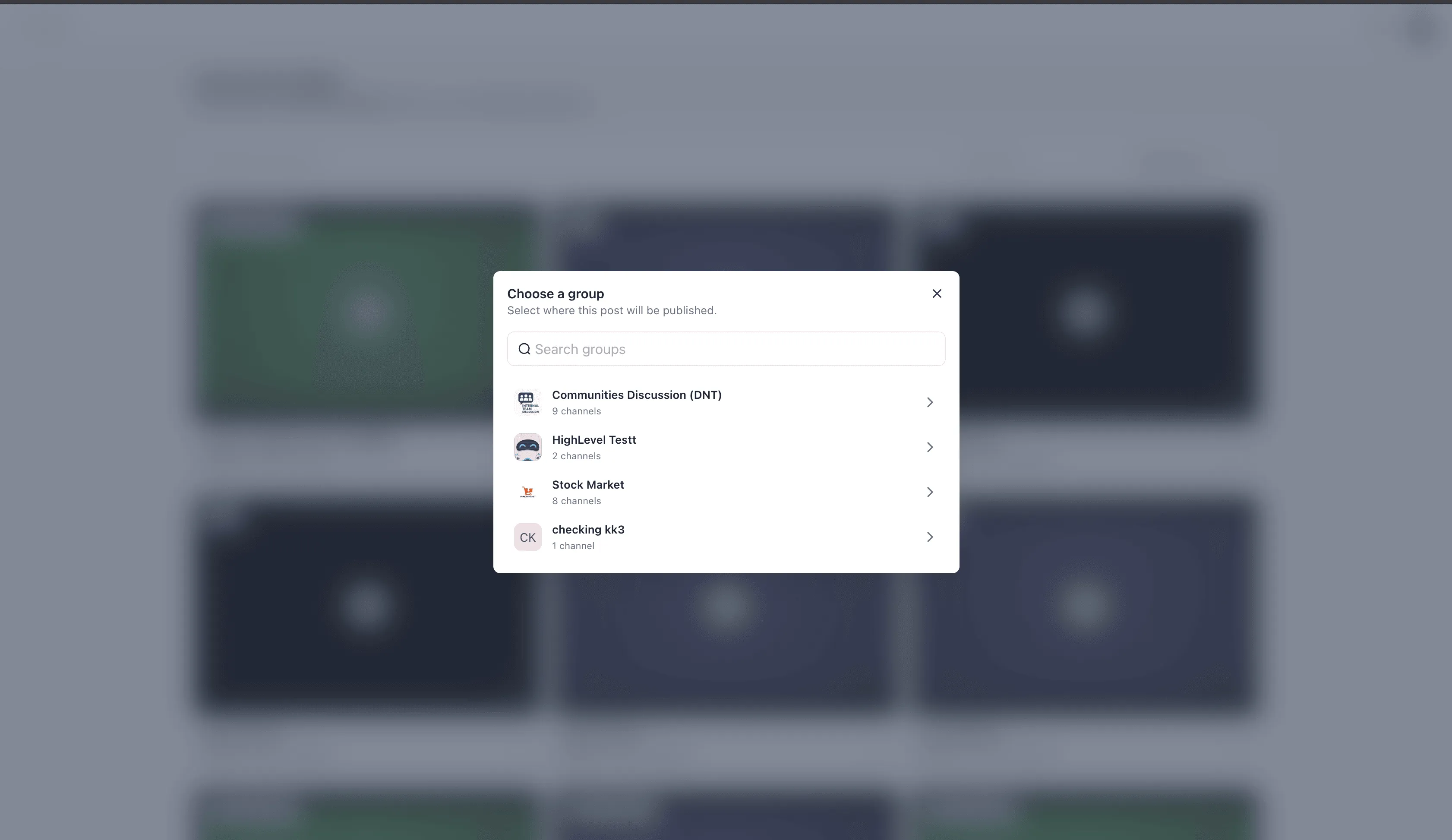
- Use the searchable Community selection modal to choose the community and channel where the recording should be posted.
Why it matters
Recordings can now move from meetings into community discussions in fewer steps. Users can share a recording where members are already collaborating, making it easier to keep follow-up conversations connected to the original meeting.
In Case You Missed It
For another media workflow update, read Upload and Download Folders in Media Center.
Release Images
Need Help Applying This Update?
Want help turning this update into a working part of your CRM, marketing, or automation setup?
Get Started or schedule a demo and we’ll help you map the right next step.