Workflow Builder Adds Sidebar Toggle
SMBcrm now includes a sidebar toggle inside the Workflow Builder, making it easier to move between automations and other platform areas without first leaving the builder.
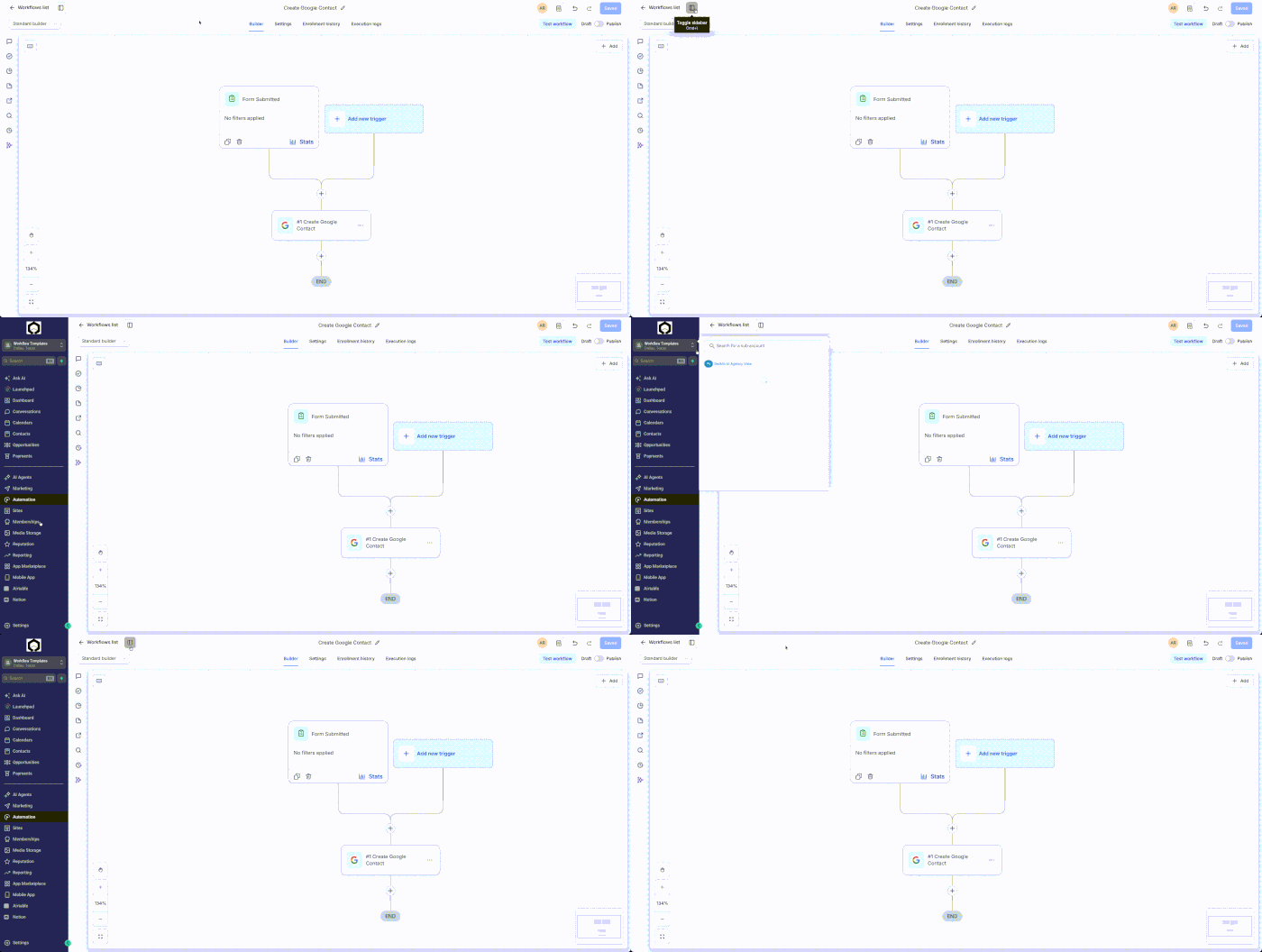
What changed
A toggle in the top-left corner of the Workflow Builder shows or hides the standard SMBcrm navigation sidebar. You can use the keyboard shortcut Cmd+\ on Mac or Ctrl+\ on Windows to show or hide it.
How to use it
- Open any workflow in the Automation Workflow Builder.
- Select the sidebar toggle in the top-left corner, or press Cmd+\ on Mac or Ctrl+\ on Windows.
- Use the sidebar to navigate to other SMBcrm products or pages.
Notes
- The sidebar can be shown or hidden at any time.
- This is a navigation enhancement only.
- It does not affect workflow execution.
Need Help Applying This Update?
Want help turning this update into a working part of your CRM, marketing, or automation setup?
Get Started or schedule a demo and we’ll help you map the right next step.