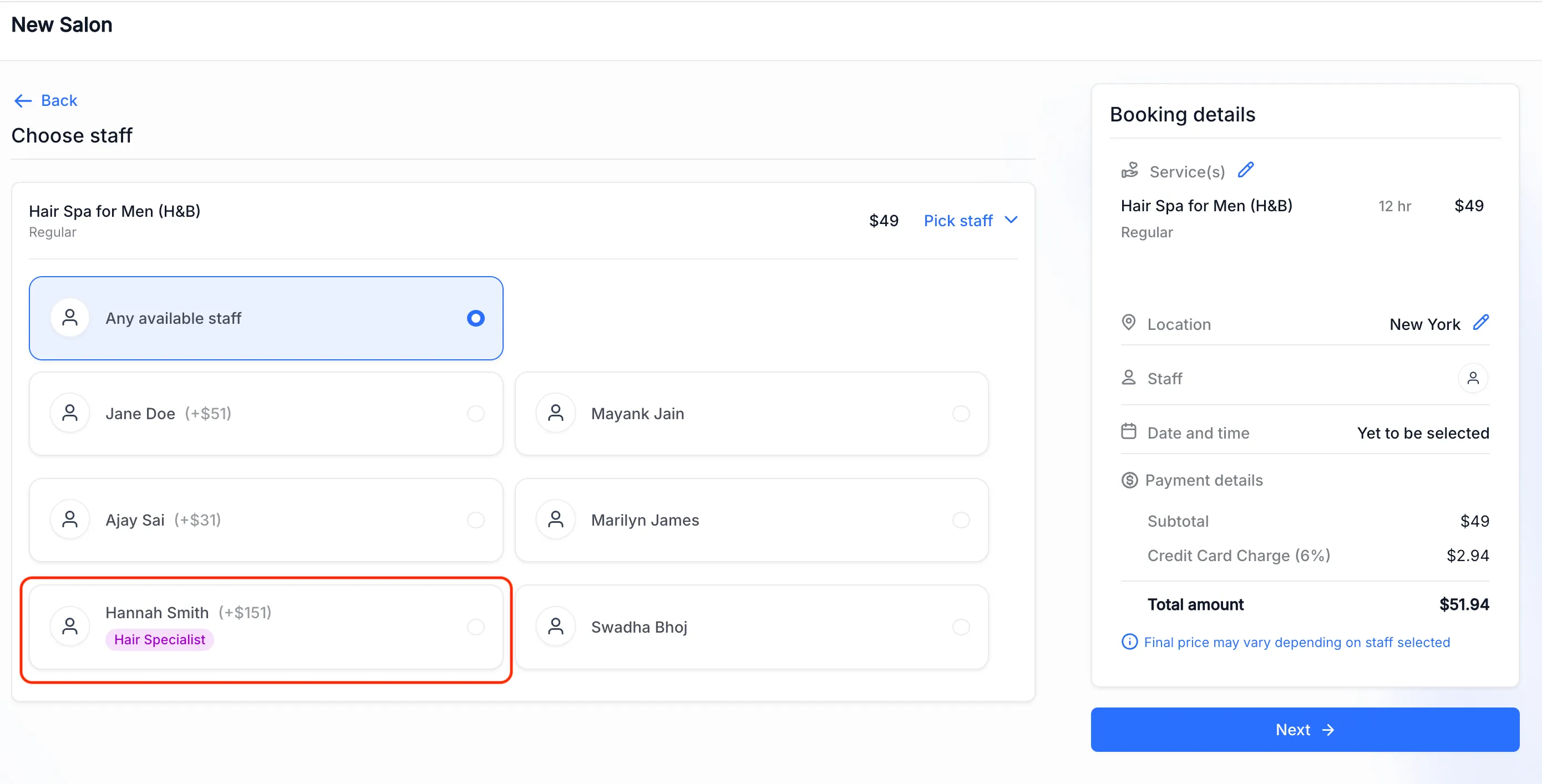
You can add a role badge to a Services staff member, such as “Lead Therapist” or “Senior Consultant.” The badge appears alongside that person during staff selection on the booking page.
Add a staff badge
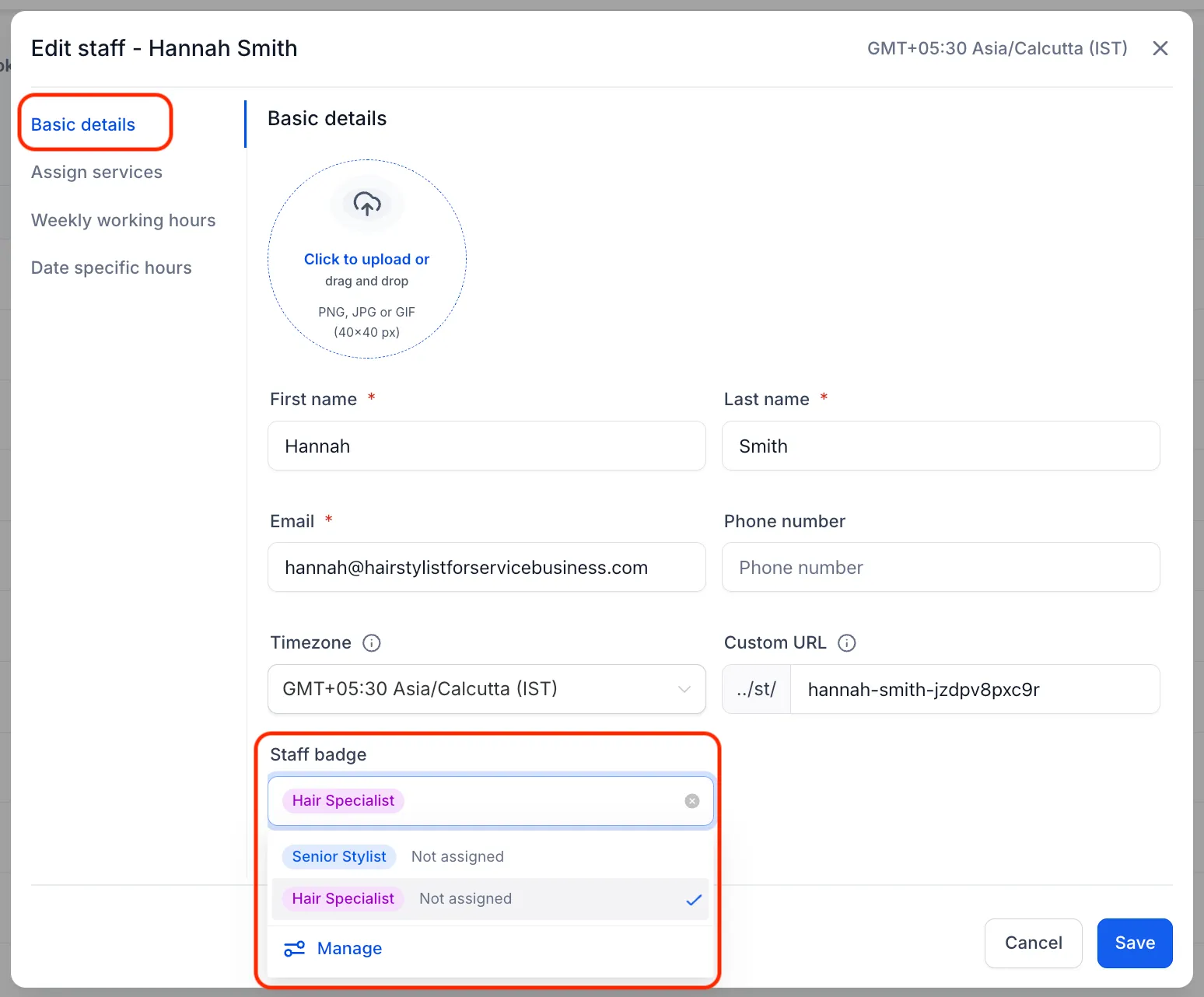
- Open Services → Staff and edit a staff member.
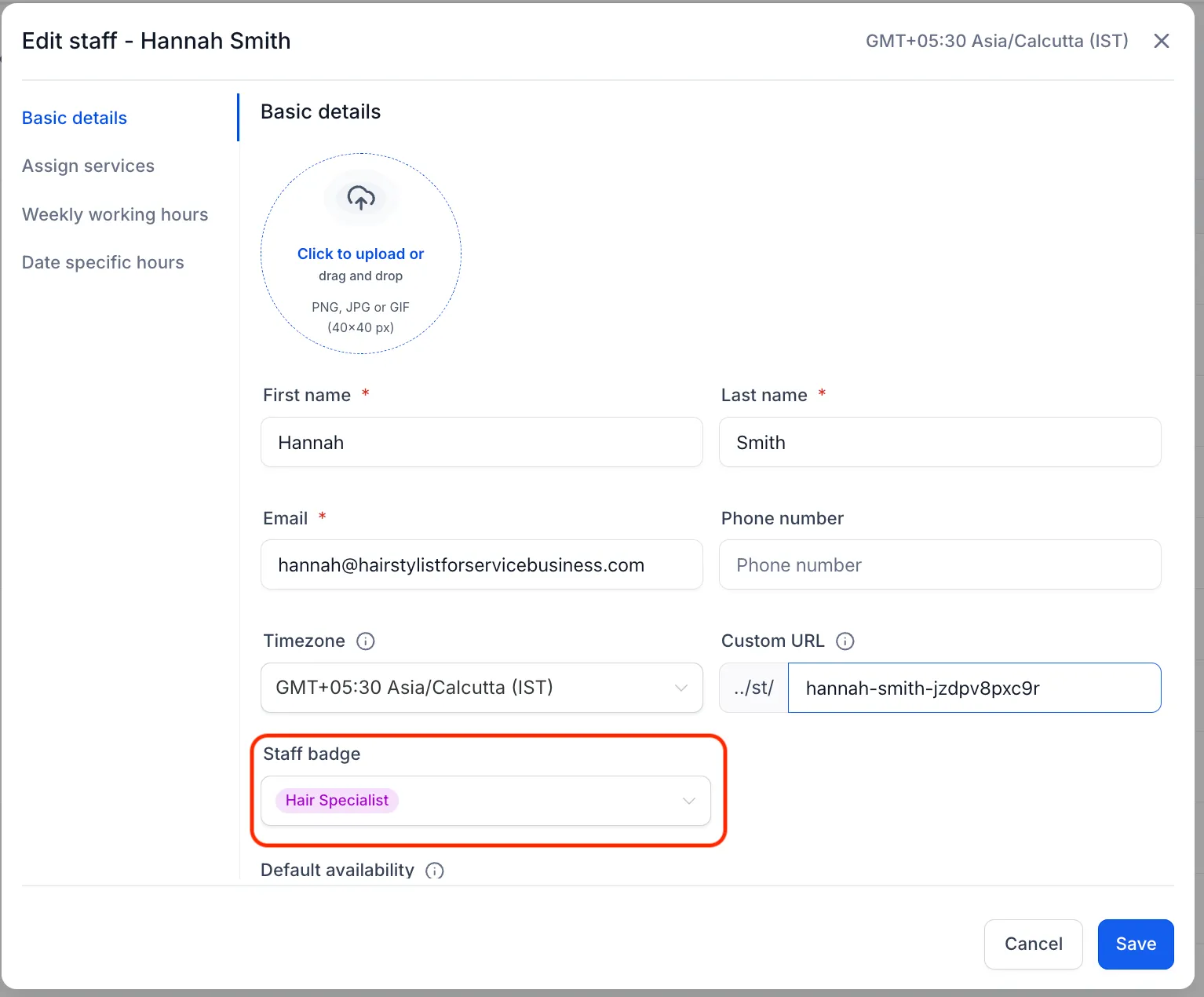
- In Basic Details, find Staff Badge.
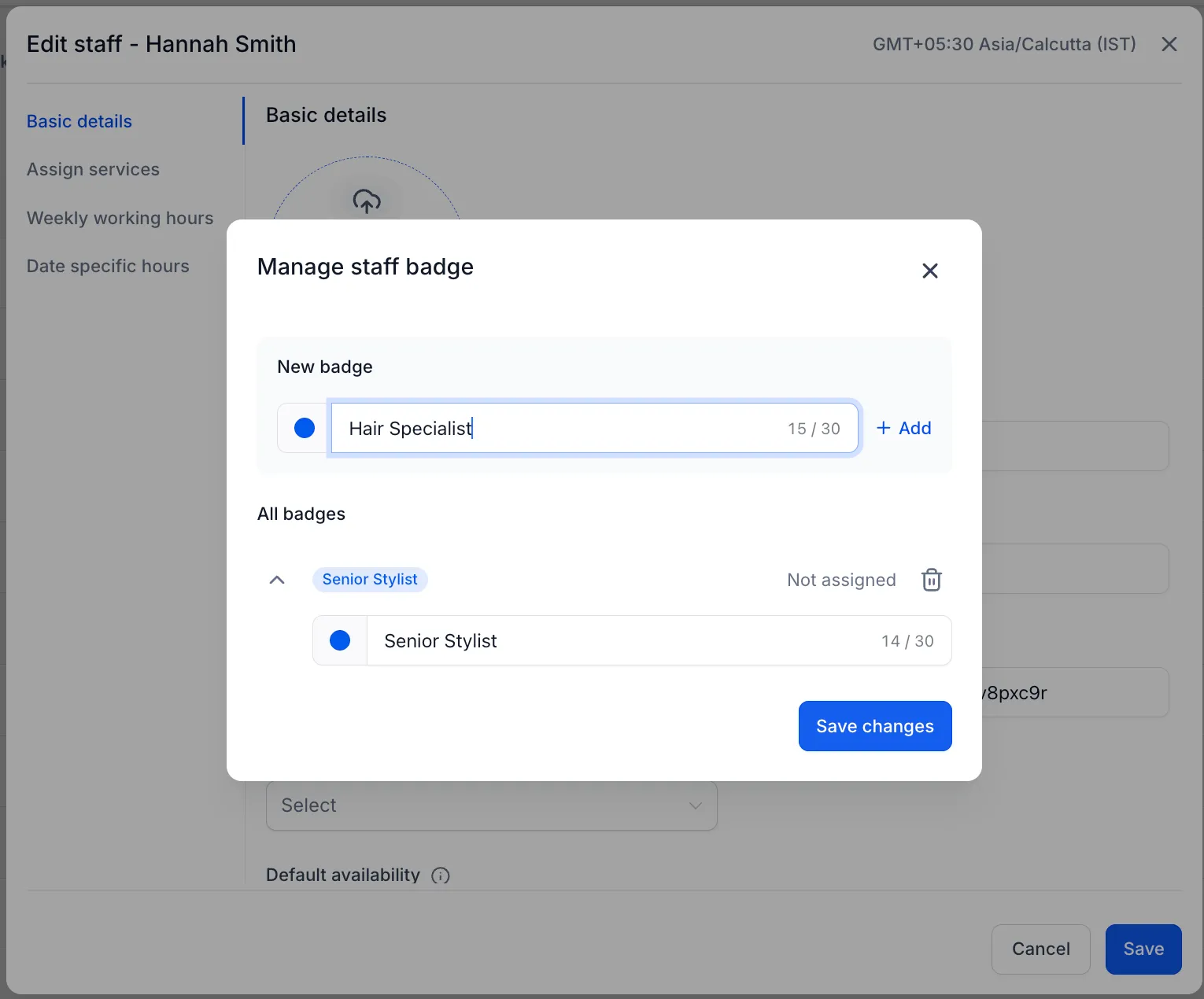
- Select an existing badge or create one with a label and color.
- Save the staff member’s settings.
Badge labels can contain up to 30 characters. Badges are reusable, and each staff member can have one badge at a time.
What customers see
The selected badge appears on desktop and mobile booking pages when customers choose a staff member. Changes appear the next time the booking widget loads. Staff members without an assigned badge appear without one.
Release images
Need Help Applying This Update?
Want help turning this update into a working part of your CRM, marketing, or automation setup?
Get Started or schedule a demo and we’ll help you map the right next step.
Explore this in SMBcrm
Connect booking to the next conversation.
Explore calendars and lead capture, then see how a booking fits into the wider CRM workflow.
Explore calendars and lead captureAlready using this feature? Find setup help