SMBcrm AI Pages now includes live color palette previews, per-image regeneration, and expanded section variants. These changes give users more control when building AI-generated WordPress pages.
You can access AI Pages in WordPress under All Sites > Manage Website > Pages > AI Generated Pages.
For more tools like this, see AI Features.
What Changed
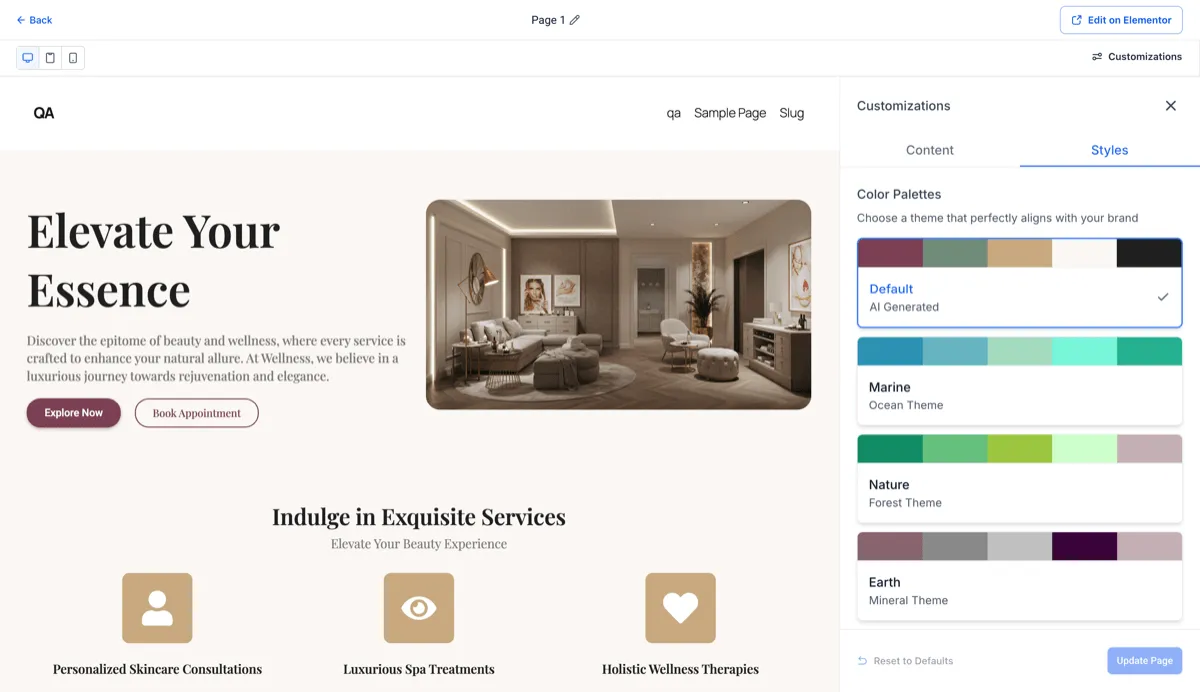
Live color palette previews
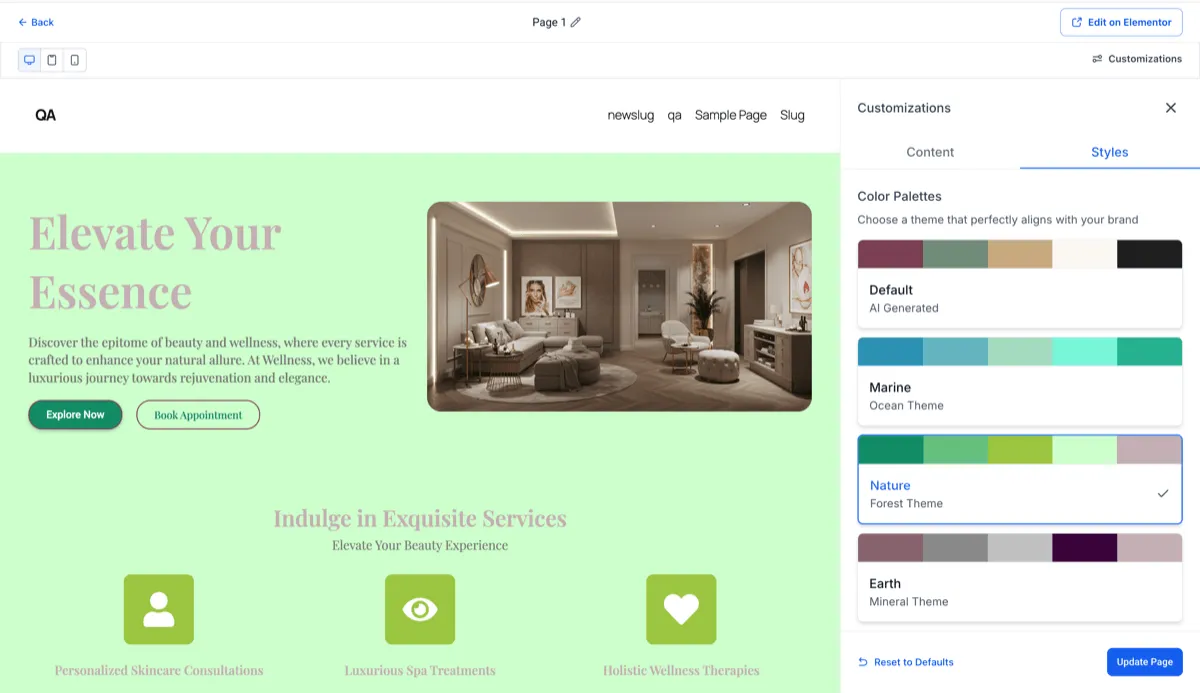
Color customization now updates in a live preview as you adjust palettes in the Styles panel.
- See changes instantly across headings, body text, buttons, backgrounds, and accents
- Try different palette options before committing changes
- Updates are only applied after you click Update Page
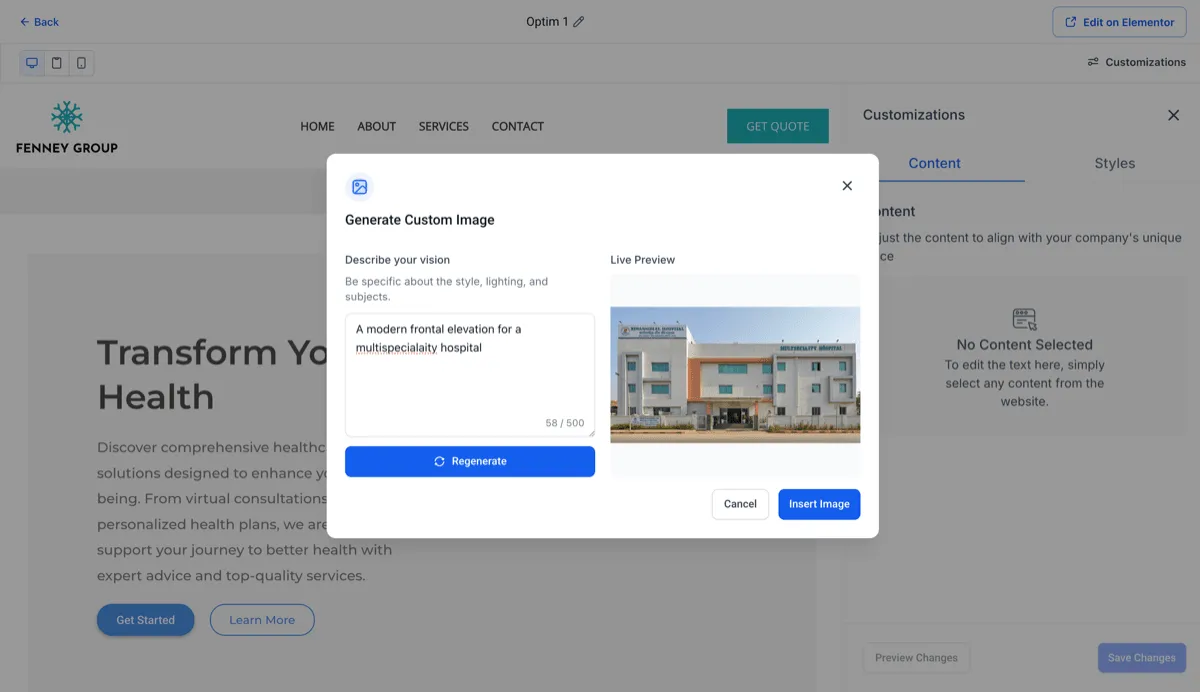
Regenerate individual images
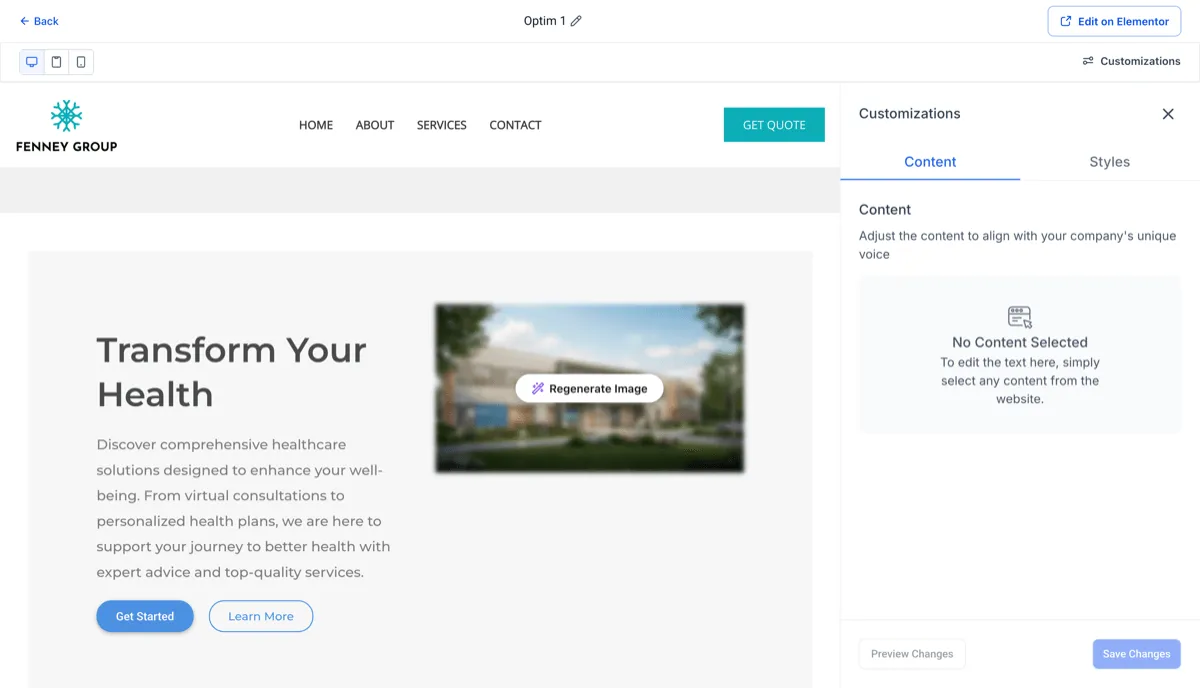
You can now regenerate specific AI-generated images without changing the rest of the page.
- Hover over an AI-generated image to use Regenerate Image
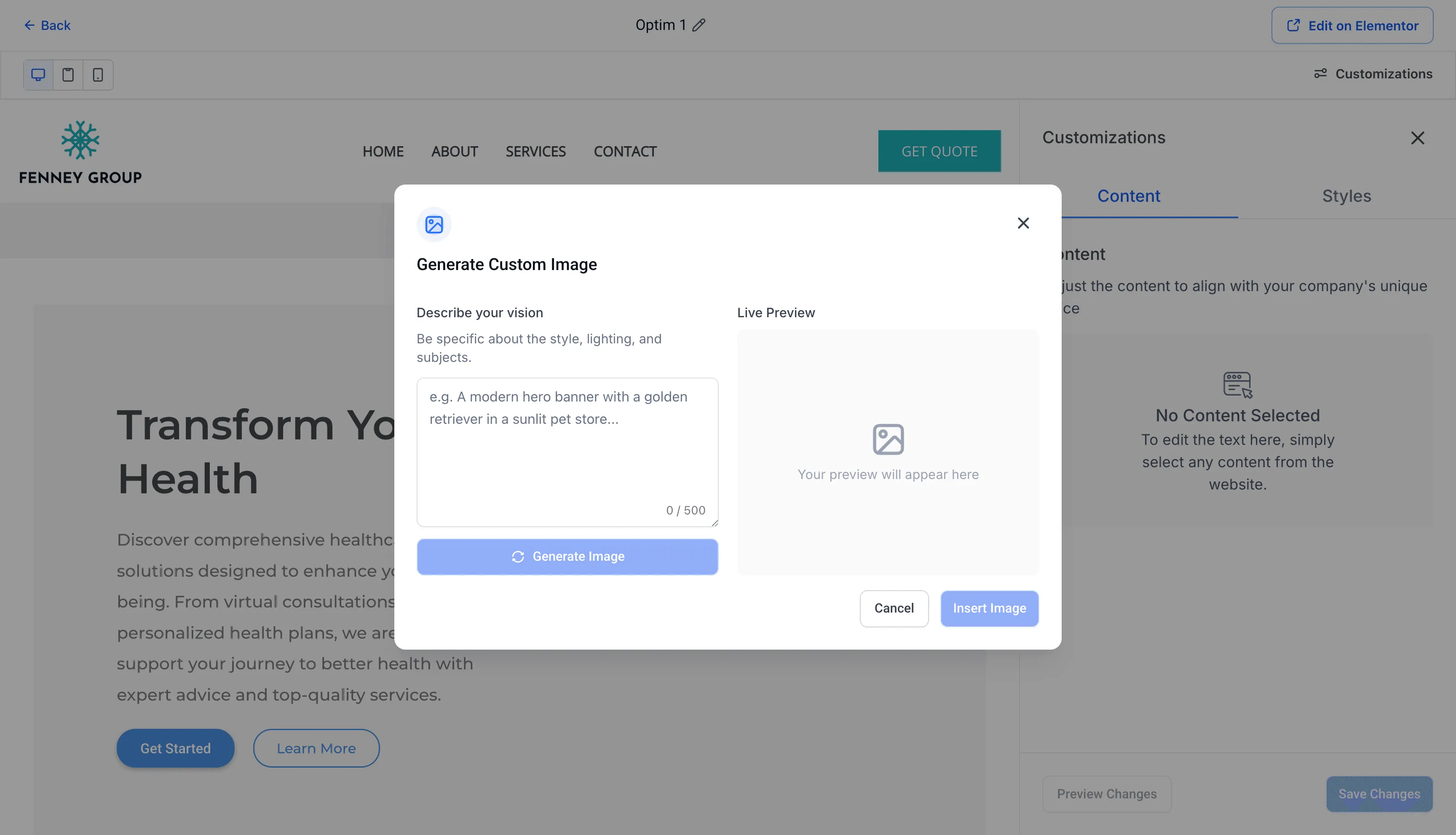
- Enter a custom prompt in the Generate Custom Image dialog
- Preview the result before inserting it
- Regenerate again if needed, then save when you are ready
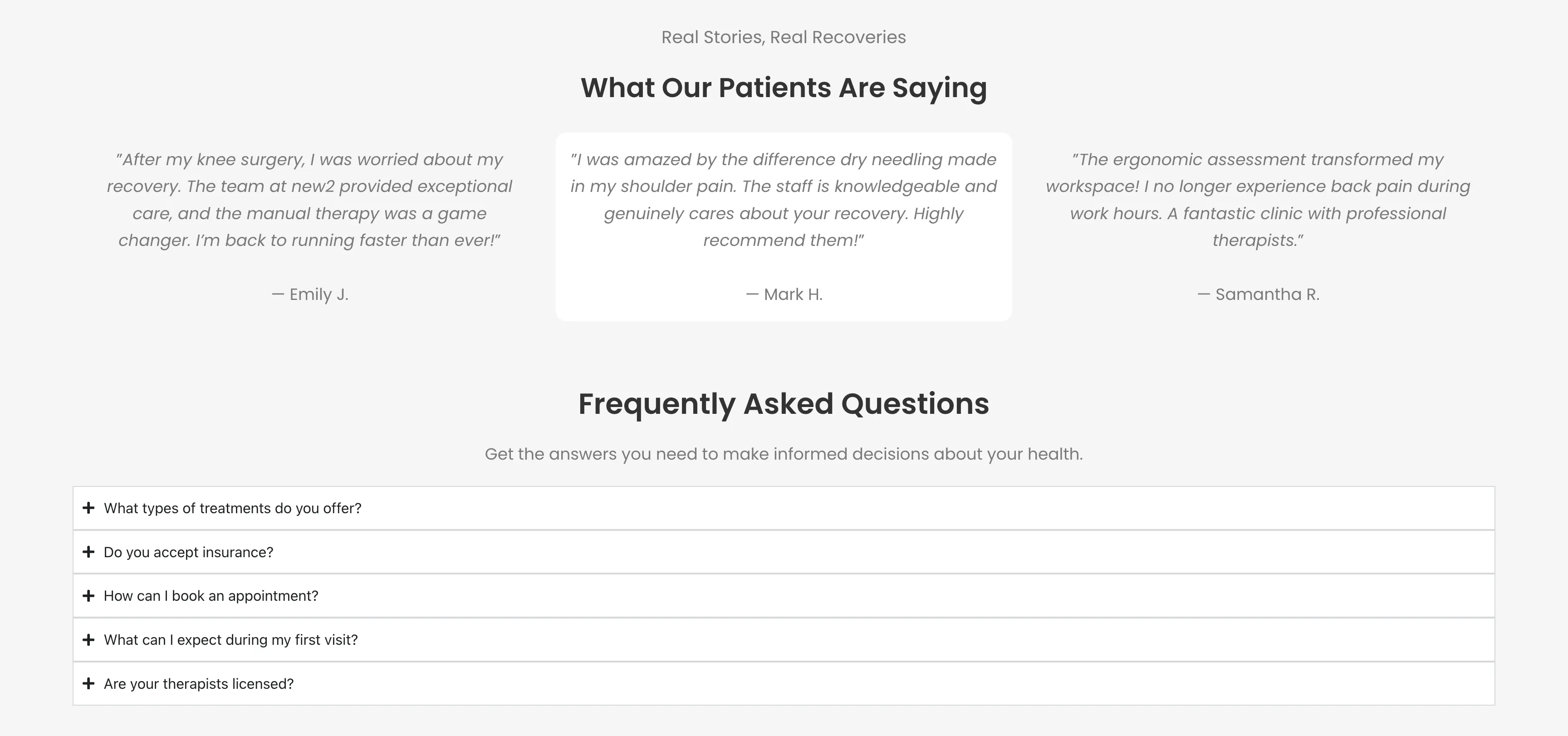
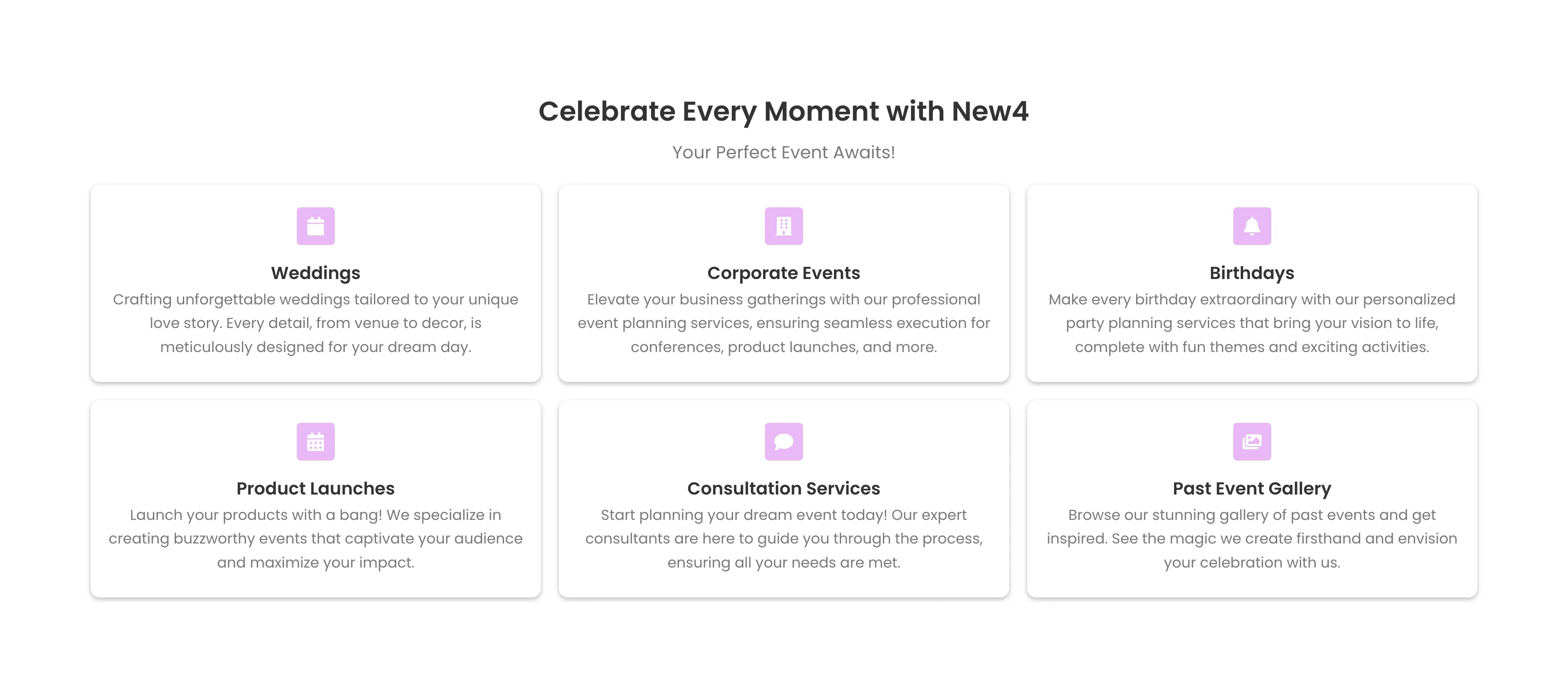
More section variants for generated pages
AI-generated pages now pull from a broader set of section layouts and content styles.
This includes more options for testimonials, services, FAQs, hero sections, and similar page areas. The added variety can help generated pages better match different industries, audiences, and use cases.
- More layout variants across section types
- More variety in generated page structure and presentation
- Better fit out of the box for different business needs

Why It Matters
These improvements make AI Pages more flexible during editing. You can preview design choices faster, fine-tune visuals one image at a time, and start from a wider range of page layouts.
In Case You Missed It
You can also read AI Agent Actions Can Access Full Conversation History.
Release Images
Need Help Applying This Update?
If you’d like help rolling this out in SMBcrm, visit Support or request a demo.