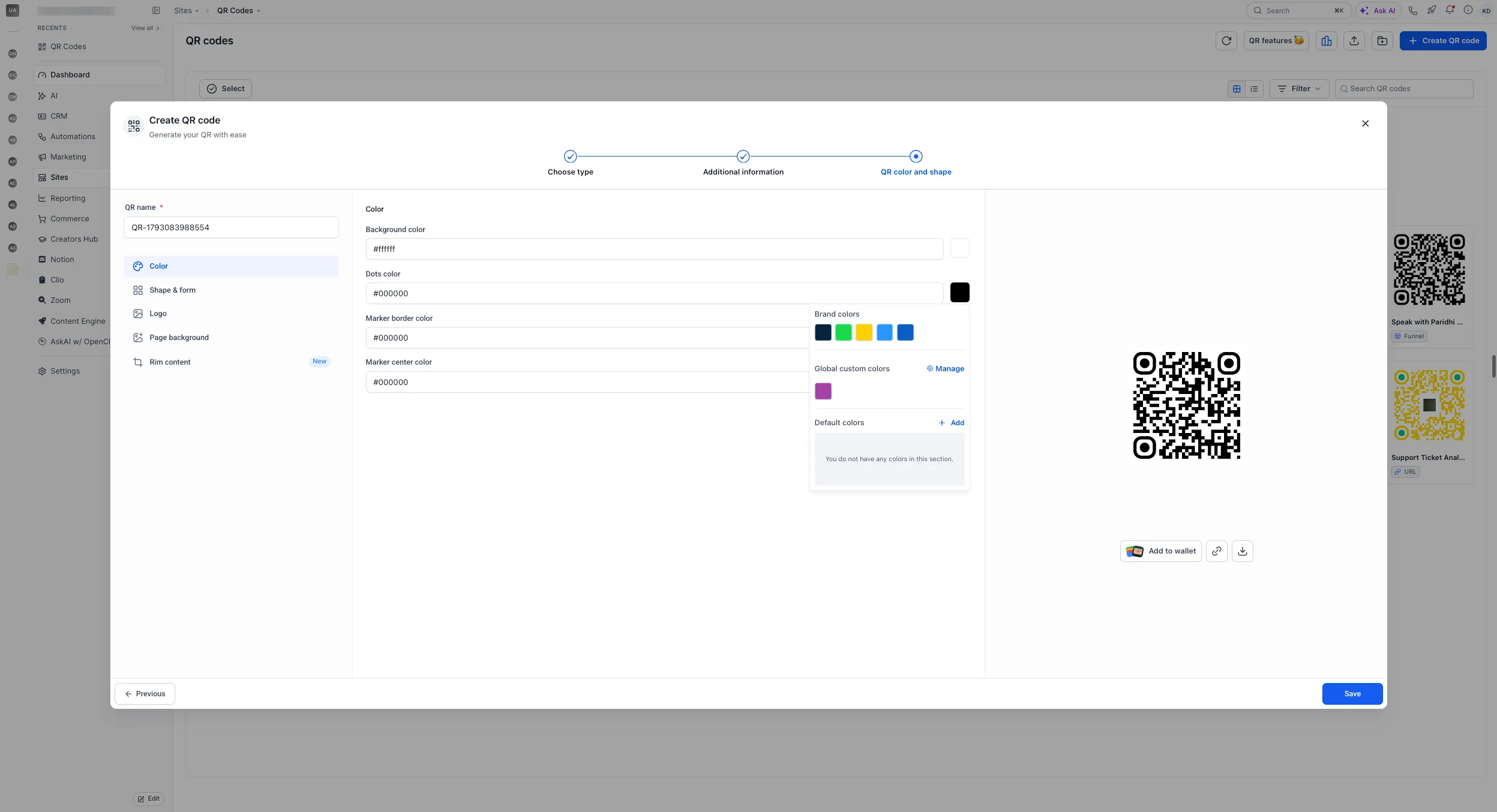
The QR Codes color picker now includes your Brand Board colors and saved custom colors. Select an existing swatch to match your brand without entering hex codes.
What Changed
- Brand Board swatches: Apply your brand colors directly from the QR code color picker.
- Saved custom colors: Choose from the custom colors you already use elsewhere in the builder.
These options help keep QR codes consistent with printed materials, signage, and other marketing assets.
How to Use
- Open the QR Codes section.
- Select a QR code to edit or create a new one.
- In the color picker, choose a Brand Board swatch or a saved custom color.
Release Images
Need Help Applying This Update?
Want help turning this update into a working part of your CRM, marketing, or automation setup?
Get Started or schedule a demo and we’ll help you map the right next step.