Calculated fields let you set up a formula once and calculate values from other CRM fields automatically. The private beta supports contacts, opportunities, and custom objects.
Use calculated fields to score leads, measure time since an engagement, count down to a renewal, or format data consistently without manually updating each value.
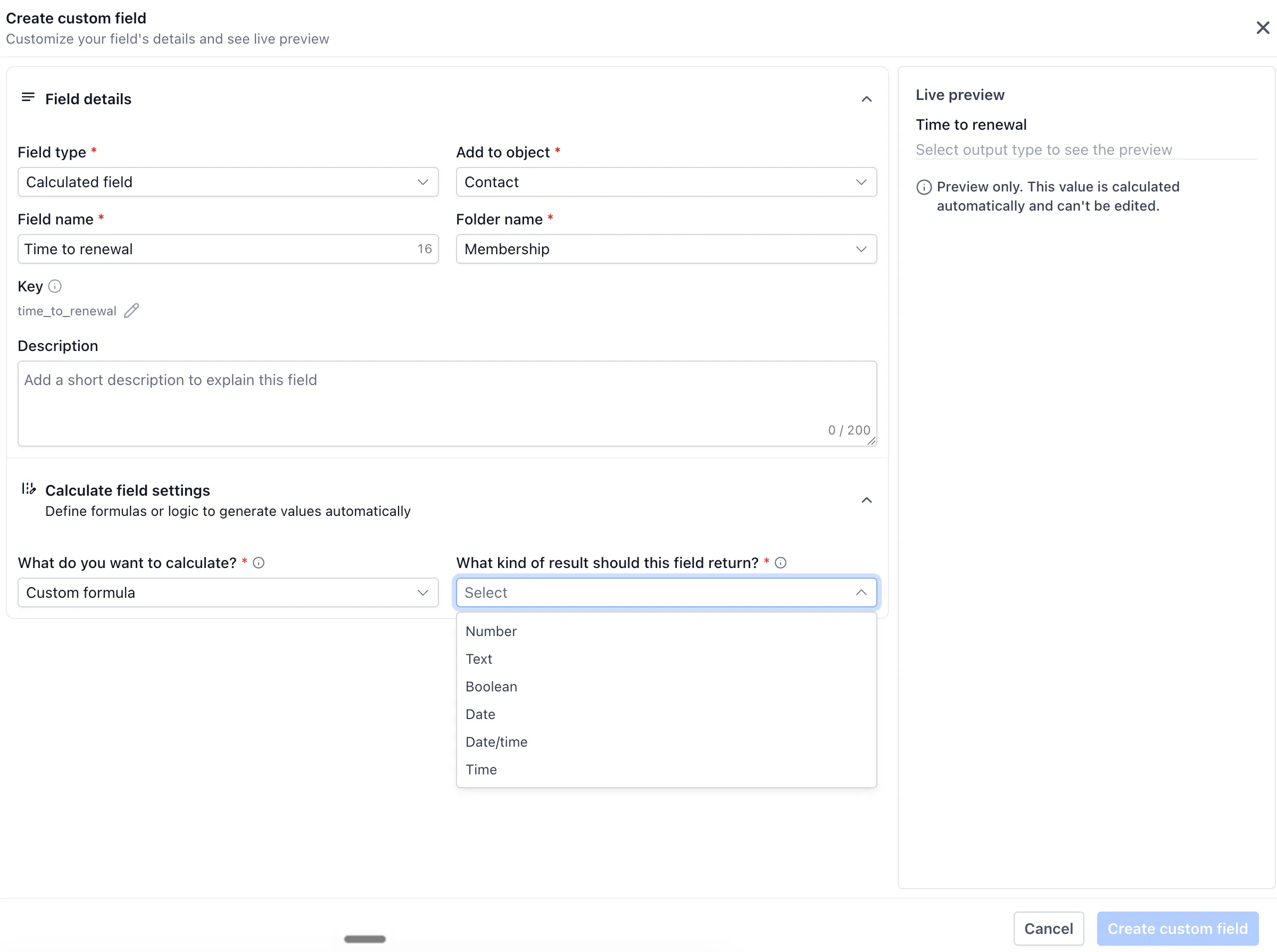
Four Calculation Types
- Custom formula: Build an equation using operators and functions.
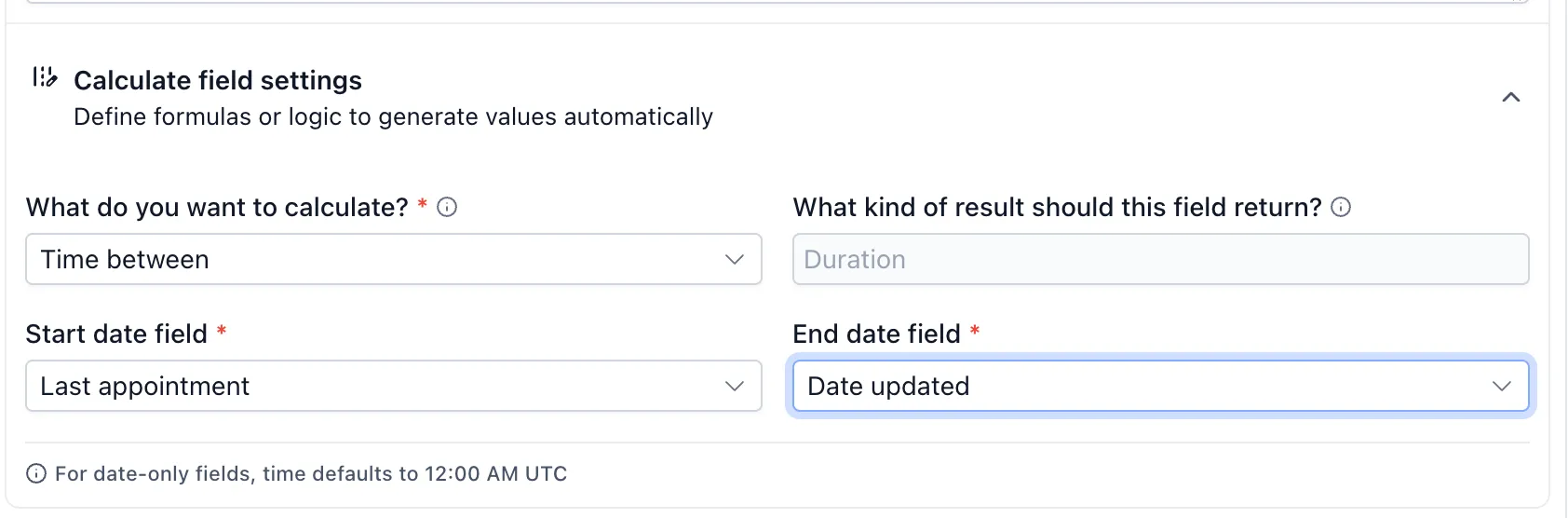
- Time between: Calculate the time between two date fields.
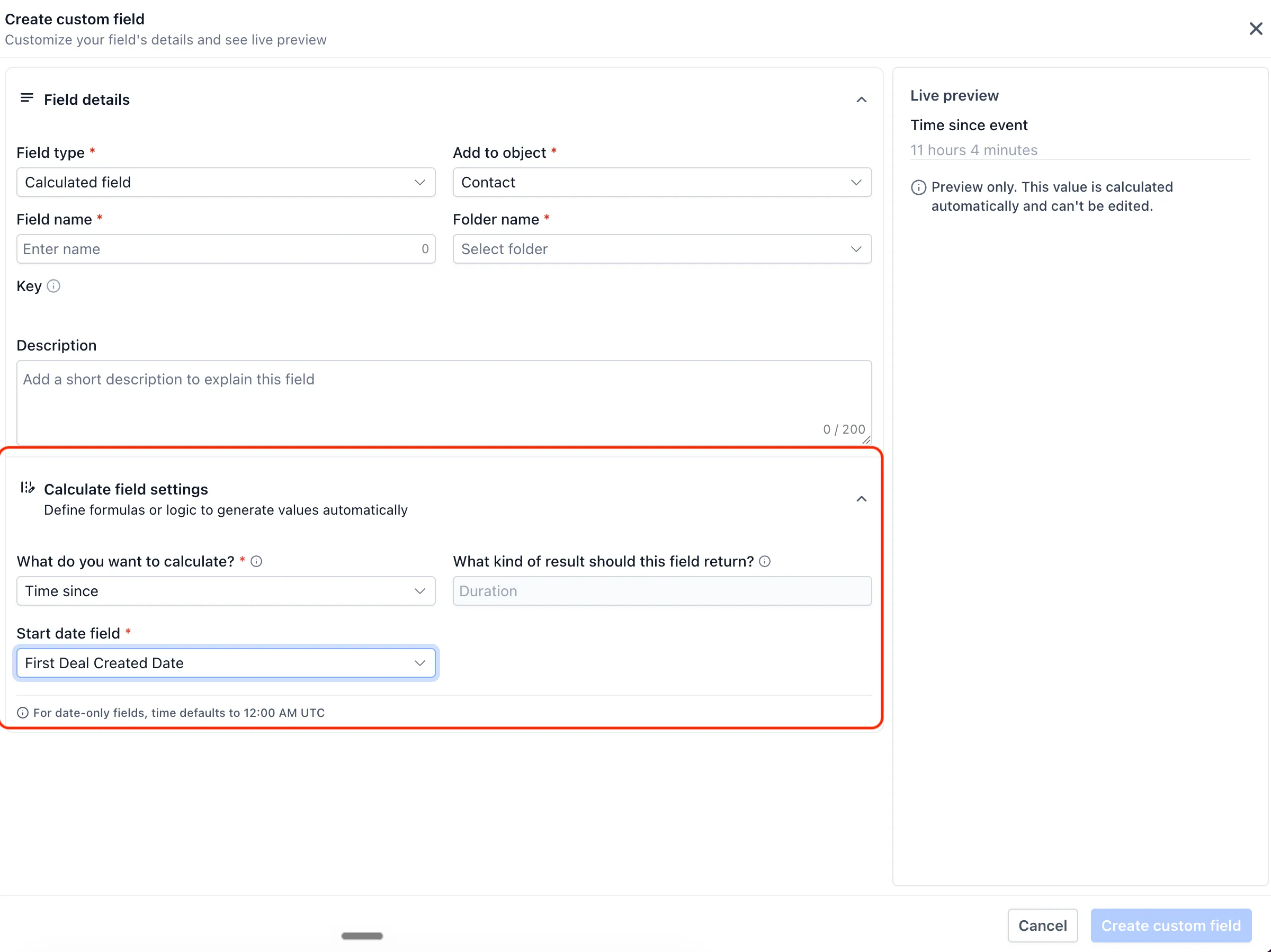
- Time since: Measure elapsed time since a date, such as a last purchase.
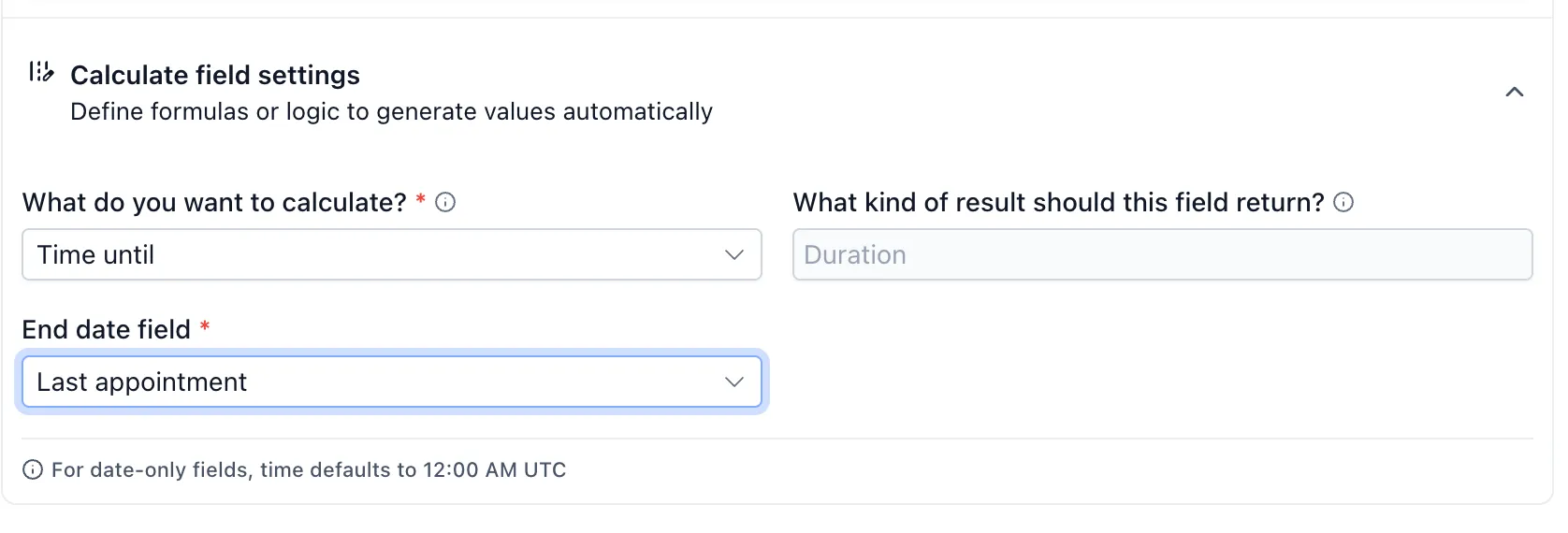
- Time until: Calculate the time remaining until a date, such as a renewal.
Output and Formatting Options
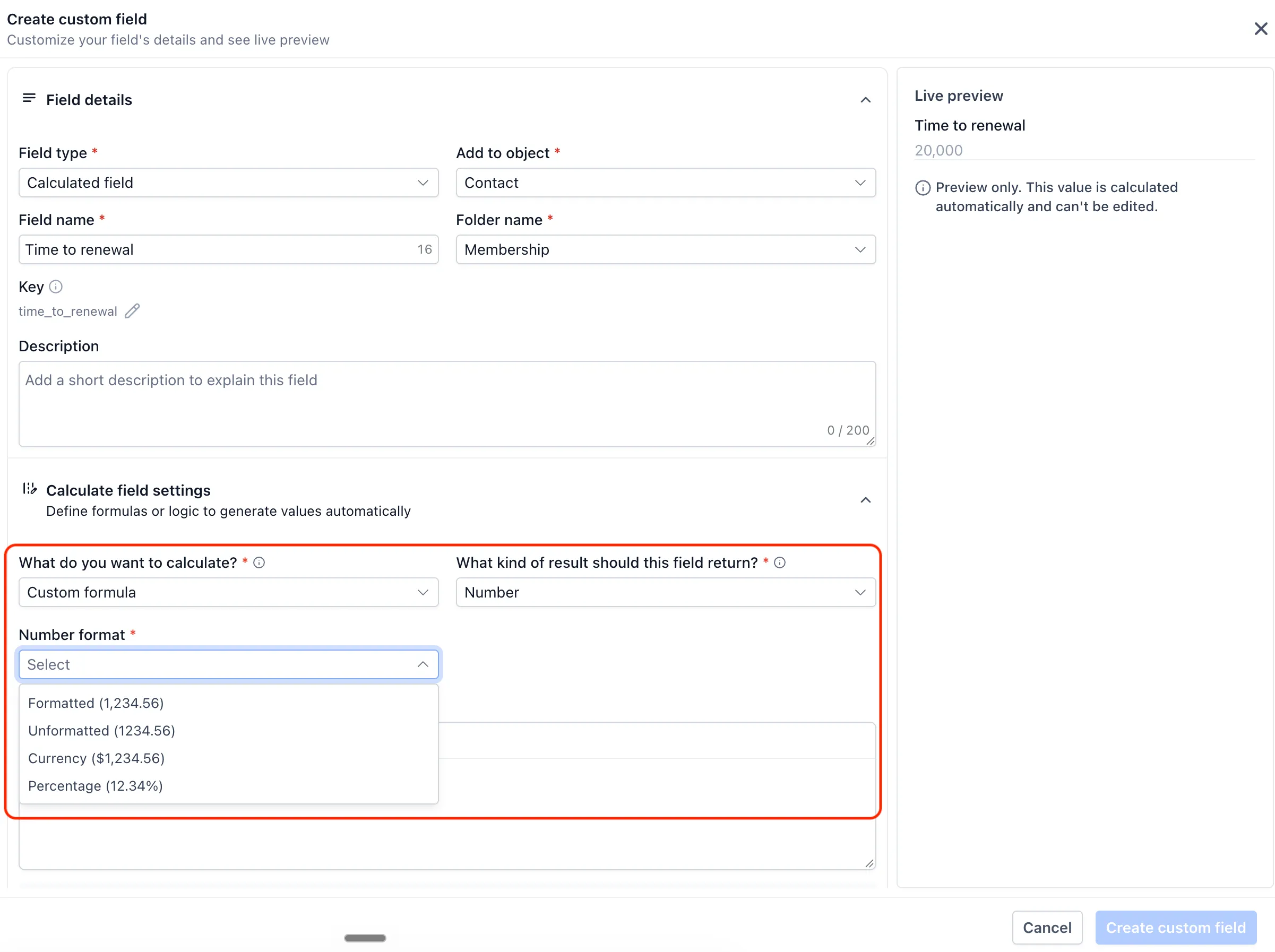
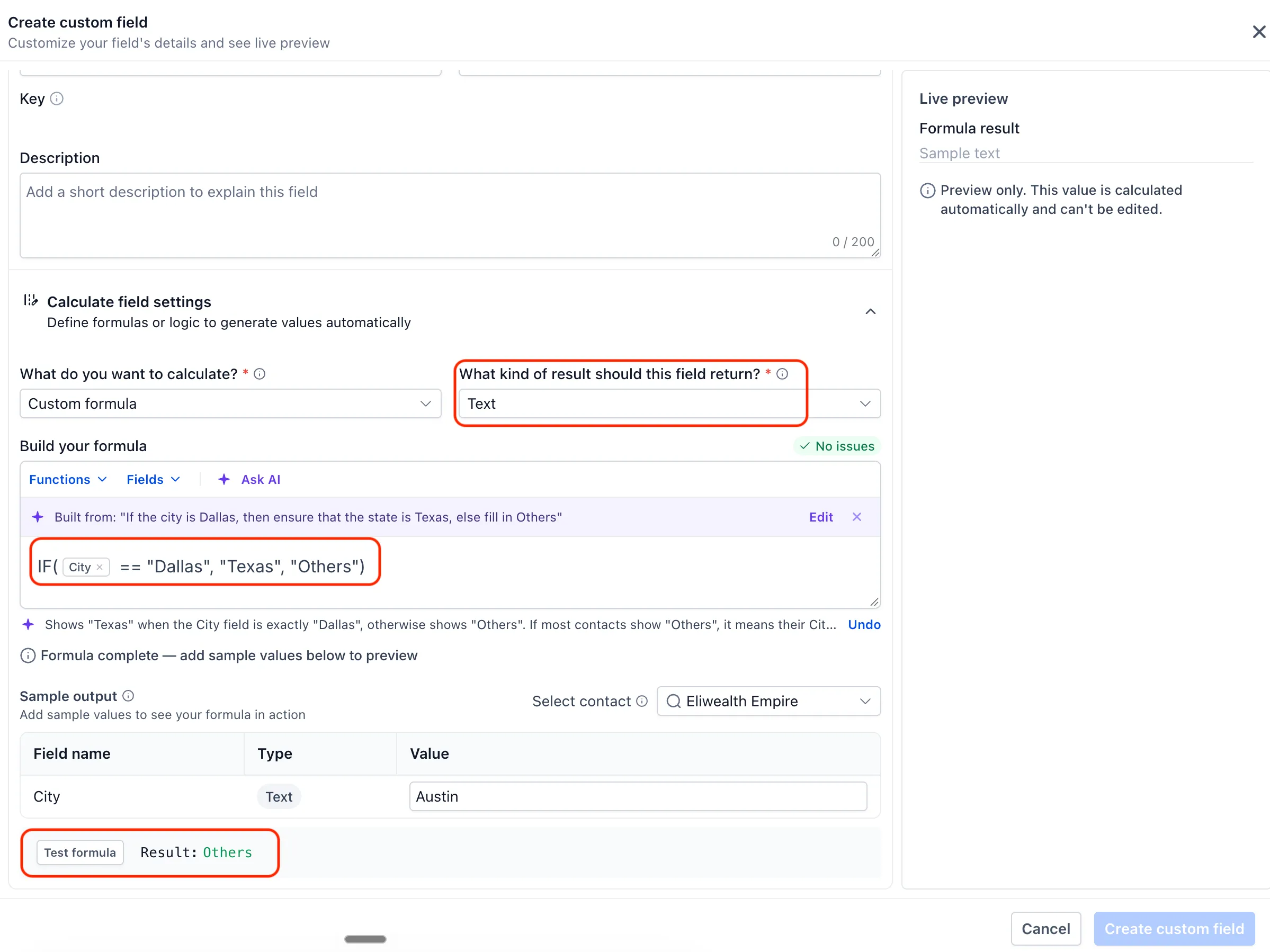
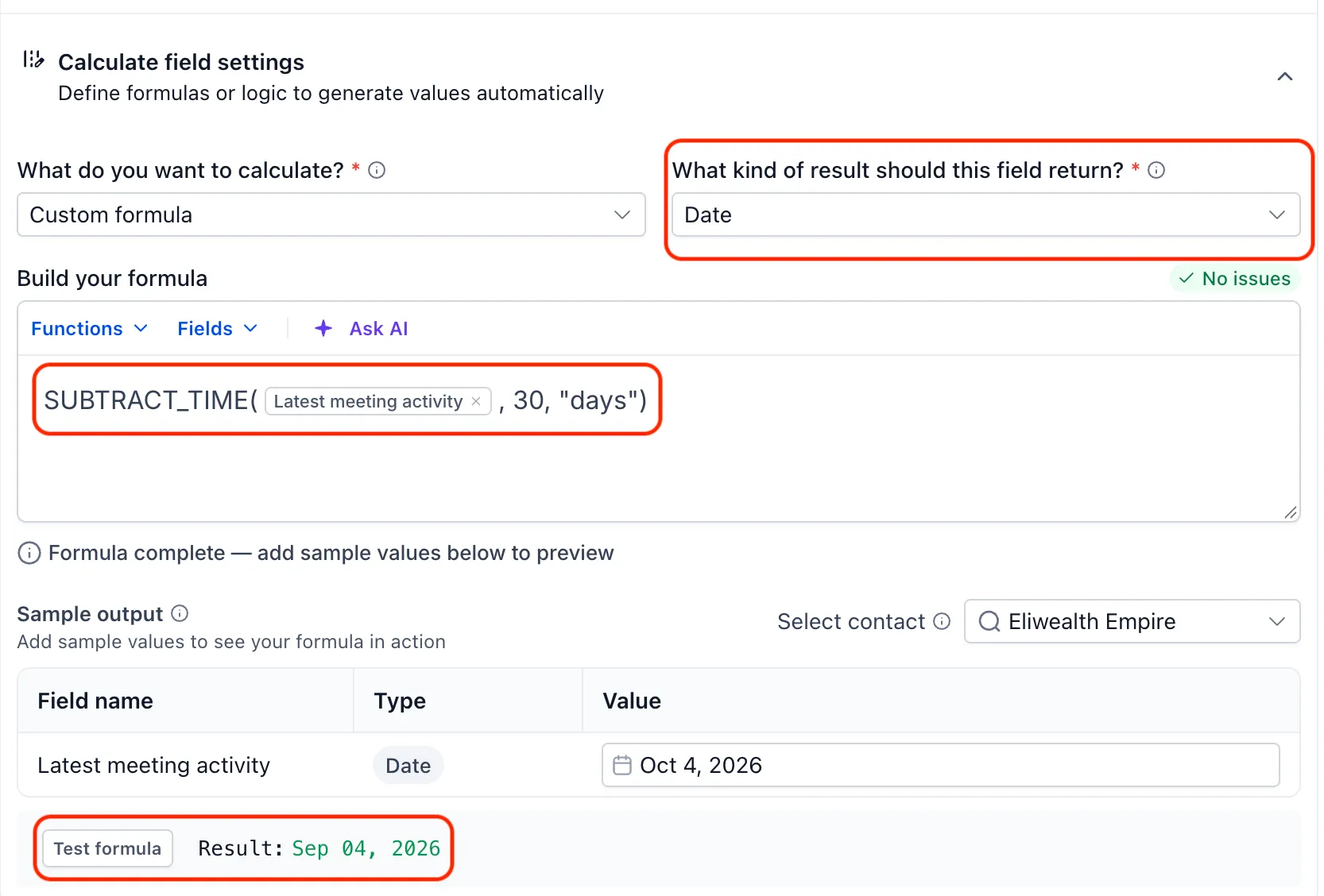
Results can be numbers, Boolean values (true/false), text, dates, or date-times. Numeric results can display as formatted or unformatted numbers, currency, percentages, or durations such as “3 hrs 9 mins.”
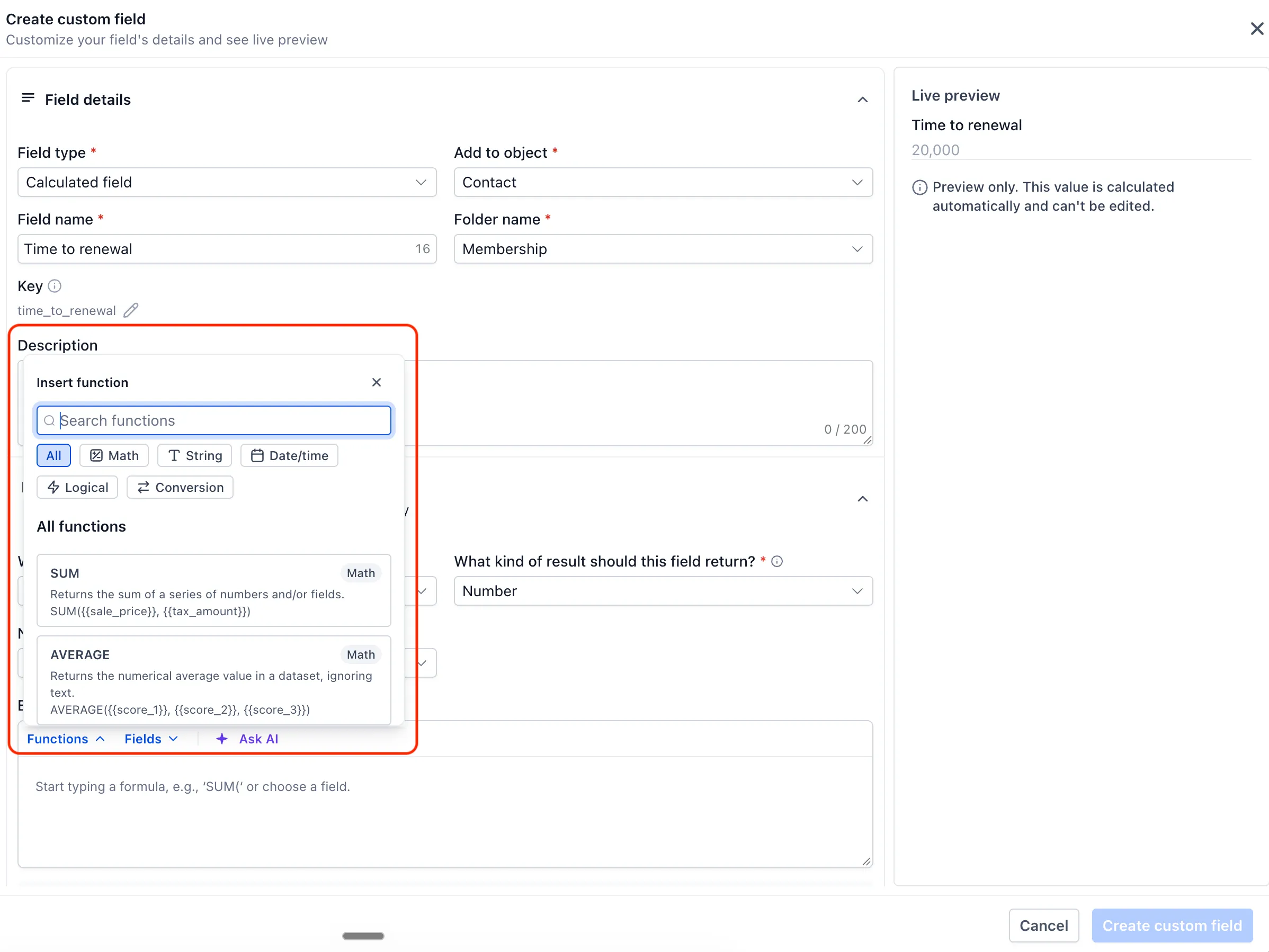
The built-in function library includes math, text, date/time, and logic functions, such as SUM, AVERAGE, CONCAT, TRIM, ADD_TIME, and IF.
You can test formulas with sample values before saving. Error messages help identify problems to fix.
Automatic Updates and CRM Usage
Values recalculate when their source fields change. Calculated fields are read-only, so manual edits, imports, and workflows cannot overwrite their values.
You can add calculated fields as smart list columns, filter smart lists with them, and use them in workflows. Time since and Time until fields are exceptions: they can appear as smart list columns but cannot be used as filters.
Release Images
Need Help Applying This Update?
Want help turning this update into a working part of your CRM, marketing, or automation setup?
Get Started or schedule a demo and we’ll help you map the right next step.