SMBcrm now brings calendar display preferences into one settings panel, adds exports of your current view, and makes appointment colors easier to distinguish. These changes affect your calendar display and workflow, not availability, booking rules, or what customers see on your booking page.
Adjust Your Calendar View
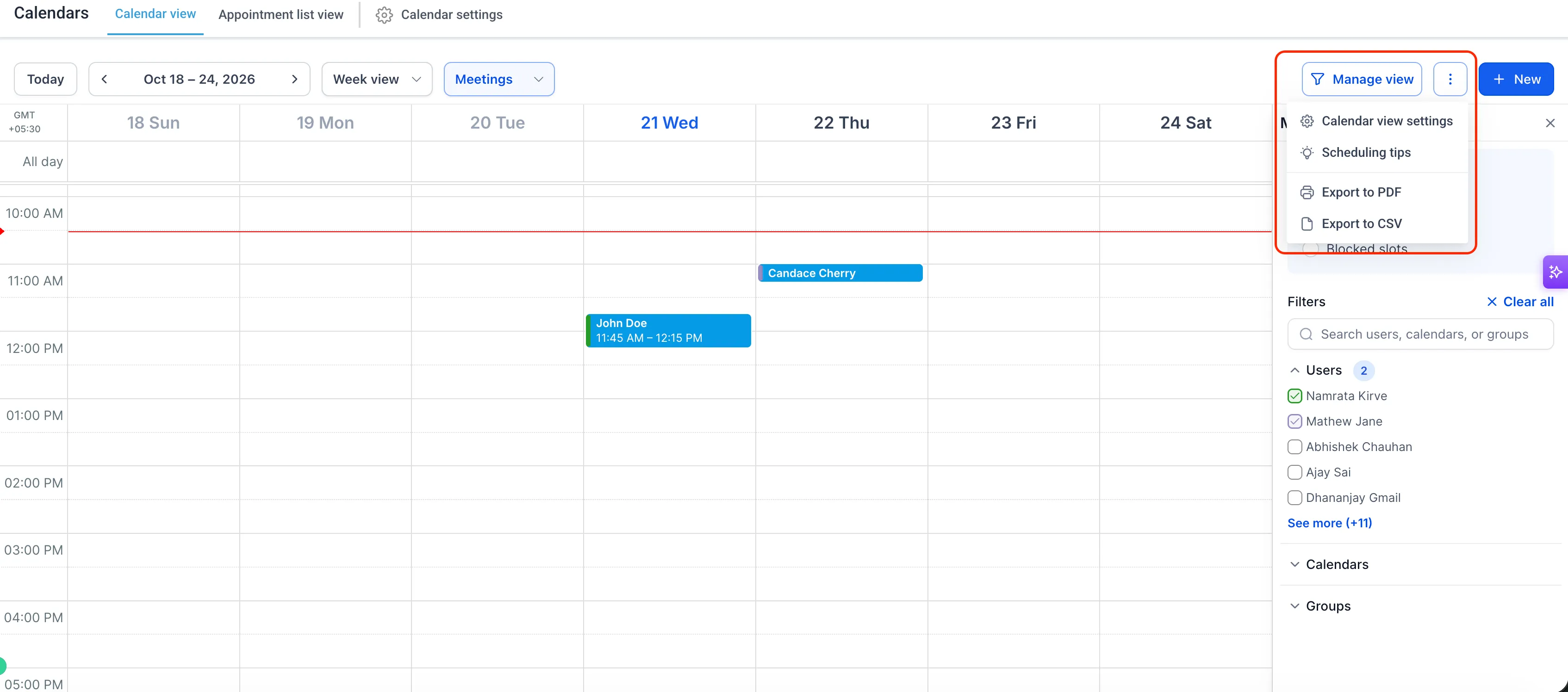
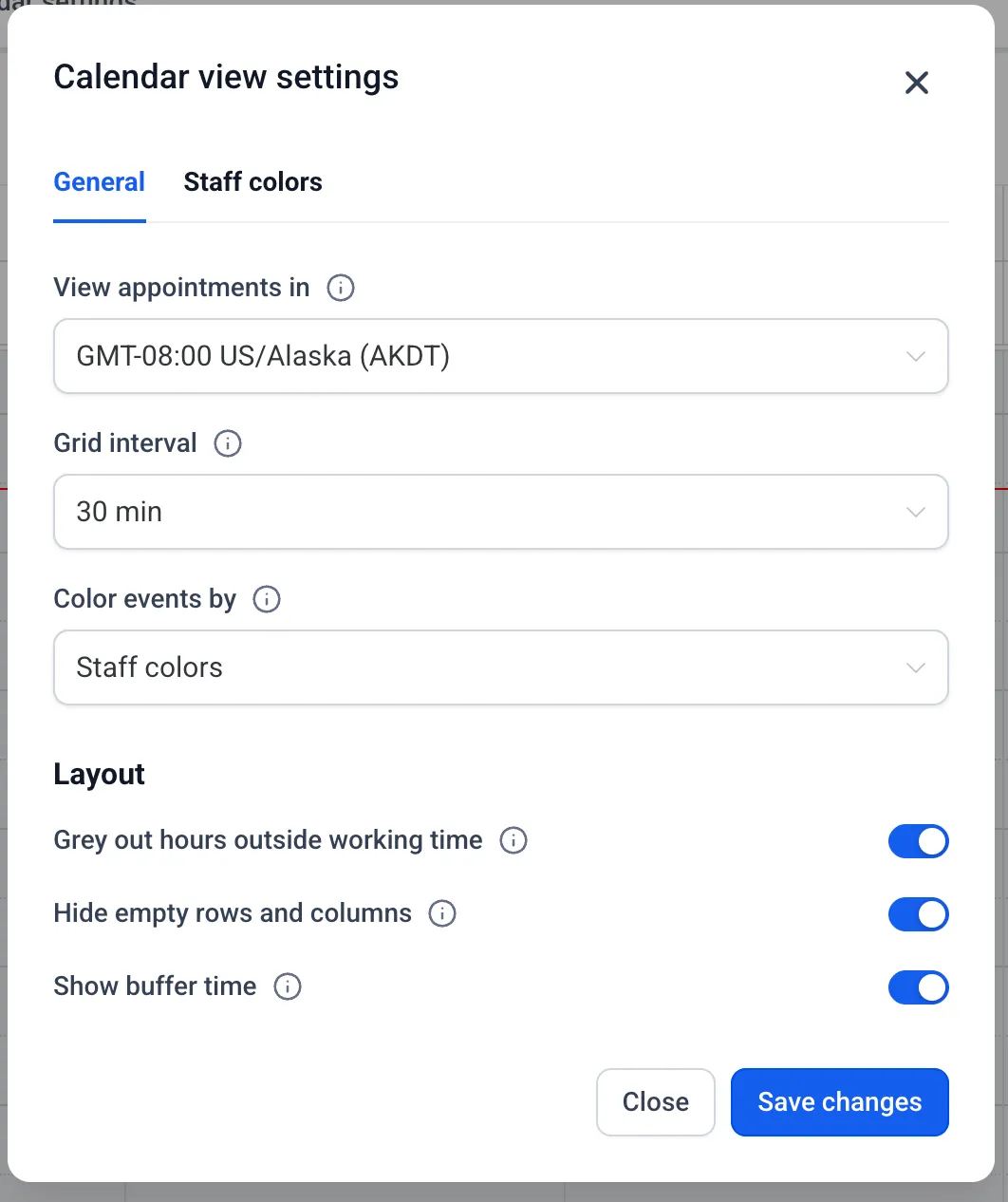
On the unified calendar, open the three-dot menu next to Manage view and select Calendar view settings. Your preferences are saved for the next time you open the calendar.
Available settings include:
- View appointments in: Choose the timezone used across your calendar screens and appointment-related emails. This personal setting does not affect availability, bookings, or anyone else’s preferences.
- Default grid interval: Set day and week grids to 15-, 30-, or 60-minute intervals.
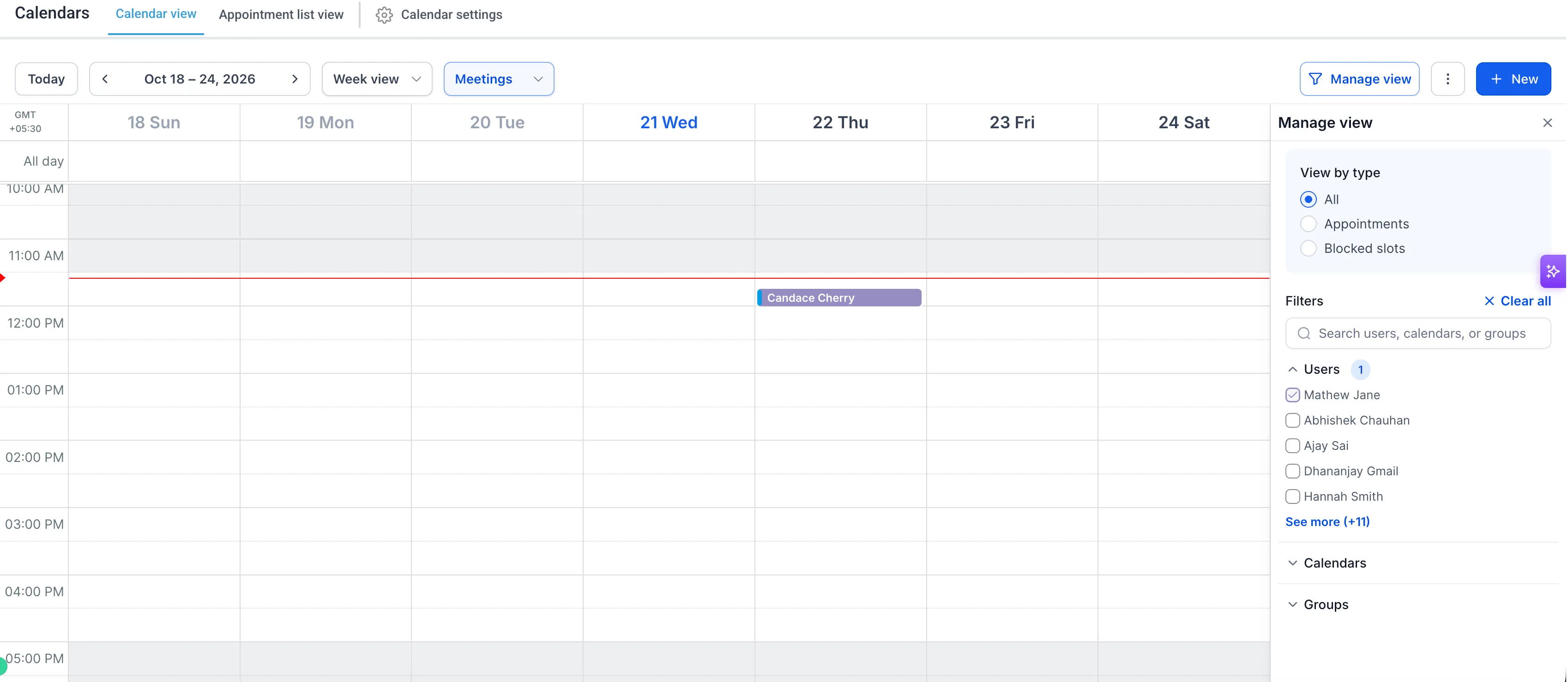
- Grey out hours outside working time: Shade non-working hours using each staff member’s schedule for the selected date.
- Hide empty rows and columns: Focus on booked resources by hiding those without appointments.
- Show buffer time: Display blocked buffer time before and after staff appointments.
The timezone setting has moved from Meetings Preferences and Services/Rentals Global Settings into this panel. Previously selected timezones carry over automatically.
Distinguish Appointments with Color
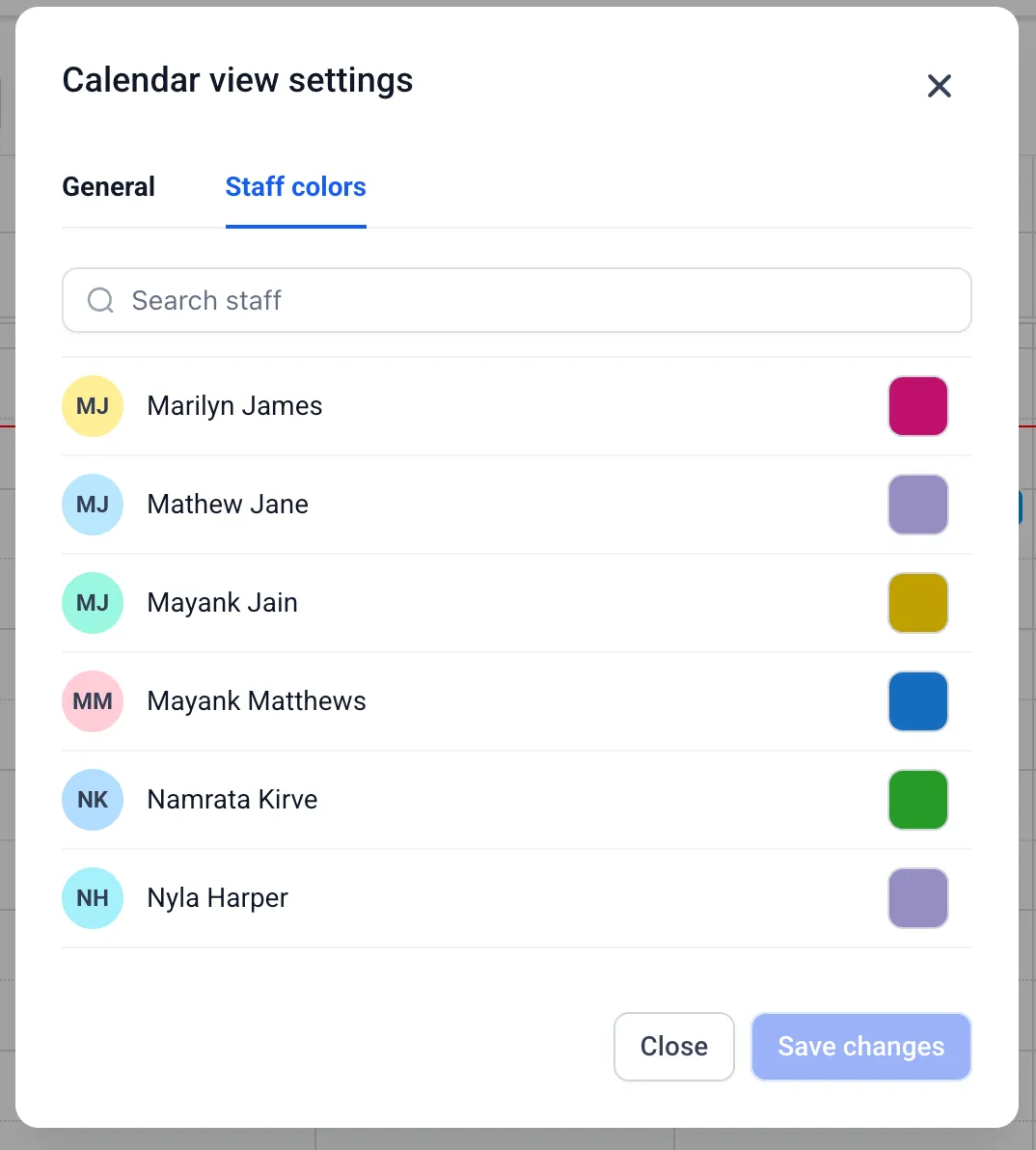
Admins can use the Staff colors tab to change staff appointment colors.
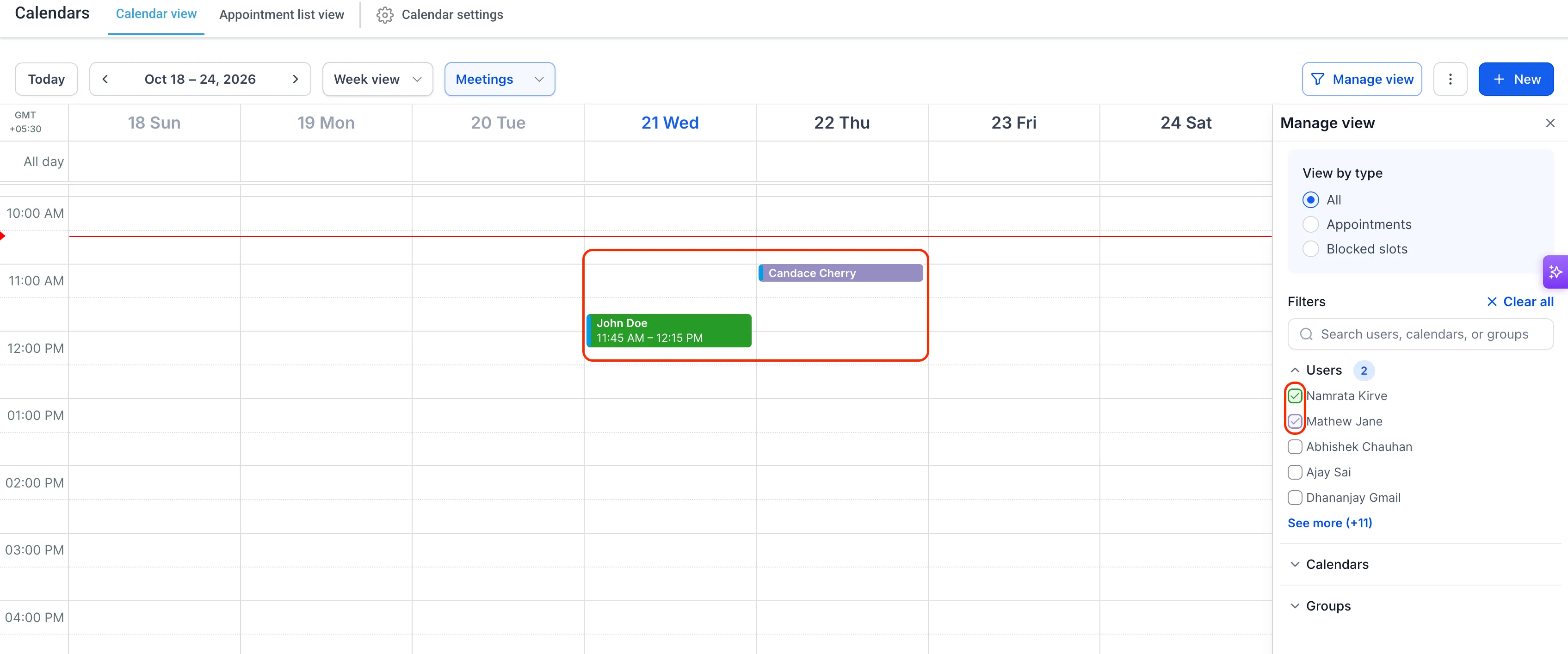
You can choose whether event tiles use the calendar or service color, or the assigned staff member’s color. The other color appears in the tile’s left strip. That strip is now wider, making staff and calendar colors easier to identify.
Export the Current View
From the same three-dot menu, select Export to PDF or Export to CSV. The export retains the filters and date range currently displayed, making it easier to share schedules or work with calendar data elsewhere.
Staged filters also let you preview a selection before applying it to the calendar.
Release Images
Need Help Applying This Update?
Want help turning this update into a working part of your CRM, marketing, or automation setup?
Get Started or schedule a demo and we’ll help you map the right next step.