Contacts Are Faster in the SMBcrm Mobile App
Contacts in the SMBcrm Mobile app have been refreshed to make browsing, editing, and acting on contact details faster and clearer.
This update improves core CRM and sales workflows on mobile, including the contact list, profile card, details tab, and related activity tabs.
What changed
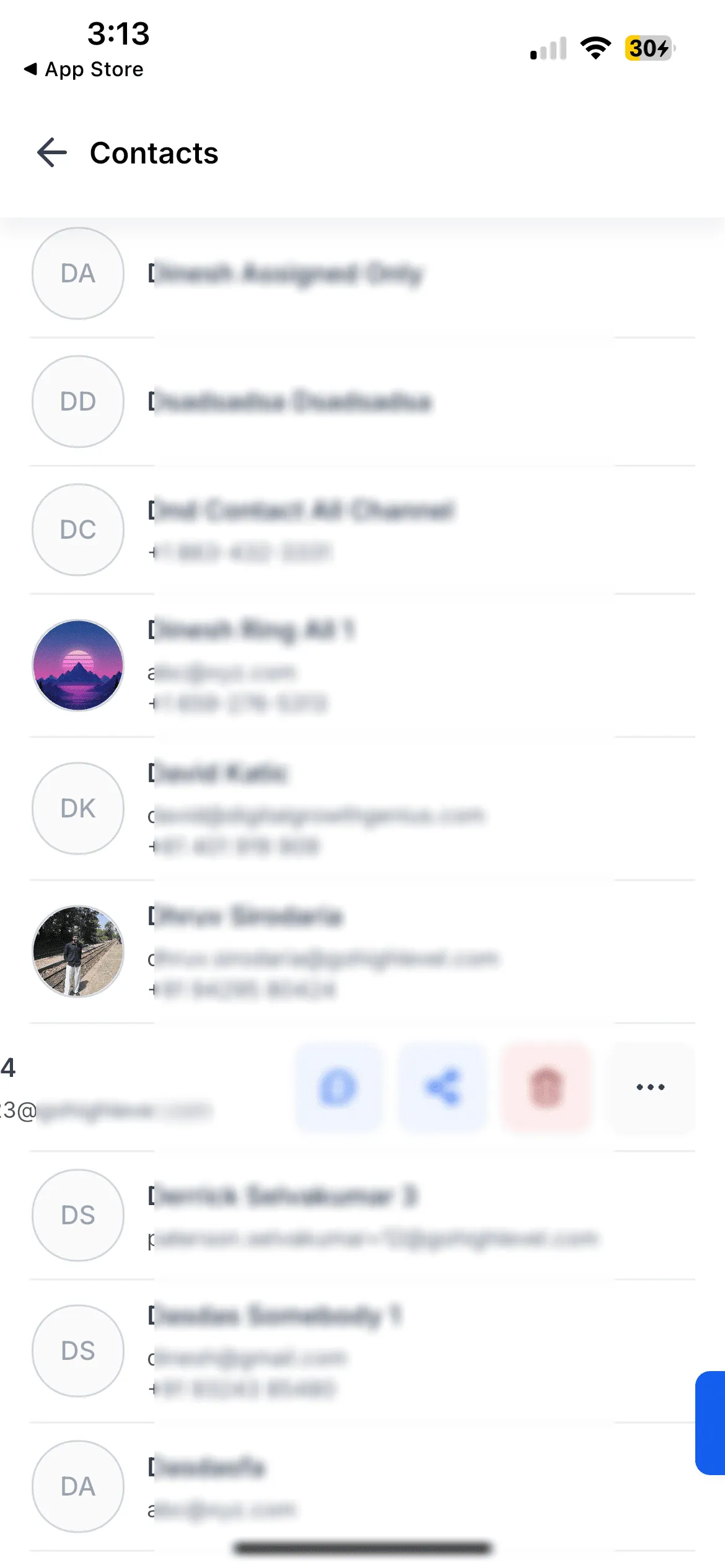
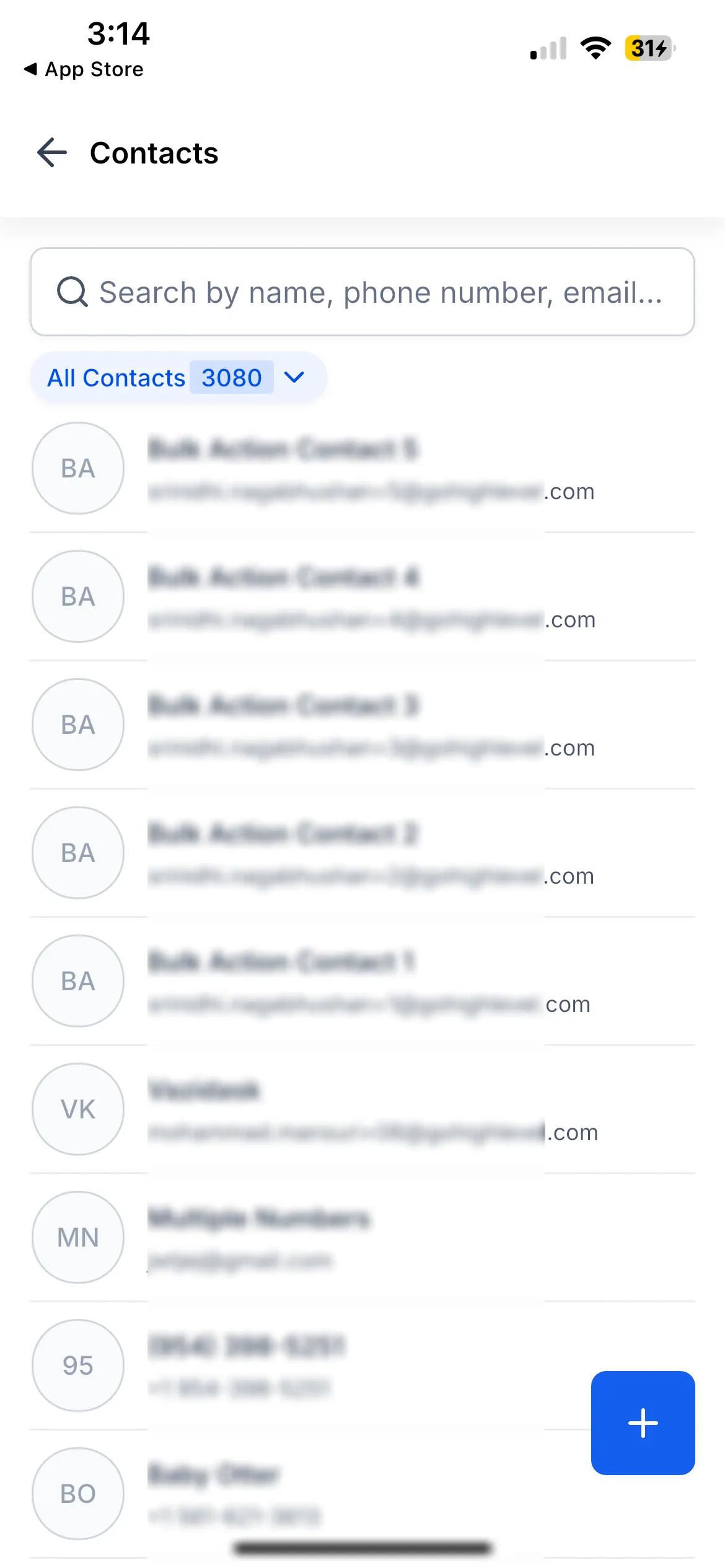
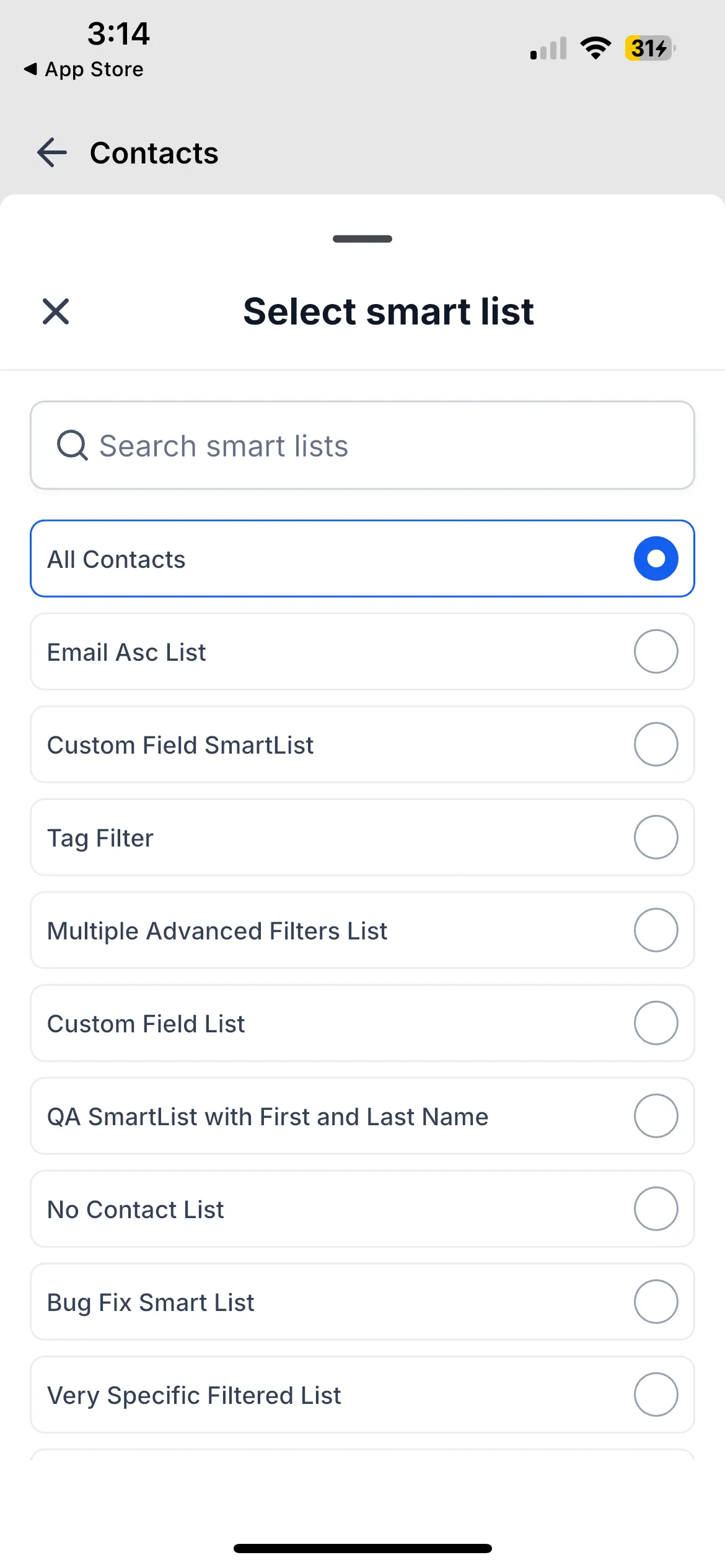
Contact list
- Updated header, search, smart list picker, swipe actions, and empty states
- Swipe left to call, message, share, delete, or open more actions
- More actions let you copy a contact’s name, email, phone, address, or all details
Contact profile and details
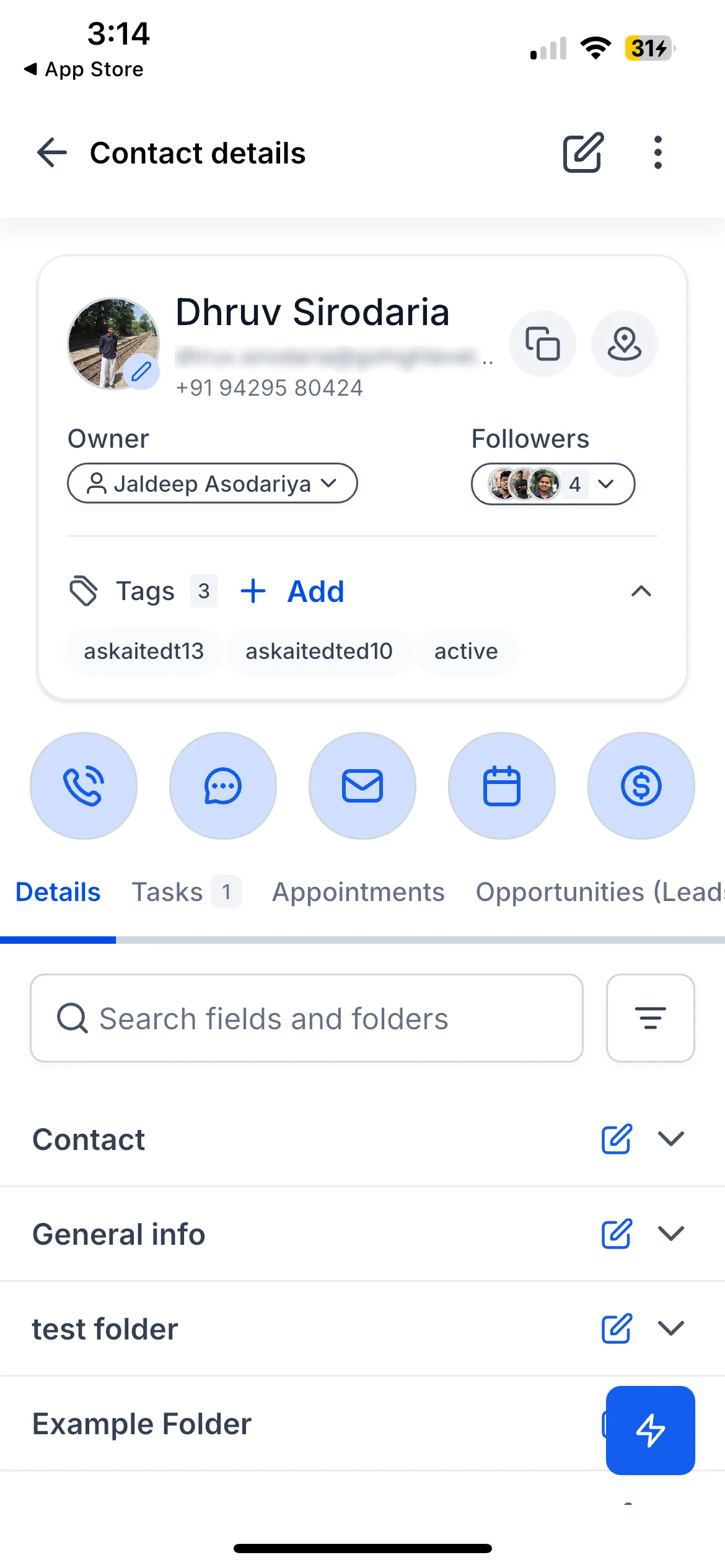
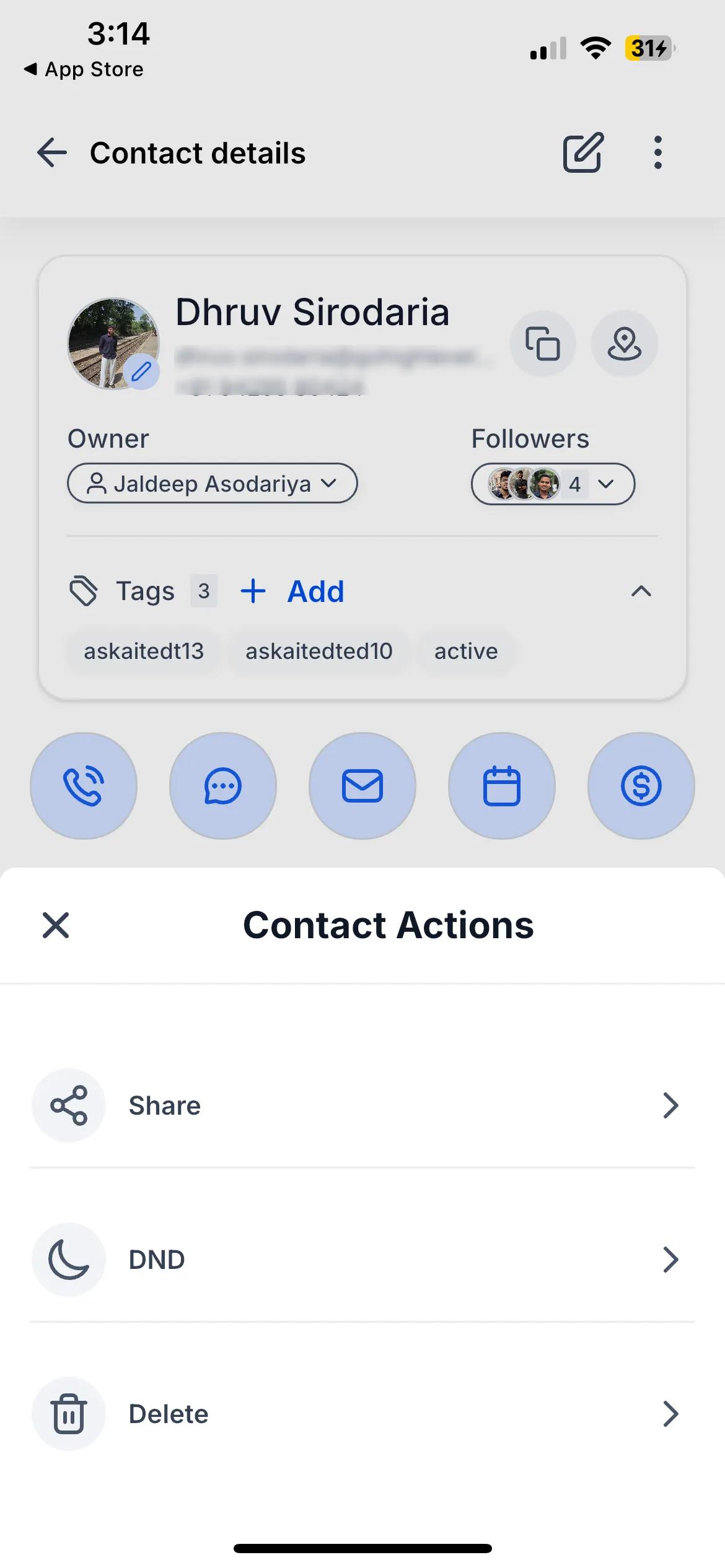
- Redesigned profile card with avatar, owner, followers, and tags in one scannable layout
- Edit button is now available in the profile header
- Profile menu includes Share, Do Not Disturb, and Delete
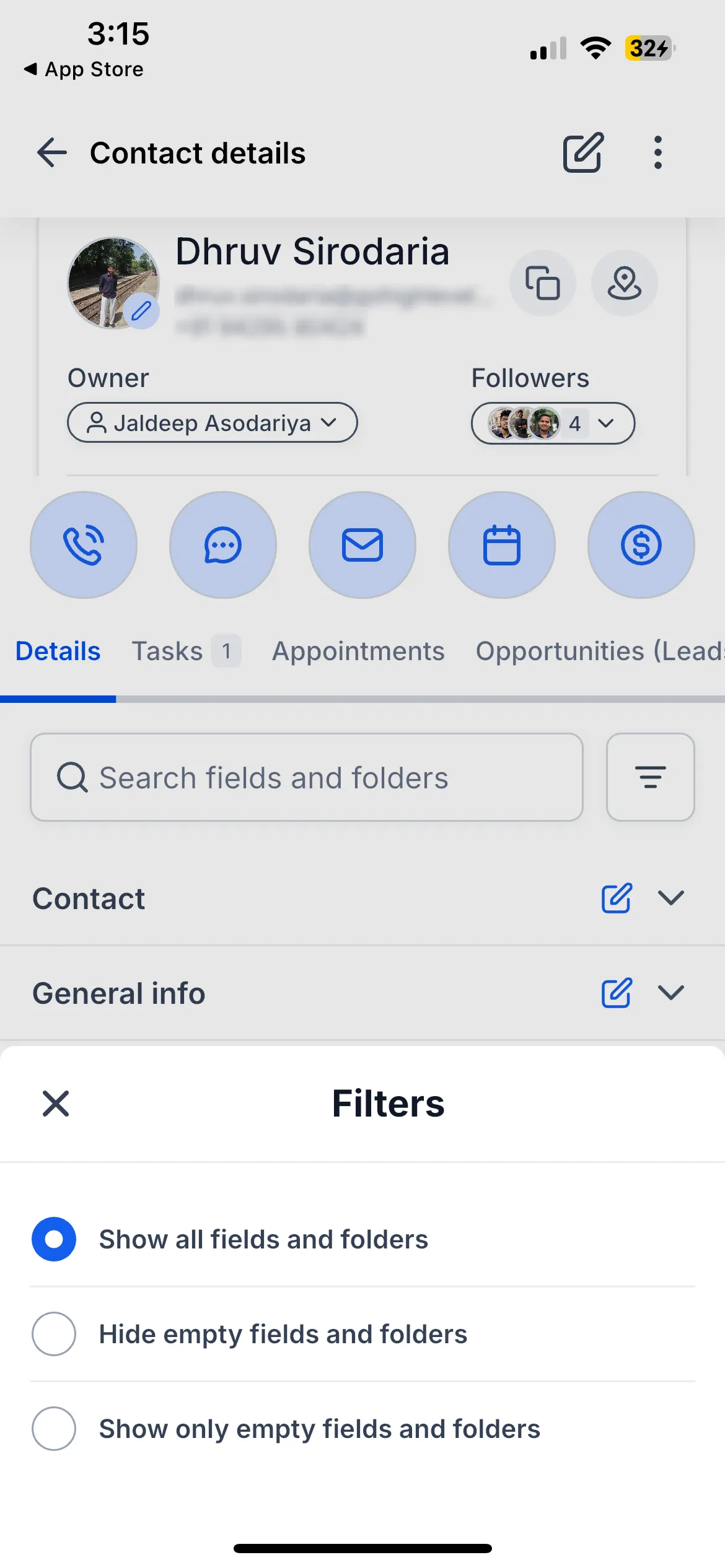
- Details tab includes field and folder search, filters for all fields, hidden empty fields, or only empty fields, and inline editing
- Expandable folders support tap-to-edit fields, search highlighting, copy actions, and map actions
Tabs and editing
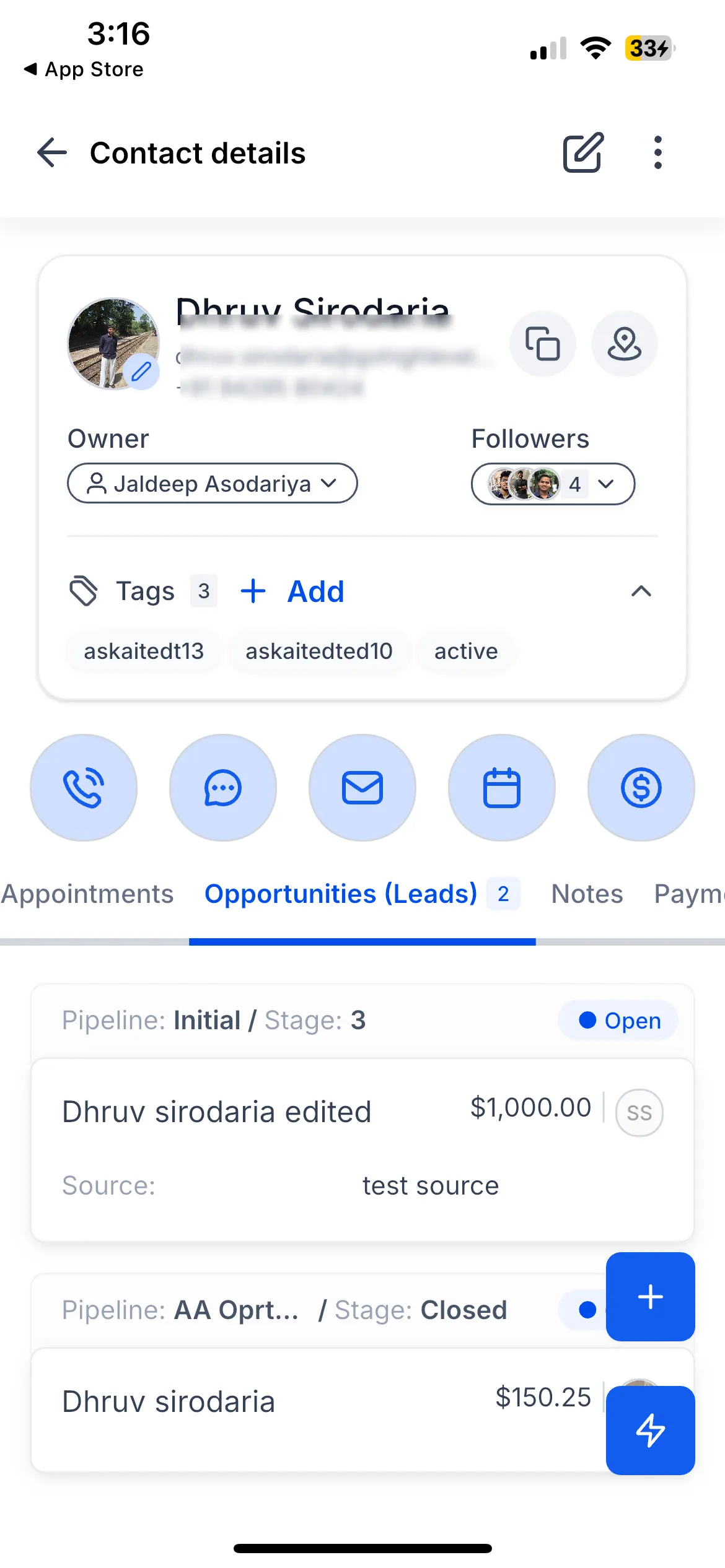
- Activity, Tasks, Notes, Appointments, Payments, Docs & Files, and Opportunities tabs have been updated
- Tasks and Opportunities show counts on their tabs
- Create and edit flows include refreshed forms, tag editing, Do Not Disturb settings, automations, and profile photo options
- Profile photos can be added, updated, or removed from the camera or gallery
Why it matters
- Edit a contact with one tap from the profile header
- Take quick action from the list without opening extra screens
- See pending tasks and opportunities directly on their tabs
- Find contact fields faster with search and filters
- Copy details or open addresses in Maps from contact fields
- Edit custom fields inside folders without losing context
How to get started
Open Contacts in the SMBcrm Mobile app, browse or search the contact list, swipe left for quick actions, or tap a contact to open the profile. Use the Edit button in the header, tap fields under Details to edit inline, and use search or filters to customize what you see.
Availability
This update is listed as public and available now on iOS and Android for version 4.19.1, build 833.
Contact customization for hidden fields and tab ordering is noted as coming soon for the SMBcrm Mobile app after being set up on web.
In Case You Missed It
For another mobile communication update, read WhatsApp Calling Is Available on Web and Mobile.
Release Images
Need Help Applying This Update?
Want help turning this update into a working part of your CRM, marketing, or automation setup?
Get Started or schedule a demo and we’ll help you map the right next step.