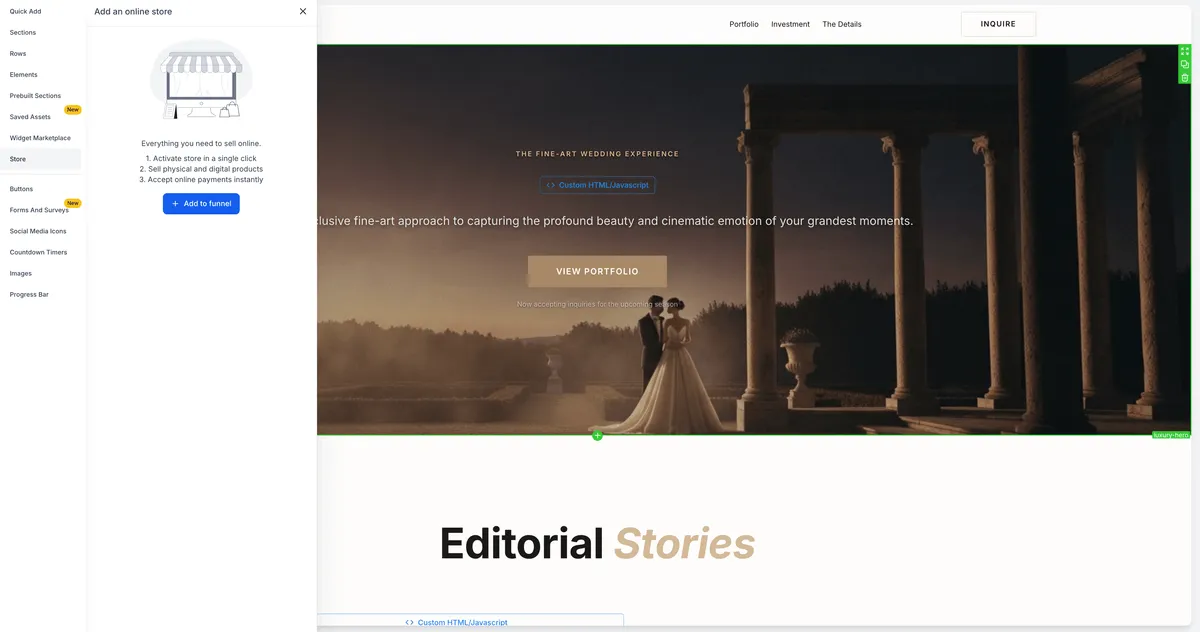
Funnels can now include a complete ecommerce store experience, combining funnel steps with product browsing, cart, checkout, and order confirmation in one flow. This helps teams using Websites & Funnels and Payments & Commerce build commerce-focused funnel journeys without separating the store experience from the funnel.
What changed
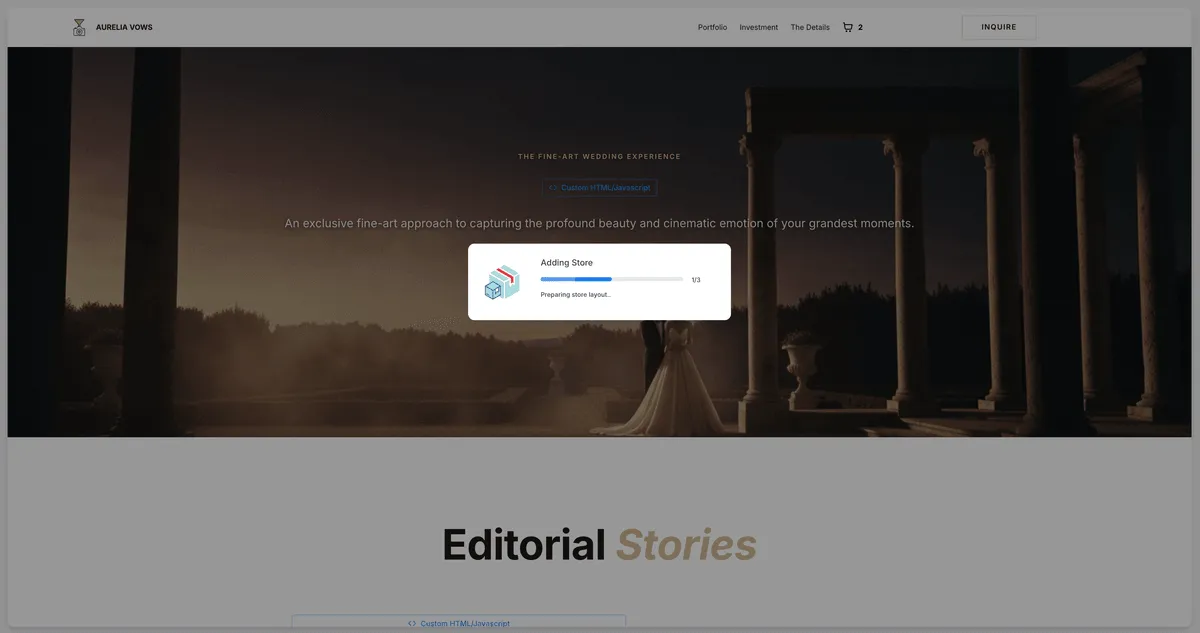
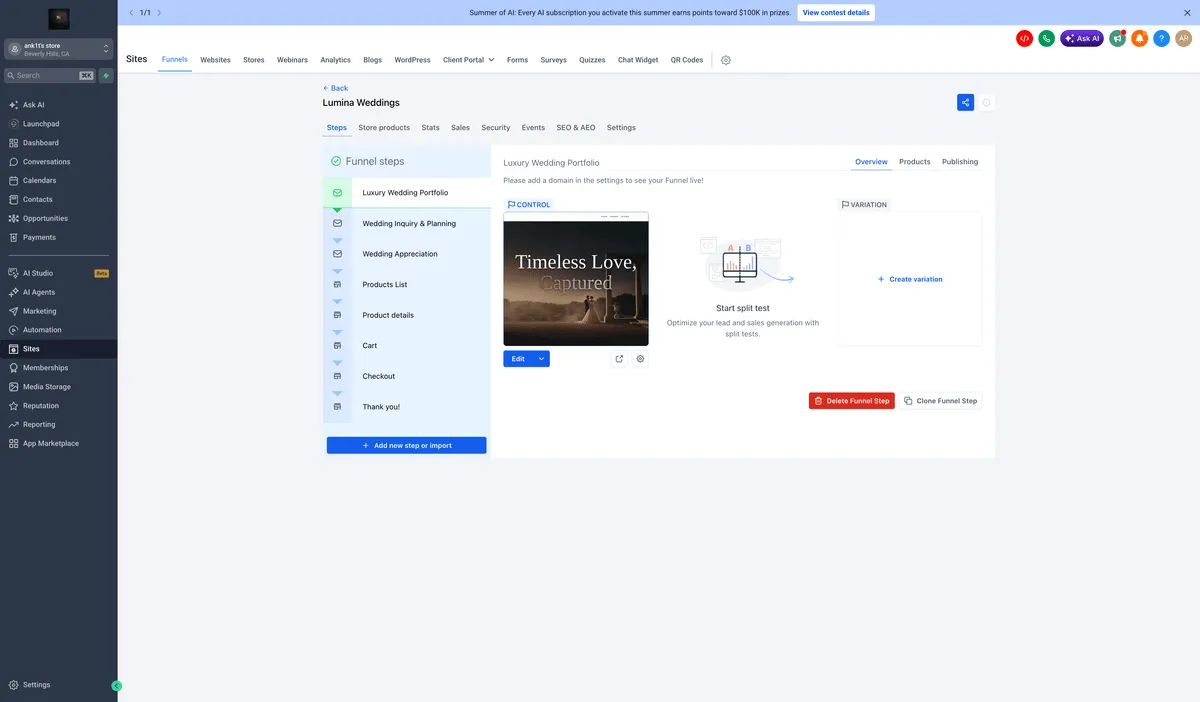
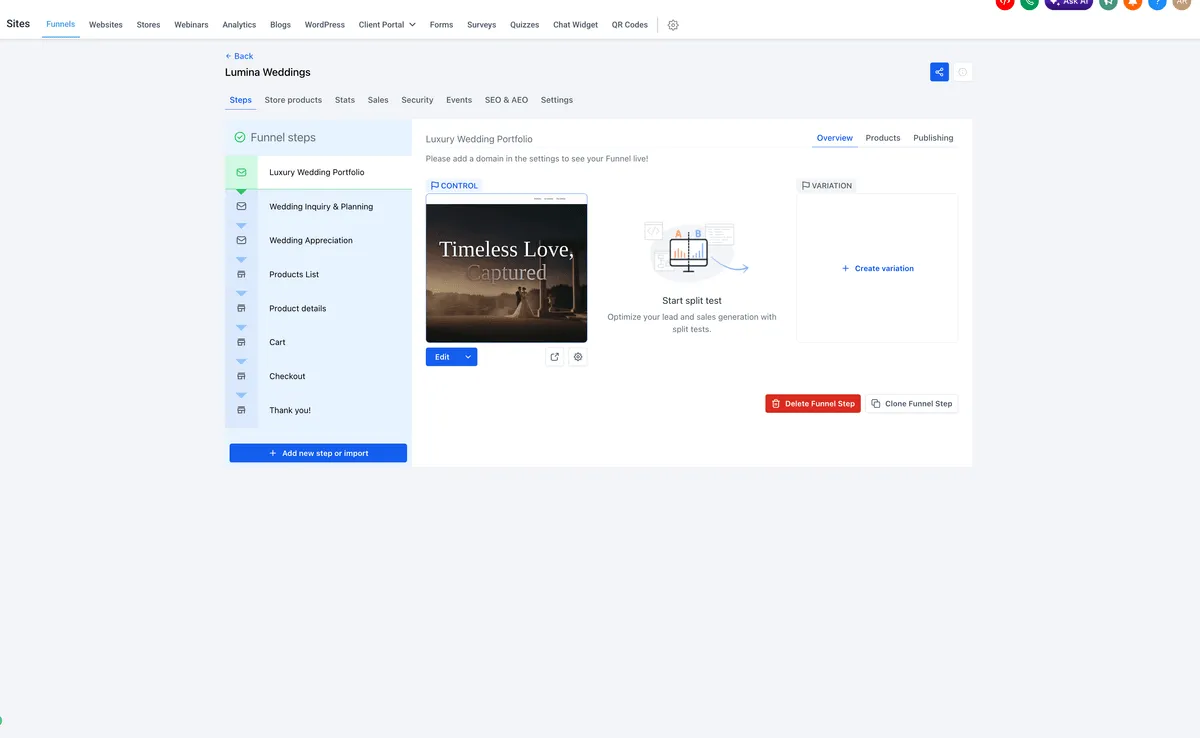
When a store is added to a funnel, SMBcrm automatically creates five store steps:
- Product List
- Product Details
- Cart
- Checkout
- Thank You
Store elements, including Featured Product, Upsell, Collection List, Search Bar, and more, can also be added to funnel steps. Adding a Store element converts the funnel into a store-embedded funnel and creates the required store steps.
Converted funnels also include a Store Products tab on the funnel step list page. From there, users can exclude products and adjust product priority.
How to use it
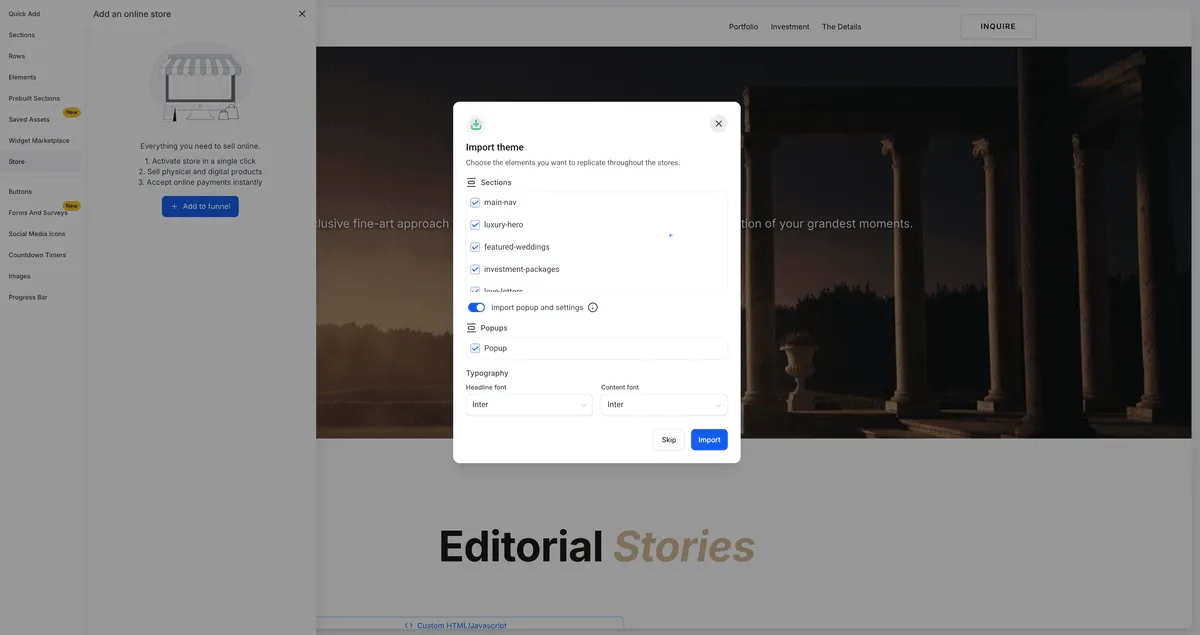
- Open a funnel and add a store from the Store section, or add a Store element directly to any funnel step.
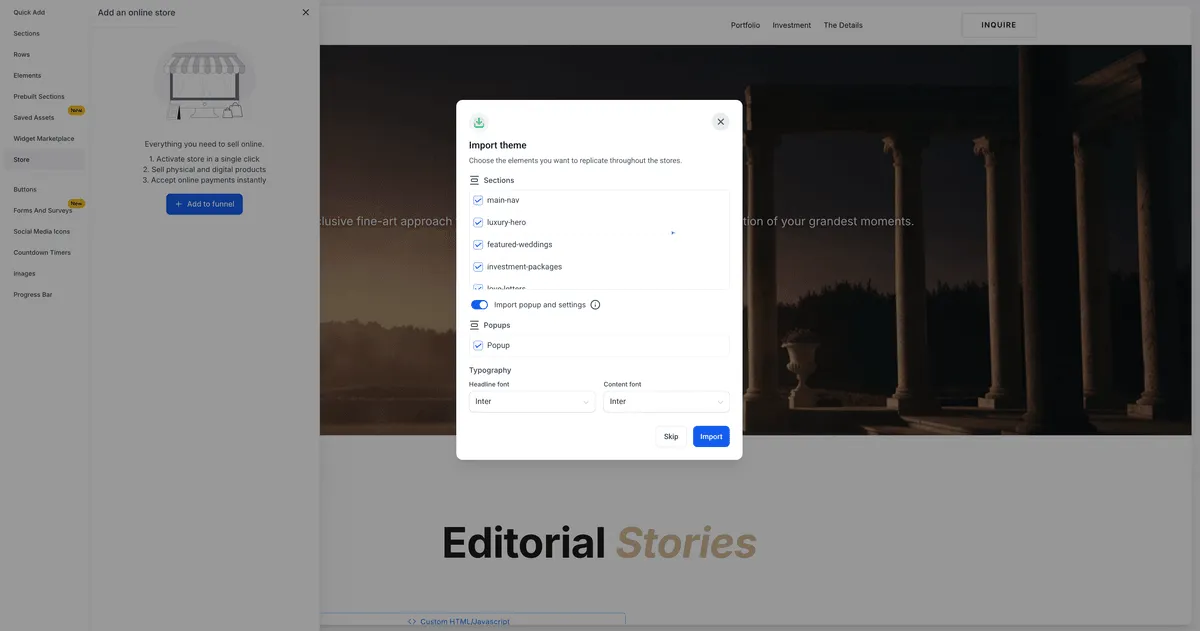
- Select a theme and configure the store setup when prompted.
- Use the Store Products tab to manage product visibility and priority.
- Customize the generated store pages and publish the funnel.
Important notes
- The five store steps remain in a fixed internal order, but they can be moved together relative to other funnel steps.
- Converted funnels show a Store tag in funnels and a Funnel store tag in stores.
- Only one store can be added per funnel.
- Clone Step and A/B split testing are not supported on store steps.
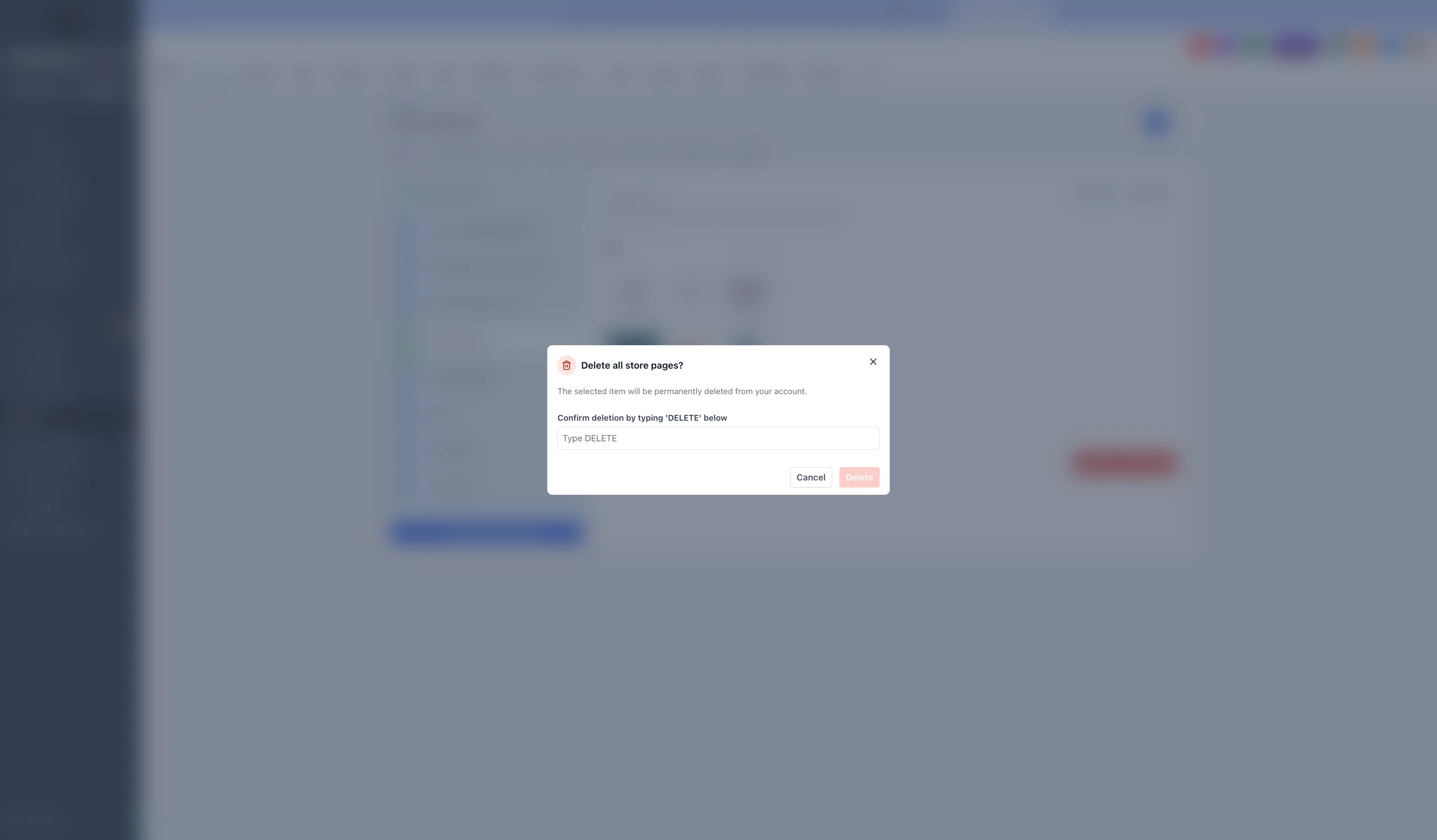
- Deleting any store step removes all five store steps and disables the store for that funnel.
- Cloning a funnel also clones its store setup and store steps, but products are not duplicated.
Release Images
Need Help Applying This Update?
Want help turning this update into a working part of your CRM, marketing, or automation setup?
Get Started or schedule a demo and we’ll help you map the right next step.