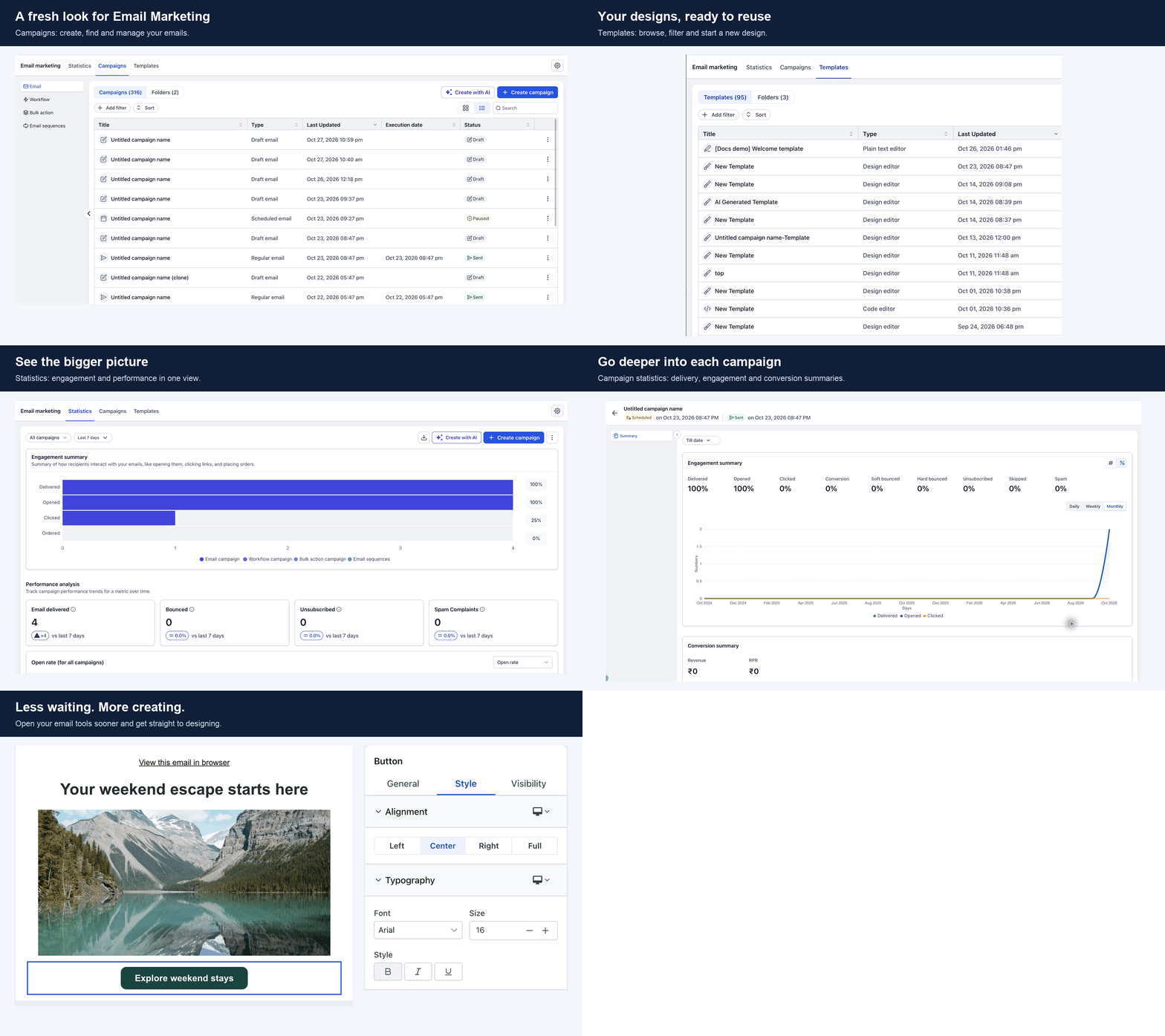
Email Marketing now has a consistent interface across campaign management, templates, reporting, settings, and the email builder. This update to SMBcrm’s communication tools also reduces loading time and makes drag-and-drop editing smoother.
What changed
- Consistent navigation and controls: Move between campaigns, saved templates, statistics, campaign details, and settings with a unified look.
- Faster first visits: Email tools load up to 7x faster on a first visit.
- Quicker return visits: Returning to Email Marketing or reopening the builder reuses what is already loaded.
- Smoother email editing: The builder includes integrated editing controls and improved drag-and-drop interactions.
What you can do
Manage campaigns with filters, sorting, and list or grid views. Reuse saved templates or create a design, review overall email statistics, and inspect the performance of individual sent campaigns.
To explore the refreshed experience:
- Go to Marketing > Emails.
- Open Campaigns, Templates, or Statistics.
- Use the gear icon to access Settings.
- Create or open an email to use the refreshed builder.
About loading performance
The “up to 7x faster” comparison applies to loading the email tools themselves on a first visit. Individual screens may still need to load campaign, template, or statistics data. Actual waiting time varies with your connection, device, and previous visits.
Release Images
Need Help Applying This Update?
Want help turning this update into a working part of your CRM, marketing, or automation setup?
Get Started or schedule a demo and we’ll help you map the right next step.